MCP server · Analytics · official
Datris MCP server
by datris · official
Lets your AI fetch data from anywhere, clean it with plain-English rules, and save it to your databases.
Datris is a free, open-source helper you run on your own computer or server. It gives your AI assistant a way to go get data, check it, and put it where you need it. It is handy if you work with data and want your AI to do the boring parts for you.
What is an MCP server? The 30-second version
On its own, your AI can only chat. An MCP server is a small helper program that gives your AI a new skill, like a connection to another app or service. This one connects your AI to Datris, a data tool that runs on your own machine. Once it is connected, you can ask your AI to fetch data, check it, or save it somewhere, and Datris does the actual work.
What this MCP server does
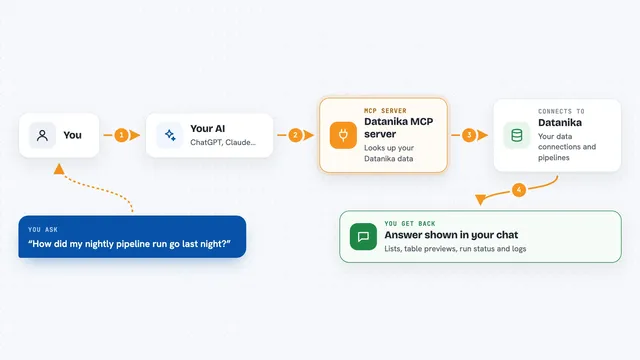
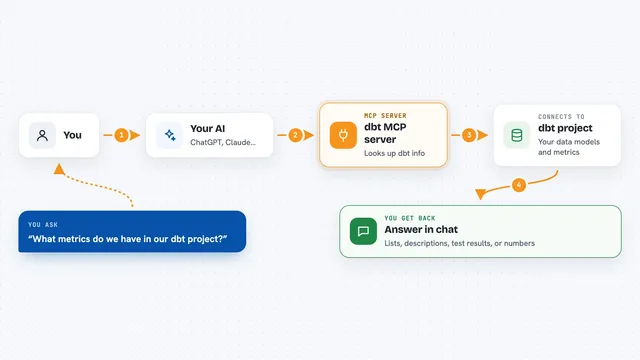
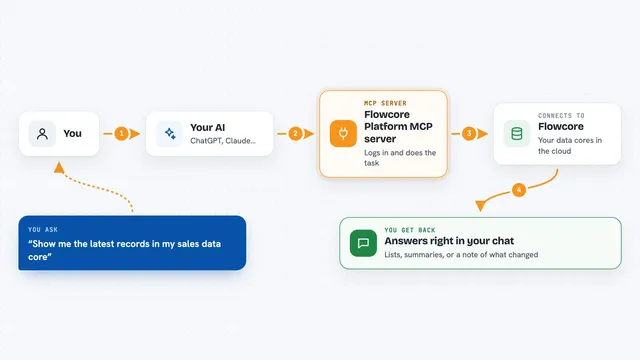
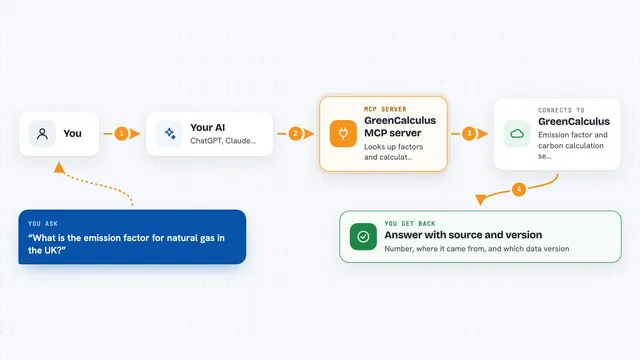
You ask your AI for some data in normal words. Your AI passes that request to Datris. Datris writes a small script to fetch the data, runs it safely, and checks the data against rules you wrote in plain English. Then it saves the data to a database or file store you already use, and tells you what it did and where the data came from.
What you can do with it
- Fetch data from a website or file and save it to your database
- Check your data against rules you write in plain English
- Move data into PostgreSQL, MongoDB, Snowflake, Databricks, Kafka, or S3
- Search through documents stored in a vector database
- Ask questions in English and get SQL results back
- See where each row of data came from
- Hide or mask sensitive fields before anything else sees them
Try asking your AI
- “Fetch the daily S&P 500 prices and save them to my Postgres database”
- “Check this sales file and flag any rows where the price is zero or less”
- “Search my financial documents for anything about quarterly revenue”
- “Why did my last data job fail?”
What it gives back to you
You get answers in the chat, like a summary of what was fetched, how many rows were saved, or a plain-English explanation of an error. For searches, you get the matching text or rows back. For jobs, you get the status and row counts so you know it worked.
Before you start
What you need
- Docker installed on your computer
- An AI provider key (like Anthropic or OpenAI). This is a kind of password for AI services; you get one from the provider's website.
- Node.js on your PATH if you use the npx bridge to connect your AI client
Good to know
It can change or delete data in your databases and it reads your files, so be careful with what you ask it to do.
Install it with your AI
Add Datris MCP server to your AI, no technical skills needed
You don't install anything by hand. You copy one prompt, paste it into an AI that can work on your computer, and it checks, installs and connects the server for you, asking you when it needs something.
Sign in to get the install prompt
Members get a ready-made prompt that lets the Claude desktop app check Datris MCP server, install it and connect it for them, step by step. You don't need any technical skills: you copy, paste and answer a few questions. Your connected AI can also find and install any of the 4,960 MCP servers here for you.
Who it's for
Anyone who works with data and wants their AI to fetch, clean, and save it without writing code.