MCP server · Customer communication
Website Toolbox MCP server
by webtoolbox
Let your AI read and manage your Website Toolbox forum: categories, topics, posts, users and more.

This is a small helper that connects your AI assistant to your Website Toolbox forum. Once it is set up, you can ask your AI to look things up or make changes in your forum just by typing a normal sentence. It is handy if you run a forum and want to save time on everyday admin work.
What is an MCP server? The 30-second version
On its own, your AI can only chat with you. An MCP server is a small helper program that gives your AI a new skill or a connection to an app or service. This one connects your AI to Website Toolbox, the place where your forum lives. So when you ask about your forum, the AI can actually go and look things up or make changes there for you.
What this MCP server does
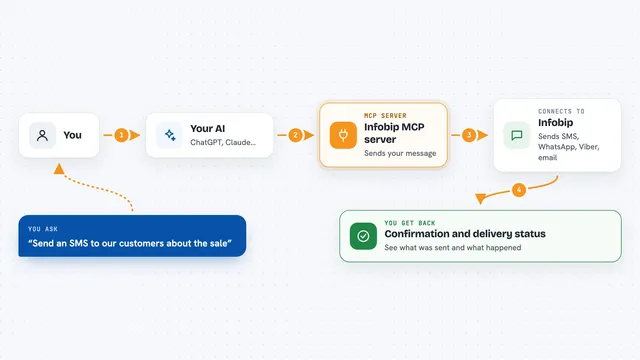
You type a request in plain words, like asking to see the newest topics or to add a post. Your AI passes that request to this helper program. The helper then talks to your Website Toolbox forum using your forum's API key. It brings the answer back and shows it to you in the chat, or makes the change you asked for.
 Click to zoom
What you can do with it
- List and read your forum categories, topics and posts
- Create, update or delete topics and posts
- Look up, add or remove forum users
- Manage user groups and who belongs to them
- Read and create private conversations and messages
- Manage moderators and their settings
- List tags and page views for your forum
Try asking your AI
- “Show me the ten most recent topics in my forum”
- “Create a new post in the Welcome category saying we are back online”
- “List all users in the moderators group”
- “What tags are used in my forum right now”
What it gives back to you
You get answers written in the chat, like lists of topics, posts, users or groups, or details about a single item. When you ask it to change something, it tells you what it did, for example that a post was created or a user was added. Numbers like page views come back as simple figures. Everything shows up as normal text you can read and copy.
Before you start
What you need
- A Website Toolbox forum
- Your forum's API key (a kind of password for apps; you get it in your forum admin area under Integrate, then API)
- The Claude desktop app or another AI tool that supports MCP servers
- Node.js 18 or newer if you install it yourself
Good to know
It can create, change and delete real things in your live forum, so double check before you let it remove a topic, post, user or group.
Install it with your AI
Add Website Toolbox MCP server to your AI, no technical skills needed
You don't install anything by hand. You copy one prompt, paste it into an AI that can work on your computer, and it checks, installs and connects the server for you, asking you when it needs something.
Sign in to get the install prompt
Members get a ready-made prompt that lets the Claude desktop app check Website Toolbox MCP server, install it and connect it for them, step by step. You don't need any technical skills: you copy, paste and answer a few questions. Your connected AI can also find and install any of the 4,361 MCP servers here for you.
Who it's for
Forum owners and community managers who run a Website Toolbox forum and want to handle everyday tasks faster with AI.