MCP server · Customer communication · official
ClawdCall MCP server
by dialgoodian · official
Let your AI place agreed phone calls and bring back the transcript and outcome.

ClawdCall is a service that makes phone calls for you using a voice agent. This MCP server connects that service to your AI assistant, so you can ask your AI to set up a call and then read back what was said. It is handy if you often need to confirm something by phone and want a written record of the conversation.
What is an MCP server? The 30-second version
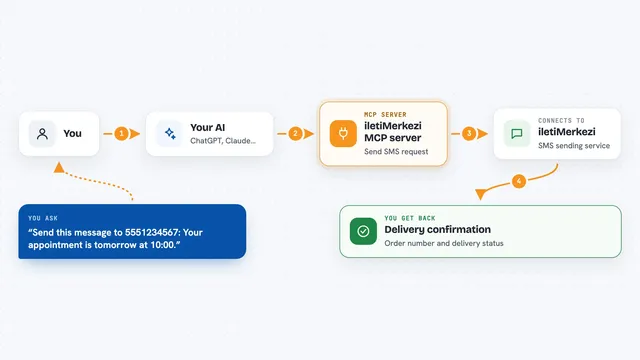
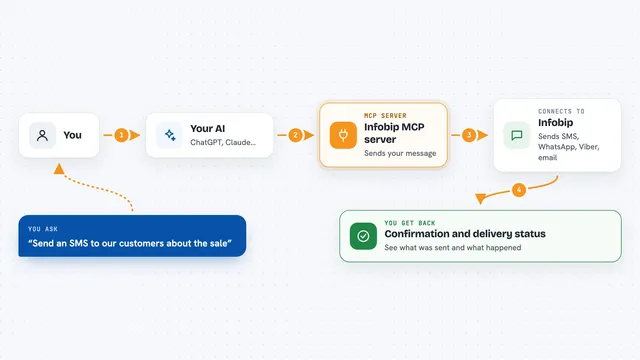
On its own, your AI can only chat with you. An MCP server is a small helper program that gives your AI a new skill or a connection to another service. This one connects your AI to ClawdCall, so when you ask it to call someone, the AI can pass that request along and then bring the results back to you. You stay in charge: the AI only does this when you ask and approve it.
What this MCP server does
You tell your AI that you want a call made, and who should be called. The AI uses this helper to send the request to ClawdCall, which places the call with a voice agent. When the call is done, the AI can fetch the transcript and any summary or outcome. Then it shows you what happened right in the chat. There is also a signup step with a code sent to your phone, which you only need once to get your account set up.
 Click to zoom
What you can do with it
- Place an expected outbound call to a number you choose
- Get a transcript of what was said on the call
- Sign up for ClawdCall and verify your phone with a code
- Review a summary or structured outcome from the call
- Keep the phone number fixed in your setup so the AI cannot change it
- Check the status of a call after it finishes
Try asking your AI
- “Call this number and ask if my appointment is still on for Friday, then tell me what they said.”
- “Place a call to confirm the delivery window and give me the transcript.”
- “Call the number I saved and ask whether the order has shipped.”
- “Get the transcript from the call I made earlier today.”
What it gives back to you
You get back the call's transcript, plus any summary or structured outcome ClawdCall recorded. In the chat, that usually looks like a short block of text showing what each side said, followed by a plain answer to your question. You also see the call status, so you know if it connected or not.
Before you start
What you need
- A ClawdCall account and API key (a kind of password for apps; you get one when you sign up)
- A phone number to verify during signup
- A compatible AI client that supports MCP servers
Good to know
This server can place real phone calls and use your account, so only approve calls to people who expect them and review the transcript afterwards.
Install it with your AI
Add ClawdCall MCP server to your AI, no technical skills needed
You don't install anything by hand. You copy one prompt, paste it into an AI that can work on your computer, and it checks, installs and connects the server for you, asking you when it needs something.
Sign in to get the install prompt
Members get a ready-made prompt that lets the Claude desktop app check ClawdCall MCP server, install it and connect it for them, step by step. You don't need any technical skills: you copy, paste and answer a few questions. Your connected AI can also find and install any of the 4,361 MCP servers here for you.
Who it's for
People who need to confirm things by phone and want a written record, like assistants, coordinators, and small business owners.