
Learning path
Learning AI as a Community Moderator
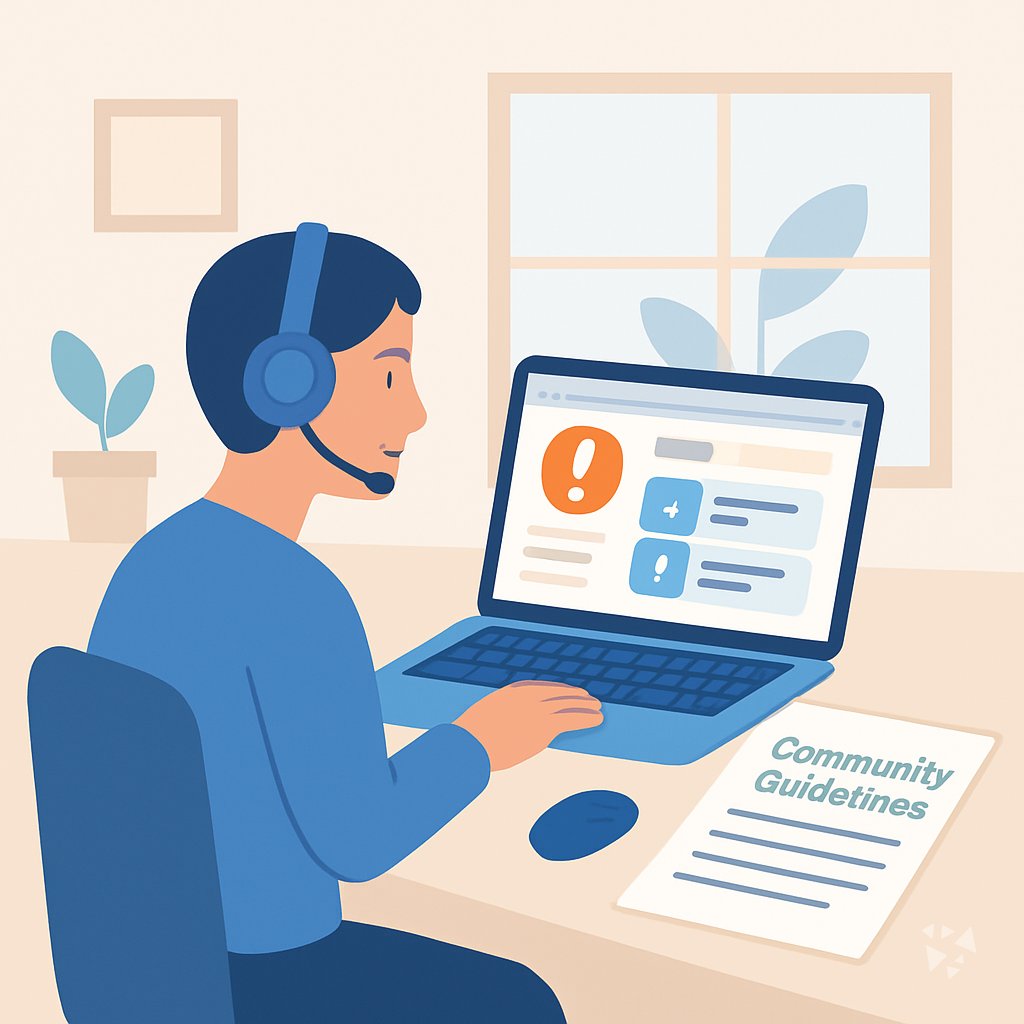
Community moderators face tough calls every day. This path shows you how to use AI to review reports, calm conflicts, and keep your community safe without burning out.
Your path
Everything in the Community Moderator AI kit, in the order that makes sense. Members tick off each step and see their progress.
Set up your AI
We guide you through each click.
Let skills do your everyday tasks
Connect your apps and pick your AI apps
Hand whole tasks to AI agents
Build your own tools
Keep growing
Everything for community moderators
All the courses, certifications, AI tools, MCP servers and apps for community moderators, most relevant first. Open any list to see more.
Take the prompt courses
A short framework course to learn how to ask, then 9 lessons with ready-to-use prompts for community moderators.
Start with this framework: how to talk to AI
TIDD-EC fits community moderation because its do, don't, and precise instructions help you draft a clear removal notice for a harassing post.
Then your prompt course for community moderators- 1Reviewing Flagged Content3 prompts
- 2Enforcing Community Guidelines3 prompts
- 3Responding to User Reports2 prompts
- 4Mediating Disputes3 prompts
- 5Documenting Moderation Actions2 prompts
- 6Handling Bans and Appeals3 prompts
- 7Monitoring Chat Channels2 prompts
- 8Escalating Serious Issues2 prompts
- 9Updating Policy Documents2 prompts
Watch the video courses or add them to your Favorites for later
87 video courses our AI picked for community moderators, most useful first. Save the ones you want to watch later with the heart.
Favorites are saved to your account: sign in or get your AI kit first.
Show all 87 video courses
Get certified, or add certifications to your Favorites
Every course ends in an exam and a certificate you can add to LinkedIn. Save the certifications you are aiming for with the heart.
Favorites are saved to your account: sign in or get your AI kit first.
More certifications for community moderatorsShow all 24 certifications
Try the AI tools for community moderators
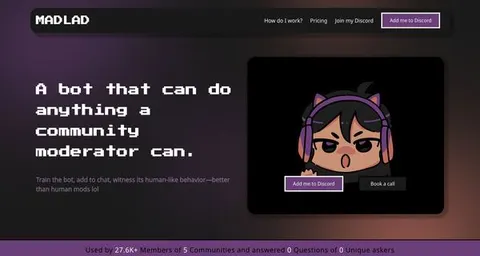
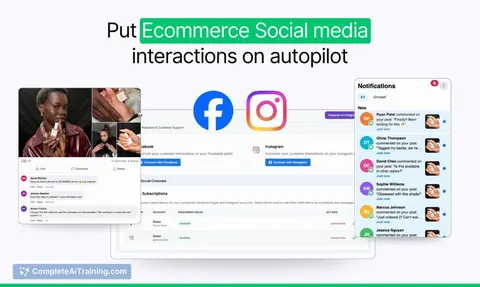
22 AI tools our AI matched to the work of community moderators, best fit first. Each review shows what it does, its alternatives and the jobs it suits.
Favorites are saved to your account: sign in or get your AI kit first.
Show all 22 AI tools
Connect your AI to the apps community moderators use
MCP servers let ChatGPT, Claude or Copilot look things up and get work done in other apps, like your email, calendar or bookkeeping software. These 12 fit the work of community moderators best, well-known apps first.

Omnicord MCP server
by OrygnsCodeLets your AI run your Discord server: chat, moderation, events, and even build a whole server from a short brief.

Discord MCP server
by PaSympaLet your AI read, send, and manage messages, channels, roles, and members on your Discord servers.

Discourse MCP server
by discourseLets your AI search and read Discourse forums, and with permission post and manage topics for you.
Research Official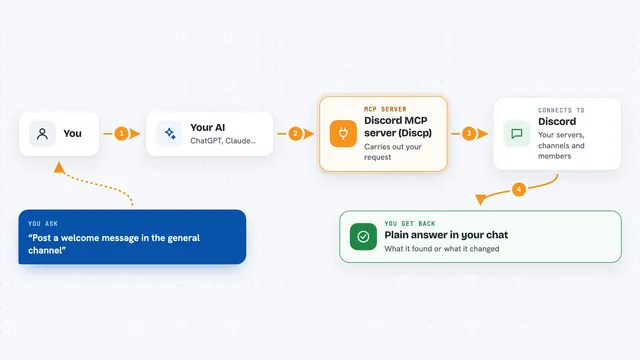
Discord MCP server (Discp)
by SharimAliLets your AI read and manage your Discord servers, channels, messages, roles and members for you.

Telegram Bot MCP server
by FantomaSkaRus1Lets your AI send and manage Telegram messages, chats, stickers and more through your own bot.

Telegram MCP server
by leshchenko1979Let your AI read, search and send Telegram messages for you, right from the chat.
Social mediaNo installShow all 12 MCP servers

SentiSift MCP server
by pickelfintechLet your AI check comments for bots, spam and sentiment using SentiSift.

Facebook Page MCP server
by HagaiHenLet your AI write, schedule and moderate Facebook Page posts, and pull engagement numbers for you.

Website Toolbox MCP server
by webtoolboxLet your AI read and manage your Website Toolbox forum: categories, topics, posts, users and more.

Telegram bot MCP server (aiogram)
by Py2755Let your AI send Telegram messages, build button menus, and watch chat events through your own bot.

VK MCP server
by ilyautovLets your AI read and manage VK communities, posts, messages, shop items, ads and stats for you.

gut MCP server
by KungieHave your AI answer yes/no, pick-one, or rating questions about lots of text, fast and cheaply.
Build your own AI apps for community moderators
Apps you build yourself with your own AI, no coding needed and no monthly fee. Our AI picked the 4 that fit the work of community moderators.
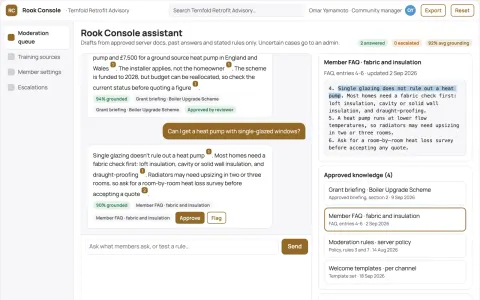
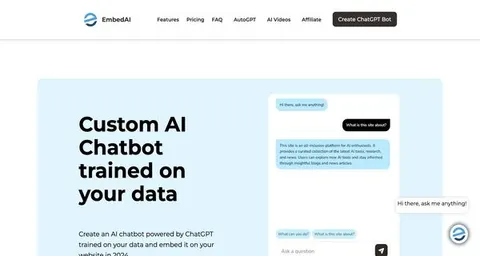
Source-linked Discord community moderation and engagement console
Reduce admin hours spent on routine questions and moderation while keeping a safe, active community.
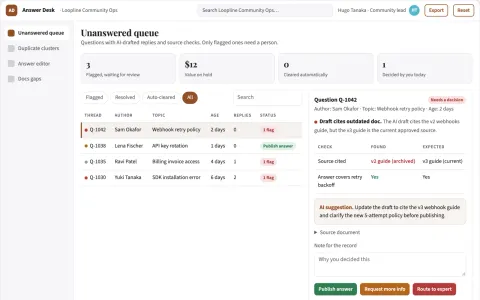
Community support organizer
Preserves community context while reducing repetitive moderator work.
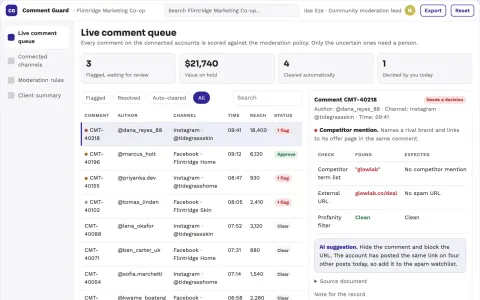
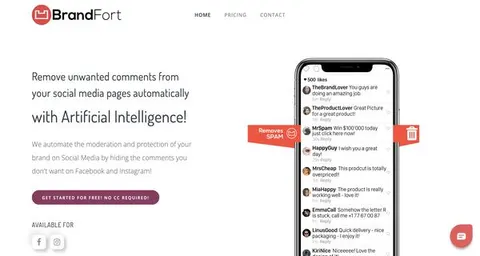
Social comment moderation and brand protection portal
Reduce manual comment review while protecting brand reputation.
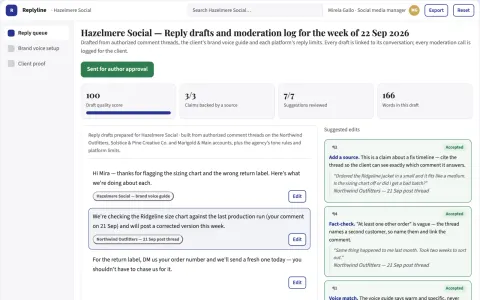
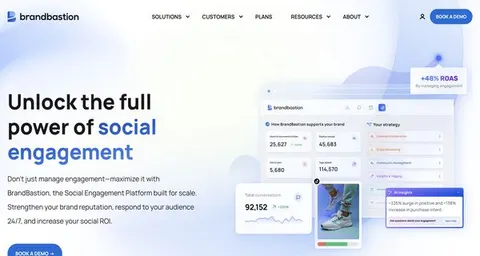
Social reply generation and moderation workspace
Reduce reply drafting time while keeping the brand voice and moderation decisions under human control.























































































About this learning path
6 topicsA Practical AI Path for Community Moderators
As a community moderator, you read a lot, decide quickly, and explain your choices. AI can help you do that faster and more consistently, so you spend less time on repetitive review and more time on the human side of your community.
This learning path is built for moderators who are not technical. You will start with simple setup questions, connect an AI assistant like ChatGPT, Claude, or Gemini, and learn skills that fit your daily work. Then you will take this prompt course and short video courses picked for your job, with certificates to show what you learned.
Why AI Matters Now
Communities grow faster than moderation teams do. Reports, appeals, and long chat threads pile up, and every decision needs a fair, clear response. AI can help you sort through the noise, draft consistent replies, and spot patterns you might miss when you are tired. It does not replace your judgment. It gives you a head start so you can focus on the cases that need a human touch.
What the Path Includes
You will begin with setup questions to pick the right AI tool and connect it to your workflow. Then you will learn skills for the job inside your AI, like summarizing a report or rewriting a rule in plain language. Next comes this prompt course, where you practice the exact prompts moderators use every day. Finally, you will take video courses chosen for community moderators, each with a certificate you can add to your profile.
How AI Saves Time
Drafting a ban notice, replying to a false report, or catching up on a busy chat channel can eat your whole shift. With the prompts in this course, you can get a first draft in seconds, then adjust it to fit your community. That means fewer blank pages, faster responses, and more time for the parts of moderation that need you: talking to people, spotting context, and making fair calls.
How It Protects Your Career
Moderation work can be draining, and burnout is real. When you use AI to handle repetitive writing and review, you stay sharper on the decisions that matter. You also build a record of clear, consistent actions that shows your value to employers. Knowing how to work with AI is becoming a basic skill for moderators, and this path helps you stay ahead without becoming technical.
How to Start
Start with the setup questions. They take a few minutes and help you choose a tool and get it ready. Then work through the lessons in order, trying each prompt on a real, low-stakes case from your community. Take your time. The goal is not to rush but to build a habit you can use every day.
Frequently asked questions
Do I need to be technical to use AI as a moderator?
No. The path starts with simple setup questions and uses plain language. If you can write a message to a user, you can learn to use these prompts. Everything is designed for moderators, not engineers.Which AI tool should I use?
You can use ChatGPT, Claude, or Gemini. The lessons show you how to connect whichever tool you choose and how to adjust prompts for it. The skills carry over between tools.Will AI make the final decision on bans or reports?
No. AI helps you draft, summarize, and spot patterns, but you always make the call. The course teaches you to review AI output carefully and apply your community guidelines. Your judgment stays at the center.How long does the path take?
Most moderators finish the prompt course in a few sittings and the video courses over a week or two. You can go at your own pace. The important thing is to practice with real cases as you go.