MCP server · Analytics
AgentKit MCP server
Ask your AI about company numbers like health, forecasts, and odd changes in your data.
AgentKit is a helper that connects your AI assistant to a set of business numbers, like revenue, customer counts, and team metrics. Once it is set up, you can just ask questions in normal words and get answers back in the chat. It is handy for anyone who looks at company reports or dashboards and wants quick answers without clicking around.
What is an MCP server? The 30-second version
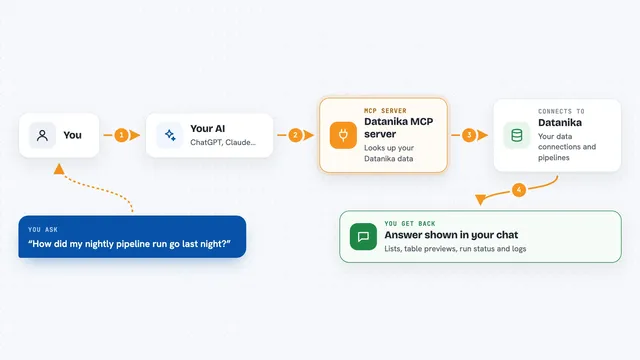
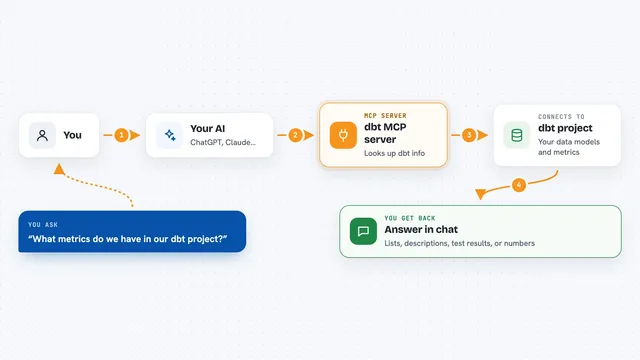
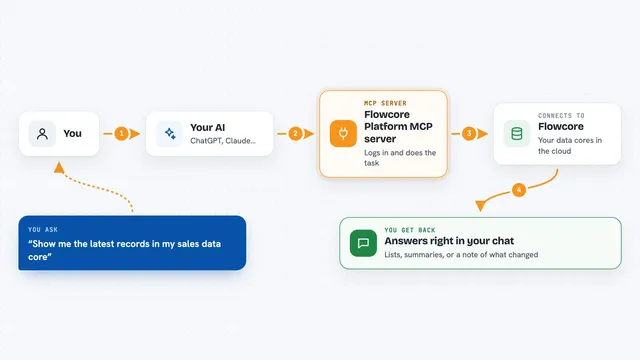
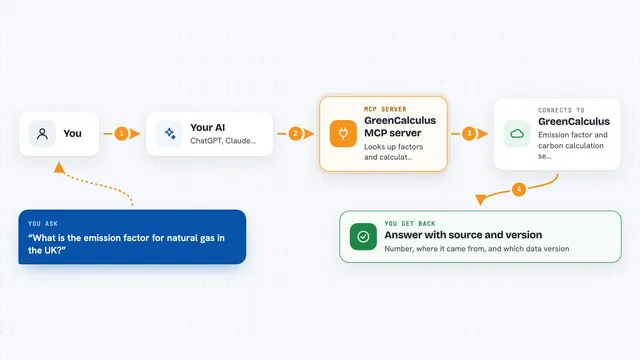
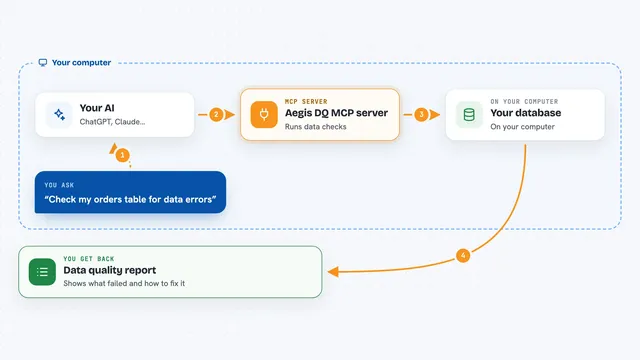
On its own, your AI can only chat. It cannot see your company numbers or run anything. An MCP server is a small helper program that gives your AI a new skill, here a connection to a set of business data. When you ask a question, your AI passes it to AgentKit, AgentKit looks up the numbers, and sends the answer back to your chat.
What this MCP server does
You type a question in your AI chat, like asking about company health or a forecast. Your AI sends that request to AgentKit, which is running on your computer. AgentKit then looks at its stored business numbers, which come from a database you connect it to. It works out the answer, for example a health score, a list of odd changes, or a forecast for the next few months. Then it hands the result back to your AI, which shows it to you in plain words.
What you can do with it
- Ask for a snapshot of company health
- Check key numbers for a department like Finance or People
- Spot unusual changes in your metrics
- Get a forecast for a number over the next few months
- List which metrics are available to ask about
- Get a short executive summary
- Add a note to a metric (turned off by default)
Try asking your AI
- “What's our company health right now?”
- “Forecast revenue for the next 6 months.”
- “Are there anomalies in the Finance KPIs?”
- “Give me a monthly executive briefing.”
What it gives back to you
You get answers in your chat, in normal sentences and short lists. For example, a health score, a table of key numbers, a list of unusual changes, or a forecast with a range. If you ask for a summary, it writes a short briefing you can read or copy.
Before you start
What you need
- Python installed on your computer
- A Postgres database with your business numbers, and its connection address
- The Claude desktop app or another AI app that supports MCP servers
Good to know
Tools that change or delete data are off by default, and the delete one needs a secret approval token, so keep that token away from the AI and only turn writes on when you mean to.
Install it with your AI
Add AgentKit MCP server to your AI, no technical skills needed
You don't install anything by hand. You copy one prompt, paste it into an AI that can work on your computer, and it checks, installs and connects the server for you, asking you when it needs something.
Sign in to get the install prompt
Members get a ready-made prompt that lets the Claude desktop app check AgentKit MCP server, install it and connect it for them, step by step. You don't need any technical skills: you copy, paste and answer a few questions. Your connected AI can also find and install any of the 4,611 MCP servers here for you.
Who it's for
People who work with company reports, like analysts, managers, and operations staff, who want quick answers without opening a dashboard.