MCP server · Security
AgentLeak MCP server
by yagobski
Lets your AI scan text and code for leaked private data like emails, health details and passwords.
AgentLeak is a privacy checker for AI agents. It looks through text, code and agent conversations to find private data that should not be there, like emails, health details or passwords. It is handy if you work with customer data and want to catch leaks before they reach the wrong place.
What is an MCP server? The 30-second version
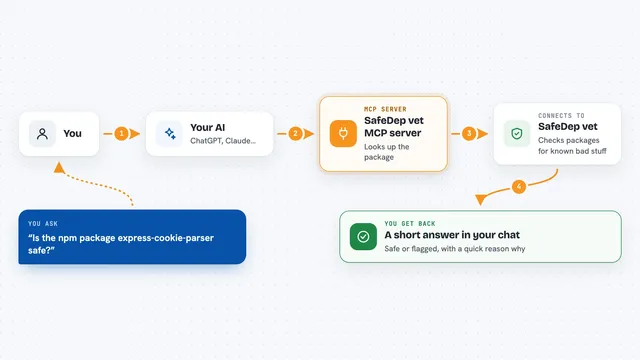
On its own, your AI can only chat with you. An MCP server is a small helper program that gives your AI a new skill or a connection to another tool. This one connects your AI to AgentLeak, a privacy scanner that runs on your own computer. Once it is connected, your AI can ask AgentLeak to check text for private data and tell you what it found.
What this MCP server does
You ask your AI to check some text, a file or a piece of code for private information. Your AI passes that request to the AgentLeak helper on your machine. The helper scans the content with its detectors and scores how risky any findings are. Then your AI tells you what it found, where it found it, and how serious it looks. Nothing is sent to the cloud, so your data stays on your computer.
What you can do with it
- Scan text or code for emails, phone numbers, card numbers and other private data
- Find passwords, API keys and tokens that were left in plain sight
- Check for health details, like diagnoses or health identifiers
- Redact the private parts of a piece of text before you share it
- Score how risky a set of findings is, from low to high
- Keep track of which problems are new and which ones you already fixed
Try asking your AI
- “Check this customer email draft for any private data before I send it”
- “Scan this support log and tell me if any passwords or emails are in there”
- “Redact the personal details in this text and give me a clean copy”
- “Look at this code file and list any secrets or API keys you find”
What it gives back to you
You get back a list of findings, each one showing what kind of data it is, where it appeared and a masked version of the value, like TR********78. You also get a risk score and a simple verdict such as high or low risk. If you asked for a redacted copy, the clean text comes back in the chat too. Everything is shown in plain words, so you do not need to read code to understand it.
Before you start
What you need
- Python installed on your computer
- The AgentLeak package installed with the MCP option
- An AI app that can connect to MCP servers, like the Claude desktop app
Good to know
It reads the text, code and traces you point it at, so only run it on content you are allowed to inspect.
Install it with your AI
Add AgentLeak MCP server to your AI, no technical skills needed
You don't install anything by hand. You copy one prompt, paste it into an AI that can work on your computer, and it checks, installs and connects the server for you, asking you when it needs something.
Sign in to get the install prompt
Members get a ready-made prompt that lets the Claude desktop app check AgentLeak MCP server, install it and connect it for them, step by step. You don't need any technical skills: you copy, paste and answer a few questions. Your connected AI can also find and install any of the 4,609 MCP servers here for you.
Who it's for
Anyone who handles customer, patient or employee data and wants a quick privacy check before sharing or shipping, especially support, HR and compliance teams.