AI agent for auto mechanics
Extra Work Change Authorization Agent
Every extra signed before it is done and billed
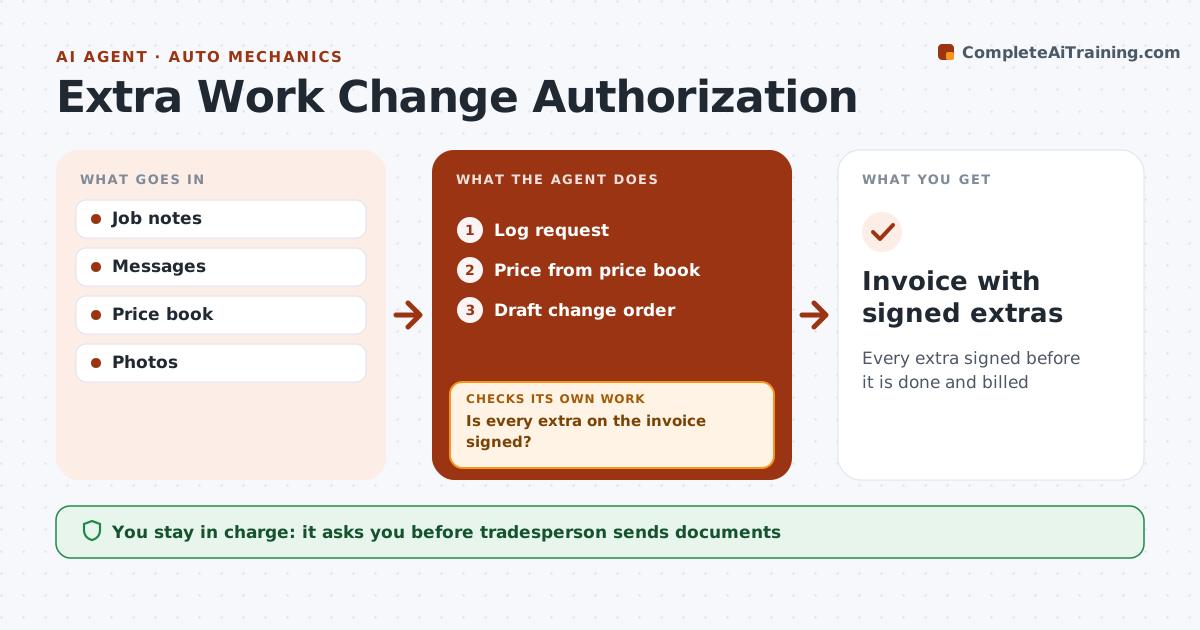
What it does
Customers often ask for extra work during a job, or the tradesperson finds something that must be fixed, and verbal agreements cause billing fights. This agent logs each extra request from notes or messages, prices it from the price book and drafts a short written change order with price and time impact. The tradesperson sends it to the customer. The agent tracks signatures. Before invoicing, it checks that every extra on the invoice has a signed change order. Unsigned extras are held and the customer is reminded. Safety items found on the job are documented with photos. The tradesperson sends all change orders and invoices. Edge case: a safety-related fix the customer declines is still documented with photos and a note.
How it works
Follow the arrows from top to bottom. The orange dashed arrow is the loop: when a check fails, the agent goes back and tries again.
Read the steps as a list
- Extra work mentioned
- Log request
- Price from price book
- Draft change order
- Tradesperson sends to customerThe agent waits here for your OK.
- Track signatures and photograph safety items
- Build the invoice draft
- Is every extra on the invoice signed?If not: hold item and remind. Back to step 6.
- Invoice with signed extras
How it decides
Extras need a signed change order. Declined safety items are documented.
- No signature, no billing
- Safety items photographed
- Price from price book
Make it yours
Every agent is a starting point. You choose these settings for your own situation.
- Change order template
- Reminder timing
- Price book
- E-signature tool
What keeps you in control
It always asks you first
- Tradesperson sends documents
- Customer signs
Hard limits
- Never sends documents
- Never bills unsigned work
It stops when
- Done: invoice sent
- Stop: job canceled
Set it up
We guide you through the set-up, step by step
Members get the full set-up guide for this agent. No technical skills needed: you copy, paste and upload.
- One set of instructions to paste into your AI, with the clicks for ChatGPT, Claude, Microsoft 365 Copilot, Gemini and Grok
- The agent then walks you through connecting your own data, one source at a time
- A downloadable copy with the flow chart, the rules and the full guide