AI tool
Aladin
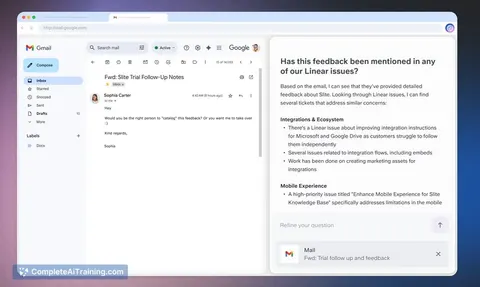
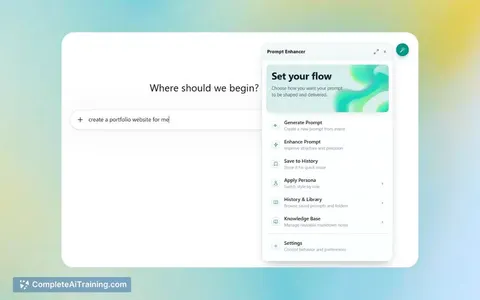
Aladin integrates AI into your favorite apps, sites, docs, and videos, offering context-aware tools and buttons in every tab to assist you instantly, boosting productivity without interrupting your workflow.
About Aladin
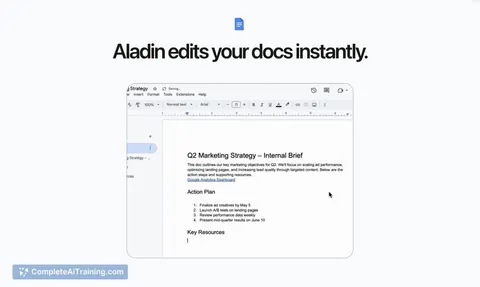
Aladin is a browser extension that integrates AI tools directly into your web browsing experience. It provides context-aware AI buttons on every site, document, and video, allowing users to access helpful features without leaving their workflow.
Review
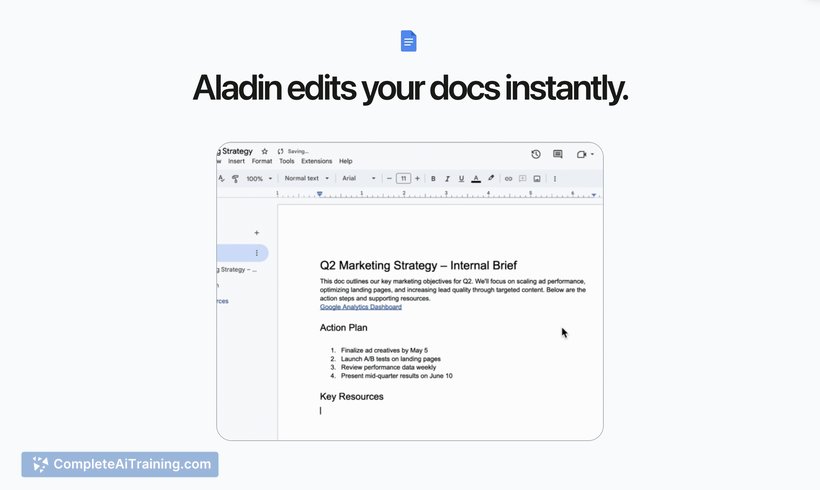
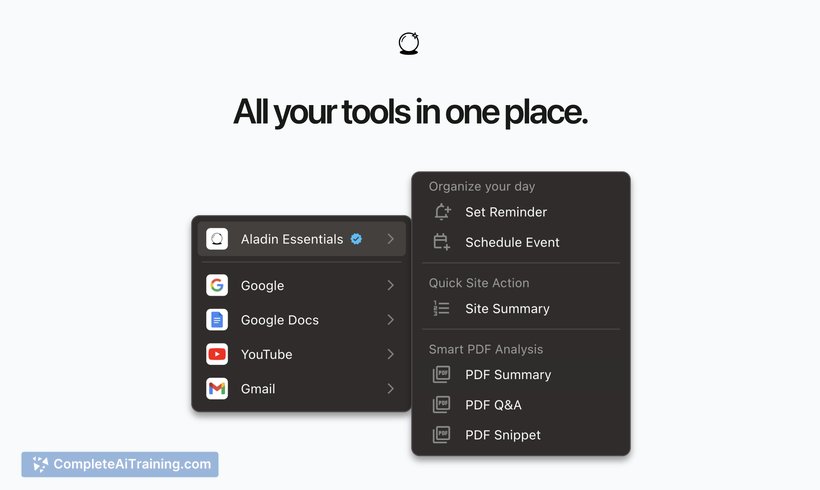
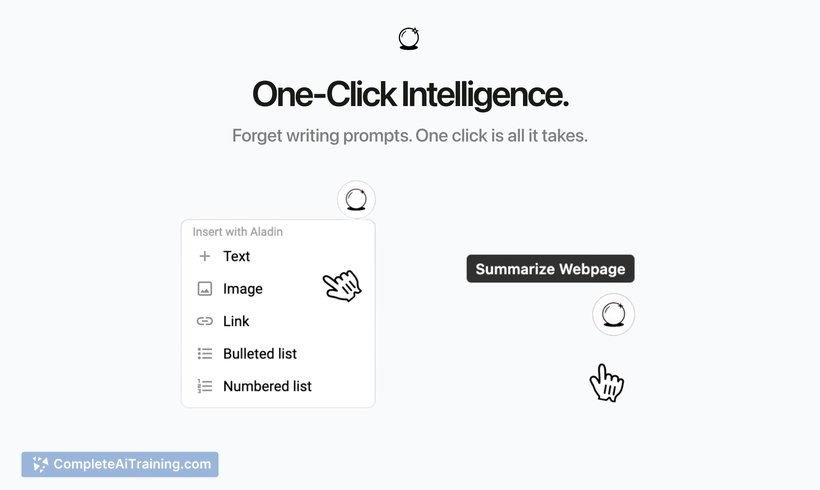
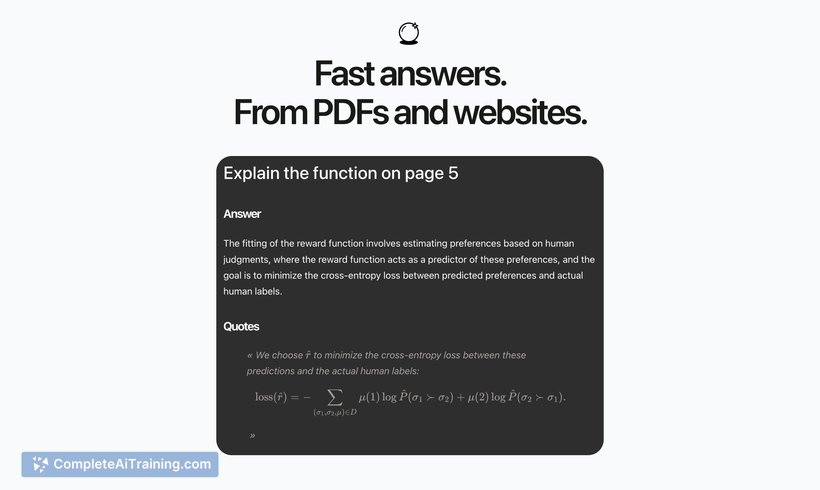
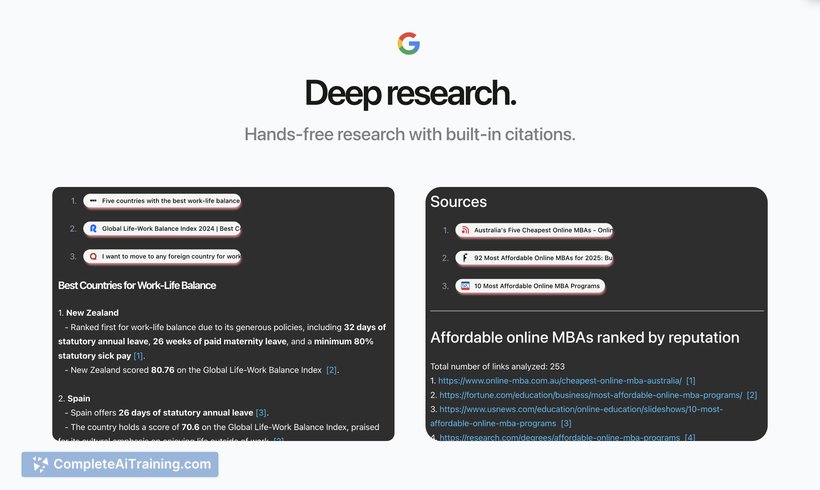
Aladin aims to bring AI assistance to where users spend most of their online time, removing the need to switch between multiple platforms. By embedding AI capabilities within the browser, it seeks to simplify everyday tasks such as summarizing content and generating text with minimal effort.
Key Features
- Context-aware AI buttons that appear only when relevant on any webpage.
- Eighteen specialized AI tools designed for different tasks without requiring prompt writing.
- Unified memory across tabs and sessions to remember previous interactions and reuse content easily.
- Seamless integration with popular apps and websites for enhanced productivity.
- One-click actions like page summarization and content insertion directly from the browser.
Pricing and Value
Aladin is currently offered for free during its launch phase, providing users access to all features without cost. This free access offers a valuable opportunity to explore its capabilities and benefit from AI tools embedded in the browser. Future pricing details have not yet been announced.
Pros
- Convenient AI assistance available exactly where you work online.
- Reduces the need to write prompts or jump between different AI platforms.
- Maintains context and memory across sessions for smoother workflows.
- Offers a variety of focused tools that cater to specific tasks.
- Easy to install and use as a Chrome extension.
Cons
- Some users experience disruption when redirected to a chat interface instead of inline AI actions.
- Setup can be somewhat time-consuming for first-time users.
- Still in early stages with room for improvements, such as adding a sidebar for better integration.
Aladin is well suited for professionals and students who spend a significant amount of time researching or working online and want quick AI assistance without interrupting their flow. It can benefit anyone looking to streamline tasks like summarization, content creation, or information reuse directly within their browser.
Jobs Aladin suits
Useful in almost any job. We checked Aladin against 500+ jobs; these get the most out of it.
Alternatives to Aladin
Other tools that do the same main job. Our AI compared Aladin with similar tools and kept the ones you could use instead.