AI tool
Web Companion by Super
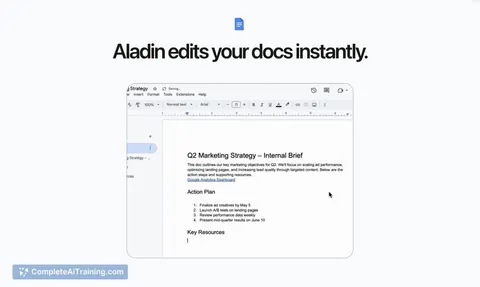
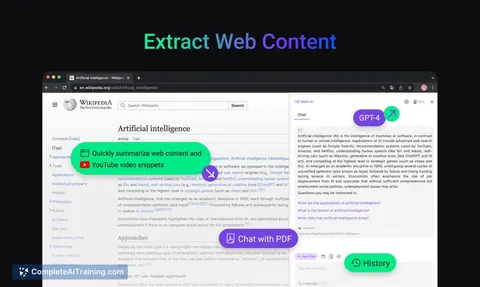
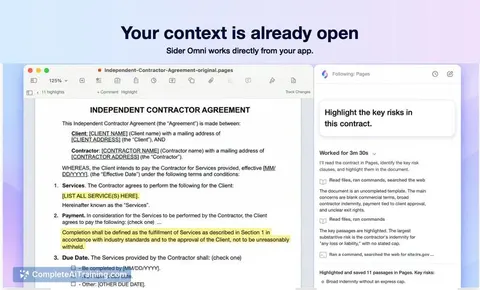
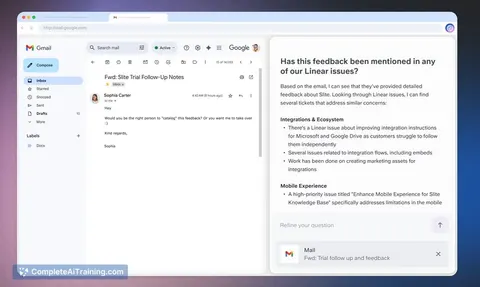
Web Companion by Super integrates AI assistance directly into any web app, using on-screen content and team data to answer questions, draft replies, summarize accounts, and activate custom helpers—streamlining your workflow without switching tabs.
About Web Companion by Super
Web Companion by Super is an AI assistant that integrates directly into any web application, providing context-aware support without the need to switch tabs or copy-paste information. It leverages the on-screen content along with connected knowledge sources to assist users with answering questions, drafting replies, summarizing data, and triggering custom workflows.
Review
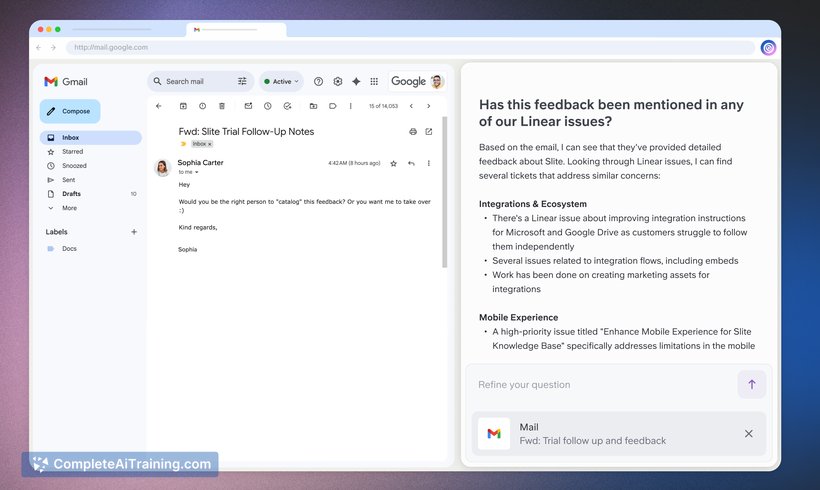
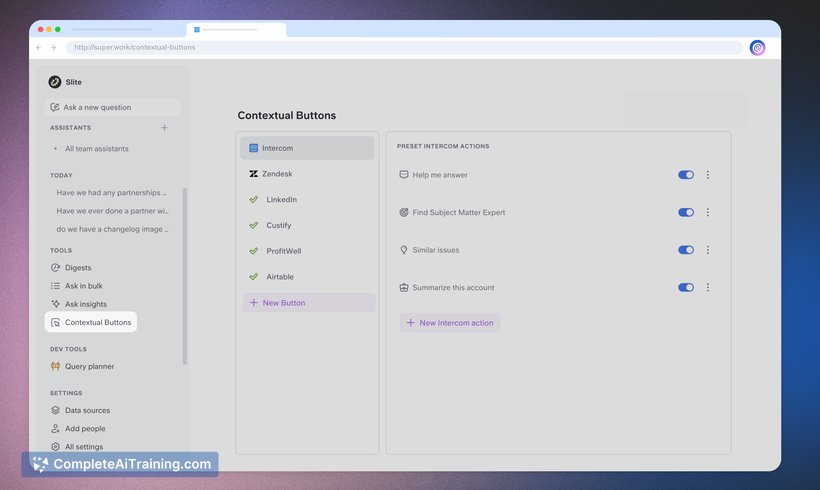
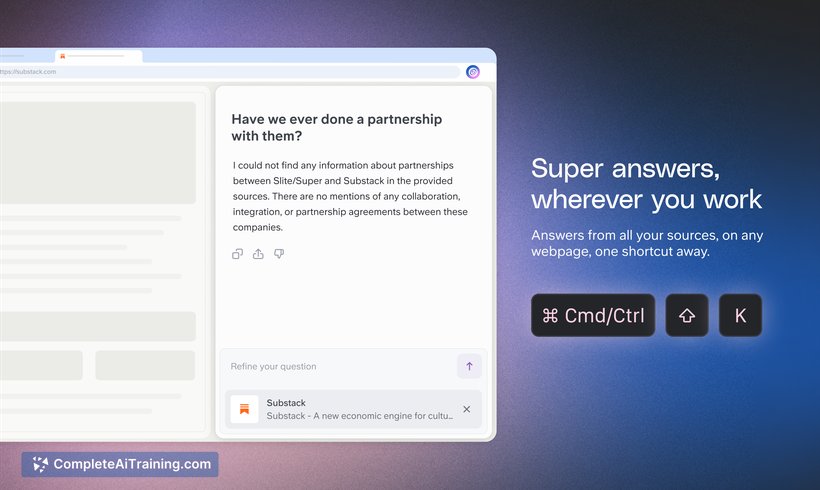
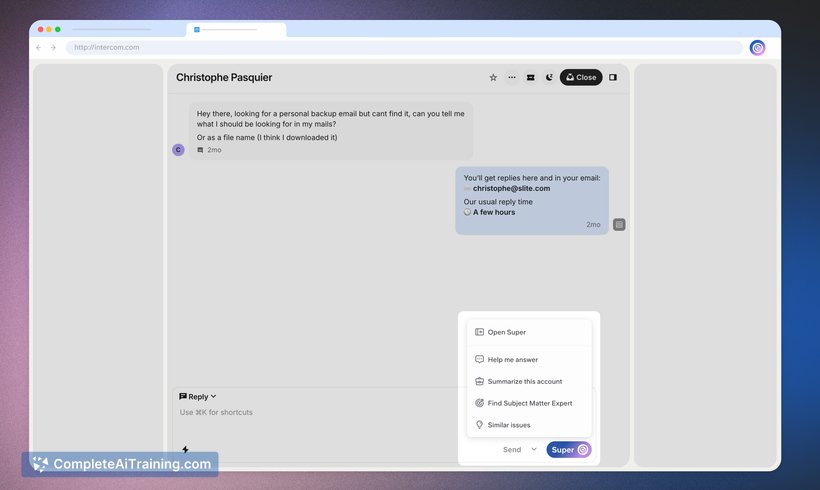
Web Companion by Super offers a seamless way for teams to access AI-powered assistance within their existing web tools such as CRMs, help centers, and wikis. By eliminating the friction of toggling between apps, it streamlines workflows and enhances productivity through contextual understanding of the workspace. This tool fits well for users seeking AI help embedded directly where they work.
Key Features
- Context-aware AI assistance that reads and understands on-screen content in real time.
- Integration with multiple web applications including CRMs, wikis, and help desks.
- Automatic extraction of relevant information from connected knowledge bases to provide accurate answers.
- Ability to draft replies, summarize accounts, and trigger custom assistants with a single click.
- No need for manual copy-pasting or switching between multiple tools.
Pricing and Value
The pricing model for Web Companion by Super includes free options, making it accessible for small teams or individual users to try the tool. While detailed pricing tiers are not explicitly outlined, the value proposition focuses on saving time and effort by embedding AI assistance directly into workflows. This can translate into improved team efficiency and reduced context switching costs.
Pros
- Seamless integration within existing web applications enhances convenience and usability.
- Context-aware AI provides relevant and timely assistance without extra user input.
- Supports a variety of use cases including answering questions, drafting responses, and summarizing data.
- Reduces the need to switch between multiple platforms, streamlining daily tasks.
- Free options allow users to explore the tool before committing financially.
Cons
- Pricing details beyond free options are not clearly communicated upfront.
- Functionality may depend on the quality and availability of connected knowledge sources.
- New users might require some time to fully understand how to trigger and customize assistants effectively.
Overall, Web Companion by Super is well-suited for teams and professionals who work extensively in web-based applications and want to enhance their productivity with AI assistance integrated directly into their workflows. It is particularly useful for support teams, sales professionals, and knowledge workers who frequently interact with CRMs, help centers, and collaborative platforms.
Jobs Web Companion by Super suits
Useful in almost any job. We checked Web Companion by Super against 500+ jobs; these get the most out of it.
Alternatives to Web Companion by Super
Other tools that do the same main job. Our AI compared Web Companion by Super with similar tools and kept the ones you could use instead.