AI tool
Albato AI
Albato AI helps teams build workflow automations by chatting with Albato Copilot and assigning tasks to AI Agents. Users can visualize these workflows with Canvas mode and test individual steps with real data.
About Albato AI
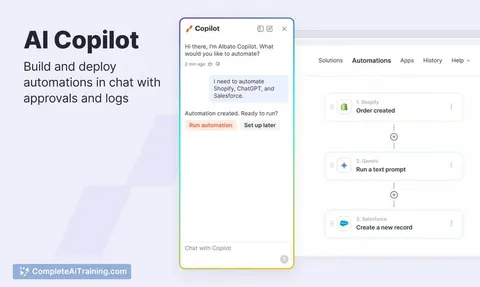
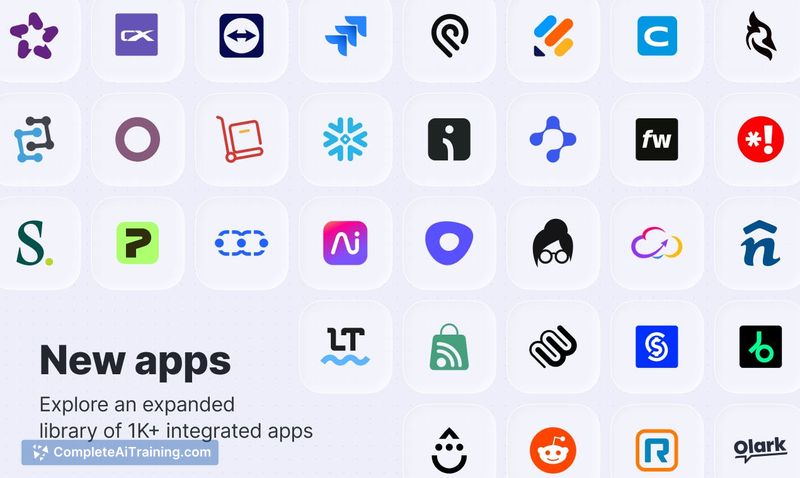
Albato AI is the AI-powered component of the Albato no-code automation platform. It includes a conversational workflow builder (Copilot), AI Agents that execute multi-step tasks from natural language descriptions, and a visual Canvas mode for flowchart-style editing. The tool connects to over 1,000 apps and supports API and webhook integrations.
Review
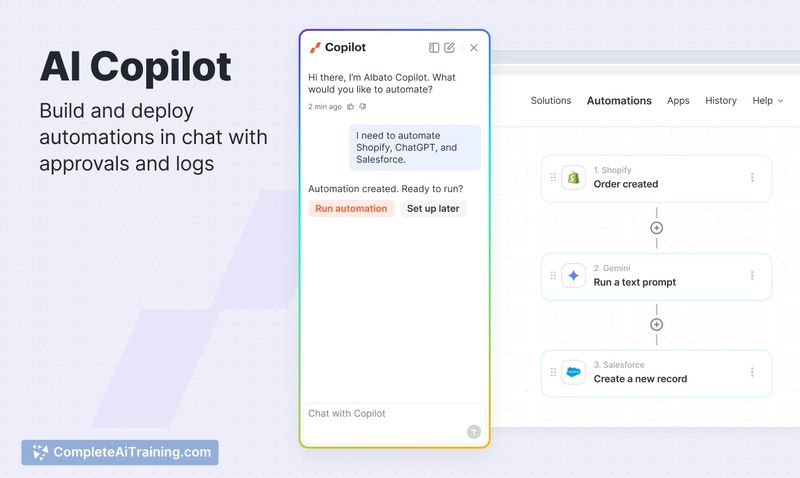
Albato AI adds language-driven automation to the existing Albato platform. Users can describe a workflow in plain language and have the system generate the required steps, while AI Agents interpret intent and carry out actions across connected apps. The tool also introduces visual editing and step-by-step testing, which changes how automations are built and debugged.
Key Features
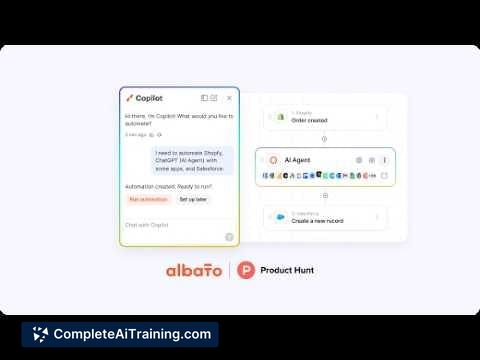
- Albato Copilot - Builds and modifies automation workflows from natural language descriptions. It can create new automations or update existing ones, trained on Albato's knowledge base and real-world use cases.
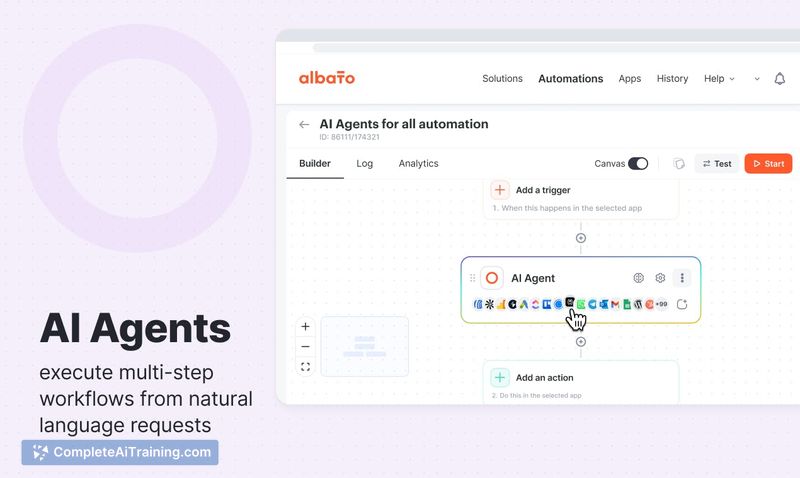
- AI Agents - Execute multi-step automations by reasoning about a task described in natural language. They choose appropriate actions and can be configured with guardrails to constrain behavior.
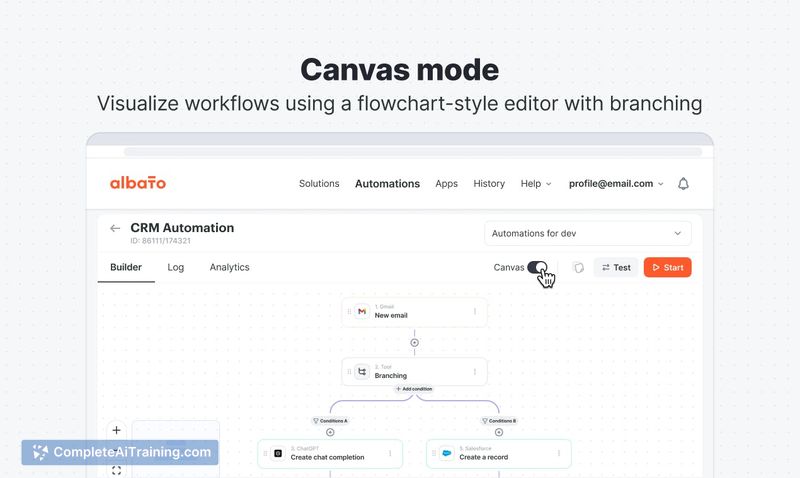
- Canvas Mode - Displays workflows in a flowchart-style visual editor. Drag-and-drop functionality is listed as coming soon.
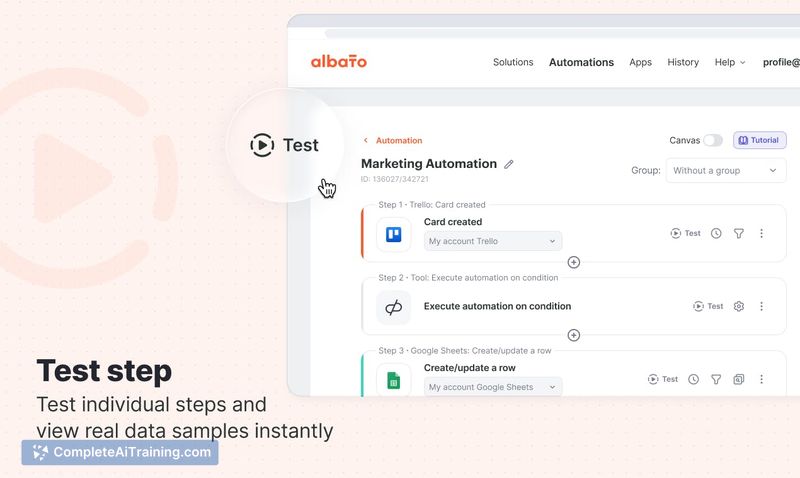
- Test Step - Runs individual automation steps with real data samples, showing mapped field values so users can validate and debug before full execution.
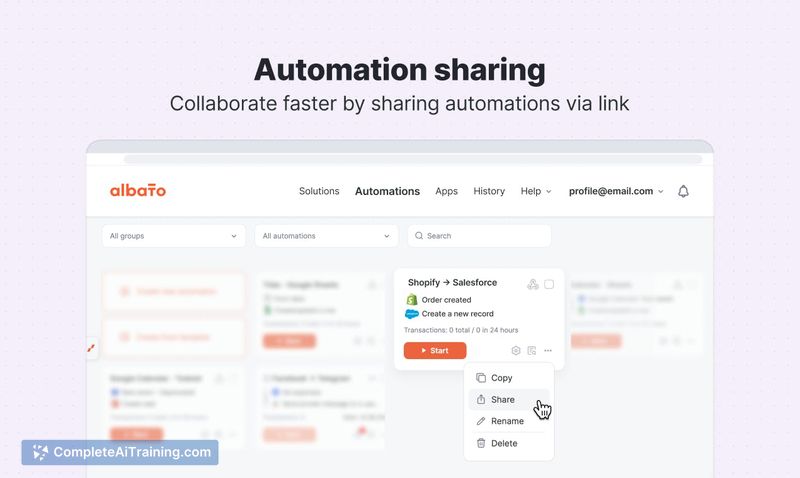
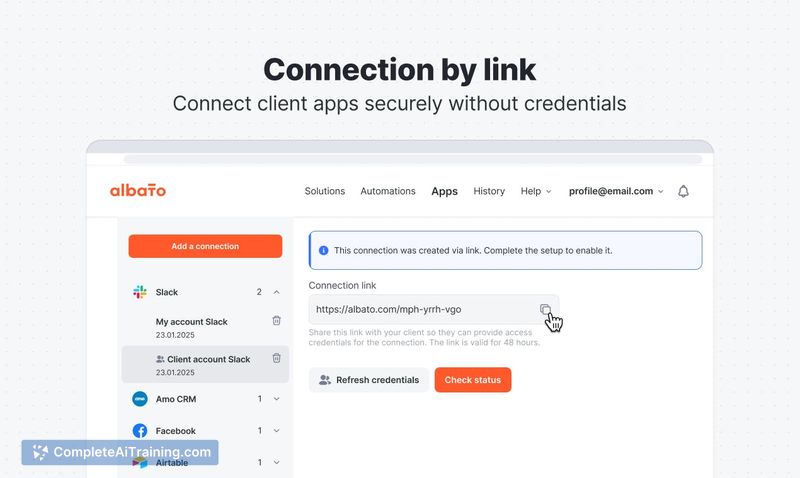
- Connection and Automation Sharing by Link - Generates secure links to share client app connections or entire automations, without exposing credentials.
Pricing and Value
Albato AI is part of the Albato platform, which offers a free option. Specific pricing tiers, operation limits, and credit details for the AI features are not defined in the available material. Users on the free plan can access the AI Copilot and Agents, but the extent of usage under that plan remains unclear.
Pros
- Copilot reduces manual step wiring by generating workflows from plain language in multiple languages.
- AI Agents handle branching decisions and multi-step tasks without requiring fixed if/then rules.
- Test Step catches field mapping errors early by displaying real data at each step.
- Canvas mode gives a visual overview of complex automations, making logic easier to trace.
- Sharing links simplify collaboration and client onboarding for freelancers and agencies.
Cons
- The credit system can deplete quickly for users with high automation volumes, as noted in some reviews.
- App coverage, while at 1,000+ integrations, still trails older competitors for certain niche tools.
- Albato AI is not well suited for teams that need granular, code-level control over automation logic or that rely on integrations not yet in the library.
Freelancers, agencies, and small to medium businesses that want to build automations without coding and are comfortable with AI-generated workflows will find Albato AI practical. The visual debugging and secure sharing features address common pain points in client work. Organizations with very specialized integration needs or strict deterministic requirements may find the AI Agent behavior requires extra guardrail configuration.
Jobs Albato AI suits
We checked Albato AI against 500+ jobs; these get the most out of it.
Alternatives to Albato AI
Other tools that do the same main job. Our AI compared Albato AI with similar tools and kept the ones you could use instead.