
AI tool
Backdrop
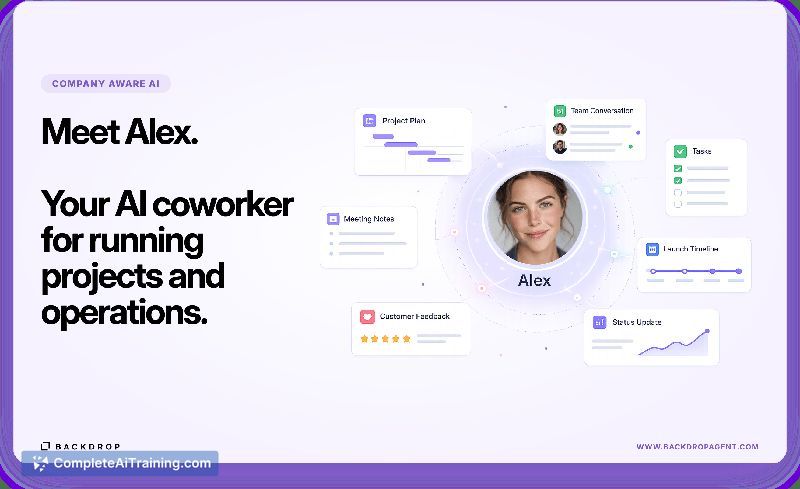
Backdrop provides AI coworkers for projects and operations to help teams retain institutional knowledge. It integrates with existing software to turn scattered discussions and customer feedback into concrete product plans.
About Backdrop
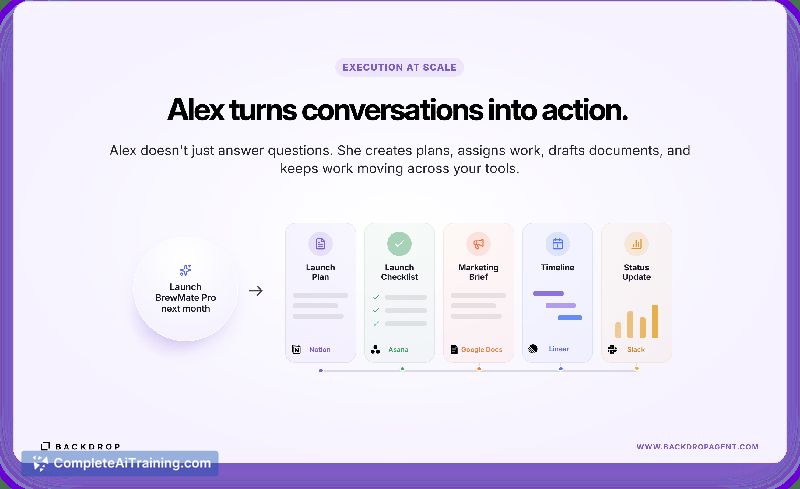
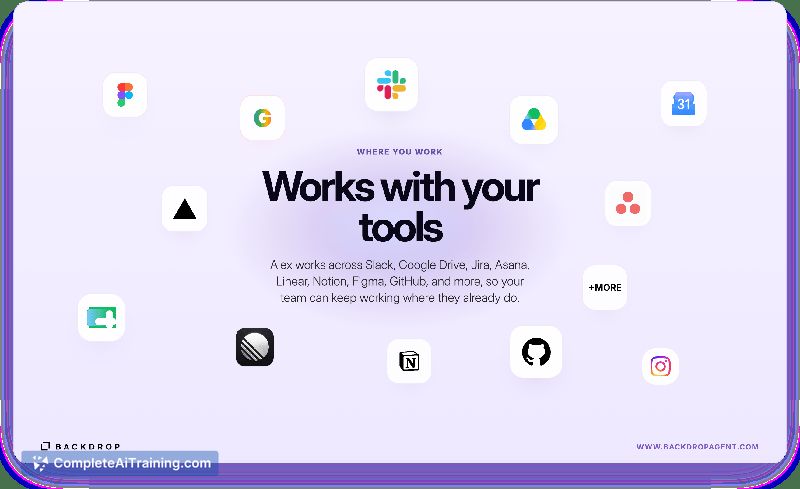
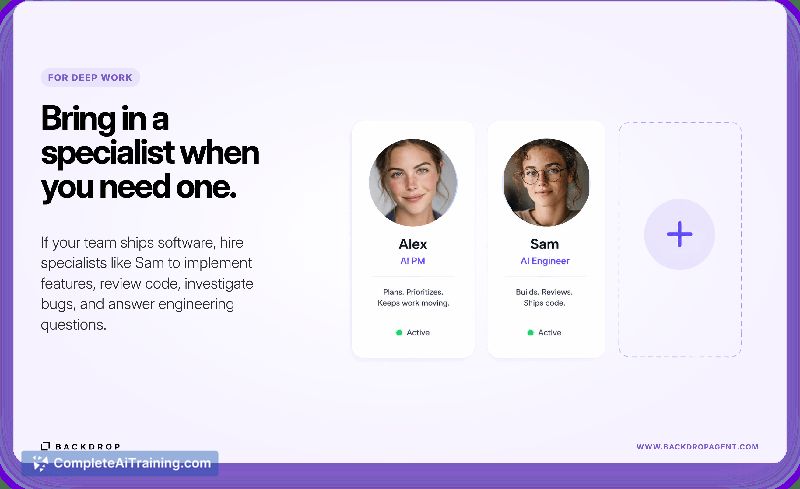
Backdrop deploys AI coworkers for project management and operations. Its first coworker, Alex, connects to Slack, GitHub, Linear, Notion, Asana, and Google Workspace to synthesize customer feedback, create plans and specs, manage tickets, and draft documents. A second coworker, Sam, handles engineering tasks like implementing features, reviewing code, and investigating bugs.
Review
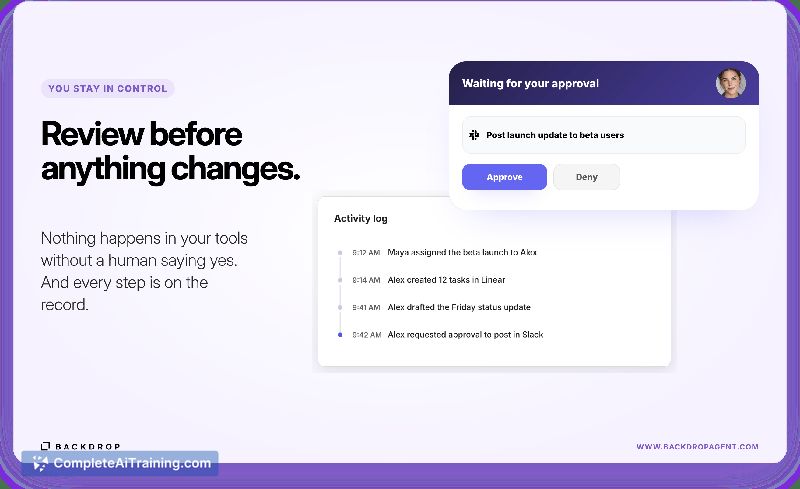
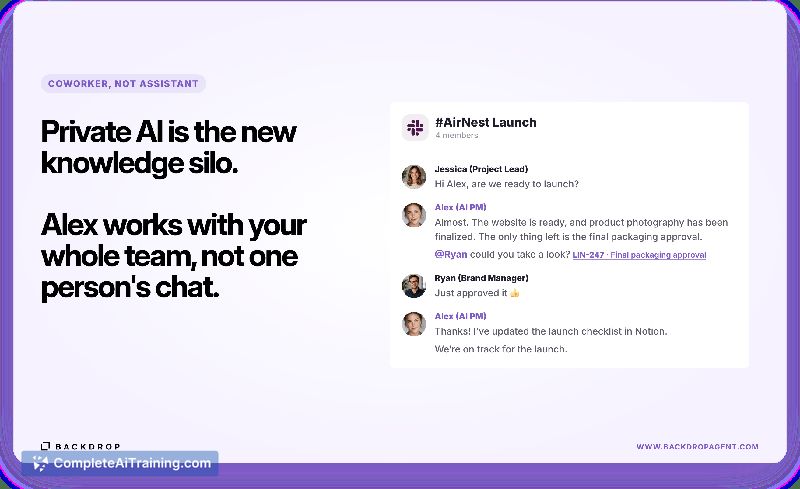
Backdrop targets the fragmentation of team knowledge that now lives across tools and private AI chats. Instead of resetting context with each session, its agents pull from the places work already happens and turn discussions into decisions, plans into execution, and scattered feedback into structured specs. The system aims to build a shared company memory that persists across projects and people.
Key Features
- Cross-tool synthesis and action. Alex reads signals from Slack, Linear, Notion, and GitHub, then writes tickets, drafts specs, and updates docs in the style your team uses. Sam can take those plans and implement code, open pull requests, and review changes.
- Scoped access per integration. In Slack, agents only see channels they're invited into. In Linear, you can restrict a coworker to specific teams. Private channels and excluded teams stay out of reach unless you explicitly add them.
- Source traceability. When an agent produces a plan or spec, the dashboard lists the conversations, links, and comments that fed into it. Teams can trace claims back to the original threads before acting.
- Conflict detection. If information across tools disagrees on the current state of something, Backdrop flags the mismatch and asks clarifying questions. It doesn't silently pick a source as truth and move on.
Pricing and Value
The product page indicates that payment is required, but specific pricing tiers or models have not been published. Without this information, teams cannot evaluate cost against the time saved from manual glue work and context rediscovery. Interested users will need to contact the makers for details.
Pros
- Persists context across sessions and tools, so the next teammate doesn't start from zero.
- Scopes agent access per Slack channel and Linear team, keeping sensitive data restricted.
- Source citations in synthesized plans let teams trace claims back to original threads before acting.
- Detects conflicting information across tools and asks for human resolution instead of hiding it.
- Includes an engineering coworker (Sam) that can implement features, review code, and investigate bugs, not just manage tasks.
Cons
- Setup requires inviting agents to channels and configuring tool access, which may be time-consuming for large organizations.
- Pricing is not publicly available, creating uncertainty for budget planning.
- Not well suited for teams that don't use Slack, Linear, Notion, or GitHub, as the value relies heavily on cross-tool synthesis across those platforms.
Backdrop fits product and engineering teams already working inside Slack, Linear, Notion, and GitHub who feel the friction of scattered decisions and feedback loops. Solo developers with a minimal tool stack or organizations outside that ecosystem won't see the same benefit. Teams that want AI to carry context forward and surface conflicts will find the approach practical, but they'll need to clarify pricing before committing.
Jobs Backdrop suits
We checked Backdrop against 500+ jobs; these get the most out of it.



