AI tool
Captions
Captions simplifies video editing by letting you resize, add effects, fix eye contact, translate, and insert captions with ease—helping you create shareable, engaging videos in minutes.
About Captions
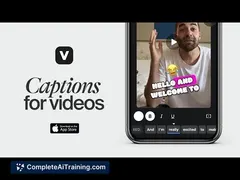
Captions is an AI-powered video editing tool that simplifies creating shareable videos. It offers automatic resizing, captioning, and translation features, making video editing accessible and efficient for users of all skill levels.
Review

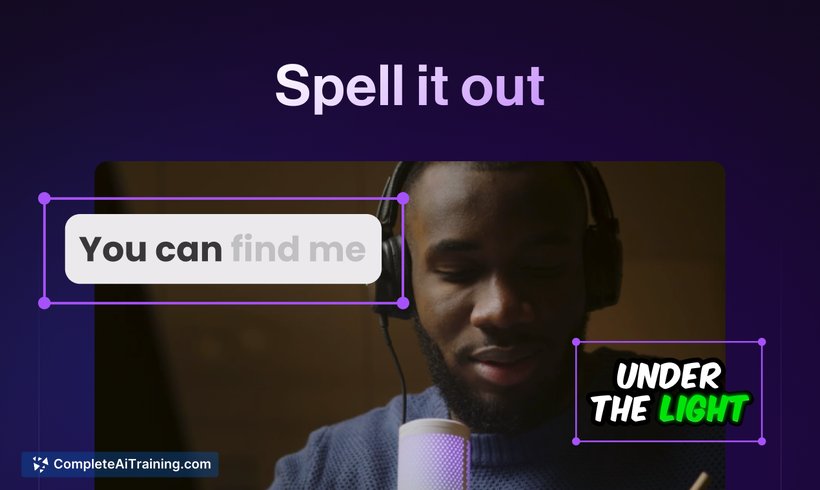
Captions aims to streamline video editing by combining advanced AI features with an easy-to-use interface. It caters to content creators looking to produce engaging videos quickly without the need for complex software. The platform supports multiple formats and offers tools that help enhance video quality and accessibility.
Key Features
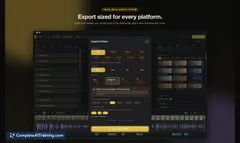
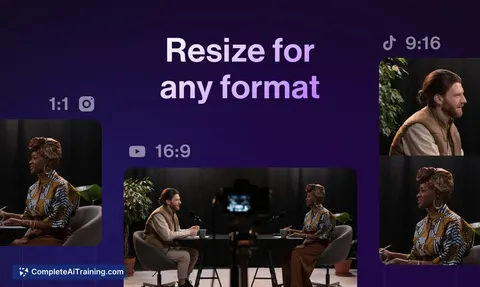
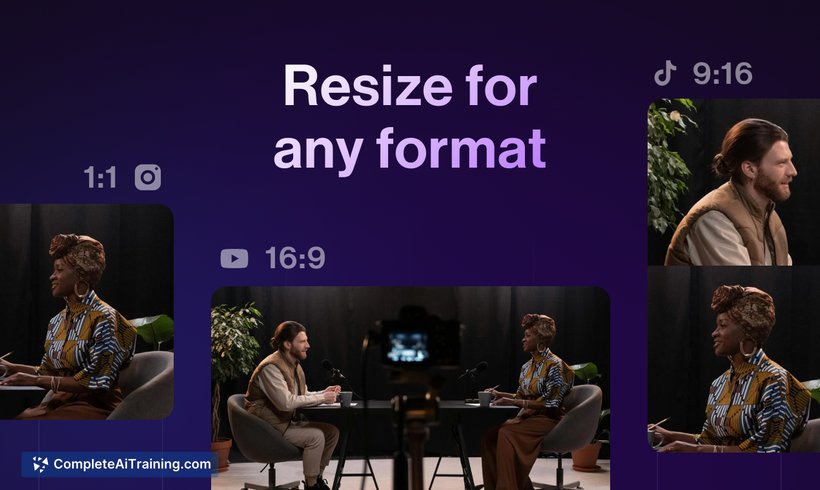
- Automatic video resizing and cropping tailored to different social media formats such as Instagram, YouTube, TikTok, and Shorts.
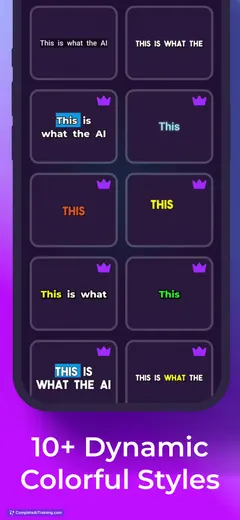
- One-tap caption generation with customizable styles and templates to match branding needs.
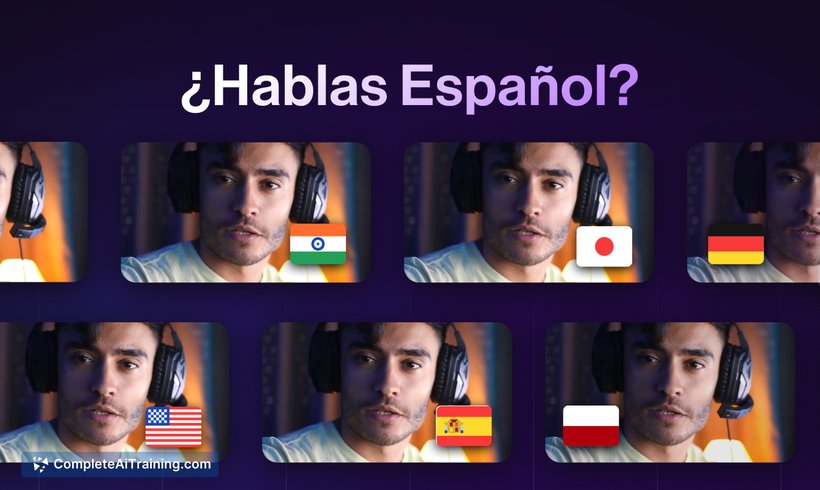
- Multilingual dubbing and translation supporting over 28 languages for reaching a global audience.
- Eye contact correction feature to improve on-camera presence with a single click.
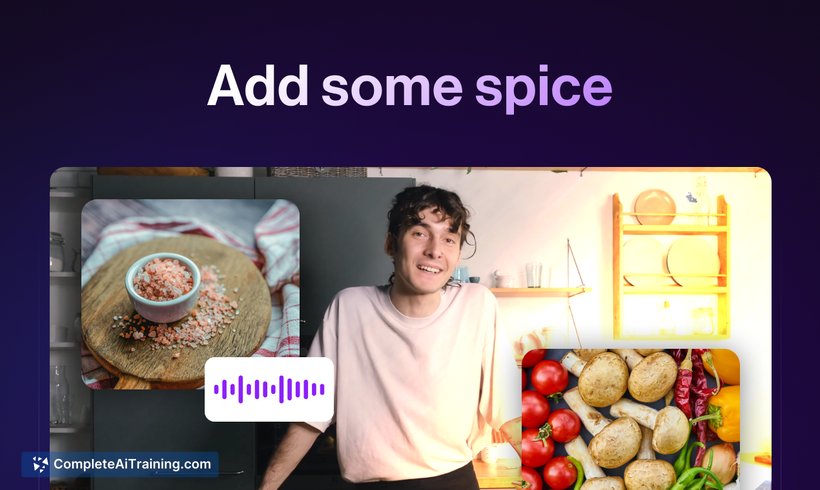
- Options to add transitions, sound effects, and images to enhance video appeal.
Pricing and Value
Captions offers a freemium pricing model, allowing users to access basic editing tools at no cost. Premium plans unlock advanced features such as higher-quality exports, additional caption styles, and extended language support. Considering the range of AI-driven functionalities, the tool provides solid value for creators who need quick, professional-looking video edits without investing in expensive software.
Pros
- User-friendly interface suitable for both beginners and experienced creators.
- Efficient AI features that save time on editing tasks like resizing and captioning.
- Supports direct sharing to major social platforms and easy exports.
- Strong multilingual capabilities for diverse audiences.
- Responsive customer support that actively incorporates user feedback.
Cons
- Some editing controls on mobile can feel limited for fine-tuning details.
- Occasional variability in dubbing quality depending on language pairs.
- Advanced features require a paid subscription, which might deter casual users.
Overall, Captions is well-suited for social media creators, marketers, and anyone needing to produce engaging video content quickly. It works particularly well for those who want to simplify the video editing process while maintaining professional results. Users looking for a straightforward, AI-enhanced editing tool with multilingual support will find it especially useful.
Jobs Captions suits
We checked Captions against 500+ jobs; these get the most out of it.
Alternatives to Captions
Other tools that do the same main job. Our AI compared Captions with similar tools and kept the ones you could use instead.