AI tool
Chalked for Mac
Chalked for Mac reads recent messages in your open conversation and drafts a reply you can insert with Tab. It is for professionals who spend time reconstructing context before responding, letting you change the reply's intent by voice before send...
About Chalked for Mac
Chalked is a Mac app that sits in the background and prepares replies based on the conversation thread you're viewing, your live calendar, and facts you've previously accepted. Pressing the Tab key inserts the suggested reply into the text field, and holding the fn key lets you revise the intended outcome by voice before you review and send it yourself. The tool reads a bounded slice of the current thread and aims to reconstruct what you agreed, whether you're free, and what the other person actually needs.
Review
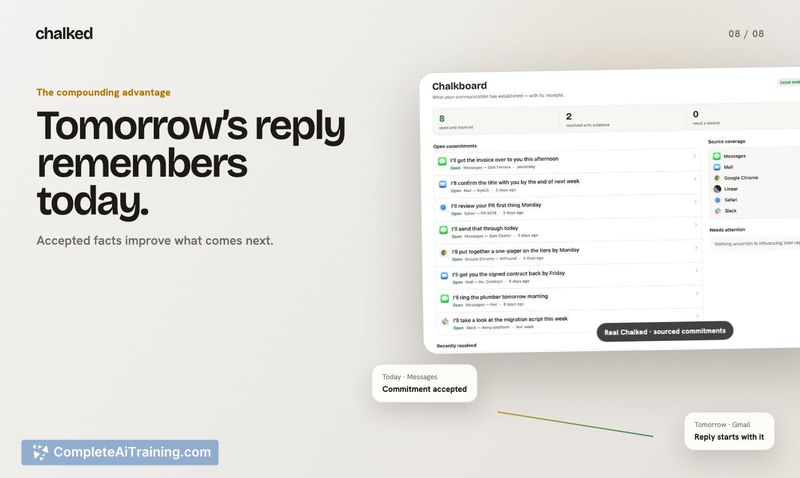
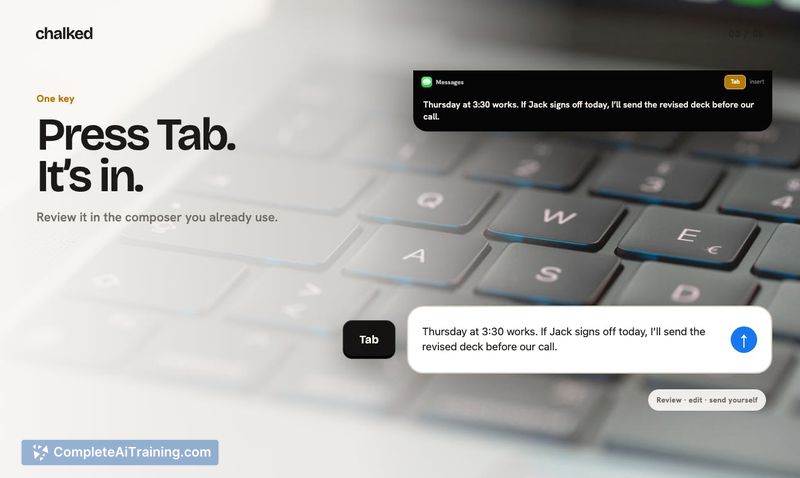
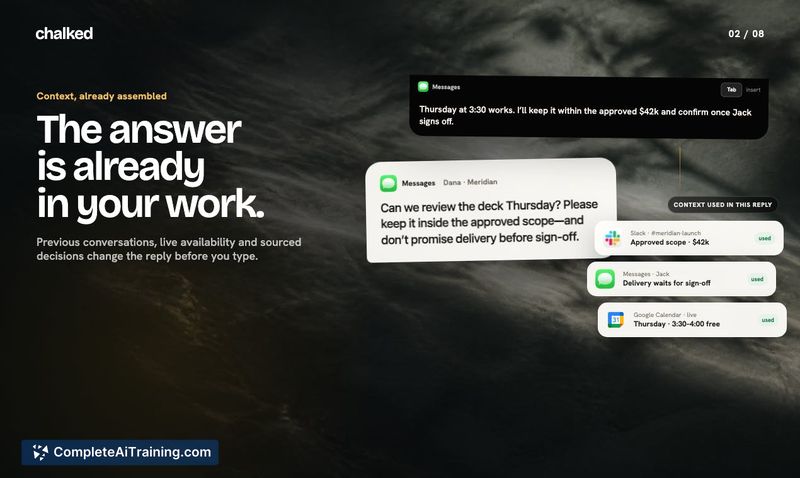
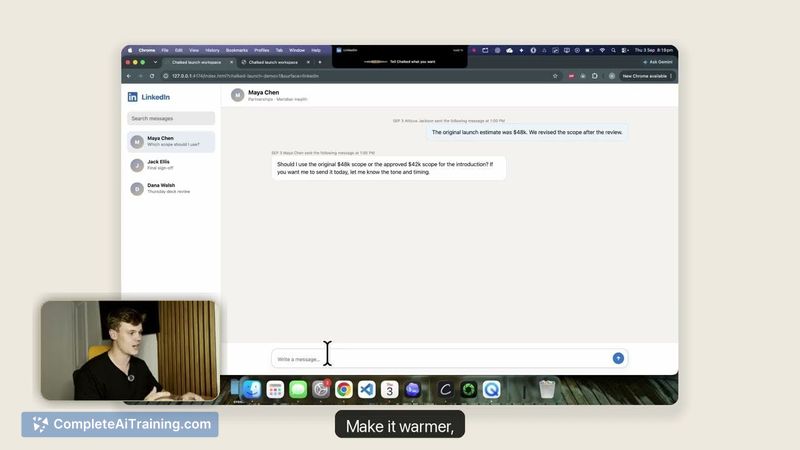
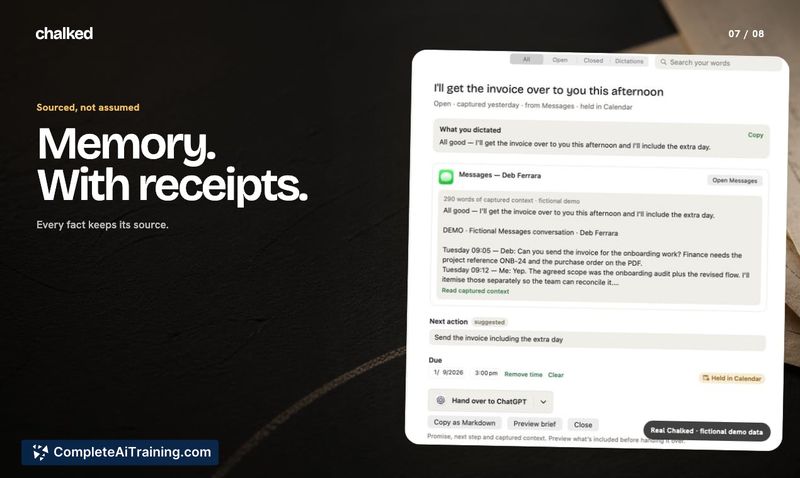
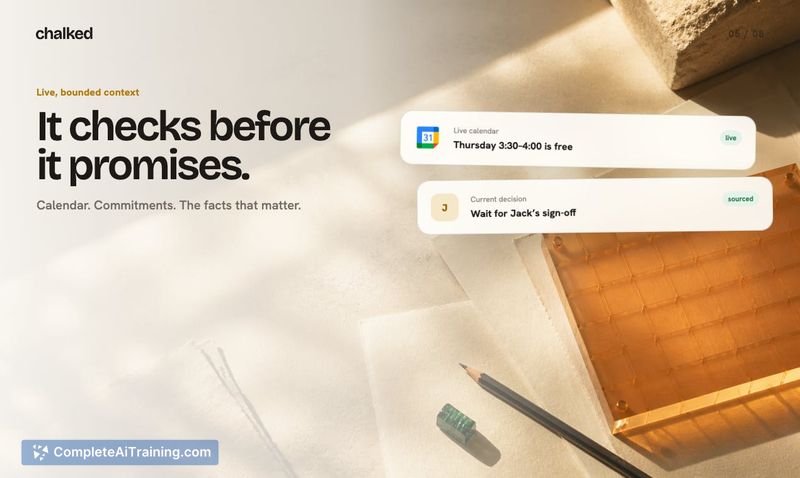

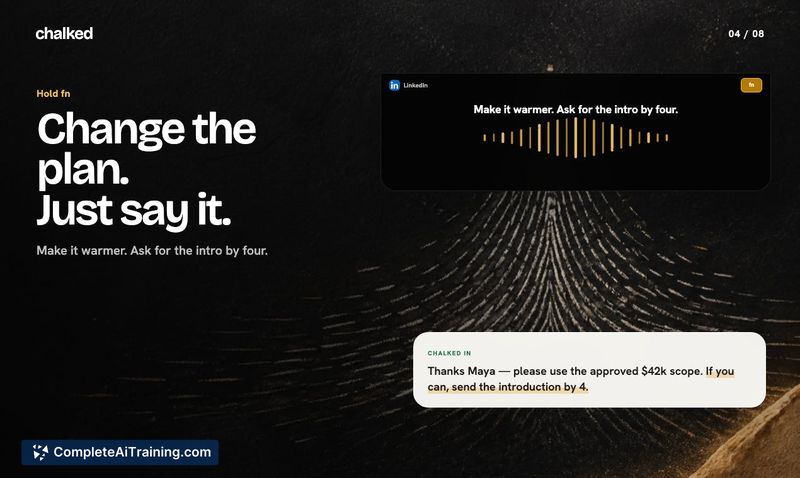
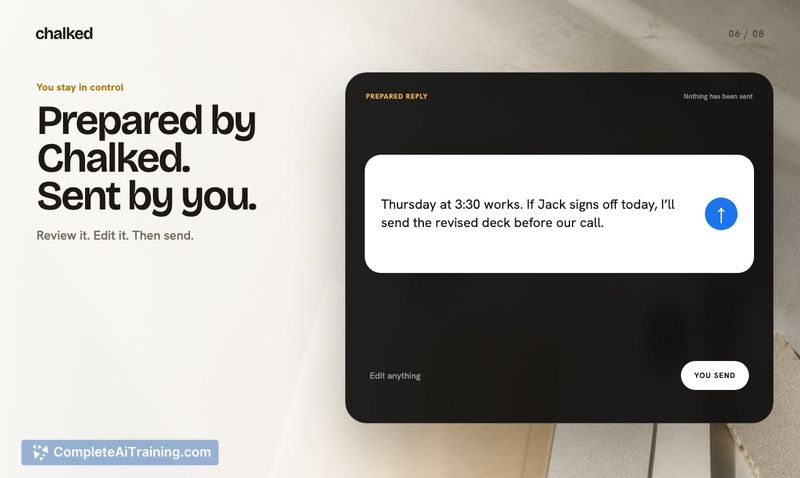
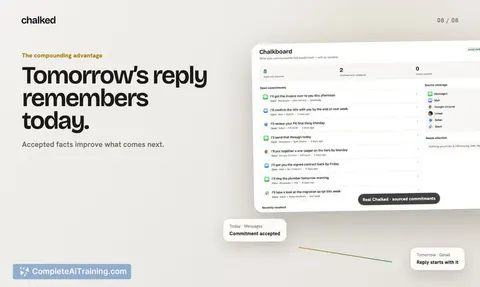
Chalked takes a different approach from tools that polish wording after you've drafted a reply or pull you into a separate inbox. It stays in the conversation you already have open and prepares a reply directly in the Mac notch. The core idea is that communication should become resolved work, where sourced commitments and decisions feed into the next reply and give other AI tools cleaner working context.
Key Features
- Tab to insert replies. Chalked reads the current thread, your calendar, and previously accepted facts, then prepares a reply. Press Tab to insert it into the message field.
- Hold fn to revise by voice. Holding the fn key lets you change the intended outcome or correct details like dates and statistics using voice input, without retyping the whole message.
- Source-bound context. The model pulls from specific sources - the thread on screen, live calendar data, and facts you've already accepted - rather than generating replies from a general knowledge base.
- Deterministic confidence checks (roadmap). The maker has stated they are working on having the model deterministically choose which replies have enough context to surface a suggestion, so it only offers a reply when it has high confidence in the underlying facts.
Pricing and Value
Pricing details are not yet defined. Chalked launched this week and no subscription tiers, one-time fees, or trial periods have been announced on the product page or in the maker's public comments.
Pros
- Works inside your existing conversation window rather than requiring you to switch to another app or inbox.
- Combines thread context, calendar availability, and previously accepted facts into a single reply suggestion.
- Voice revision via the fn key allows quick corrections to details without manual retyping.
- The maker is actively soliciting blunt feedback from agency owners, founders, consultants, and recruiters, which suggests a willingness to iterate based on real workflow friction.
Cons
- Tab insertion removes the natural pause that comes with typing a reply yourself - a well-formed but factually wrong reply (like an incorrect date pulled from calendar) could go out faster than something you'd write by hand.
- The voice revision feature's privacy handling is unclear. Since the tool touches calendar data and past commitments, whether voice processing happens on-device or is sent to a server raises a different privacy bar than a standard dictation app.
- Not well suited for people whose communication rarely involves scheduling or revisiting prior commitments. If your replies are mostly one-off messages with no need to cross-reference calendar or past agreements, the source-bound approach adds overhead without much benefit.
Chalked fits best for professionals who spend significant time reconstructing context across threads, calendars, and prior commitments - particularly agency owners, founders, consultants, and recruiters working across multiple apps. The tool's usefulness depends heavily on how reliably the model surfaces correct facts before you press Tab, and the planned confidence checks will be a key factor in whether it reduces friction or introduces new failure modes.
Jobs Chalked for Mac suits
Useful in almost any job. We checked Chalked for Mac against 500+ jobs; these get the most out of it.
Alternatives to Chalked for Mac
Other tools that do the same main job. Our AI compared Chalked for Mac with similar tools and kept the ones you could use instead.