
AI tool
CostLogic
CostLogic is an AI-assisted cost-estimating tool for construction professionals. It combines AI speed with manual control to produce reliable estimates, filling a gap between outdated legacy programs and error-prone generative chatbots.
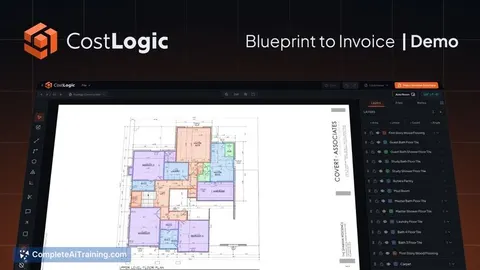
About CostLogic
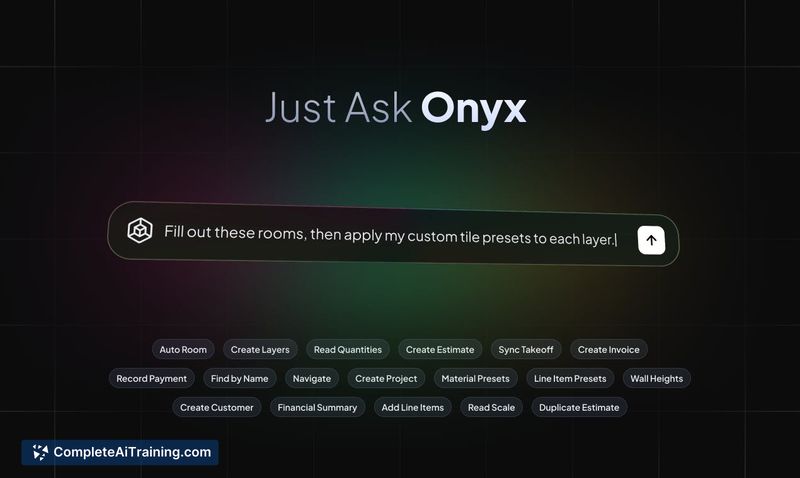
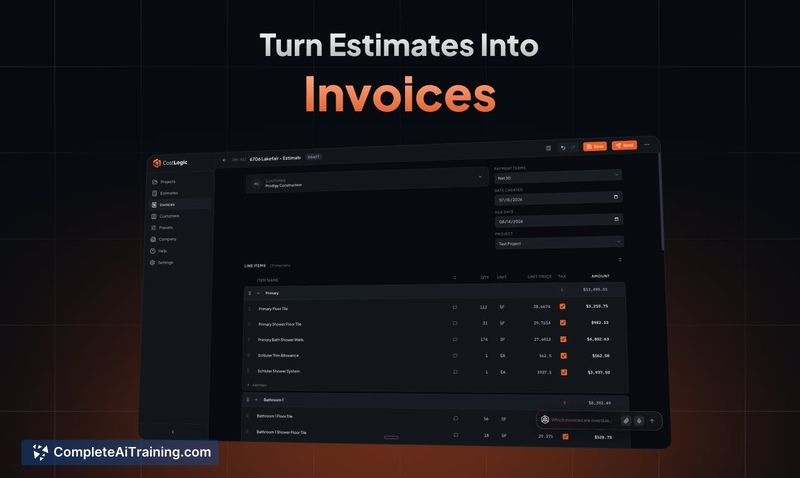
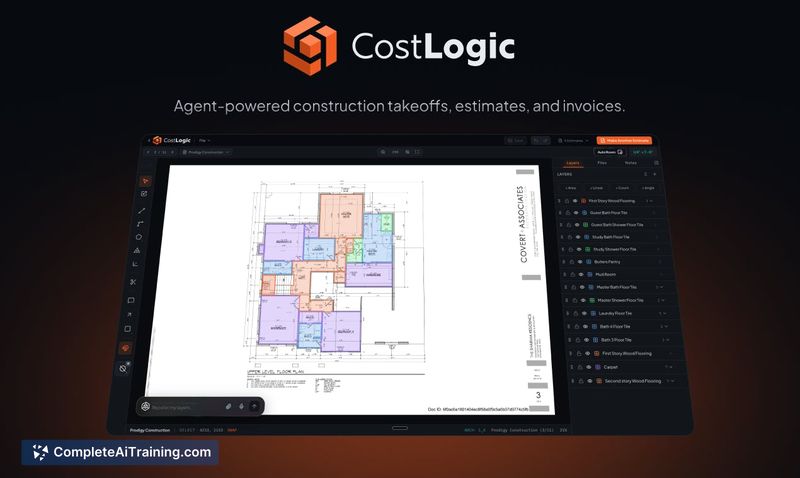
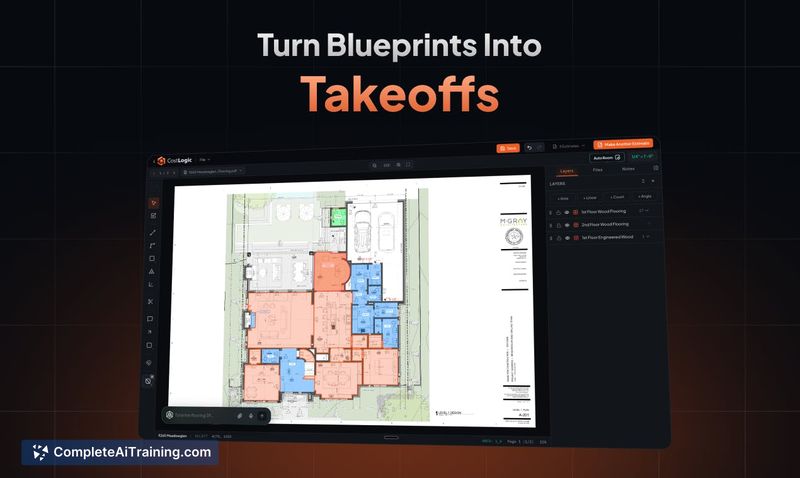
CostLogic is a browser-based construction takeoff and job-costing workspace. It launched this week and includes an AI agent called Onyx that operates directly within the platform. The tool takes users from uploaded blueprints through quantity measurement, estimates, and invoice generation without switching between separate applications.
Review
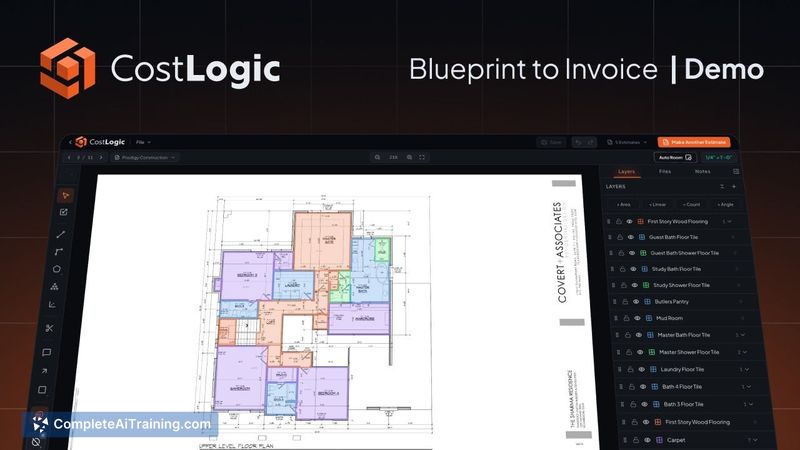
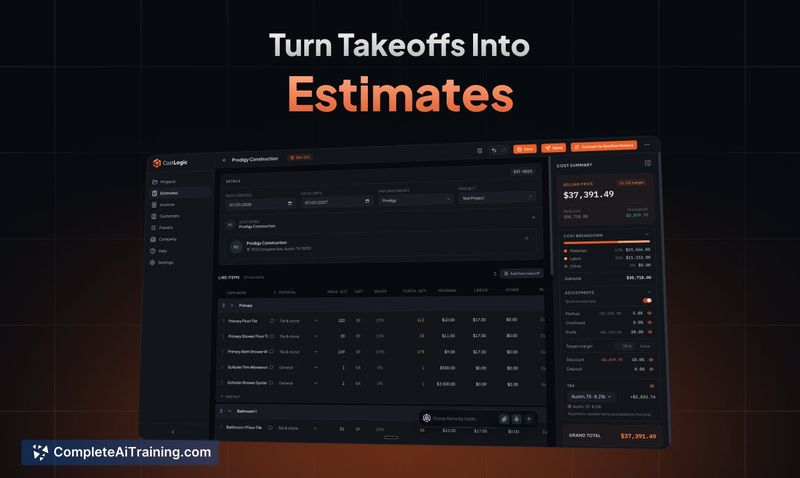
CostLogic enters a construction software space where many existing tools are either dated desktop programs or thin GPT wrappers, as the makers describe it. The platform attempts to combine speed from AI automation with manual control where needed. Right now, it's newly launched, so the focus is on core workflows rather than the full breadth of what's on the roadmap.
Key Features
- Plan upload with room detection, where the system identifies spaces from blueprint files.
- Scale calibration and quantity measurement for generating construction takeoffs.
- Onyx agent executes actions on your behalf, which spans from takeoff creation to estimate building.
- Invoice generation from completed estimates, with discrete verification steps between each stage.
- Project and scheduling data sits alongside job-cost tracking - the product references its tags as project management software and AI workflow automation.
Pricing and Value
CostLogic launched with a free option and is live on Product Hunt under the "Free Options" tag. Specific tier details aren't public yet, and paid pricing models beyond that aren't defined. The tool costs you time rather than money in the initial phase: the stated workflow goes from blueprint to a finished invoice in hours or minutes rather than days, per the launch materials. For small subcontractors this compresses a sequence that usually requires multiple tools. Total cost of ownership depends on whether you already pay for separate estimating or invoicing software.
Pros
- Action-performing agent reduces manual data entry across several distinct steps.
- Single workspace replaces multiple tools used by construction trades.
- Freedom from outdated desktop applications - it runs in the browser.
- Free tier exists for evaluation before commitment.
Cons
- Planned features for external integrations or invoice delivery are neither confirmed nor demonstrated in production.
- Recent launch means the user community is small and third-party reviews are limited.
- CostLogic is not designed for large general contractors or multi-trade operations that need ERP-level financial controls.
CostLogic fits small trades who want one place from takeoff to invoice. Cp it for smaller contractors who value speed in measuring and billing over extended feature catalog on roadmap. If you need advanced scheduling integrations across huge projects or full cost ledger control, look to alternatives until CostLogic adds those in.
Jobs CostLogic suits
We checked CostLogic against 500+ jobs; these get the most out of it.



