AI tool
CyberCut AI
CyberCut AI: Turn ideas into marketing videos in 3 steps. Generate scripts, create smart clips, and auto-caption your content. Go from concept to publish, faster.

About CyberCut AI
CyberCut AI is an AI video studio focused on turning long footage into social-ready clips and marketing videos quickly. It combines automated clipping, script-to-video generation, text-based editing, and precise subtitle tools to streamline short-form video production for creators and teams.
Review

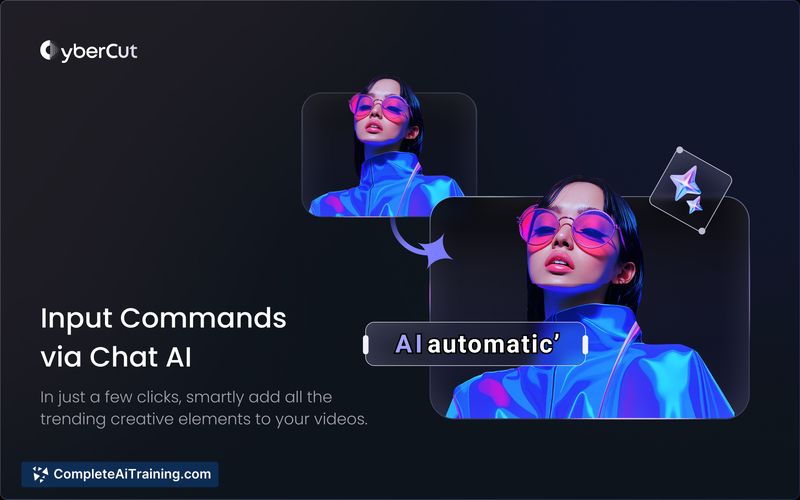
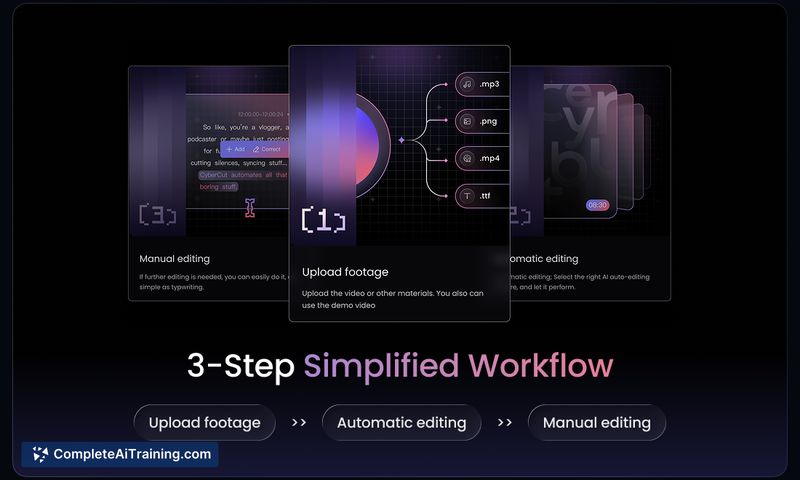
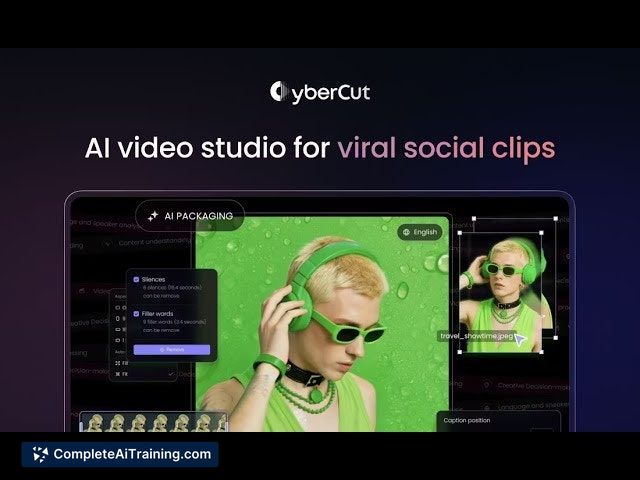
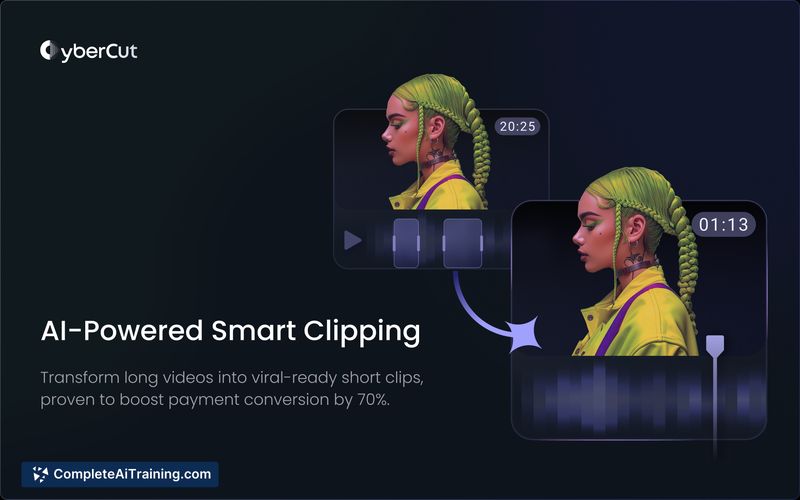
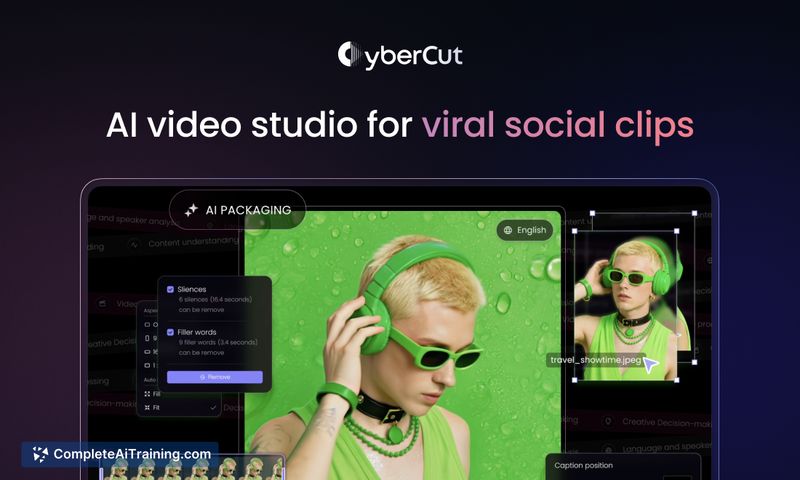
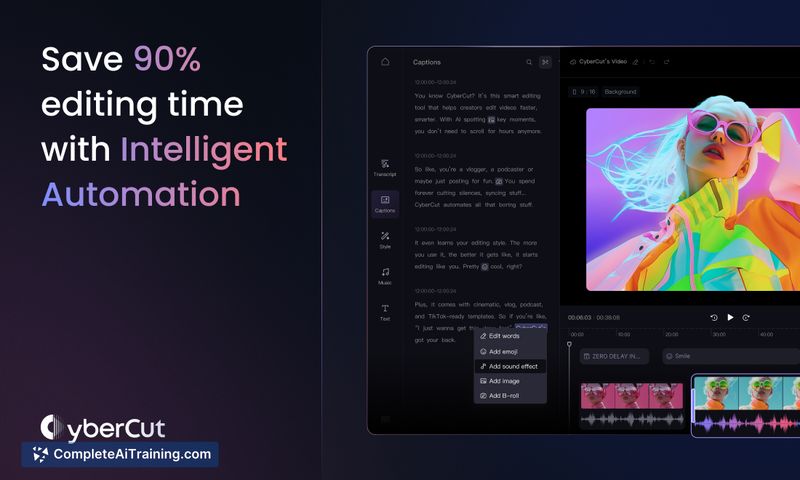
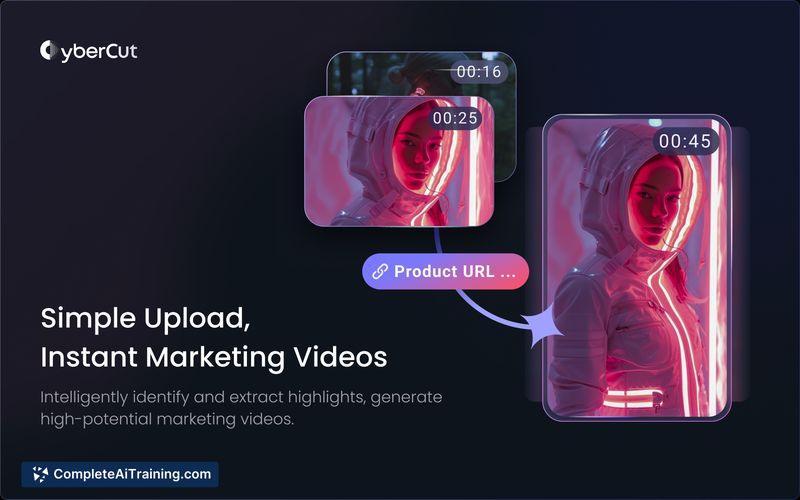
CyberCut AI aims to speed up the process of creating short, shareable videos for social platforms with a marketing-first approach. The interface groups several AI-driven features-smart clipping, text editing, and captioning-into a single workflow that helps creators move from raw footage or an idea to publish-ready clips faster than manual editing alone.
Key Features
- Smart Clips (Long-to-Short): Auto-slices longer footage into highlights and social-ready clips.
- Marketing Video (Script-to-Video): Generates structured marketing videos from scripts or ideas.
- AI Caption: High-precision subtitle generation with WYSIWYG editing for quick tweaks.
- Edit by Text: Text-based editing to cut and refine clips using transcription as the interface.
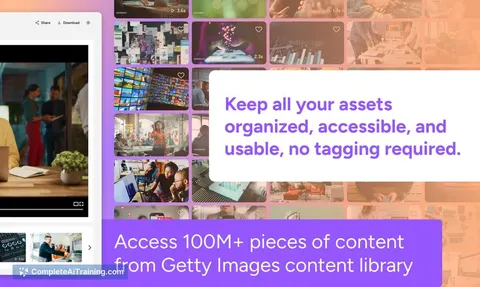
- AI Asset Library & Virtual Try-Ons: A growing library of assets and virtual model try-on features, plus a broader AI toolkit in development.
Pricing and Value
At launch, CyberCut AI is available with a free plan, making it easy to try core functionality without upfront cost. The product roadmap indicates additional features (expanded asset libraries, advanced video generation) that may land in paid tiers later; organizations that need higher usage limits or team features should expect premium plans. For creators and small marketing teams, the main value is time saved on repetitive editing tasks and faster turnaround for short-form promotional content.
Pros
- Saves significant time when repurposing long footage into multiple short clips.
- Script-to-video workflow helps structure marketing-focused content quickly.
- Accurate auto-subtitles with an easy WYSIWYG editor reduce manual caption work.
- Accessible for beginners while offering controls that experienced editors can adjust.
- Active roadmap with planned features like expanded asset libraries and video generation.
Cons
- Smart Clips currently handles footage up to 1 hour, which can be limiting for users with multi-hour recordings.
- Several advanced capabilities (full video generation, larger asset sets, brand templates) are still being rolled out.
- AI suggestions may require extra manual tuning to match specific brand voice or visual identity.
Overall, CyberCut AI is best suited for social creators, small agencies, and marketing teams that need fast, repeatable production of short videos and captions. If your workflow relies on quick clipping, scripted marketing content, and efficient captioning, this tool can cut down editing time while leaving room for custom adjustments.
Jobs CyberCut AI suits
We checked CyberCut AI against 500+ jobs; these get the most out of it.
Alternatives to CyberCut AI
Other tools that do the same main job. Our AI compared CyberCut AI with similar tools and kept the ones you could use instead.