AI tool
DataMorf
DataMorf is an automation platform that streamlines workflows by enabling real-time data transformation, syncing across tools, and automating complex tasks with R-ETL and AI, helping tech enthusiasts build efficient data processes effortlessly.
About DataMorf
DataMorf is an AI-powered data transformation tool that simplifies the process of preparing and cleaning data for analysis. It offers an intuitive interface that enables users to manipulate datasets without requiring extensive coding knowledge. The tool supports a variety of data formats and integrates well with popular data platforms.
Review
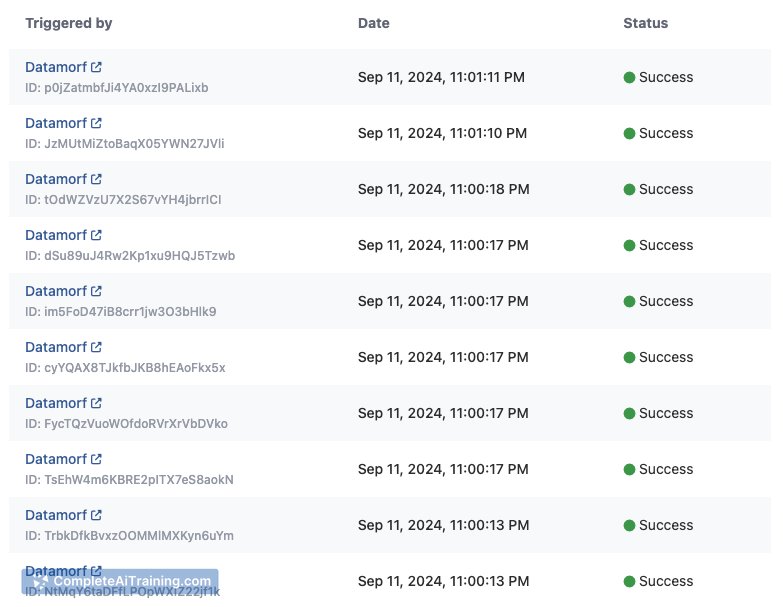
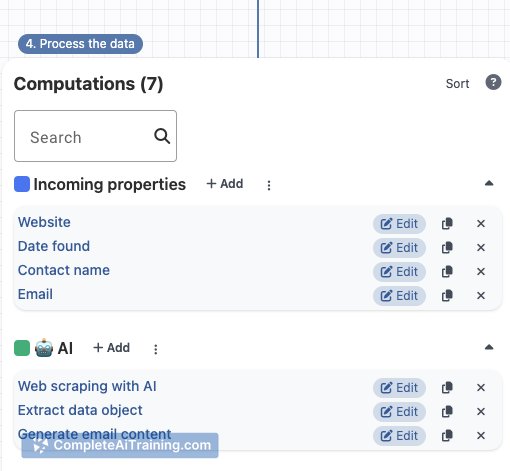
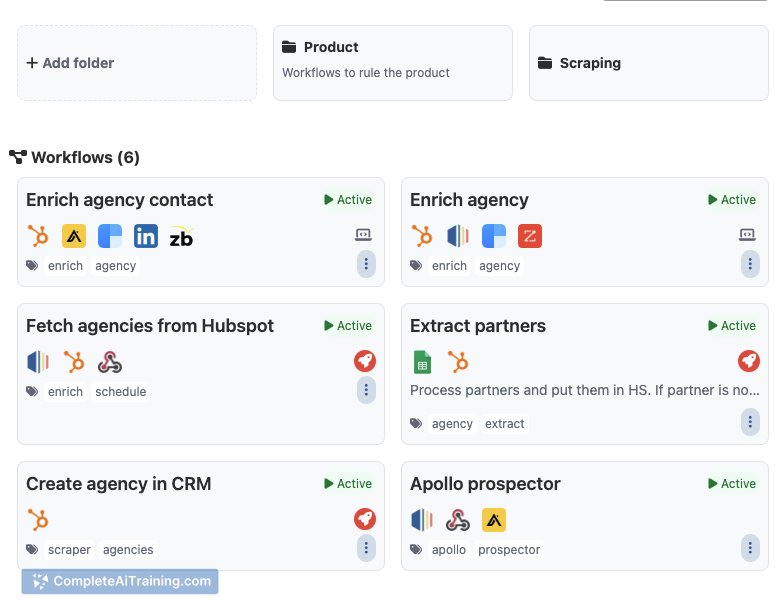
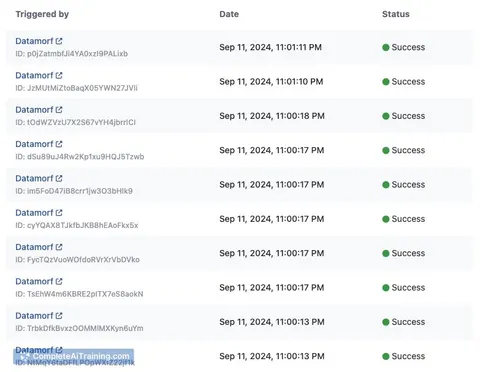
DataMorf provides a user-friendly environment for data professionals and analysts to efficiently transform raw data into structured formats ready for analysis. Its focus on ease of use and automation helps reduce the time spent on repetitive data preparation tasks. While it caters to both beginners and experienced users, the tool balances functionality with accessibility.
Key Features
- Visual data transformation workflows allowing drag-and-drop operations
- Support for multiple data sources including CSV, Excel, JSON, and databases
- Automated data cleaning functions such as deduplication and error detection
- Integration capabilities with data visualization and BI tools
- Export options in various formats suitable for downstream analysis
Pricing and Value
DataMorf offers a tiered subscription model, including a free plan with basic features suitable for small projects or trial use. Paid plans unlock advanced functionalities such as larger data processing limits, priority support, and enterprise integrations. The pricing is competitive for the features provided, making it a reasonable choice for teams looking to streamline data preparation without significant investment in custom development.
Pros
- Intuitive interface that reduces the learning curve
- Wide range of supported data formats
- Strong automation features that save time on routine tasks
- Good integration options with other data tools
- Flexible pricing plans accommodating different user needs
Cons
- Limited advanced analytics or modeling capabilities within the tool
- Some users may find customization options less extensive compared to coding solutions
- Performance can slow down with extremely large datasets
DataMorf is best suited for data analysts and business users who need an accessible way to clean and transform data without deep programming skills. It works well for small to medium-sized datasets and teams looking to improve efficiency in data preparation. For users requiring complex data modeling or handling very large datasets, supplementing with specialized tools may be necessary.
Jobs DataMorf suits
We checked DataMorf against 500+ jobs; these get the most out of it.
Alternatives to DataMorf
Other tools that do the same main job. Our AI compared DataMorf with similar tools and kept the ones you could use instead.