AI tool
dictate.
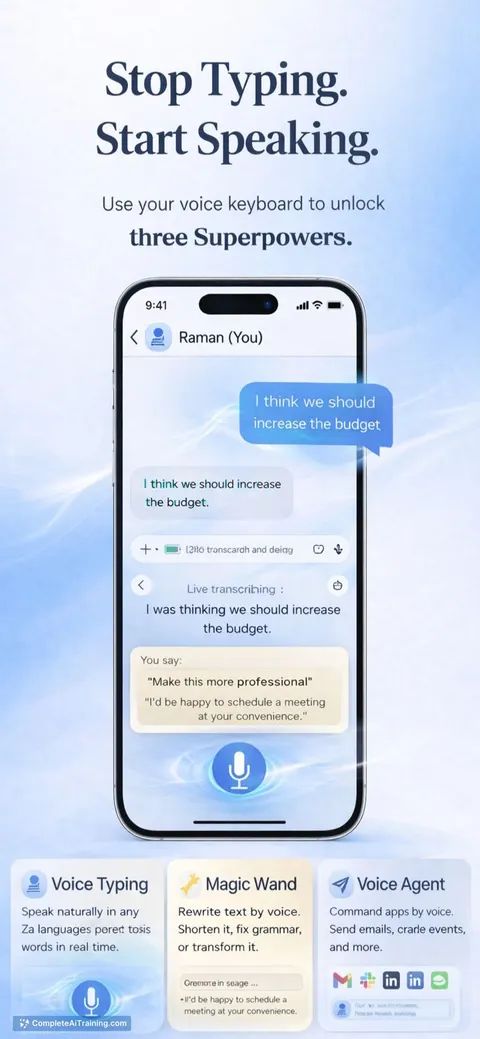
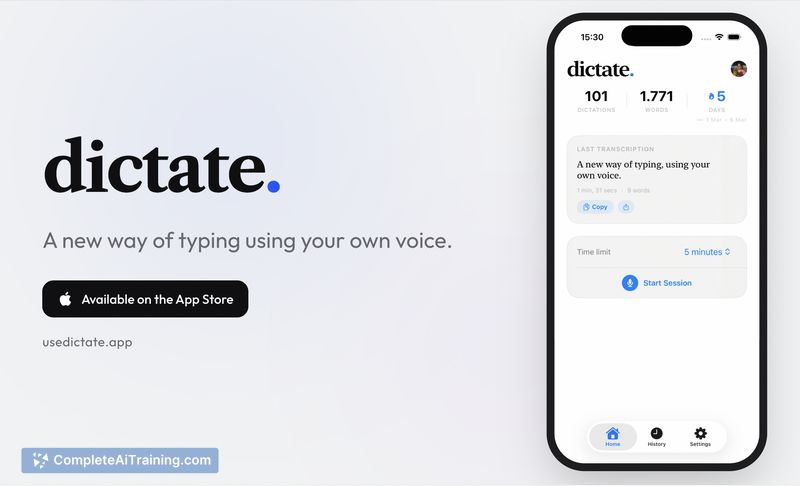
dictate. is a custom iOS keyboard that brings accurate, AI-powered voice typing to every app. Tap the mic to transcribe, auto-punctuate, and translate in real time. Free 70 transcriptions/week; Pro unlocks unlimited use.
About dictate.
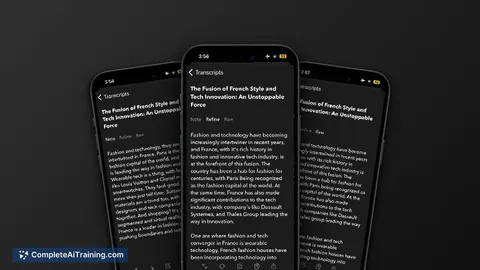
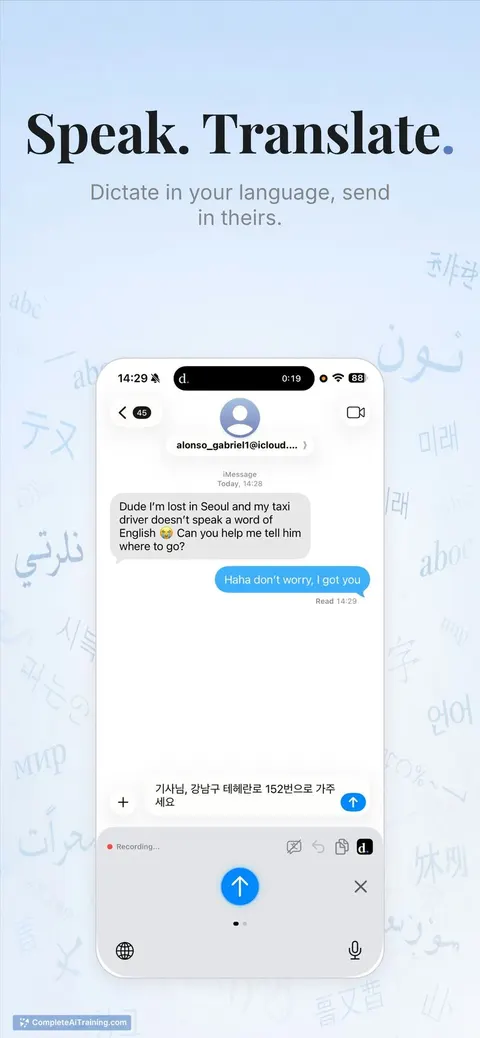
dictate. is a custom iOS keyboard that replaces typing with AI-powered voice dictation. Tap the mic, speak naturally, and text is inserted into Messages, WhatsApp, Mail, Notes or any other app where you type.
Review
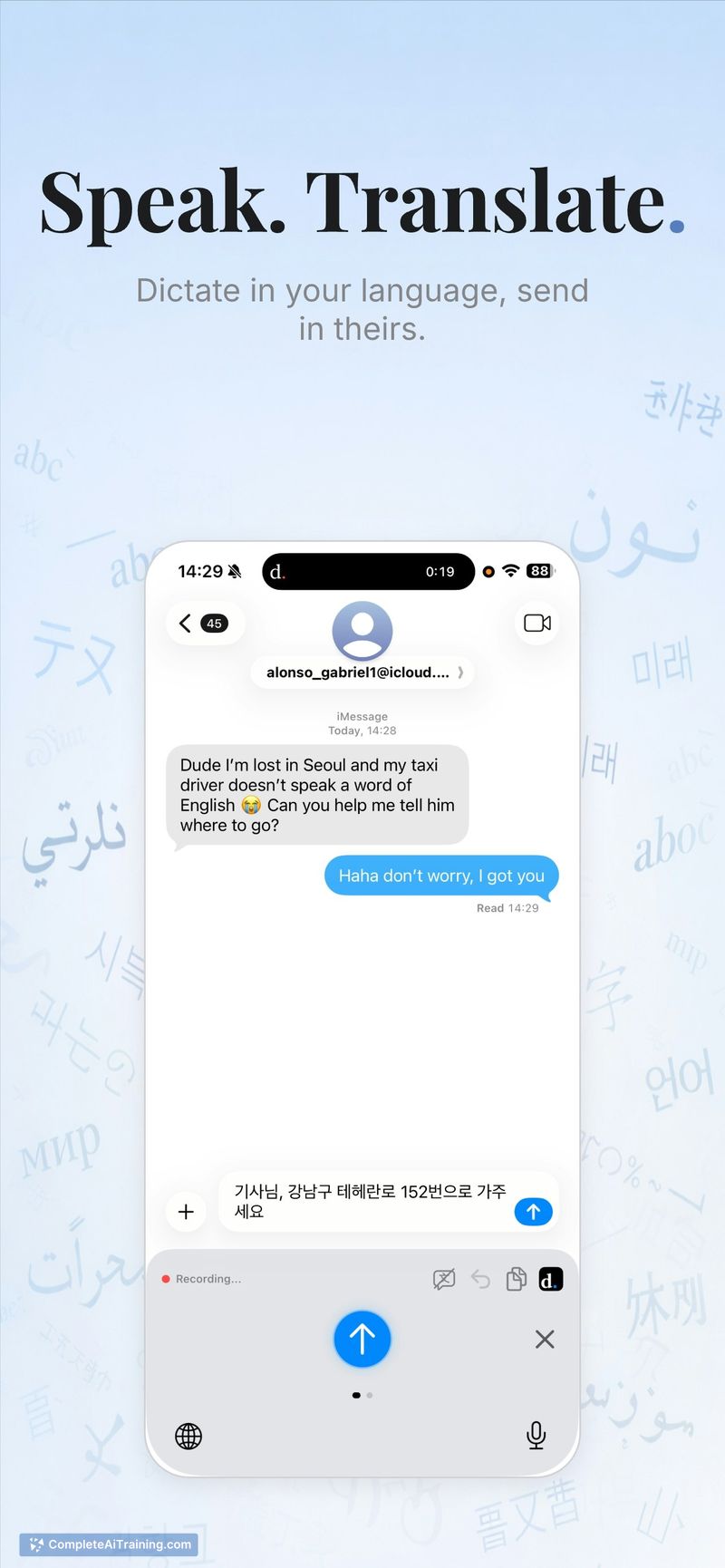
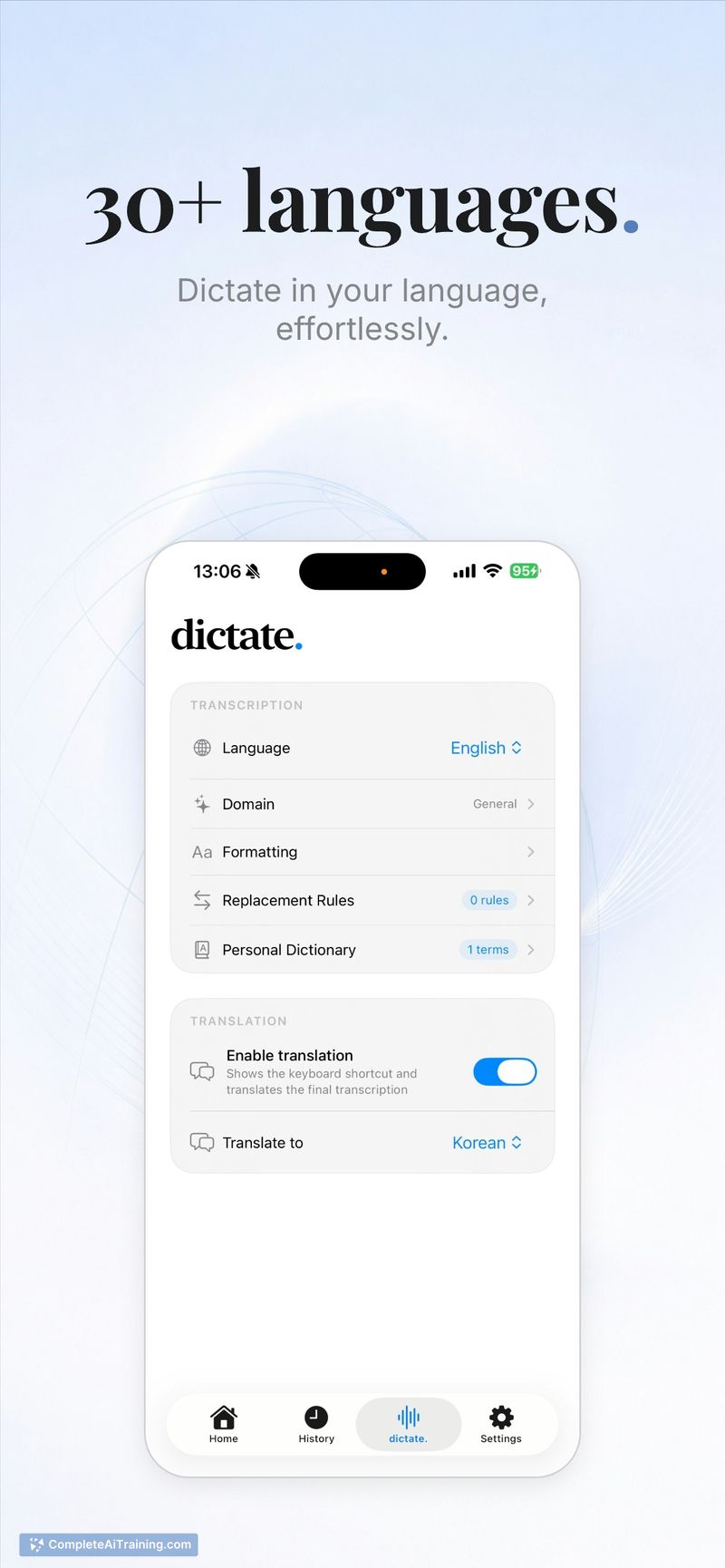
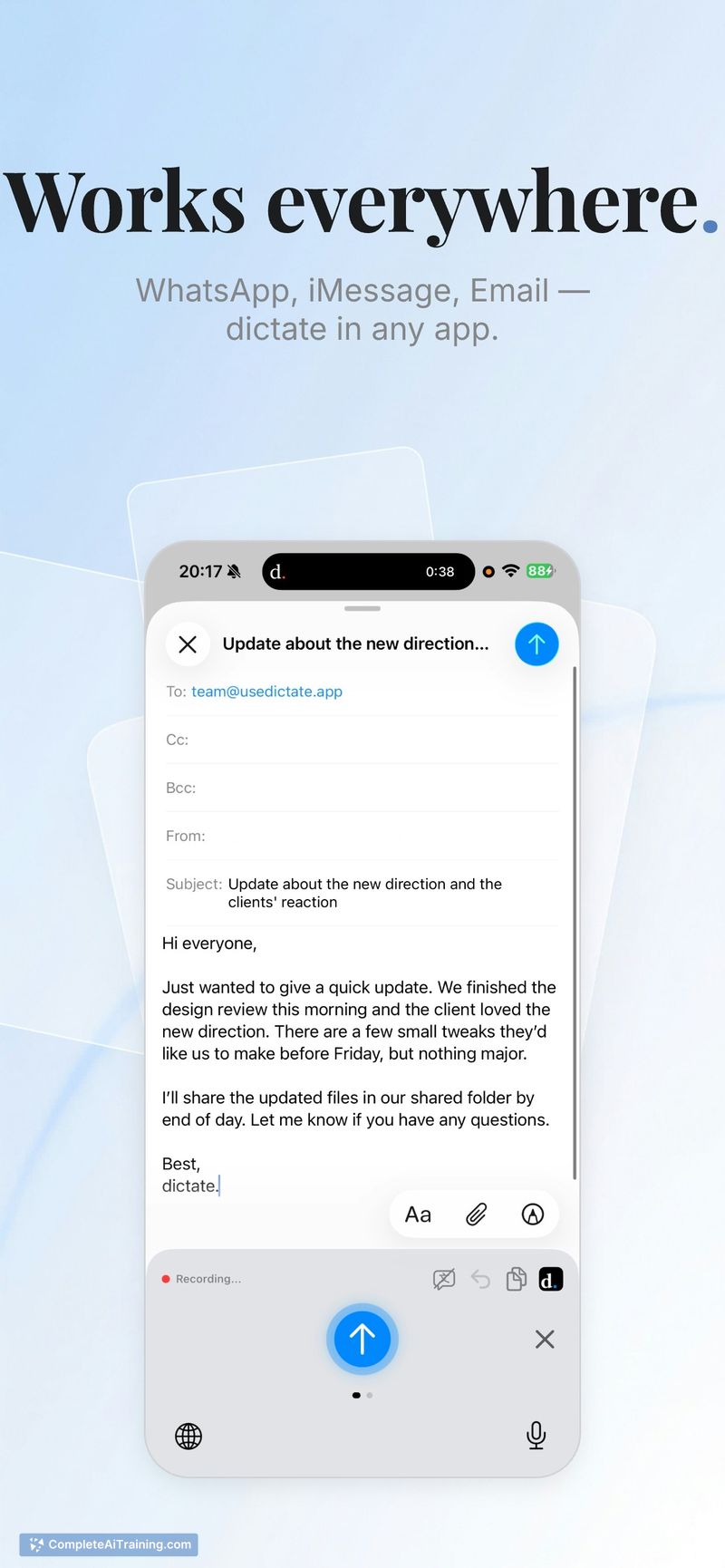
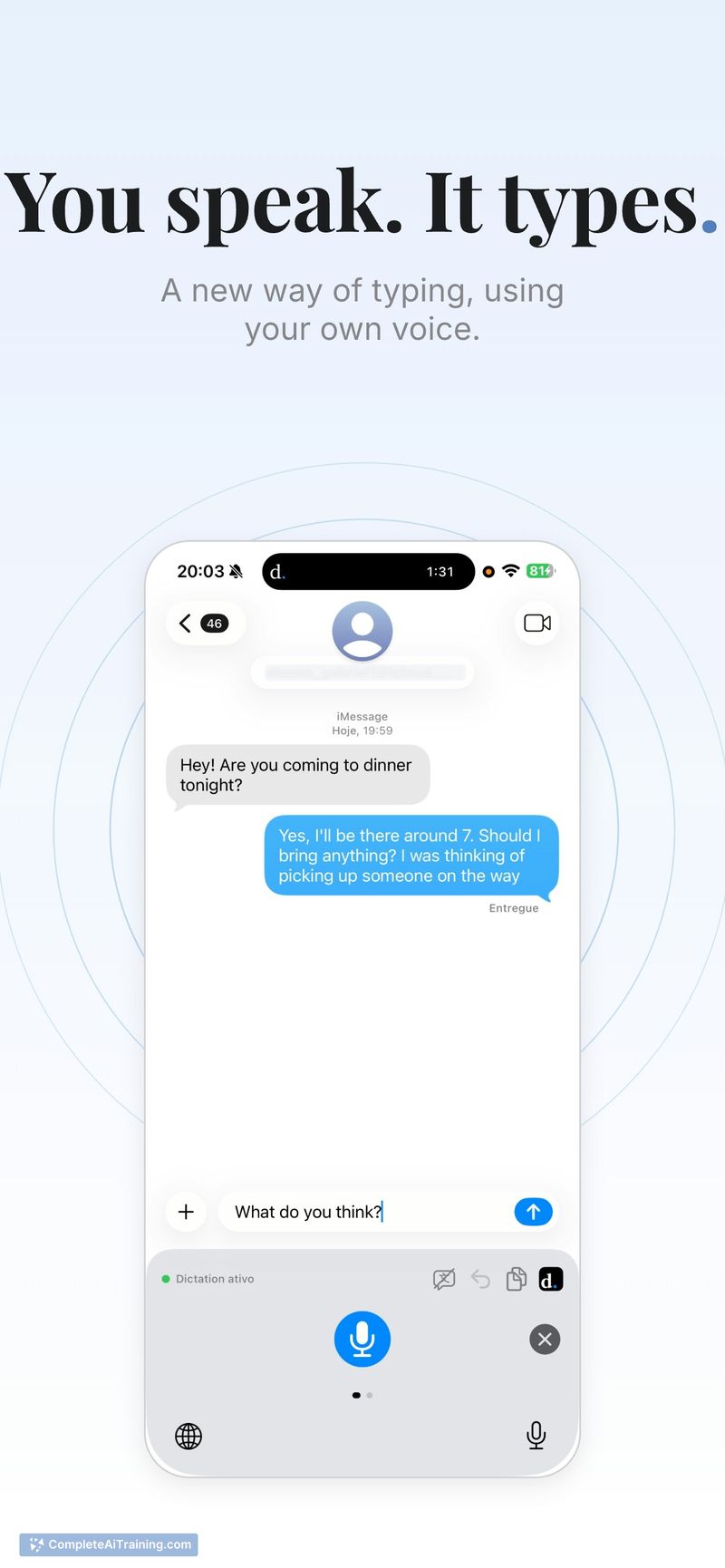
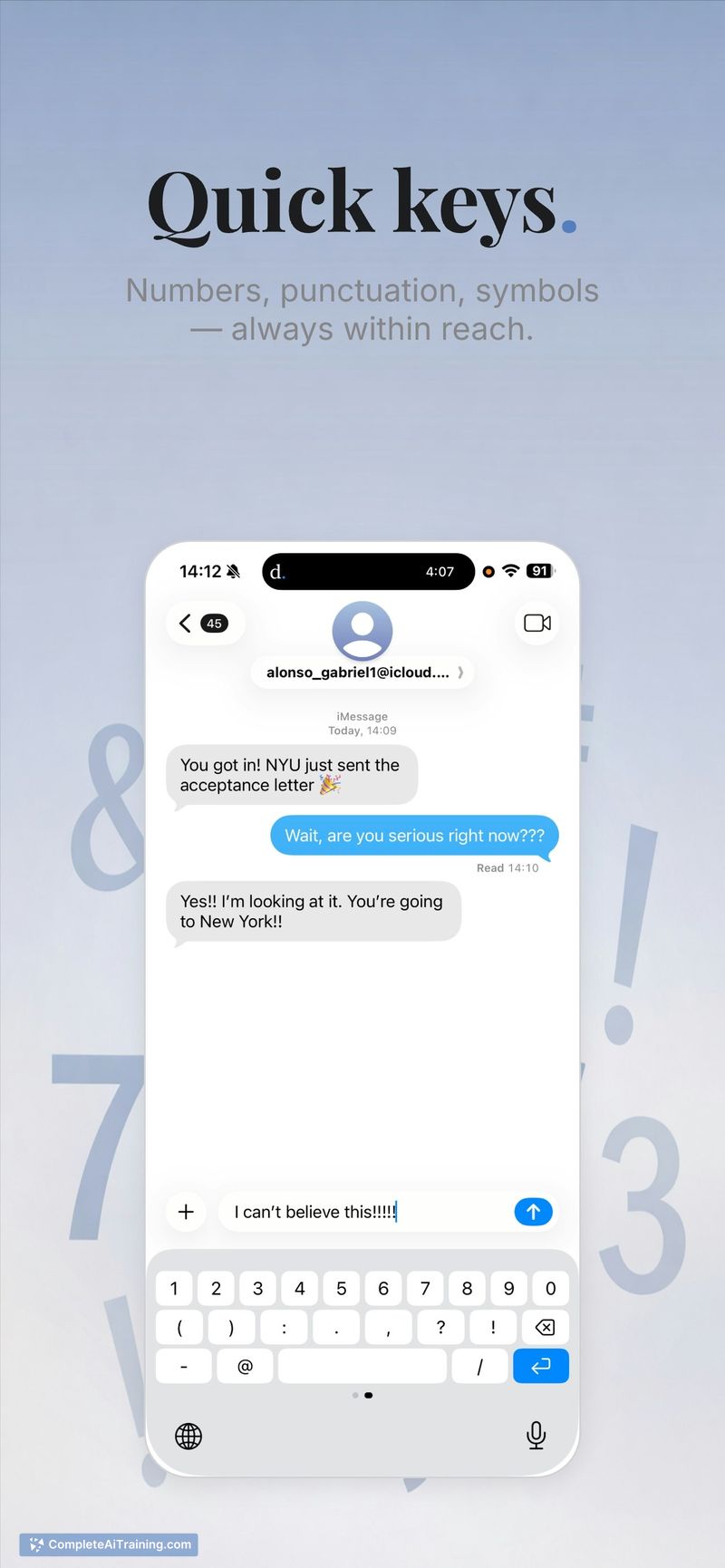
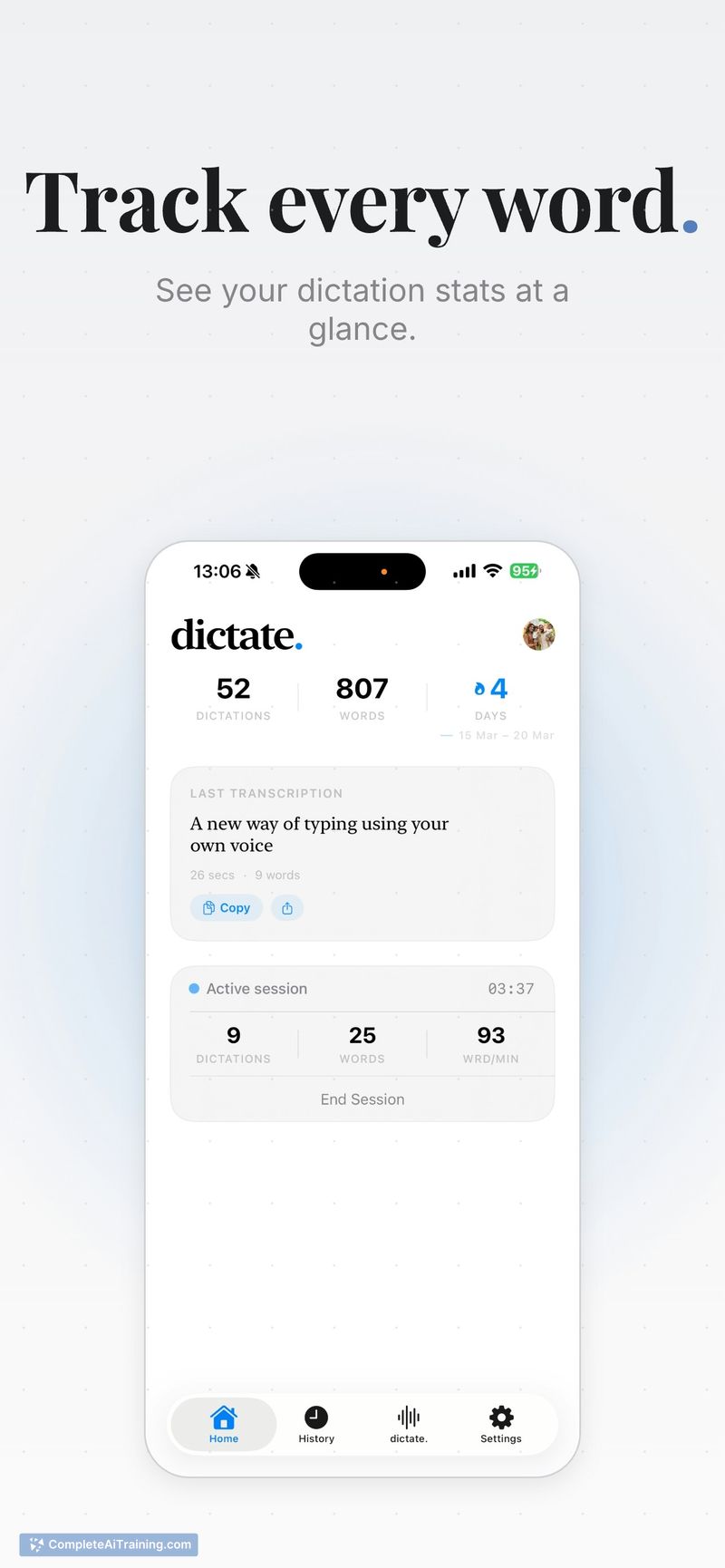
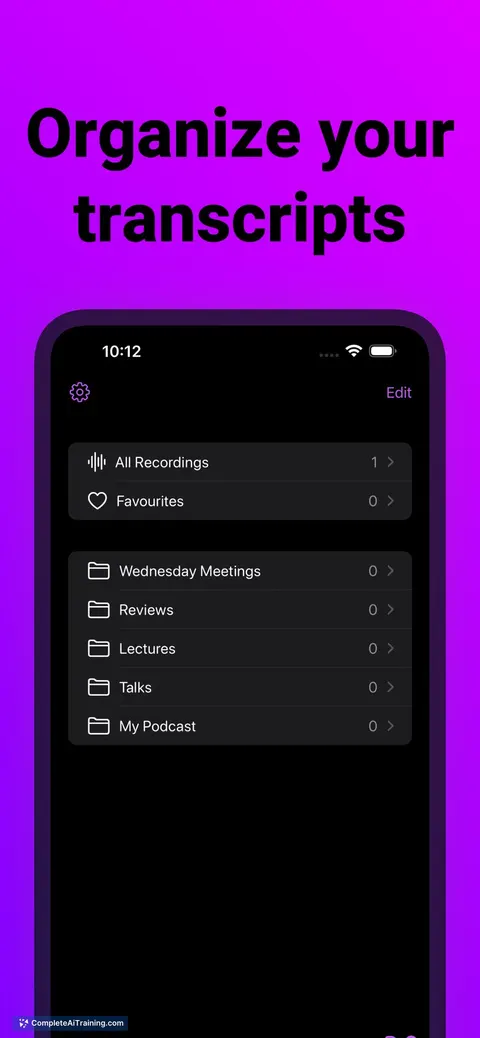
dictate. aims to fill gaps left by built-in voice typing on iOS by offering broader app coverage, live translation, and automatic punctuation and formatting. It emphasizes privacy by deleting audio after transcription and offers a free tier for light users plus a Pro plan for unlimited use.
Key Features
- Custom iOS keyboard that works in every app where you can type.
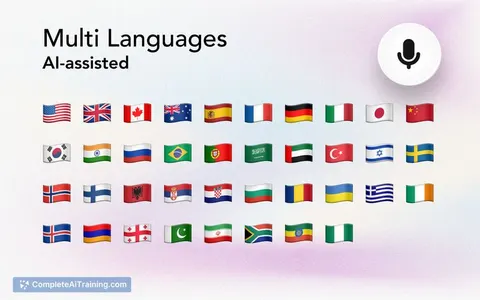
- Support for 30+ languages and real-time translation between languages.
- AI-driven formatting and punctuation so dictated text appears more polished.
- Privacy-first approach: audio is deleted after transcription.
- Free plan with 70 transcriptions per week; Pro plan unlocks unlimited use.
Pricing and Value
dictate. offers a free tier that provides 70 transcriptions per week, which should be sufficient for casual or occasional users. A Pro subscription removes the transcription cap and enables unlimited use and advanced features; this makes sense for people who rely on voice input throughout the day. Given the systemwide integration and translation capabilities, the Pro plan represents good value for frequent dictation users, while the free tier lets you test core functionality before committing.
Pros
- Systemwide keyboard integration means you can dictate in virtually any app.
- Wide language support and live translation help multilingual communication.
- Automatic punctuation and formatting reduce the need for manual edits.
- Privacy-focused policy that deletes audio after transcription.
- Generous free tier lets you evaluate the app without immediate cost.
Cons
- Setup requires enabling a custom keyboard and granting permissions, which may confuse some users initially.
- Accuracy can vary with structured inputs (forms, phone numbers, dates) and may need manual correction in those cases.
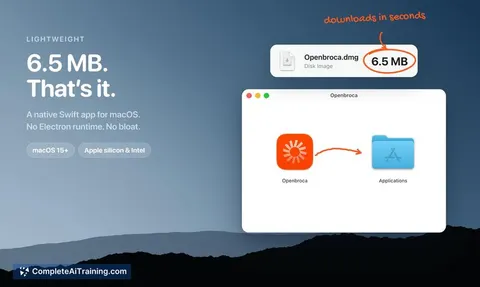
- macOS systemwide support is mentioned as in development, so desktop users must wait for a full release.
Overall, dictate. is a practical choice for people who prefer speaking to typing on iPhone-especially those who need multilingual support or frequent message and email dictation. It fits casual users who want to try a free tier and professionals who would benefit from an unlimited Pro plan and privacy-minded handling of audio.
Jobs dictate. suits
We checked dictate. against 500+ jobs; these get the most out of it.
Alternatives to dictate.
Other tools that do the same main job. Our AI compared dictate. with similar tools and kept the ones you could use instead.