AI tool
Invenio
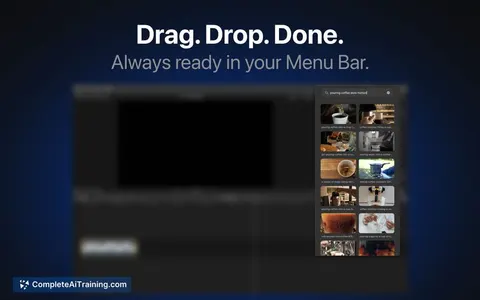
Invenio indexes videos on your Mac locally so you can visually or speech-search moments (e.g., "sunset") and drag clips into Premiere, Final Cut, or DaVinci. Visual search and OCR are free; files never leave your machine.
About Invenio
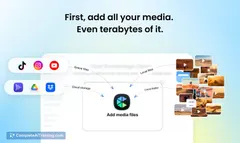
Invenio is a Mac app that provides local AI search for video and photo libraries, letting you find exact frames or moments by describing them in plain language. It runs on-device using the Apple Neural Engine, keeps your files private, and supports large libraries on external drives.
Review


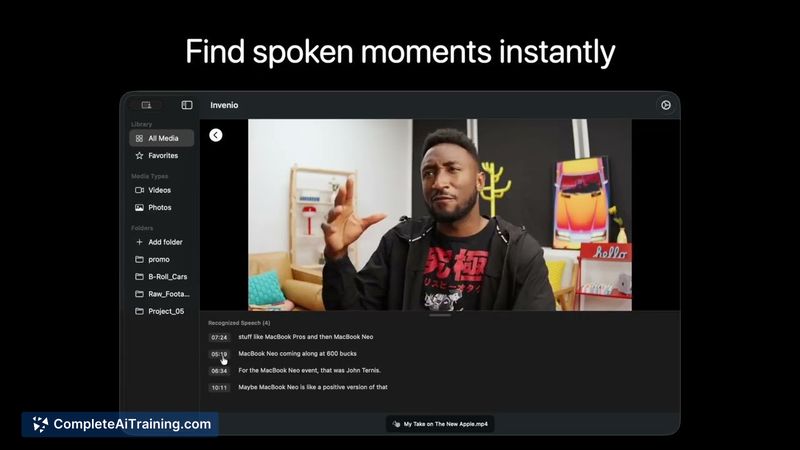
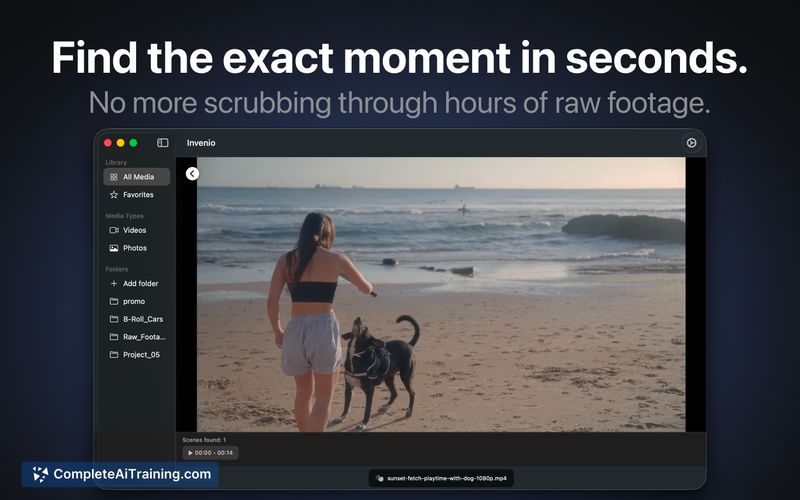
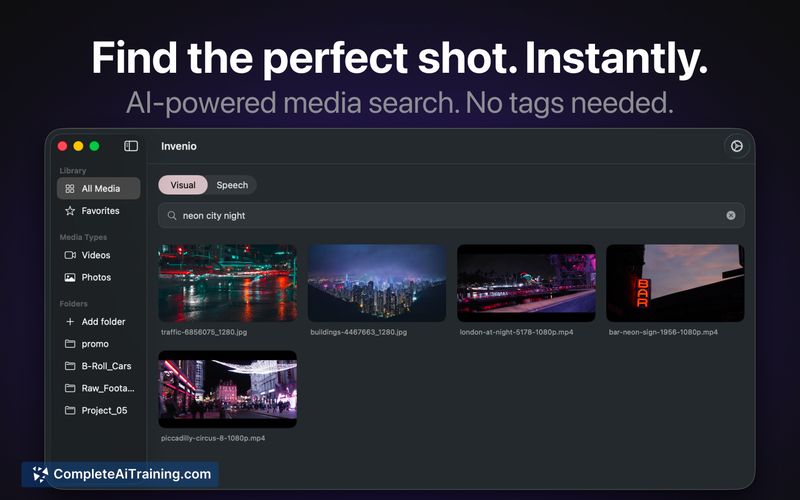
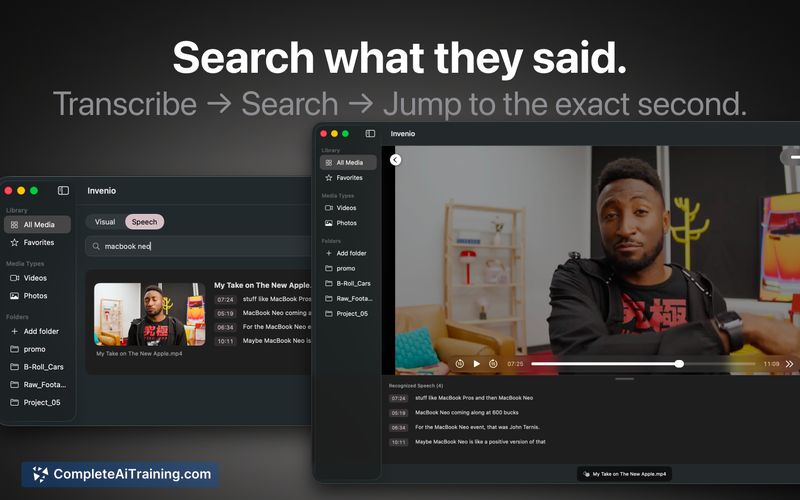
Invenio targets creators and editors who keep terabytes of footage and photos locally and want fast, private search without uploading data to the cloud. The app indexes media on your Mac and lets you search visually, by speech, or with OCR, then drag selected frames directly into editing software.
Key Features
- Visual search: find specific moments by typing descriptions (for example, "man on a bike").
- Speech search: locate spoken words in videos to jump to exact timestamps (Pro feature).
- OCR for images and video frames, available free and unlimited.
- Local indexing that works with TBs on external drives and keeps files on-device (no cloud uploads).
- Drag-and-drop export into Premiere, Final Cut, and DaVinci for quick editorial workflows.
Pricing and Value
Invenio offers free visual search and OCR with no apparent usage caps, which provides strong baseline value for anyone who needs searchable media without cloud uploads. Advanced features such as speech search are part of a Pro tier; exact pricing may vary and the maker has offered promo codes during launch. For users who prioritize privacy and local performance, the free tier covers many daily needs and the Pro tier adds convenience for spoken-word lookup.
Pros
- All processing is local, so media never leaves your Mac and privacy is preserved.
- Fast subsequent searches due to a one-time local index, keeping CPU and battery load low after indexing.
- Works with large libraries and external drives, which suits long-term archival footage.
- Direct integration with common NLEs via drag-and-drop streamlines editorial tasks.
- Visual search and OCR are free and unlimited, providing immediate utility without cost.
Cons
- Mac-only and dependent on Apple Neural Engine, so it won't work on non-Apple systems.
- Initial indexing may take time and, for now, some sync actions require manual triggering.
- Speech search is behind a paid tier and the app is an indie project, so support and feature maturity may evolve over time.
Ideal users are video editors, photographers, and media professionals who store large libraries locally and want fast, private search plus smooth export to editing suites. If you work primarily on Mac and prefer not to upload sensitive footage to cloud services, Invenio offers a practical, privacy-focused solution that can save substantial time during post-production.
Jobs Invenio suits
We checked Invenio against 500+ jobs; these get the most out of it.
Alternatives to Invenio
Other tools that do the same main job. Our AI compared Invenio with similar tools and kept the ones you could use instead.