AI tool
S-Roll
S-Roll is an agentic harness that finds and clips moments in long videos using natural-language prompts. It runs locally on Apple silicon and is for video creators, editors, and researchers who want to search recordings without uploading them.
About S-Roll
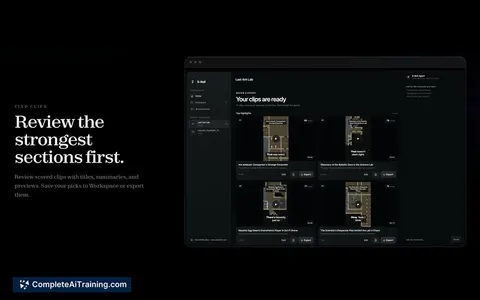
S-Roll is a Mac application that acts as an agentic harness for video understanding. It runs entirely on-device using Apple silicon, processing videos, transcripts, and chats locally without uploading files to external servers. Users open long-form videos-such as podcasts, interviews, or gameplay recordings-and describe the moment they want using natural-language prompts.
Review
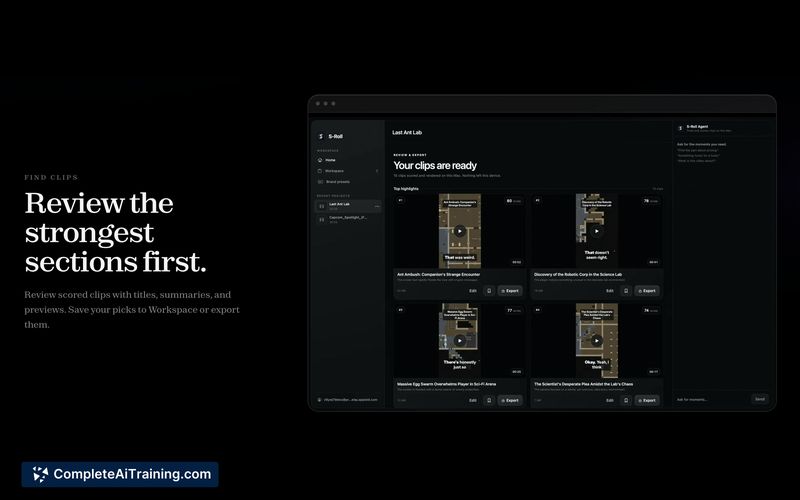
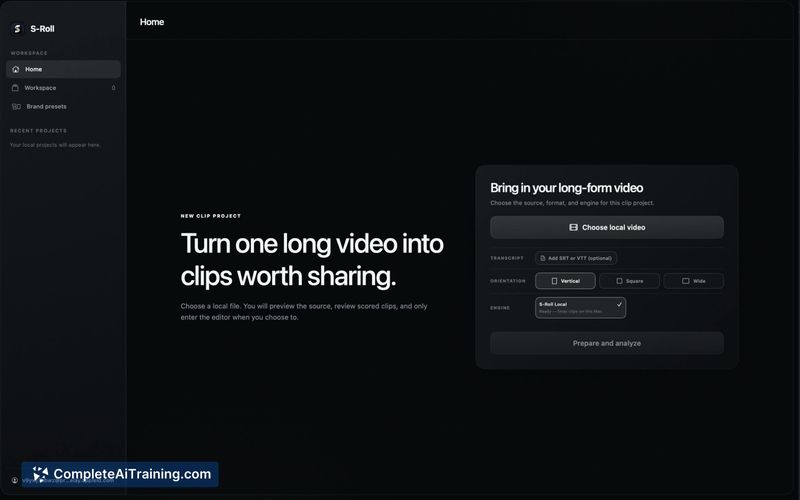
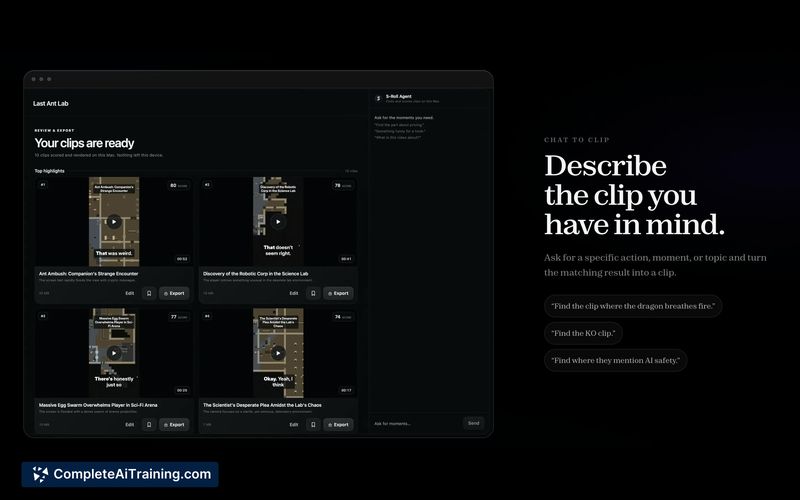
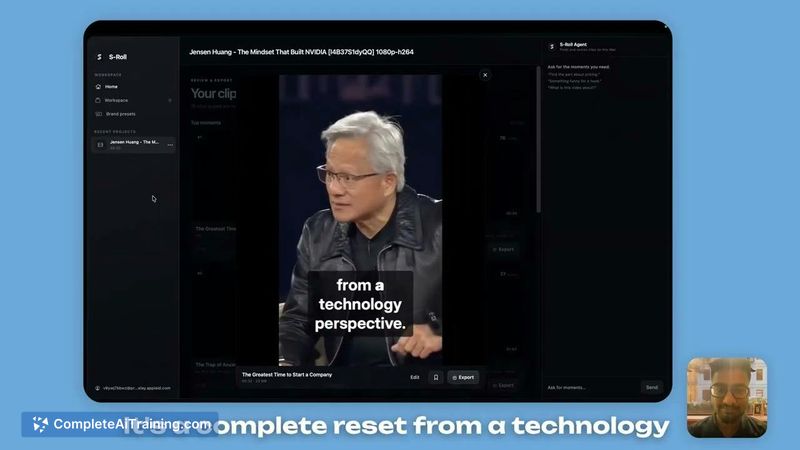
S-Roll takes a conversational approach to video editing. Instead of scrubbing through a timeline, you type what you're looking for and the tool locates the footage, creates clips, and prepares them for export. All processing stays on the Mac, which addresses data privacy concerns for users working with sensitive recordings.
Key Features
- Natural-language clip creation: describe a moment like "Find where they discuss AI safety" and S-Roll locates the relevant segment.
- On-device AI processing: transcription, analysis, and clip generation run locally on Apple silicon without requiring an internet connection after sign-in.
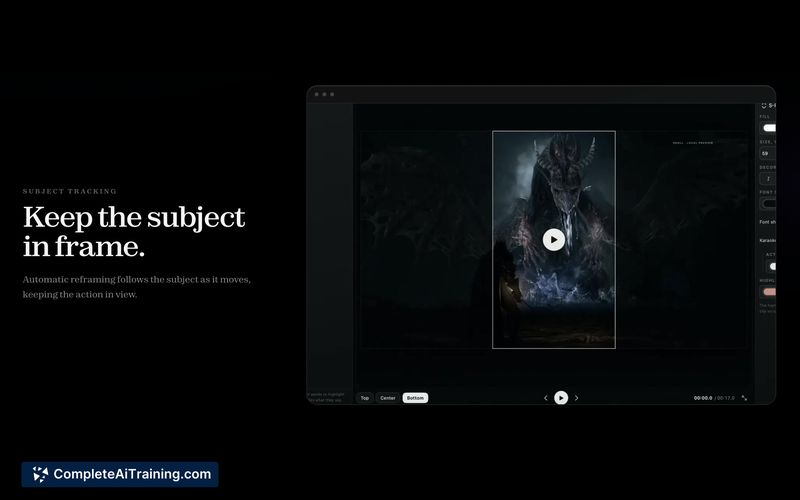
- Subject tracking and shot reframing: the tool can follow a subject within the frame and adjust composition for the exported clip.
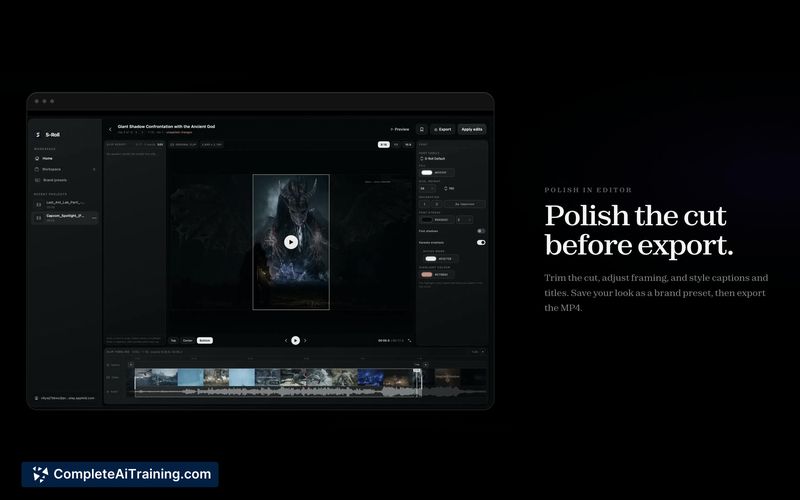
- Built-in editor with captions and titles: trim clips, generate captions, add titles, and export the final result from within the application.
- Format support: S-Roll handles most common video formats. MKV and WebM are listed as not yet supported, with no limits on file length or size.
Pricing and Value
S-Roll is free on the Mac App Store with no watermarks on exported clips. There is no subscription fee and no usage cap. The maker has stated that this release is the first step toward a broader system called Saliency, though details about Saliency's scope and any future pricing remain undefined.
Pros
- Runs entirely on-device, keeping video files and transcripts off cloud servers.
- No usage limits or watermarks on exports in the current free version.
- Accepts natural-language descriptions to find clips, which can reduce manual timeline scrubbing.
- Combines clip discovery, subject tracking, reframing, and captioning in a single application.
- Works offline after initial sign-in, making it usable in environments without internet access.
Cons
- MKV and WebM formats are not supported at this time, which may require file conversion for some workflows.
- The tool is limited to macOS on Apple silicon, so users on Windows, Linux, or Intel-based Macs cannot run it.
- The current feature set is not well suited for teams requiring collaborative review, cloud-based project sharing, or multi-user approval workflows.
S-Roll fits solo creators who work with long recordings on a Mac and want to pull clips through typed descriptions rather than manual scrubbing. It may also appeal to users who handle confidential video and need processing to stay local. Those who rely on collaborative editing platforms or use non-Apple hardware will need to look elsewhere.
Jobs S-Roll suits
We checked S-Roll against 500+ jobs; these get the most out of it.
Alternatives to S-Roll
Other tools that do the same main job. Our AI compared S-Roll with similar tools and kept the ones you could use instead.