AI tool
Project SKY
Project SKY is an ambient desktop companion for Windows that provides real-time screen understanding, voice conversation, and persistent memory across sessions. It is built for developers, designers, and researchers who want AI assistance without ...
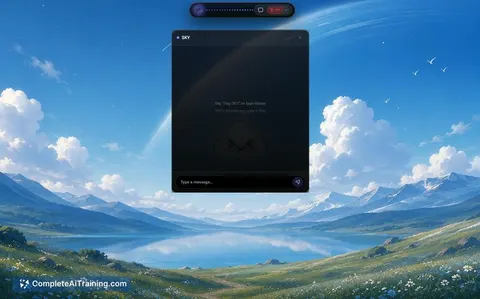
About Project SKY
Project SKY is an ambient AI companion for Windows that operates directly on the operating system rather than inside a browser tab. It combines spatial screen perception, conversational voice interaction, and long-term ambient memory to understand what you're working on across applications. The tool launched this week and is positioned as an AI Workflow Automation product under the OpenClaw category.
Review
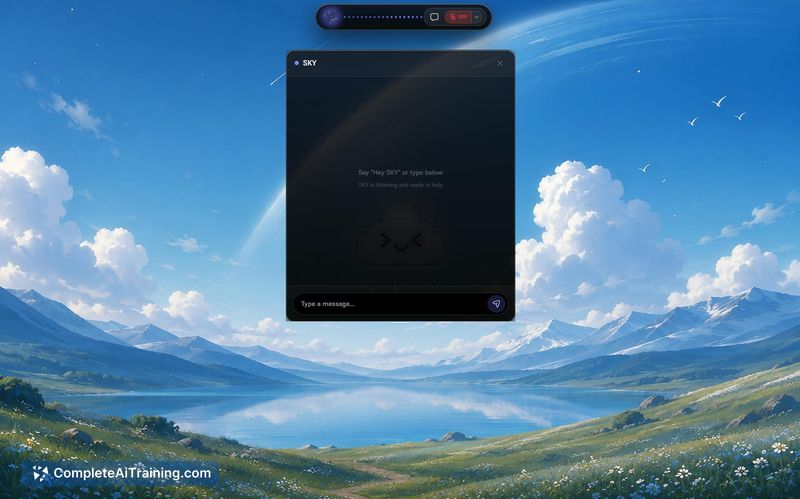

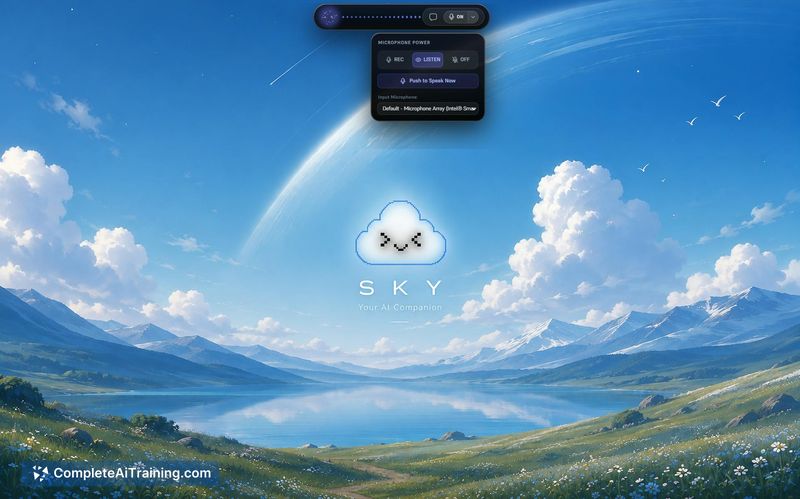
Project SKY addresses a common friction point: AI assistants that require constant context-switching between browser tabs and your actual work. The tool attempts to embed AI assistance directly into the Windows desktop environment. Since it launched this week, this review reflects the initial public release and the maker's stated intentions.
Key Features
- Spatial screen perception - the tool sees your screen in real time and understands what you're working on across all applications
- Circle-style smart selection - a screen analysis feature that lets you circle any area of the screen for instant analysis
- Fluid conversational voice - zero-latency voice interaction for speaking commands naturally
- Long-term ambient memory - retains context across sessions without requiring you to repeat prompts
- Native desktop orchestration - automates desktop workflows and manages voice-driven tasks directly on the OS
Pricing and Value
Project SKY lists "Free Options" as a launch tag, though specific pricing tiers are not detailed in the current product page. The maker describes building the tool to eliminate the need for screenshots, copy-paste, and context re-explanation when using AI assistance. The pricing model appears to be in early definition stages given the recent launch.
Pros
- Operates natively on Windows rather than requiring a browser tab, which reduces workflow interruption
- Circle-to-search screen selection allows direct visual queries without manual screenshots
- Voice interaction with low latency supports hands-free task management
- Persistent memory carries context between sessions, reducing repetitive prompting
- Free options are currently available according to the launch listing
Cons
- As a launch-week product, the feature set may still be maturing and could contain unresolved bugs
- Windows-only availability excludes macOS and Linux users entirely
- Users who prefer browser-based AI tools or work primarily in web applications may not gain enough benefit from an OS-level companion
Project SKY suits Windows users who frequently switch between multiple desktop applications and want AI assistance without leaving their current workspace. It's less appropriate for those who work mainly in browsers or on other operating systems. The tool's value will depend on how well the spatial perception and voice features perform in real-world conditions, which remains to be demonstrated beyond the maker's initial description.
Jobs Project SKY suits
We checked Project SKY against 500+ jobs; these get the most out of it.
Alternatives to Project SKY
Other tools that do the same main job. Our AI compared Project SKY with similar tools and kept the ones you could use instead.