AI tool
Magic
Magic converts any product image into professional content - videos, packshots and UGC - with ~90% first-try success, cutting weeks and costs while ensuring consistent, studio-quality assets for e-commerce brands and marketplaces worldwide.

About Magic
Magic is an AI-driven video editor focused on placing products into real filmed footage using a large library of templates. Users upload their product images, pick from 350+ templates set in real locations, and receive finished videos with consistent logo clarity and color accuracy.
Review
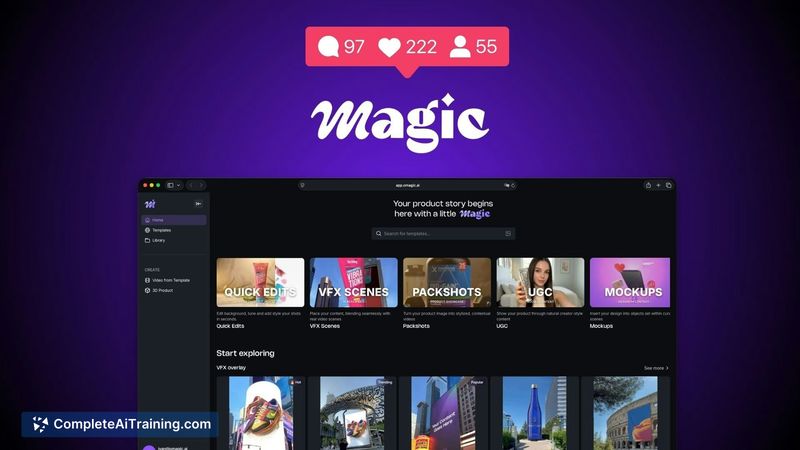

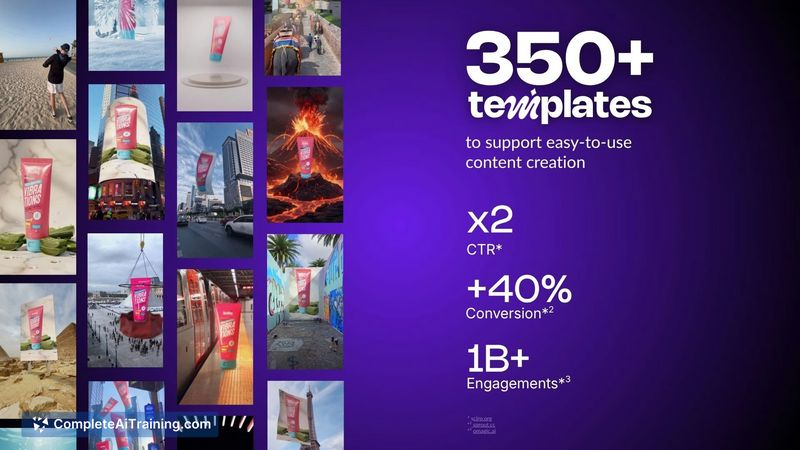
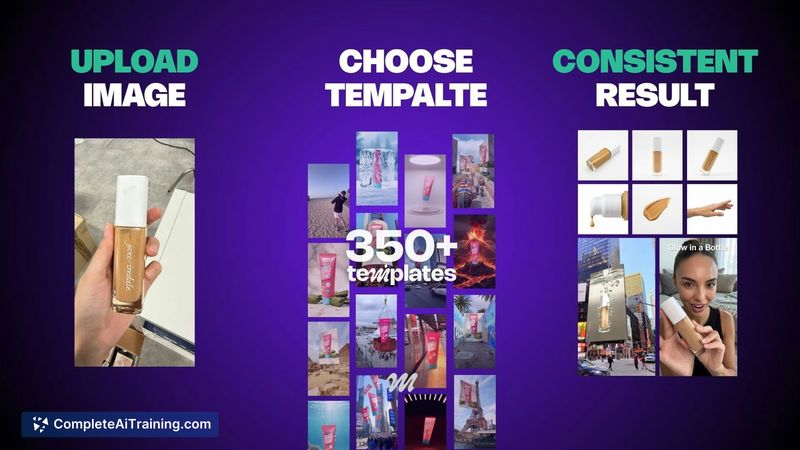
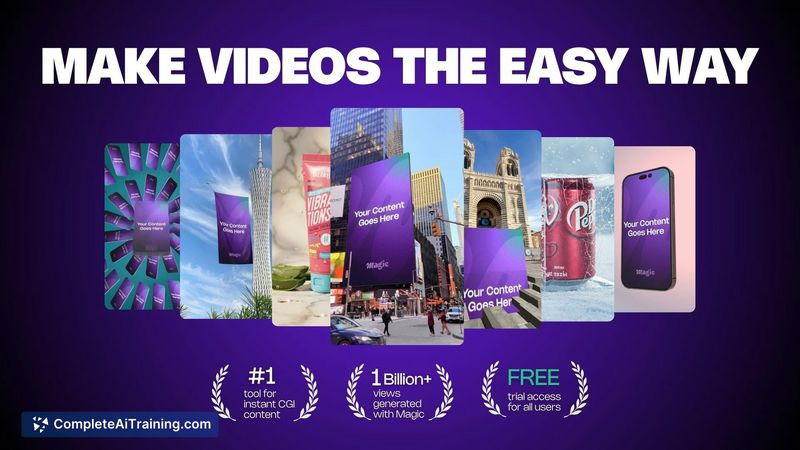
Magic targets teams that need fast, repeatable product videos without the time or cost of on-location shoots. By layering digital content onto real footage, it aims to reduce common AI artefacts and deliver predictable outputs for marketing and product presentation.
Key Features
- 350+ templates that place products into filmed locations (city and landmark backdrops).
- Workflow: upload an image, choose a template, and generate a finished video with minimal tweaking.
- Outputs optimized for sharp logos and accurate color reproduction for consistent branding.
- Templates for packshots, UGC-style clips, and short promotional videos suited to e-commerce.
- Low entry price model that supports rapid iteration for multiple creative variants.
Pricing and Value
Pricing starts from roughly $1 per video, indicating a pay-per-output model that scales with use. For teams that previously spent on agency shoots, Magic can offer a much lower per-video cost and faster turnaround. Prospective users should review privacy and content-ownership terms before uploading assets, as those details affect legal and operational value.
Pros
- Fast production cycle that shortens time from asset to finished video.
- Affordable per-video pricing compared with traditional studio work.
- Consistent, predictable visual results thanks to working with real footage rather than fully generated scenes.
- Large template library enables quick A/B testing and multiple creative variants.
- Good fit for product-focused marketing where clear branding and color fidelity matter.
Cons
- Site navigation and category browsing can feel cluttered, making template discovery slower for some users.
- Documentation on privacy, image storage, and generated-content ownership could be clearer.
- Occasional upload quirks and a minority of projects may need a second pass to reach the desired result.
Ideal users are e-commerce teams, marketing groups, and small companies that need many product-in-place videos quickly and affordably. For campaigns requiring bespoke storytelling, highly custom visuals, or strict legal assurances, it's worth testing the tool and confirming terms before scaling budget. Overall, Magic is a strong option for teams prioritizing speed, consistency, and cost-effective iteration.
Jobs Magic suits
We checked Magic against 500+ jobs; these get the most out of it.
Alternatives to Magic
Other tools that do the same main job. Our AI compared Magic with similar tools and kept the ones you could use instead.