AI tool
MockPilot
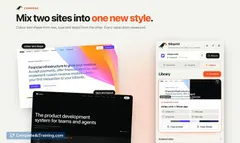
MockPilot helps product managers create editable UI mockups from any webpage. It extracts the site's design system to generate new layouts based on plain English descriptions. Users can export the HTML or screenshots for developer handoff.
About MockPilot
MockPilot is a desktop application that converts live webpages into editable mockups. It extracts design elements like typography, colors, and icons directly from a URL to build a reusable asset library. Users modify these captured pages using natural language prompts without needing external design software or coding skills.
Review
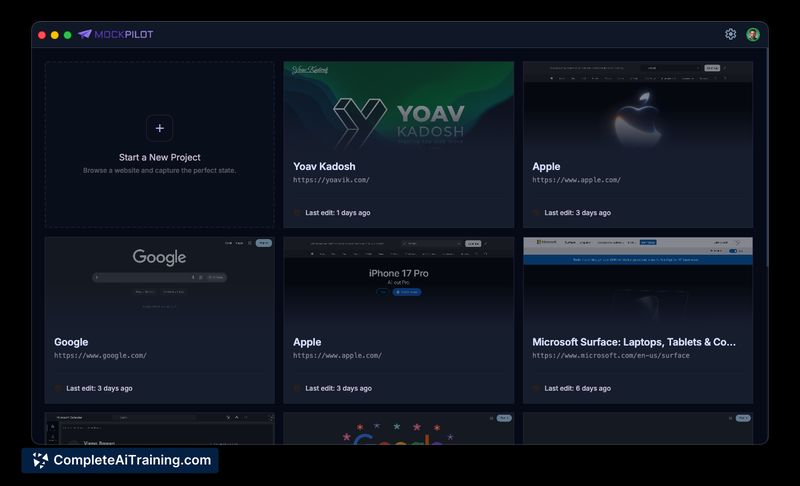
This tool targets product managers and developers who need to visualize UI changes quickly. It bypasses traditional design workflows by generating static, editable representations of existing websites. The application runs locally, keeping all captured data on the user's machine.
Key Features
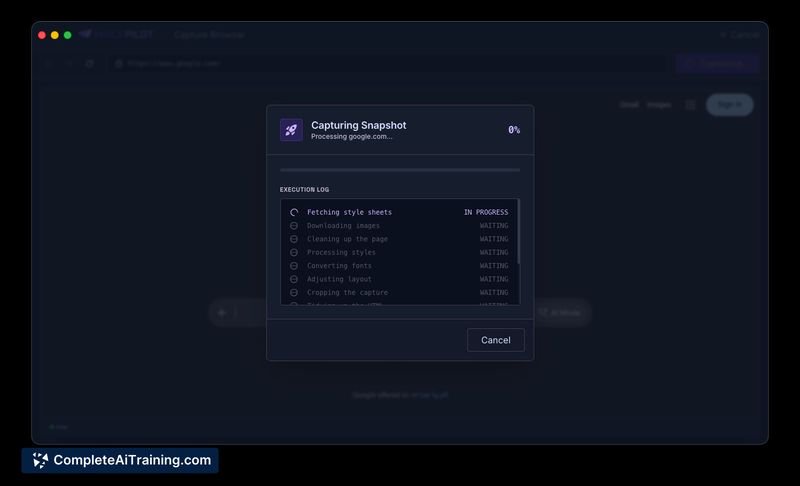
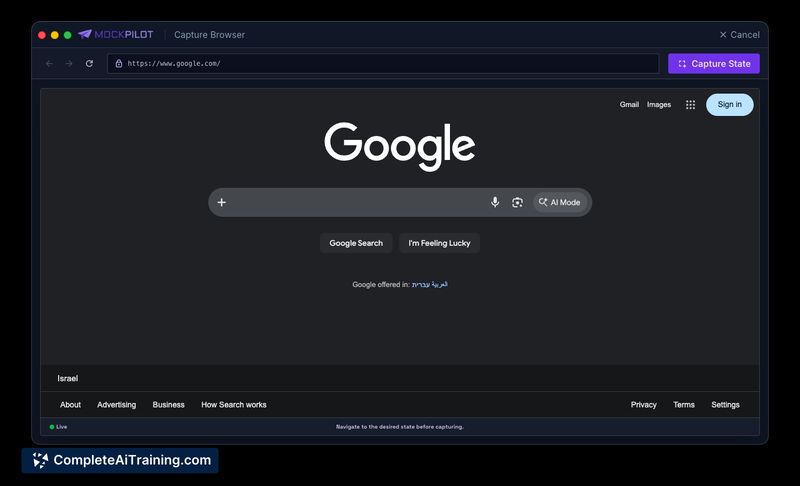
- Local Capture Browser: Users interact with a live webpage, scrolling to load dynamic content before capturing a static version.
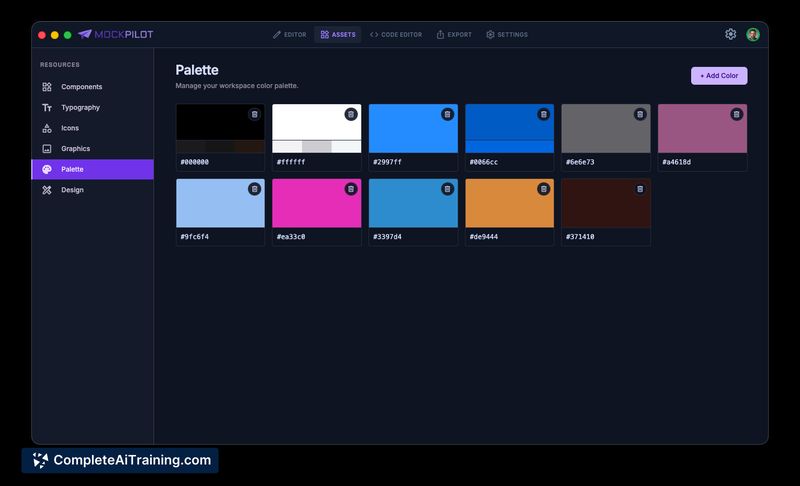
- Asset Library Extraction: The system automatically pulls typography, colors, components, and icons from the captured URL.
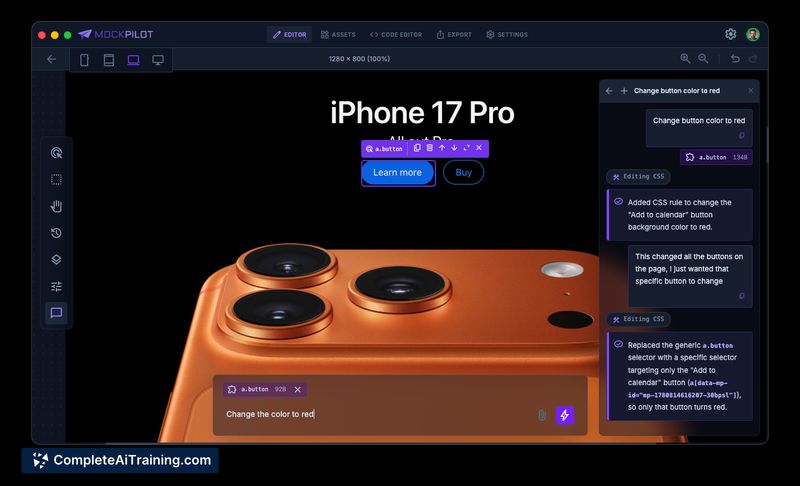
- Natural Language Editing: Users type plain English instructions to modify the mockup, and the AI applies changes using the extracted on-brand assets.
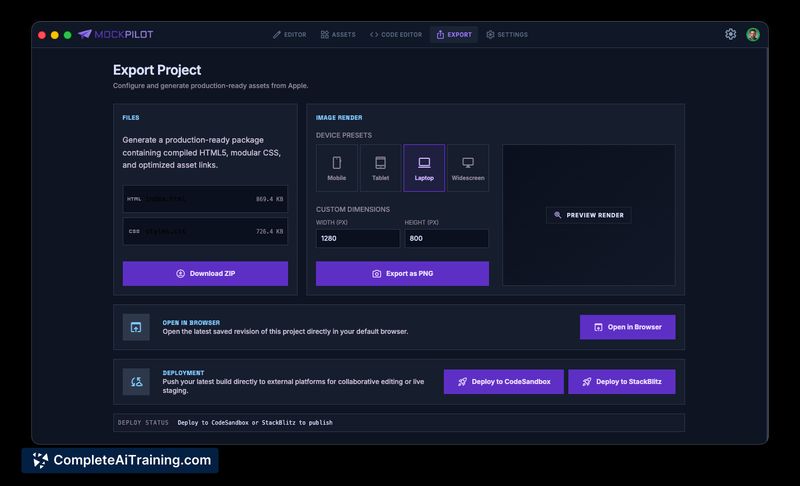
- HTML Export: The tool outputs clean, standalone HTML and CSS, removing redundant attributes and JavaScript.
Pricing and Value
MockPilot is free and open source. It requires a GitHub account to access free LLM models via GitHub Copilot. The desktop application is available for both macOS and Windows environments.
Pros
- Captures remain strictly local, which addresses data privacy concerns for internal product screens.
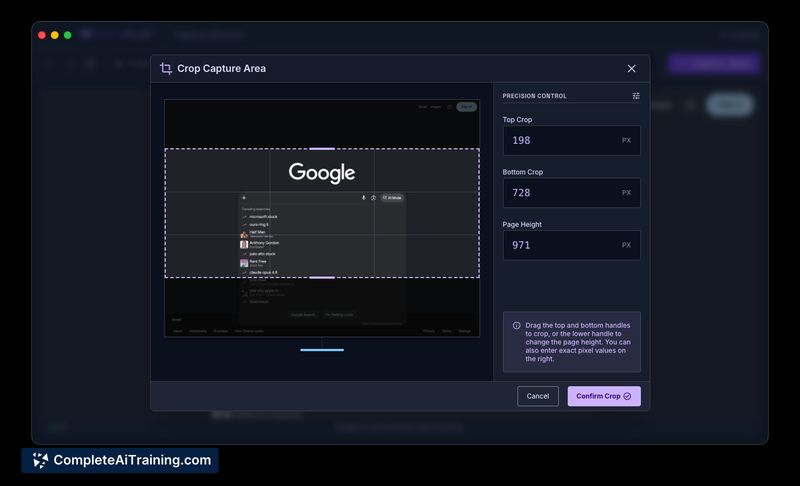
- The built-in crop tool allows users to adjust the height and isolate specific page components after capture.
- Exported markup retains the semantic structure of the original website.
- It removes the need for external design software when drafting simple UI tweaks.
Cons
- The application generates static captures, meaning complex scroll animations or heavy client-side rendering require manual positioning before capture.
- Features like exporting directly to Figma or pulling components from external component banks remain on the roadmap and are not currently available.
- This tool is not well suited for teams requiring fully functional, backend-connected prototypes rather than visual HTML representations.
MockPilot serves best as a rapid prototyping utility for product managers and frontend developers. It improves communication during early feature specification by turning abstract ideas into tangible, on-brand visual artifacts. Teams seeking a quick way to draft UI adjustments without learning complex design tools will find it functional for their workflow.
Jobs MockPilot suits
We checked MockPilot against 500+ jobs; these get the most out of it.
Alternatives to MockPilot
Other tools that do the same main job. Our AI compared MockPilot with similar tools and kept the ones you could use instead.