AI tool
PopAir
PopAir is a native macOS AI assistant: ultra-fast, low-RAM, context-aware. Trigger AI from any app with a double-Option shortcut, access multiple models under one subscription, and record/transcribe/summarize meetings instantly.
About PopAir
PopAir is a native macOS AI copilot that consolidates multiple large language models and tools into a single app. It emphasizes low memory usage by relying on SwiftUI and provides system-wide utilities like OCR, translation, and a quick-access Magic Panel.
Review
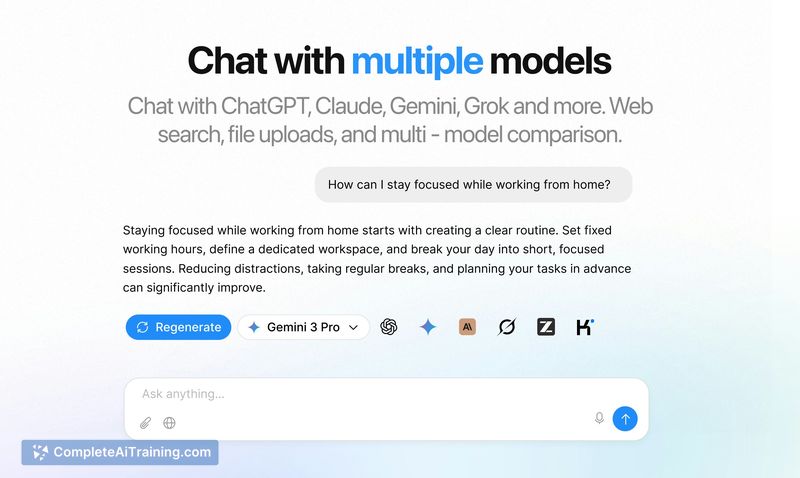

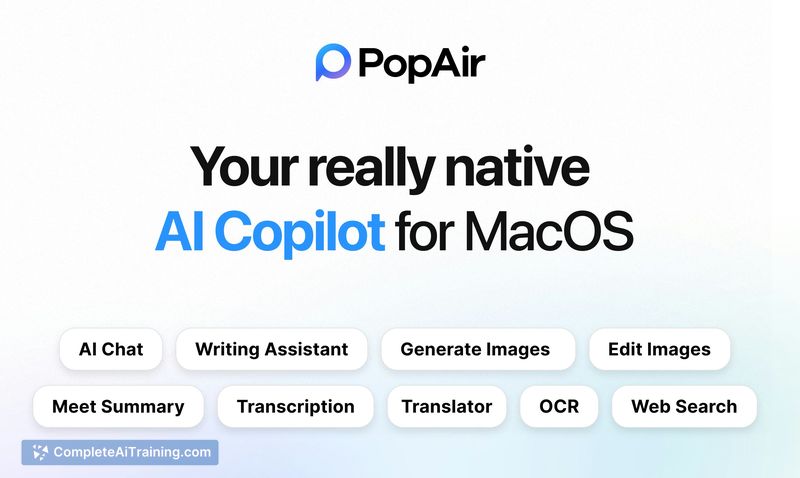
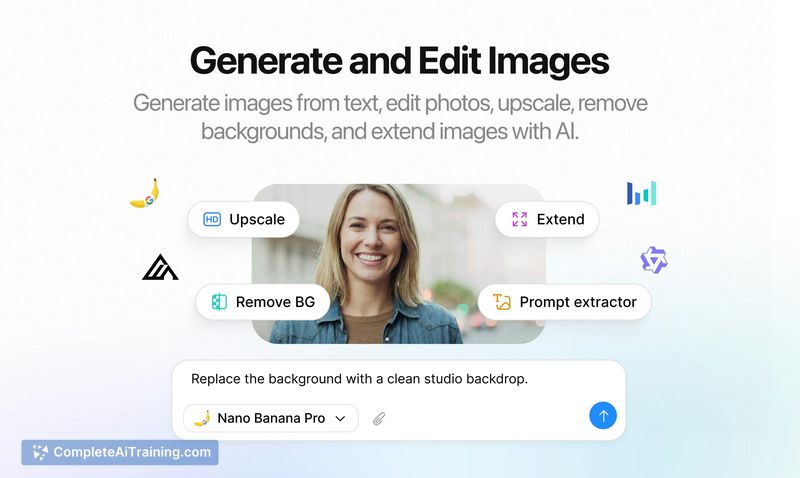
PopAir focuses on bringing several AI models - GPT, Claude, Gemini and others - into one unified interface for macOS users. Its native design targets responsiveness and lower RAM consumption compared with many Electron-based alternatives, while adding features for meetings, image work, and in-place text actions.
Key Features
- Unified model hub: Access multiple models (GPT, Claude, Gemini, DeepSeek) from one place without switching apps.
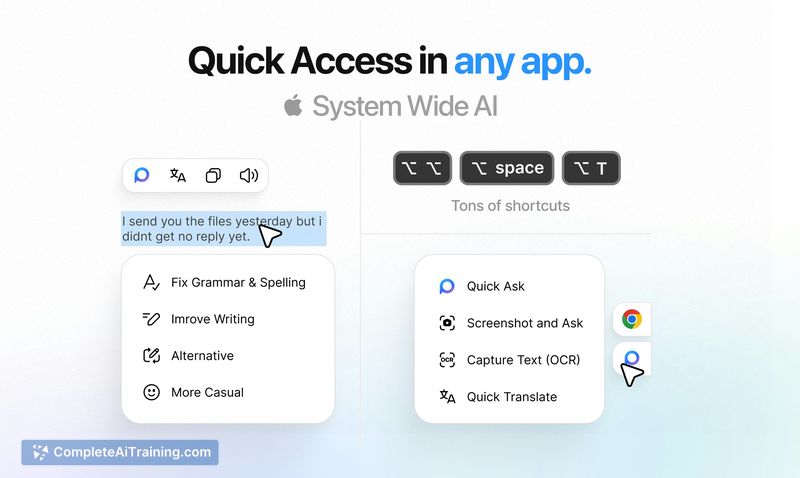
- Magic Panel (⌥⌥): Double-tap Option to act on selected text in any app for translation, rewriting, OCR and more.
- Smart Meetings: One-click recording, transcription, and AI-generated summaries for meeting notes.
- Image Studio: Generate, edit and upscale images directly inside the app.
- Context-aware tools: Features like "Ask with Window" let the app analyze the active screen or video content for faster results.
Pricing and Value
PopAir is offered under a single subscription that unlocks the integrated multi-model experience and advanced features such as Smart Meetings and Image Studio. The product page indicates that free options are available for limited use, making it possible to evaluate core functionality before subscribing. For macOS users juggling multiple AI services or heavy browser-based workflows, consolidating access into one subscription can reduce overlap and simplify billing.
Pros
- Native macOS build with lower RAM footprint compared with many Electron apps.
- Centralized access to several leading models, reducing the need to jump between services.
- Convenient system-wide Magic Panel for quick, in-place AI actions without leaving the current app.
- Integrated meeting tools and image editing workflow that cover common content tasks.
Cons
- macOS-only: unavailable for Windows or Linux users, limiting cross-platform teams.
- Full feature set requires a subscription, which may not suit occasional users who prefer per-use billing.
- Some features depend on external model providers and cloud services, which can affect privacy expectations and availability.
PopAir is best suited for macOS users who want a single, responsive app to handle chat, transcription, quick text actions, and image tasks without juggling multiple browser tabs. It fits well for knowledge workers, content creators, and anyone who values in-place AI helpers and lower memory usage on their Mac.
Jobs PopAir suits
Useful in almost any job. We checked PopAir against 500+ jobs; these get the most out of it.
Alternatives to PopAir
Other tools that do the same main job. Our AI compared PopAir with similar tools and kept the ones you could use instead.