AI tool
Prompter
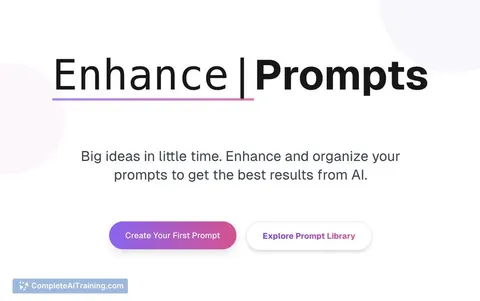
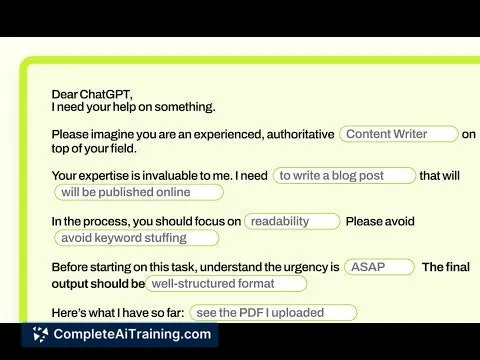
Prompter is a Chrome extension that transforms vague inputs into clear, effective AI prompts by adding your personal context—goals, tone, and project details—so you get smarter, more relevant AI responses instantly.
About Prompter
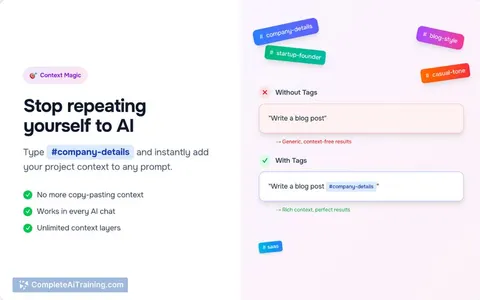
Prompter is a browser extension that helps users create more effective AI prompts by incorporating personal goals, tone, and project details. It transforms rough ideas into clear, context-rich prompts that improve the quality of responses from popular AI platforms like ChatGPT and Claude.
Review
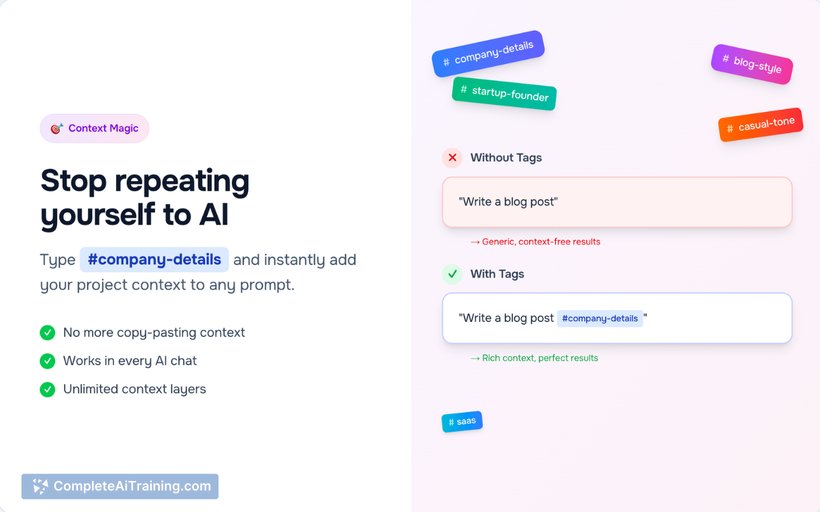
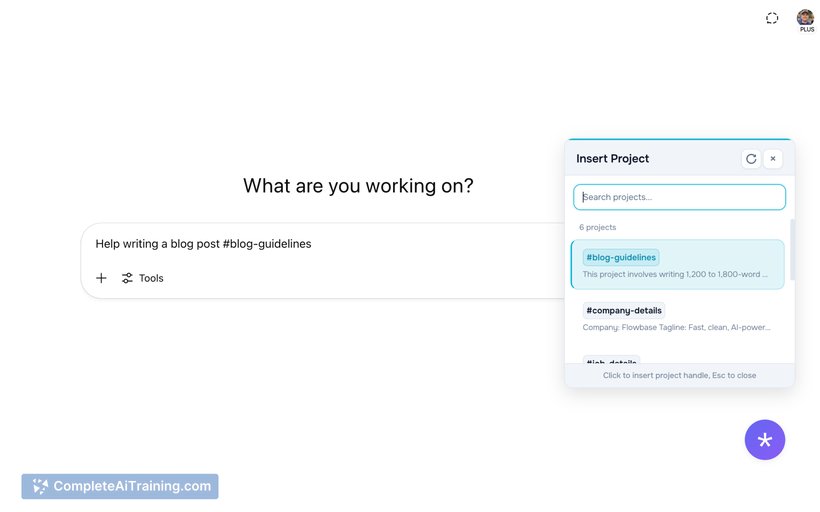
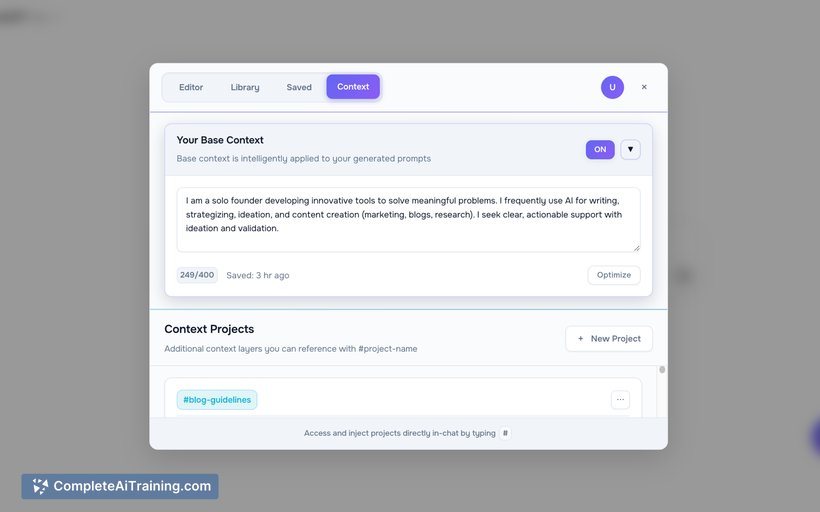
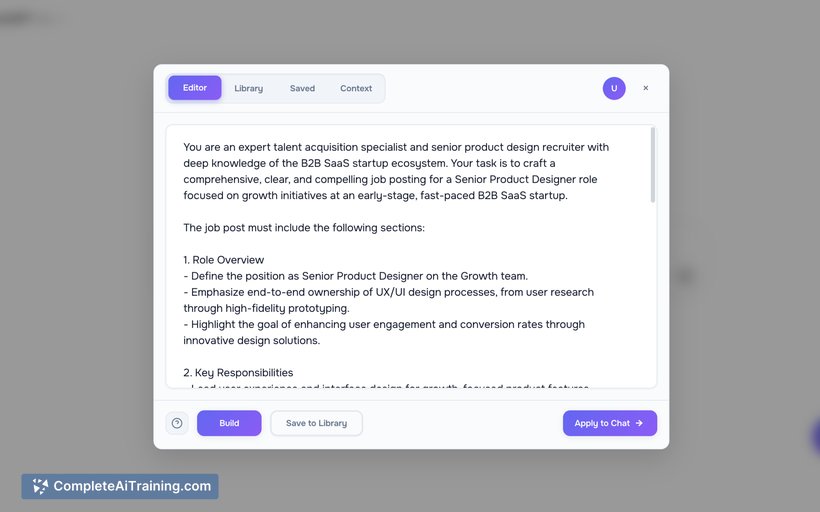
Prompter offers a practical solution for those who find crafting precise AI prompts challenging. By embedding individual context and project specifics, it streamlines the prompt creation process and reduces the need for repeated adjustments. This tool is especially useful for users working across multiple projects or roles.
Key Features
- Instant Prompt: Converts vague inputs into well-structured prompts immediately.
- Smart Context: Automatically adds background information, role, and project goals to prompts.
- Editor: Allows users to fine-tune and expand prompts directly within AI chat interfaces.
- Prompt Management: Save favorite prompts and access a growing library of customizable templates.
- Project Tagging: Enables easy switching between different projects or roles, applying the right context for each.
Pricing and Value
Prompter offers a free option alongside a Pro plan that includes a one-month free trial. While specific pricing details are not listed, the availability of a trial period allows users to evaluate the tool’s benefits before committing. Given its features, Prompter provides good value for individuals who frequently engage with AI tools and require more precise prompt generation.
Pros
- Enhances prompt quality by adding personalized context automatically.
- Supports multiple AI platforms including ChatGPT and Claude.
- Easy to use with an integrated editor and prompt saving features.
- Project tagging simplifies managing prompts for different workflows.
- Free trial available to test the premium features.
Cons
- Limited to use as a browser extension, which may not suit all user preferences.
- Pricing details beyond the trial period are not clearly specified upfront.
- Some advanced users might find the tool less customizable for very complex prompt needs.
Overall, Prompter is well-suited for professionals, content creators, and anyone who regularly interacts with AI chatbots and seeks to improve prompt effectiveness without spending excessive time on adjustments. It works best for users managing multiple projects or requiring consistent tone and context in AI communications.
Jobs Prompter suits
We checked Prompter against 500+ jobs; these get the most out of it.
Alternatives to Prompter
Other tools that do the same main job. Our AI compared Prompter with similar tools and kept the ones you could use instead.