AI tool
Redesign by Nodewave
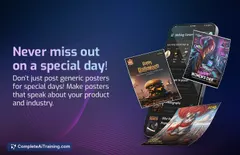
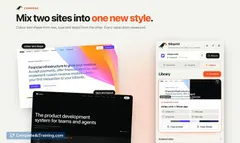
Redesign by Nodewave: a local app that uses your React components and Claude Code prompts to create branded social posts. Edit in a visual editor and export PNGs for LinkedIn/Instagram. Open-source (MIT). No cloud, no accounts.
About Redesign by Nodewave
Redesign by Nodewave is a free, open-source local application that helps create branded social media posts quickly by assembling designs from an existing codebase. It pairs a visual editor with an AI-assisted development workflow so users can generate and export PNG slides without relying on cloud services or accounts.
Review

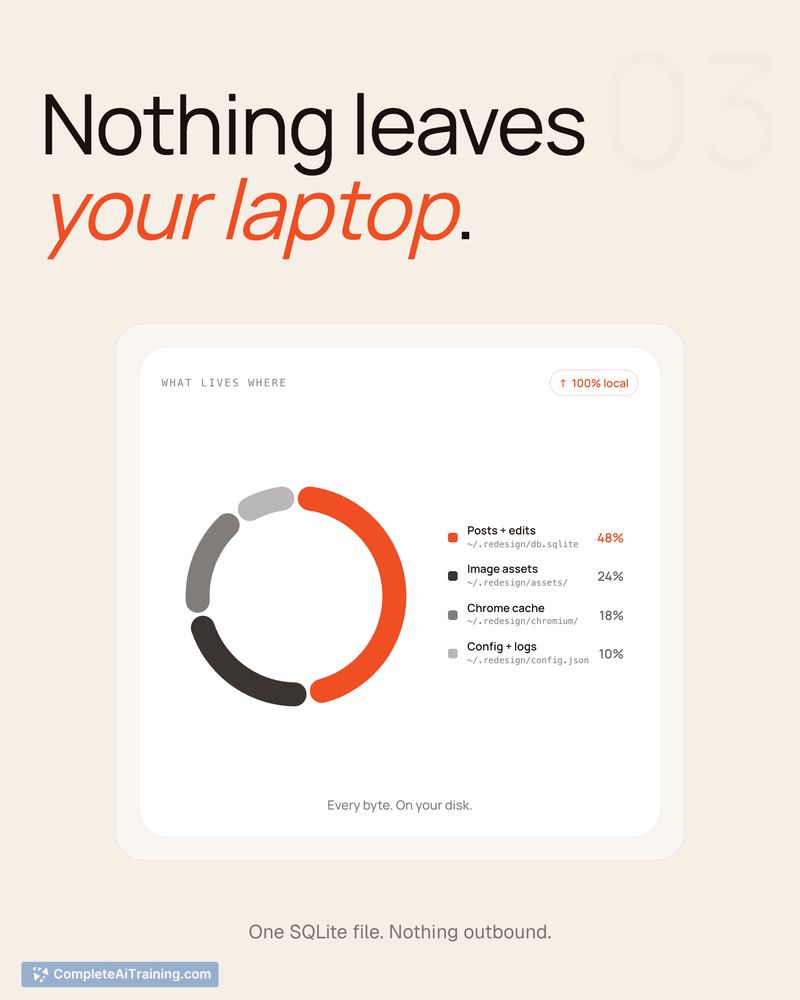
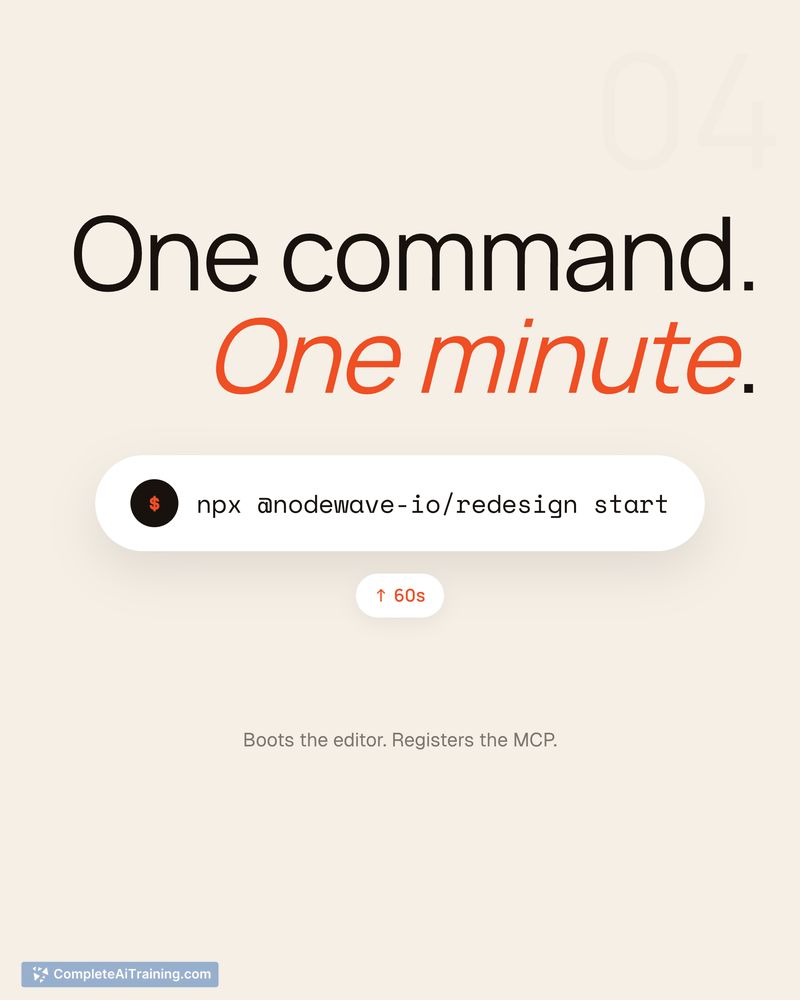
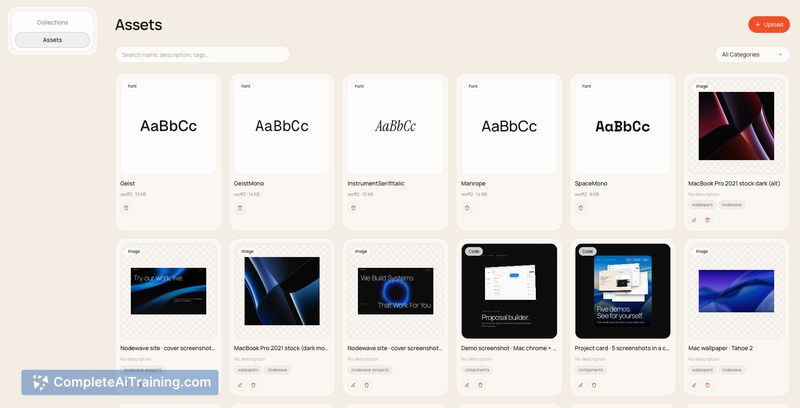
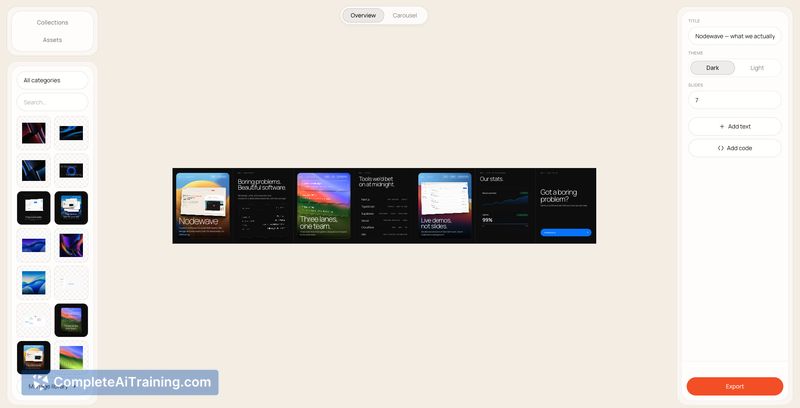
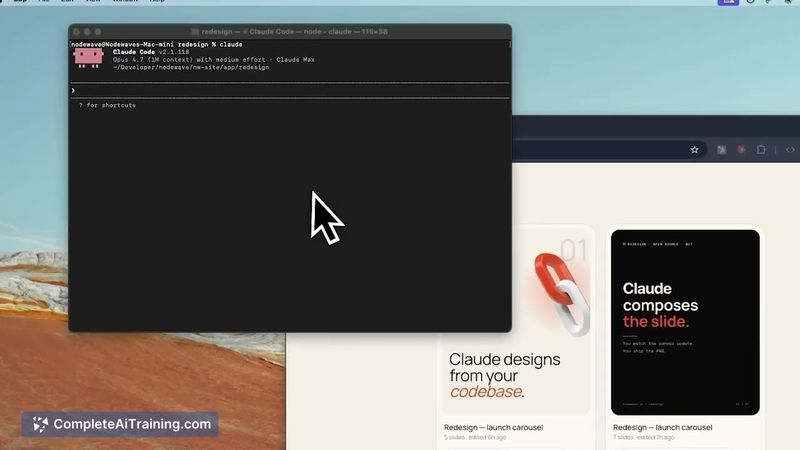
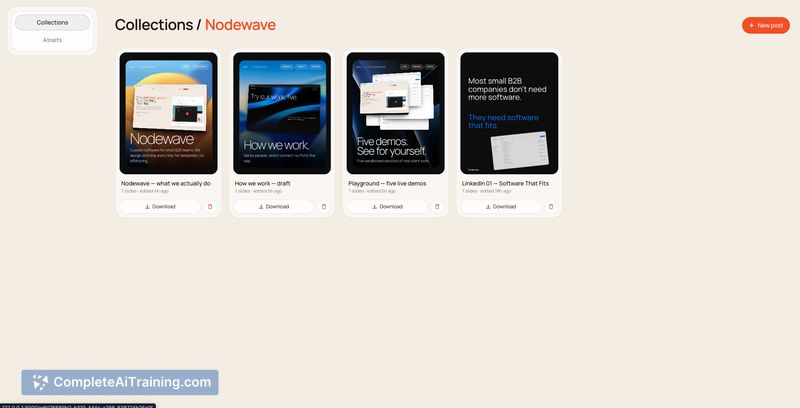
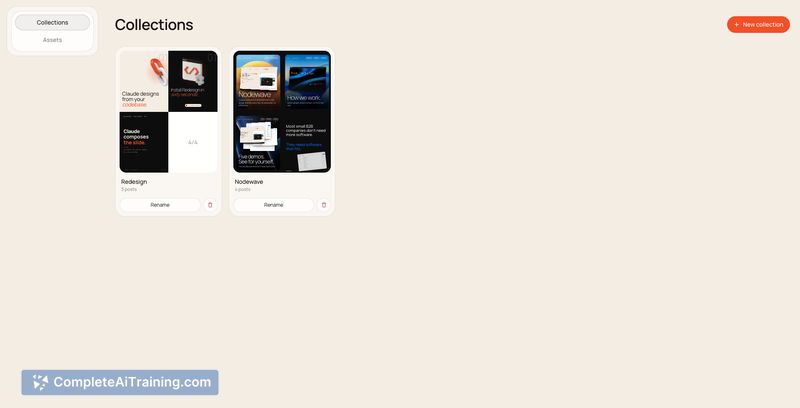
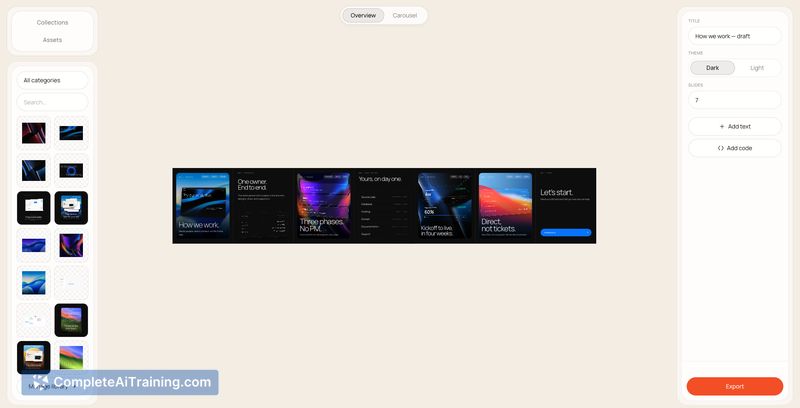
This tool focuses on turning a team's UI components and brand assets into ready-made social media visuals with minimal manual design work. By running entirely on the user's machine and using an AI coder to interpret prompts against a project's components, it streamlines the process of producing consistent, on-brand posts.
Key Features
- AI-assisted design generation that reads from your local codebase and component library to assemble layouts.
- Local visual editor running alongside a lightweight server, giving an interactive canvas for adjustments.
- Component-driven canvas that compiles code layers at runtime so exported slides match your brand system.
- High-resolution export pipeline that produces PNGs suitable for LinkedIn, Instagram, and other platforms.
- Open-source license (MIT) with no cloud accounts or usage caps required.
Pricing and Value
Redesign by Nodewave is free and open-source under the MIT license, so there are no subscription fees or usage limits. Because it runs locally, it avoids hosting costs and external data usage, which can be a strong value for teams that already maintain a component library and want consistent output without purchasing a separate design tool or service.
Pros
- Free and open-source, making it accessible for individuals and small teams.
- Runs locally with no cloud account or usage caps, which helps with privacy and cost control.
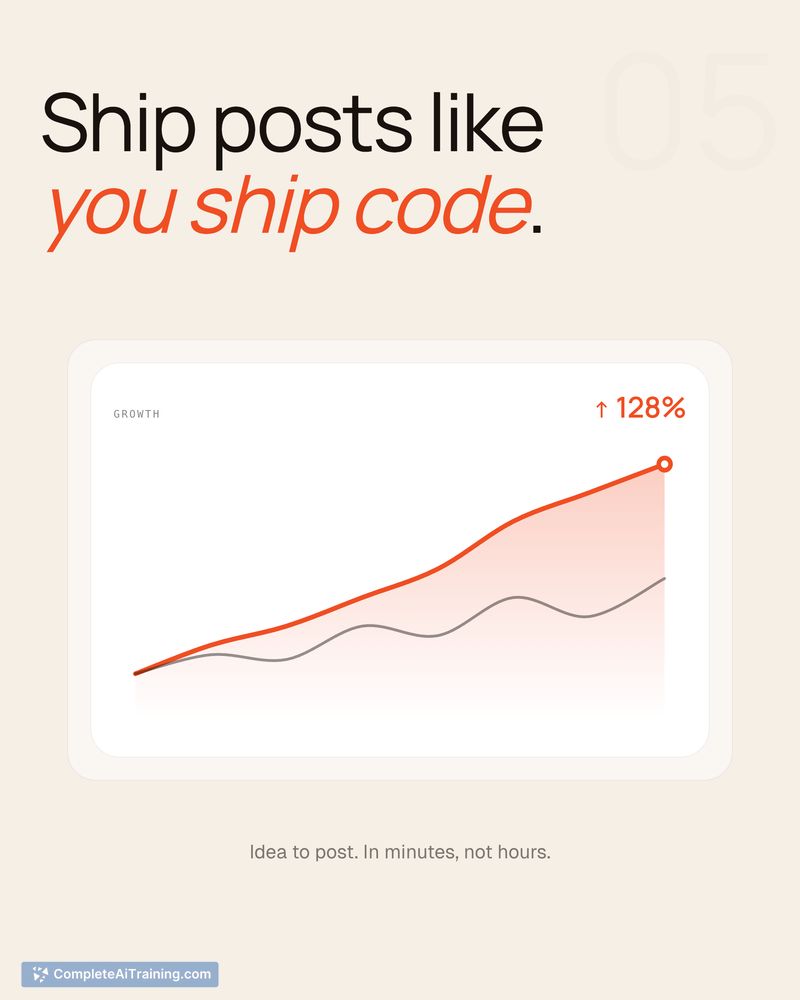
- Turns hours of manual design into minutes by leveraging your existing components and brand assets.
- Easy export of high-quality PNGs ready for social platforms.
- Quick iterations; the editor updates as the underlying components are adjusted.
Cons
- Initial setup benefits users with development experience; non-technical users may find installation and configuration challenging.
- Best suited to teams with an existing component library-users without reusable components may get less value.
- Because it runs locally, collaboration workflows require manual sharing or integrating with other tools rather than built-in cloud collaboration features.
Redesign by Nodewave is a good fit for small agencies, developer-focused teams, and builders who maintain UI components and want fast, brand-consistent social graphics without recurring costs. Marketers or designers without access to a codebase may prefer a hosted or more visual-first tool instead.
Jobs Redesign by Nodewave suits
We checked Redesign by Nodewave against 500+ jobs; these get the most out of it.
Alternatives to Redesign by Nodewave
Other tools that do the same main job. Our AI compared Redesign by Nodewave with similar tools and kept the ones you could use instead.