AI tool
Spaces
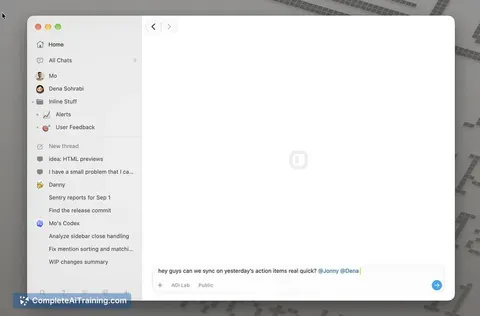
Spaces is a desktop app that gives each project a shared workspace for team members and their AI agents to collaborate using shared chats, files, and specialist agents. It is for teams that want collective context without syncing private keys or a...
About Spaces
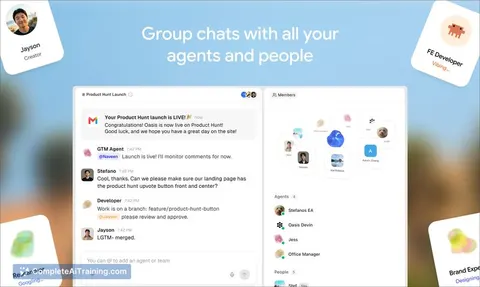
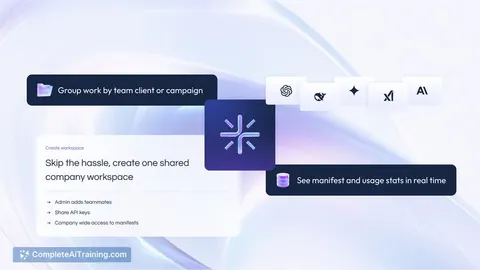
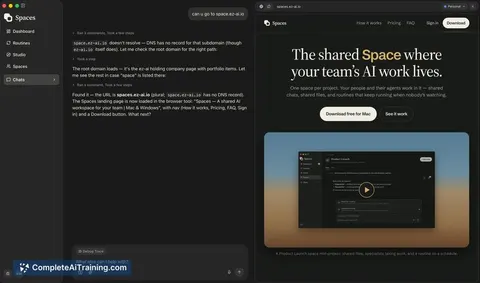
Spaces is a desktop application that creates one shared workspace per project, where team members and their AI agents collaborate. It supports multiple LLM providers - including ChatGPT, Claude, and Gemini - as well as local models running on the user's own machine. The tool syncs chats, files, and scheduled routines across the team while keeping agent configurations, API keys, and connected accounts stored locally on each person's computer.
Review
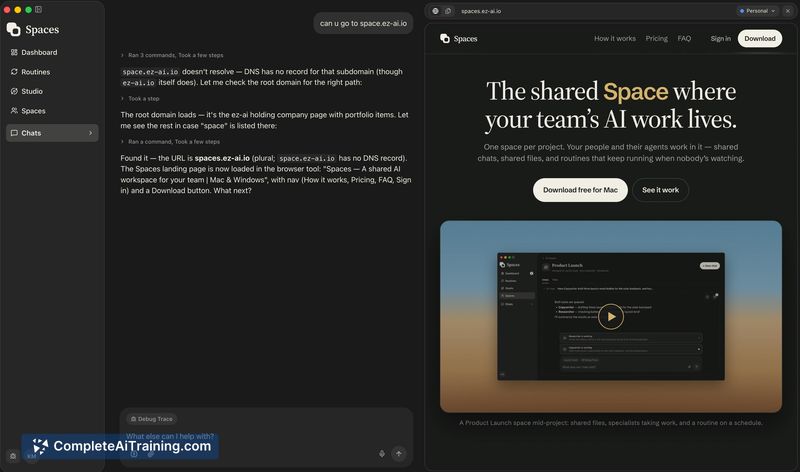
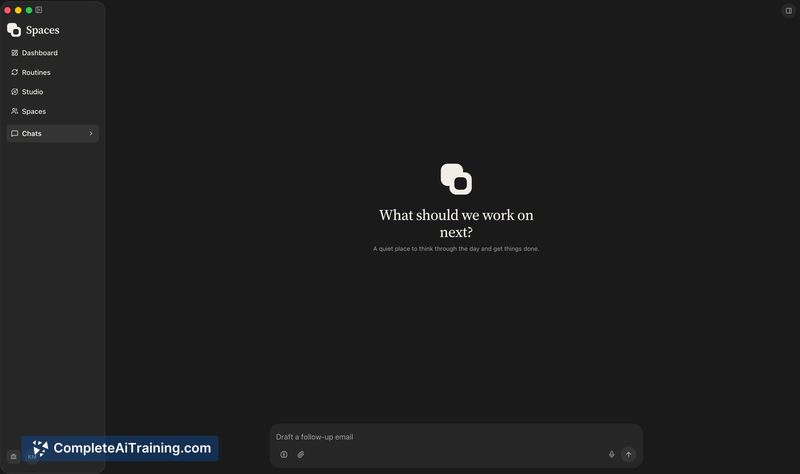
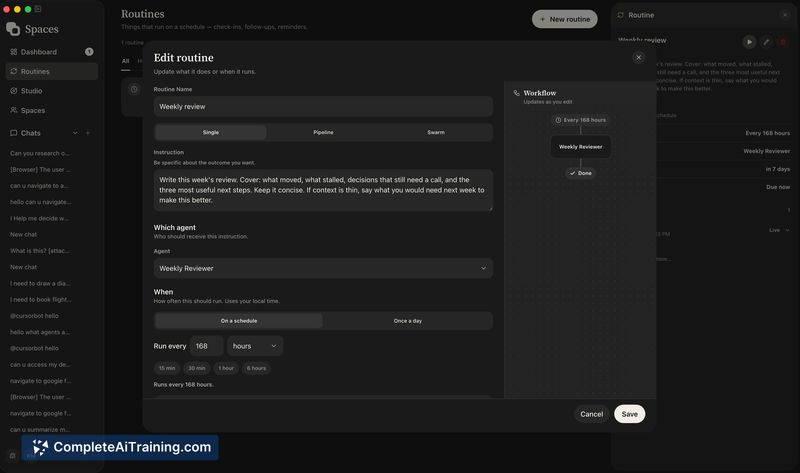
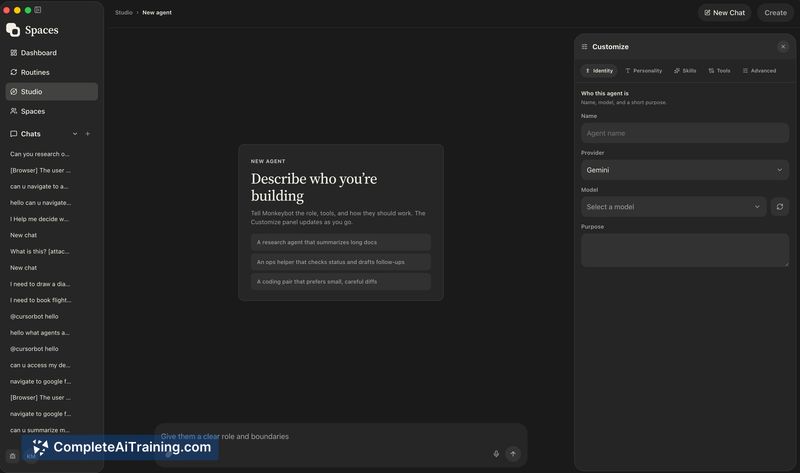
Spaces addresses a specific friction point in team-based AI use: the fragmentation that happens when everyone chats with models in isolation. Instead of siloed histories, it puts shared conversations, files, and configurable AI specialists into a single project space. The desktop app works solo without an account, and team sharing activates with a paid plan.
Key Features
- Shared chats and files within a project space, visible to all team members.
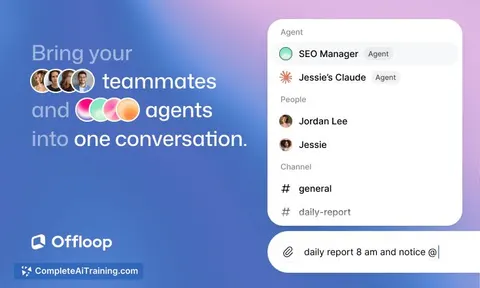
- Configurable AI specialists - such as a researcher, copywriter, or launch lead - each with dedicated instructions, memory, and tools.
- Scheduled routines that run recurring tasks (e.g., a morning brief or Friday recap) and notify a person only when a decision is needed.
- Direct use of your own LLM provider keys - ChatGPT, Claude, Gemini, or local models - without Spaces reselling tokens.
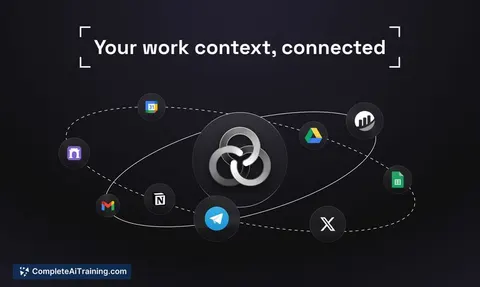
- Local storage of agent settings, API keys, and accounts; only space-level data (chats, files, routines) syncs via the cloud.
Pricing and Value
Solo use of the desktop app is free and requires no account. Shared team spaces cost $10.99 per person per year. Spaces does not resell LLM tokens - users connect their own provider accounts, so model usage costs are separate and billed directly by the chosen provider. Whether annual billing is the only option for teams is not specified.
Pros
- Brings team AI interactions into a single shared context instead of scattered private histories.
- Doesn't lock users into one model provider; works with several cloud LLMs and local models.
- Keeps sensitive credentials and agent configurations on individual machines rather than in a centralized cloud account.
- Specialists and routines can automate recurring work without constant manual prompting.
- Free tier for solo use lowers the barrier to trying the app.
Cons
- Shared spaces require a paid plan - there is no free tier for teams, even small ones.
- The tool is desktop-only; teams that need browser-based or mobile access won't find it here.
- Not well suited for organizations with strict data governance rules that require all AI interactions to be logged and auditable in a central system, since agent data stays local.
Spaces fits small to mid-sized teams already using multiple LLM providers who want a lightweight way to pool their AI conversations and automate recurring prompts. It's less relevant for teams committed to a single provider's ecosystem or those who need web and mobile access. Solo users curious about a multi-model desktop workspace can start with the free version and decide later if team sharing is worth the annual per-person cost.
Jobs Spaces suits
We checked Spaces against 500+ jobs; these get the most out of it.
Alternatives to Spaces
Other tools that do the same main job. Our AI compared Spaces with similar tools and kept the ones you could use instead.