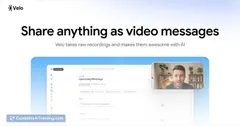
AI tool
ツSupercut v1.0
ツSupercut v1.0: AI-driven video messaging for busy teams. Record polished, chaptered videos with automatic captions and summaries for fast team updates and customer pitches. Native macOS and Windows.
About ツSupercut v1.0
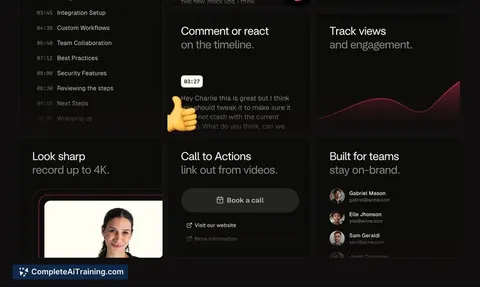
ツSupercut v1.0 is an AI-powered video messaging app for teams that lets you record your screen and share polished videos quickly. It produces automatic chapters, captions, and summaries, and runs natively on macOS and Windows for lightweight, fast recording.
Review
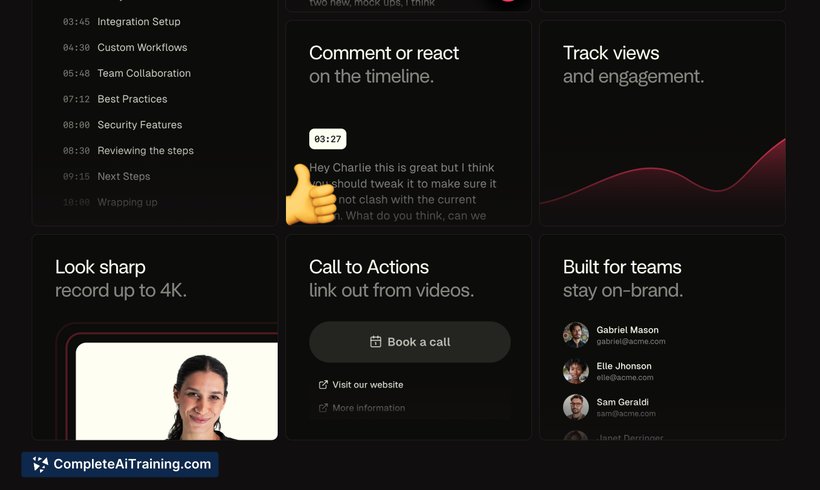
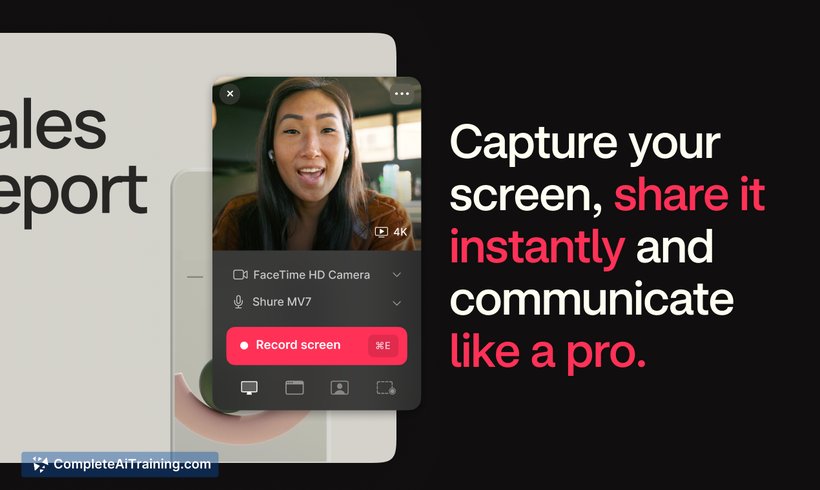
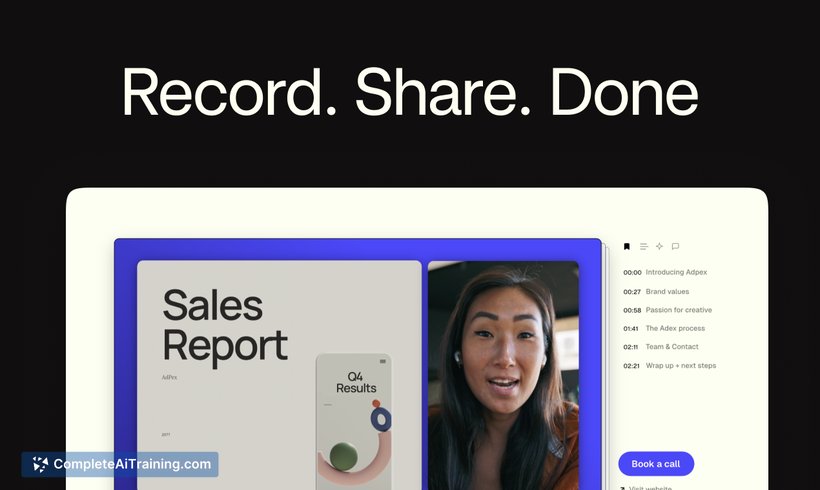
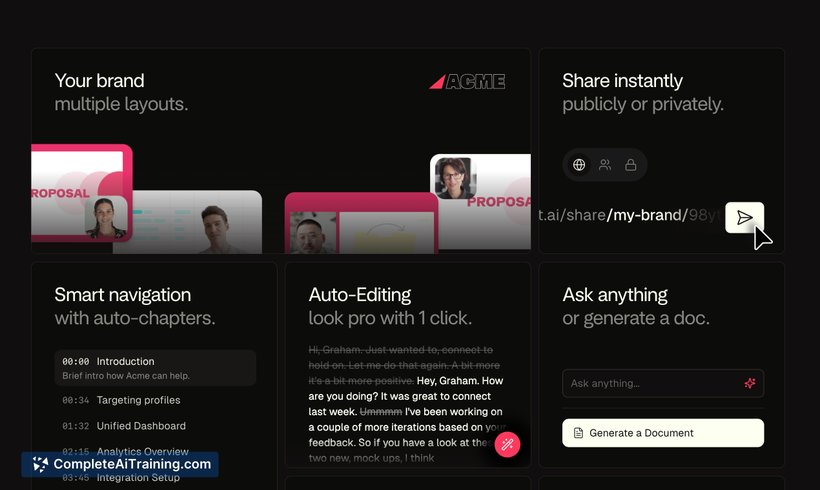
ツSupercut focuses on speed and simplicity: record, let the AI polish the take, and share a finished clip in minutes. The interface is clean and approachable, and the built-in AI features-automatic chapters, captions, summaries, and an auto-edit tool-reduce the need for manual post-production.
Key Features
- Screen and webcam recording with instant sharing
- AI-powered auto-editing to remove mistakes and tighten takes
- Automatic chapters, captions, and concise summaries for each video
- Native apps for macOS and Windows with low resource usage
- Sharing-first workflow that produces professional-looking clips quickly
Pricing and Value
There are free options and a zero-commitment 14-day trial to test the paid tiers; a limited-time 20% discount for the first three months has been offered at launch. For teams that exchange frequent status updates, demos, or customer-facing pitches, the time saved on editing and the cleaner outputs can justify a subscription when compared with manual editing or basic screen-record tools. For exact plans and billing details, check the official pricing page: https://supercut.ai/pricing.
Pros
- Very fast recording-to-share workflow that minimizes setup and waiting
- AI features (auto-edit, captions, chapters, summaries) produce polished results with little effort
- Clean, thoughtful user interface that's easy to learn
- Native apps with low CPU/memory impact for smoother performance
- Good fit for team updates, client pitches, and quick walkthroughs
Cons
- Occasional quirks and bugs reported during early releases; stability is improving but still matters for heavy users
- No native support for Linux or dedicated mobile recording apps at launch, which limits platform coverage
- Advanced manual editing controls are limited compared with full-featured video editors
Overall, ツSupercut v1.0 is best for teams and creators who prioritize speed and clear communication over frame-by-frame editing. It works well for internal updates, customer walkthroughs, and sales/demo clips where polished, shareable output is more important than elaborate edits.
Jobs ツSupercut v1.0 suits
We checked ツSupercut v1.0 against 500+ jobs; these get the most out of it.
Alternatives to ツSupercut v1.0
Other tools that do the same main job. Our AI compared ツSupercut v1.0 with similar tools and kept the ones you could use instead.