AI tool
Scheduled
Scheduled is an open-source AI agent inside Gmail: reads threads, checks your calendar, and drafts meeting replies in your voice for quick review (draft-only) or autonomous sending-no extra app or links.
About Scheduled
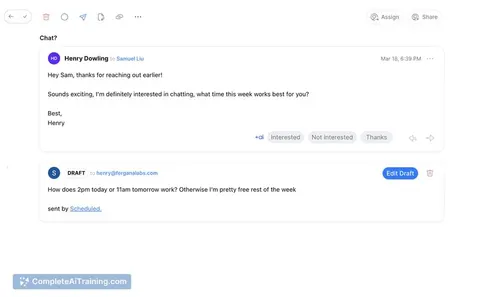
Scheduled is an open-source AI scheduling agent that works inside Gmail. It reads email threads, checks your Google Calendar, and drafts reply suggestions with proposed meeting times so you can shorten email back-and-forth.
Review
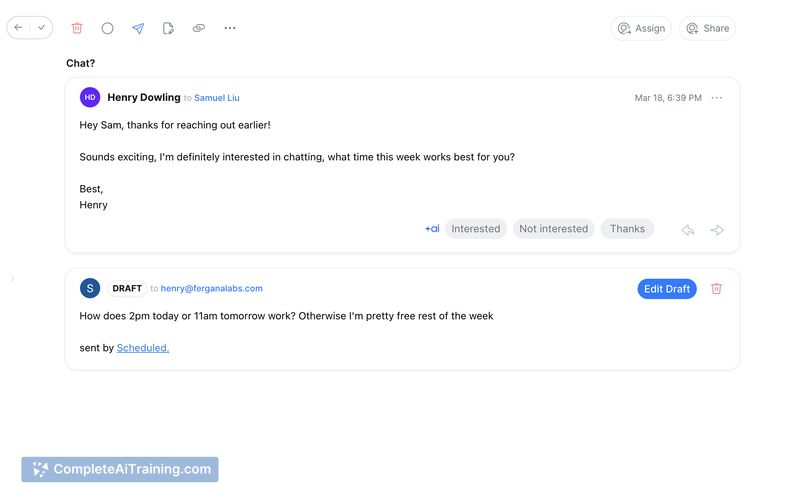
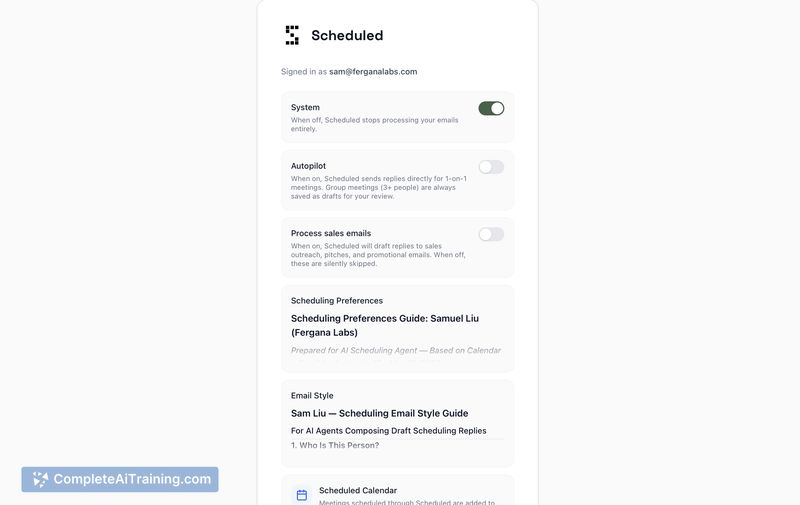
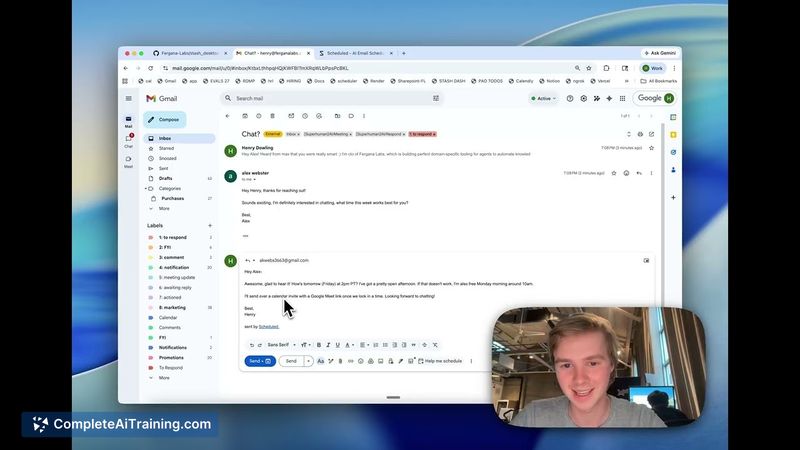
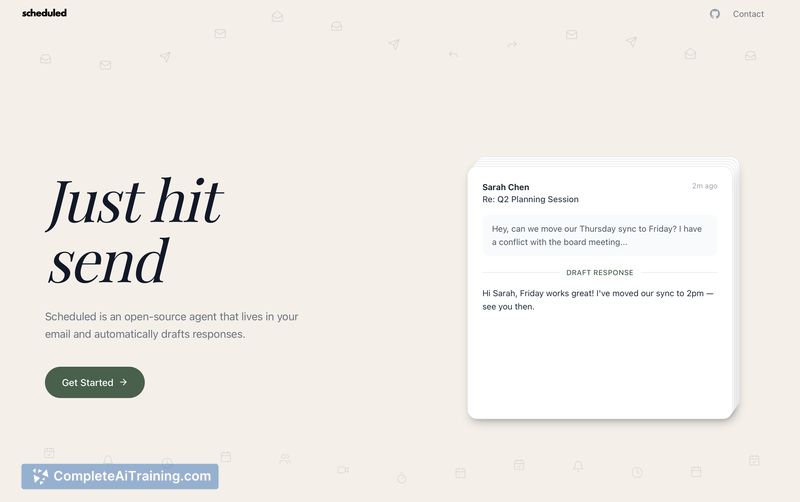
Scheduled focuses on keeping scheduling inside your inbox instead of relying on external booking links or manual availability blocks. It learns from your past emails to make drafts sound like you, offers a draft-first workflow for control, and includes an optional autopilot mode for fully automated replies.
Key Features
- Native Gmail integration that drafts reply suggestions directly in email threads.
- Calendar checking against Google Calendar to propose available times.
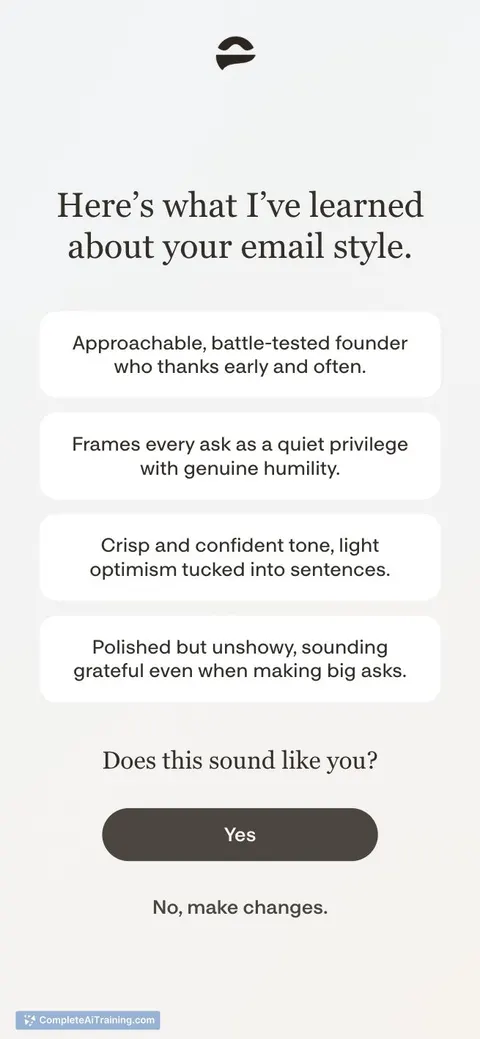
- Style learning from past messages so suggested replies match your tone.
- Draft-only default plus an optional autopilot mode that can send replies automatically.
- Open-source and self-hostable with a hosted option available (tryscheduled.com).
Pricing and Value
The core project is open-source and can be self-hosted at no cost; a hosted service is also available-see the website for current plans and any hosted pricing. The main value is time saved on routine scheduling, maintaining control via draft-first behavior, and a privacy-forward approach since message data remains in Google rather than being stored on external servers.
Pros
- Smooth Gmail-first workflow that avoids adding another app or booking links.
- Drafts that reflect your writing style reduce the need for edits.
- Privacy-friendly options: self-host and no persistent storage of emails on Scheduled's servers.
- Helpful for frequent schedulers-sales, recruiting, and founders-by cutting repetitive email tasks.
Cons
- Currently tied to Google accounts: requires Gmail and Google Calendar.
- Limited support for multiple calendars at launch (multiple-calendar handling is planned but not yet available).
- Autopilot mode can introduce risk if enabled without oversight, since it may send replies automatically.
Scheduled is best for people who receive many meeting requests by email and want to keep scheduling inside their inbox-especially those who use Gmail and prioritize privacy or self-hosting. Teams that need multi-calendar management or broad third-party integrations should confirm feature availability before relying on it as a single solution.
Jobs Scheduled suits
Useful in almost any job. We checked Scheduled against 500+ jobs; these get the most out of it.
Alternatives to Scheduled
Other tools that do the same main job. Our AI compared Scheduled with similar tools and kept the ones you could use instead.