AI tool
Thinglo
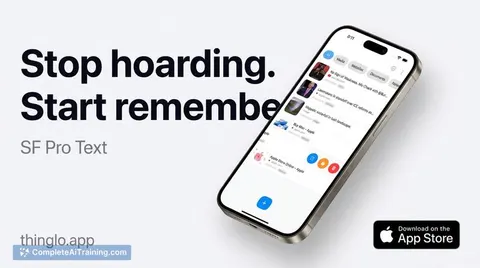
Thinglo lets you save links, videos, photos, PDFs and notes with one tap; AI auto-titles, tags content, and resurfaces forgotten items in a For You feed. Local-first storage with optional iCloud sync-no accounts, ads, or tracking.
About Thinglo
Thinglo is a mobile app that makes it easy to save and organize items from any app using the Share sheet. It uses on-device AI to auto-title and categorize saves, resurface forgotten items, and keep your data private.
Review
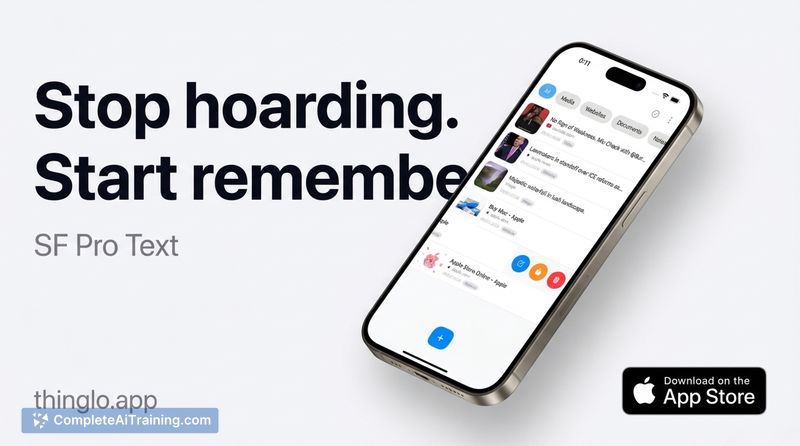
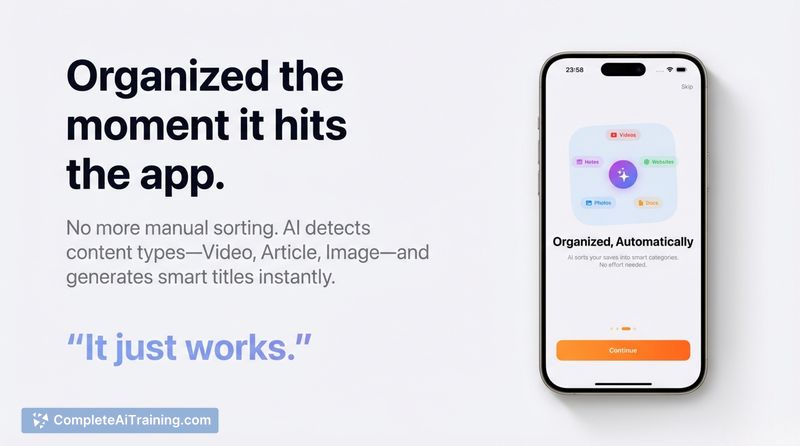
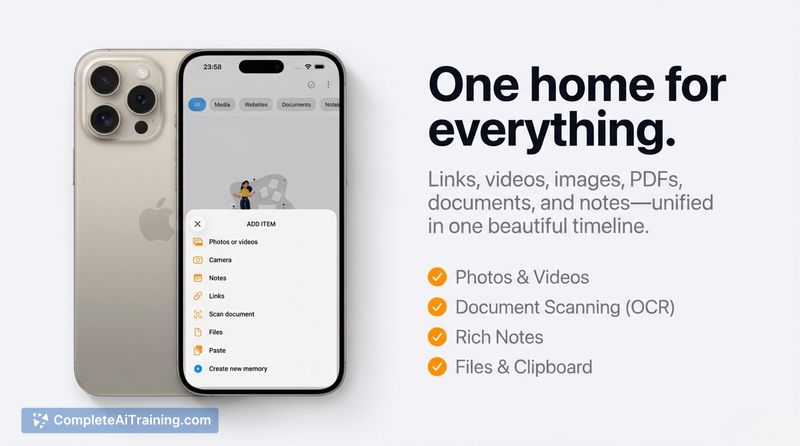
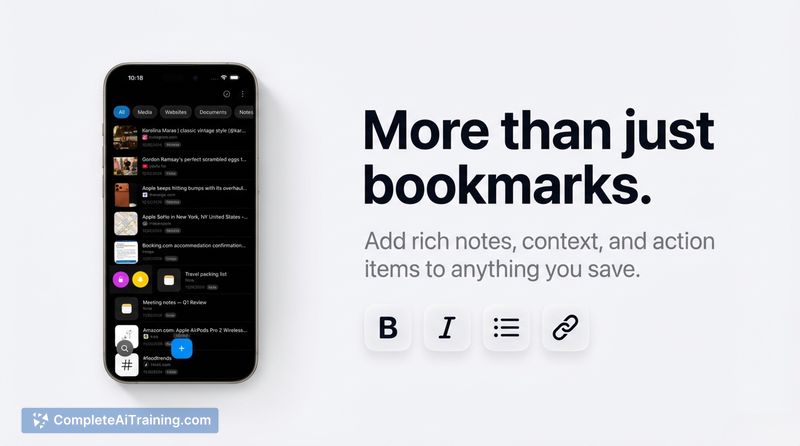
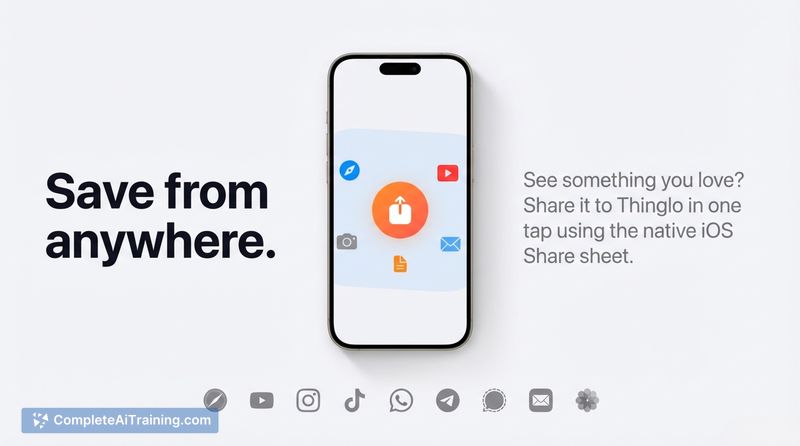
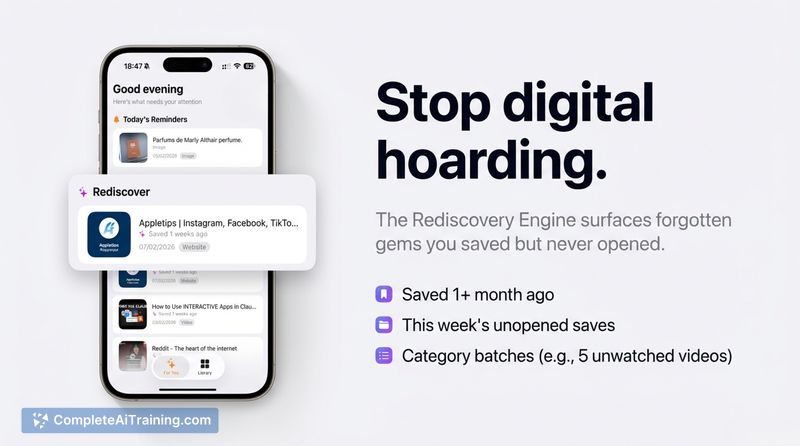
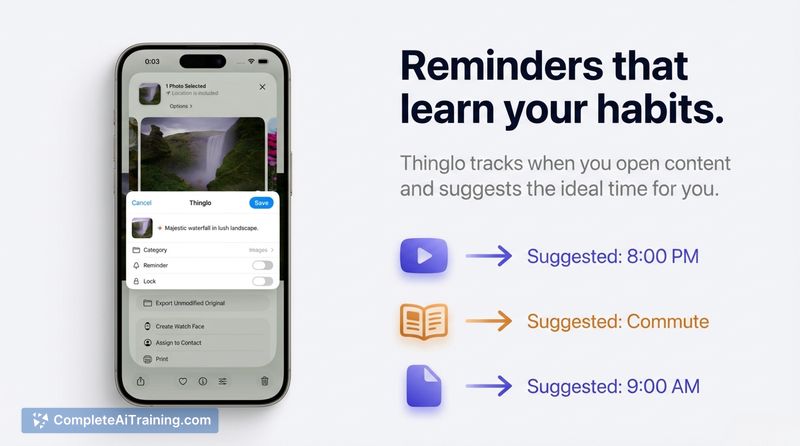
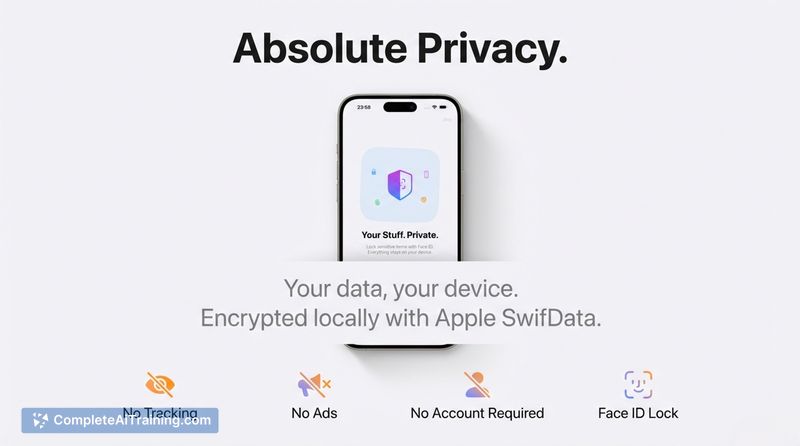
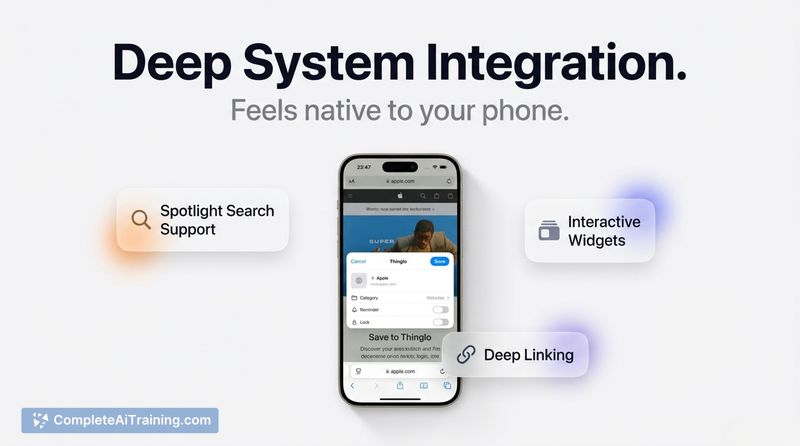
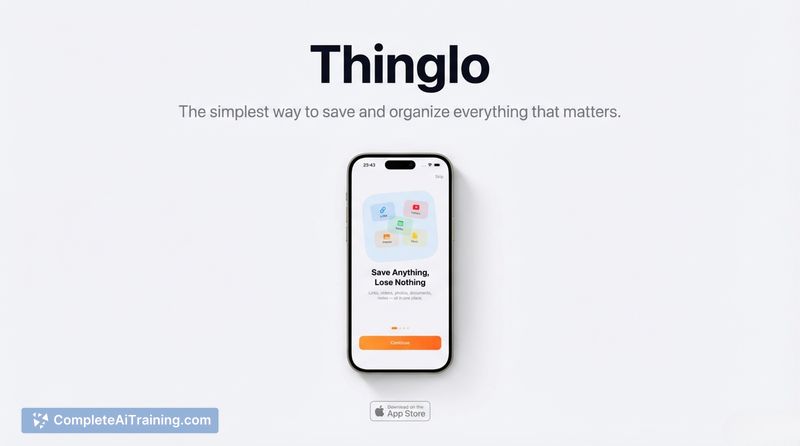
Thinglo focuses on simple, friction-free capture: tap Share → Thinglo and the item is saved with minimal setup. The app pairs automatic organization and a "For You" feed with privacy-first storage, which makes it appealing for people who frequently collect links, images, documents, and notes on their phone.
Key Features
- Quick capture via the Share sheet from apps like Safari, Instagram, and TikTok.
- AI auto-titles and categorizes saves so items are easier to find without manual folders.
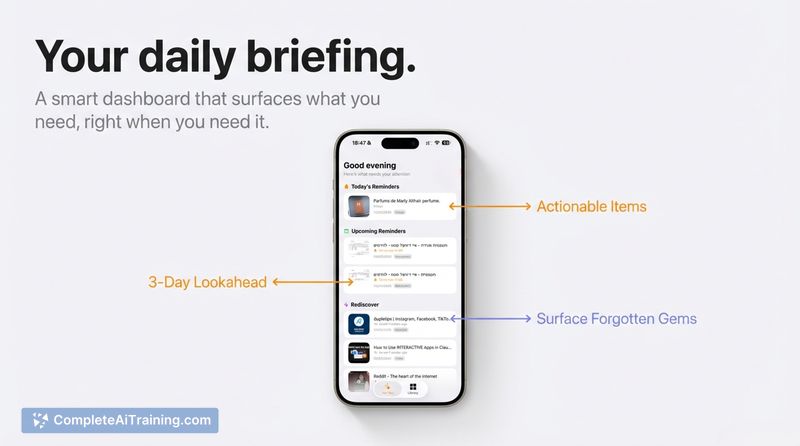
- "For You" feed that resurface forgotten saves and suggestions on when to revisit items.
- Instant search with iOS Spotlight support, plus rich notes and a document scanner with OCR.
- Privacy-focused: on-device storage with Face ID protection and no tracking; optional iCloud sync.
Pricing and Value
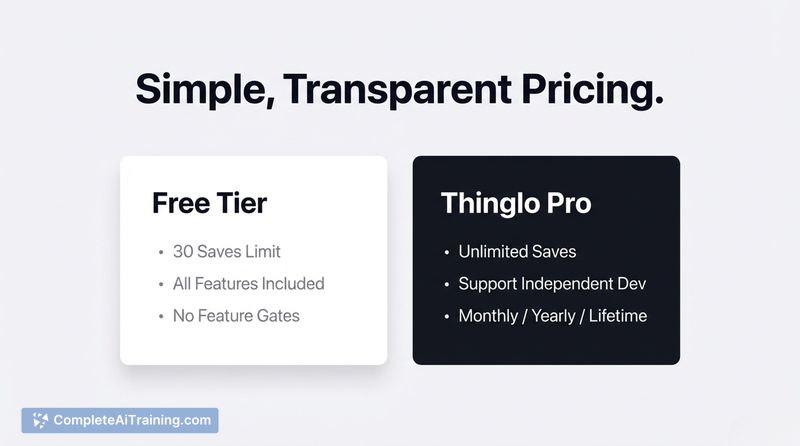
Thinglo is free to start, letting you try the core capture and retrieval features at no cost. A Pro subscription unlocks unlimited saves for users who collect a large number of items. Given the emphasis on private, local storage and quick capture, the free tier is useful for casual use and the Pro tier represents reasonable value for people who depend on frequent saving and retrieval.
Pros
- Very simple capture workflow - Share → Thinglo - with minimal setup required.
- Automatic titling and categorization reduces time spent organizing saved items.
- Privacy-first approach: on-device storage with biometric protection and no tracking.
- Useful retrieval tools: searchable library, Spotlight integration, and a "For You" resurfacing feed.
- Extras like rich notes, OCR document scanning, and smart reminders add practical utility.
Cons
- Available on iOS at launch, so cross-platform users will need to wait for other platforms.
- Free tier has limits; heavy users will likely need the Pro subscription for unlimited saves.
- Currently limited third-party integrations and automations compared with full-featured bookmarking or note platforms.
Thinglo is best suited for mobile users who want a fast, private way to collect and later find links, images, documents, and notes without managing folders. It's a good fit for people who prioritize privacy and simple capture on iPhone, while users needing broad platform support or deep integrations may want to wait for future updates. For iOS users curious to try it, the app can be found on the App Store: Thinglo on the App Store.
Jobs Thinglo suits
Useful in almost any job. We checked Thinglo against 500+ jobs; these get the most out of it.
Alternatives to Thinglo
Other tools that do the same main job. Our AI compared Thinglo with similar tools and kept the ones you could use instead.