AI tool
thumbmagic
ThumbMagic lets you quickly create and customize YouTube thumbnails with no design skills needed. Its intuitive interface helps you produce eye-catching thumbnails instantly, making your content stand out and attract more viewers.
About thumbmagic
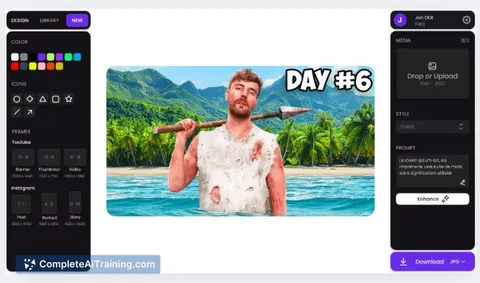
thumbmagic is an AI-powered tool that enables users to design and generate YouTube thumbnails quickly without any prior design experience. It offers a visual editor that simplifies the creation process, allowing content creators to produce eye-catching thumbnails in just a few steps.
Review
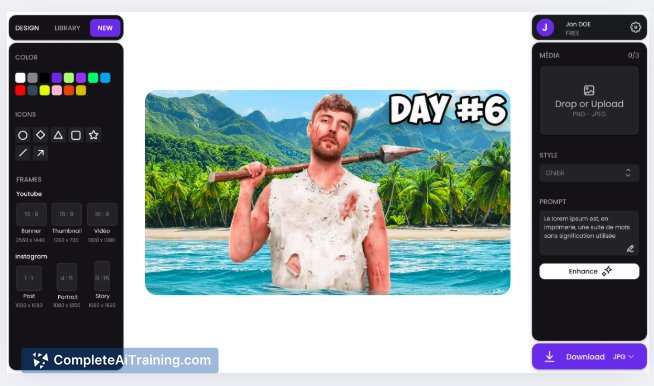
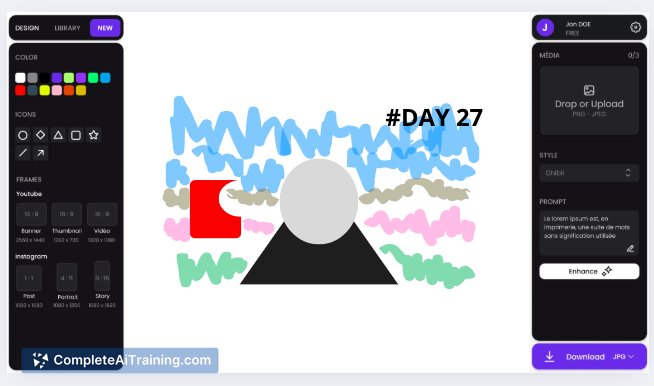
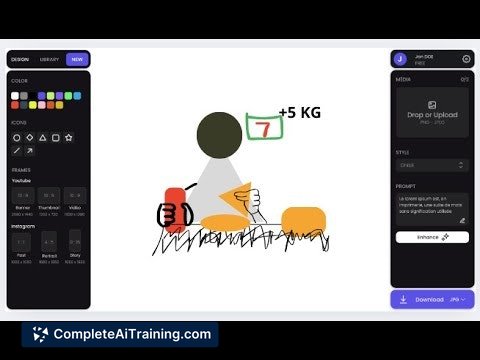
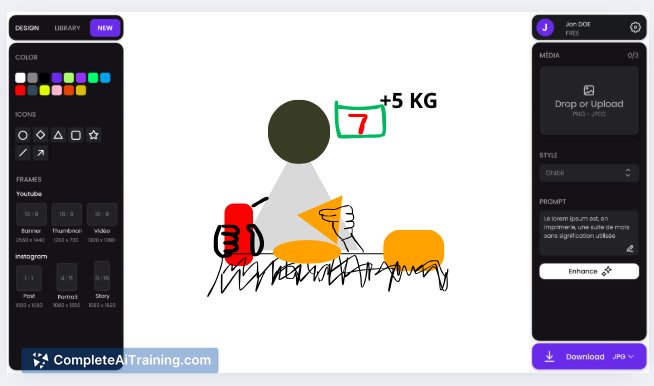
This tool aims to streamline the thumbnail creation process for video creators who want to improve their click-through rates without spending excessive time on design software. With its straightforward interface and AI assistance, thumbmagic offers a practical solution for generating thumbnails that stand out on YouTube.
Key Features
- Visual thumbnail editor with drag-and-drop functionality.
- Instant thumbnail generation powered by AI, requiring no design skills.
- Customizable elements to tailor thumbnails to individual branding and style.
- Fast workflow from creation to publishing, reducing turnaround time.
- Accessible without complex templates or software installations.
Pricing and Value
thumbmagic is currently available for free during its launch phase, making it accessible for creators at no initial cost. This pricing model provides significant value for beginners and small creators who need effective thumbnails without investing in expensive design tools or subscriptions. Future pricing details have not been disclosed, but the free access offers a risk-free opportunity to explore its capabilities.
Pros
- Intuitive and user-friendly interface suitable for all skill levels.
- Speeds up thumbnail creation, saving creators valuable time.
- Eliminates the need for complex design software like Photoshop.
- Allows quick customization to match individual content style.
- Free access during launch encourages experimentation and feedback.
Cons
- Lacks advanced features such as A/B testing or performance analytics.
- Currently limited to YouTube thumbnails, with no support for other platforms.
- Future pricing and feature updates are not yet clear.
Overall, thumbmagic is a useful tool for content creators seeking a fast, straightforward way to create appealing YouTube thumbnails without design expertise. It is particularly well suited for YouTubers who want to improve their video presentation quickly and efficiently. Those looking for more advanced analytics or multi-platform support may need to wait for future updates or explore complementary tools.
Jobs thumbmagic suits
We checked thumbmagic against 500+ jobs; these get the most out of it.
Alternatives to thumbmagic
Other tools that do the same main job. Our AI compared thumbmagic with similar tools and kept the ones you could use instead.