AI tool
Topview Motion Studio
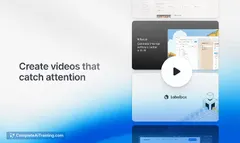
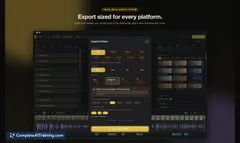
Topview Motion Studio creates launch videos for apps, hardware, and new products. Teams describe their message, upload reference images, and choose a style, duration, and aspect ratio; the tool combines AI video models with motion design skills to...
About Topview Motion Studio
Topview Motion Studio is a paid AI workspace for creating launch videos for apps, hardware, and new products. It runs inside the Topview platform, which the company describes as an Agent OS for Marketing and Filmmaking. Users describe a product and upload reference images, and the tool generates a complete motion video project.
Review
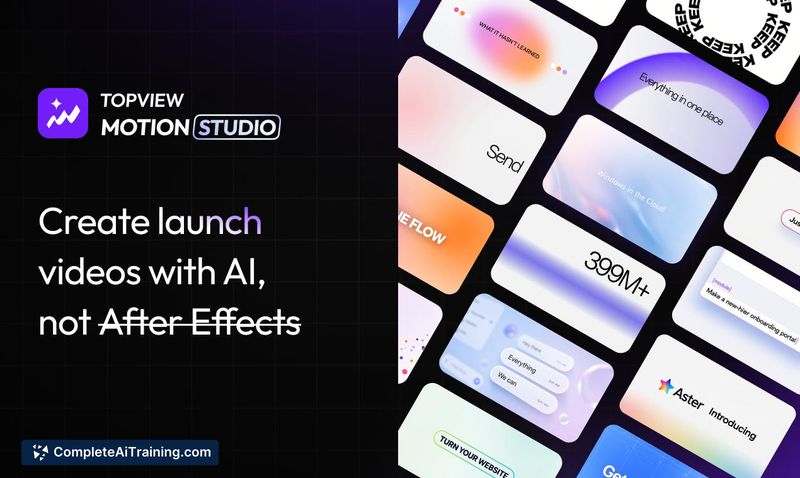
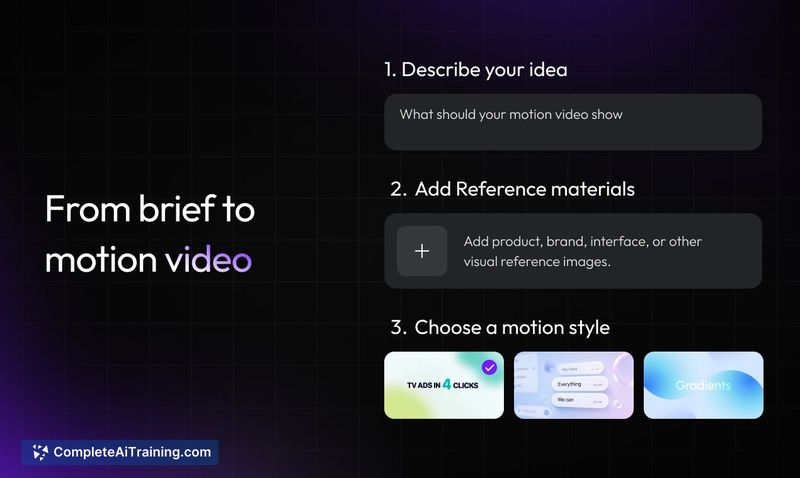
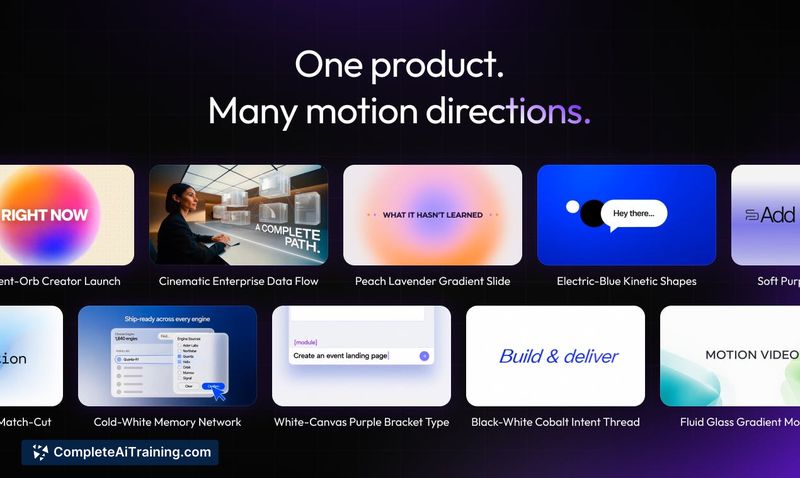
Motion Studio targets teams that need product launch videos but don't have After Effects skills or a motion design studio budget. The workflow starts with a text brief and reference images rather than a blank timeline. The tool combines AI video models with what the maker calls a "purpose-built motion design skill" to assemble the final result. This is an early version, and the team is actively soliciting feedback on which motion styles to add next.
Key Features
- Text-to-video brief: describe the product, message, and scenes you want in plain language.
- Reference image upload: add product shots, UI screenshots, brand assets, or other visuals to guide the output.
- Style and format controls: pick a motion style, duration, and aspect ratio before generation.
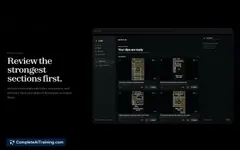
- Scene-level editing in Canvas: refine individual scenes after generation without regenerating the whole video.
- Automatic audio: the generated video includes music and sound effects, so no separate audio track is needed.
Pricing and Value
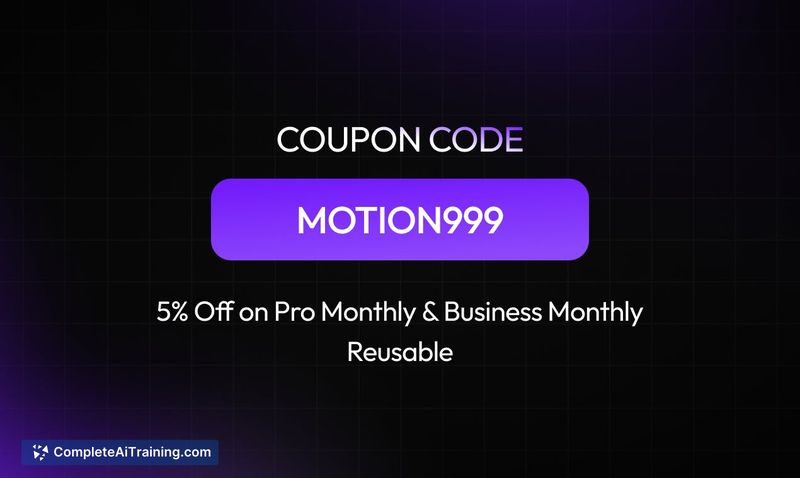
Motion Studio is listed as "Payment Required" on its launch page. No specific pricing tiers or subscription amounts are published in the reference material. A discount code, MOTION999, gives an extra 5% off and is valid until September 30, 2026. The maker states the tool costs a fraction of what a traditional motion design studio would charge, but exact numbers aren't disclosed.
Pros
- Starts from a product story instead of generating random visuals, which suits launch messaging.
- Works with minimal input: a short description and a few screenshots are enough to begin.
- Scene-level editing in Canvas avoids full regenerations for small changes.
- Handles music and sound effects automatically, removing a separate production step.
- Accepting mobile app UI screenshots for app demos and feature announcements.
Cons
- Pricing details aren't published, so cost comparison against alternatives requires contacting the vendor.
- It's an early version; the team is still gathering feedback on which motion styles to build, which suggests the current style library is limited.
- Not well suited for teams needing founder-led or talking-head content, since the tool focuses on product visuals and one user request for mixing in speaking clips was only acknowledged as an idea, not a shipped feature.
Motion Studio fits product marketing teams at software companies, hardware makers, and consumer electronics brands that need launch videos on a regular cadence. It also works for solo founders who want a polished announcement without hiring external help. Teams that require advanced motion design control or custom audio work should wait for the style library to expand or plan to edit the output further.
Jobs Topview Motion Studio suits
We checked Topview Motion Studio against 500+ jobs; these get the most out of it.
Alternatives to Topview Motion Studio
Other tools that do the same main job. Our AI compared Topview Motion Studio with similar tools and kept the ones you could use instead.