AI tool
Vois
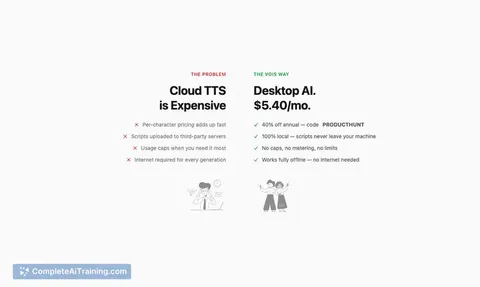
Vois - a desktop voice AI studio that converts text to studio-quality audio. 63 voices, voice cloning, script editor, multi-track mixing, professional mastering, local processing with no uploads, instant edits and no per-use costs.
About Vois
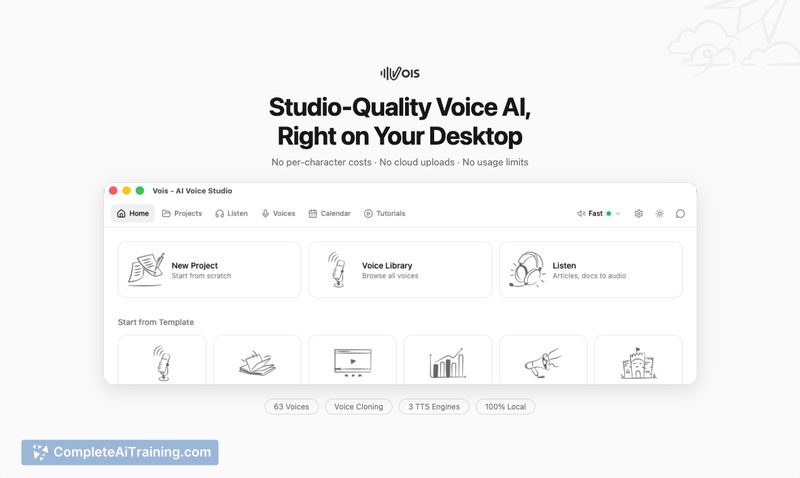
Vois is a desktop voice AI studio that generates studio-quality speech entirely on your computer, so audio never leaves your machine. It offers a library of production voices, voice cloning, multi-speaker editing, and exports to common audio formats.
Review
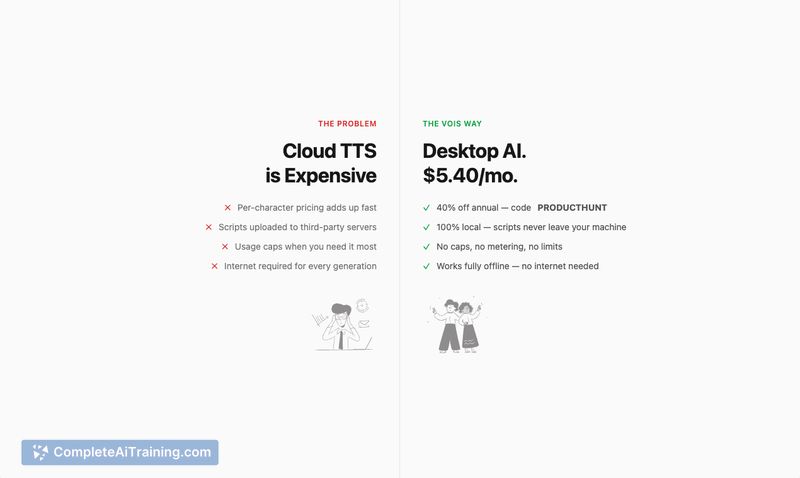
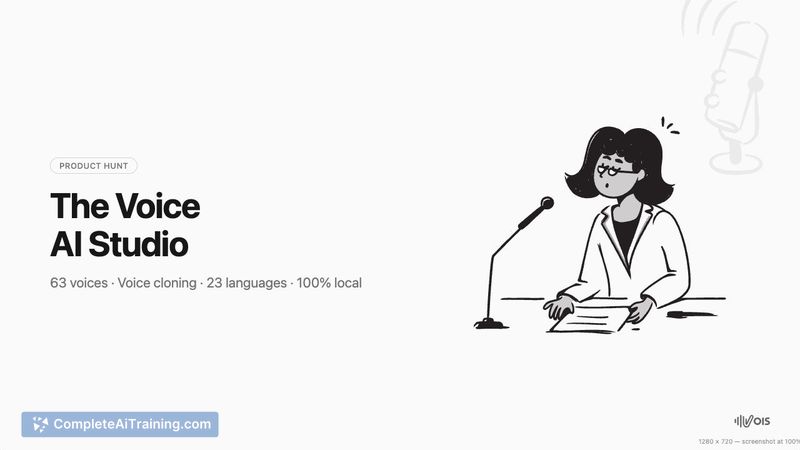
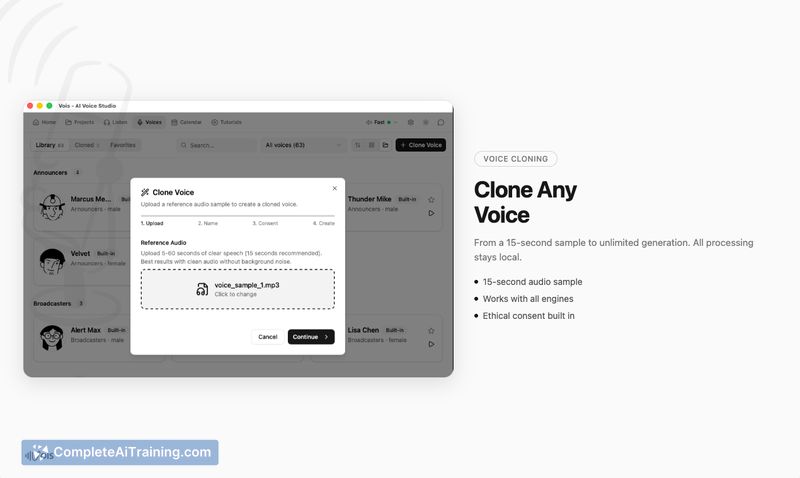
Vois focuses on private, local text-to-speech and voice production, combining multiple TTS engines with a timeline editor and mastering tools. The app aims to make voice content creation faster and more controlled by caching generations and avoiding per-character cloud billing.
Key Features
- Local, on-device TTS with no uploads and no per-character costs
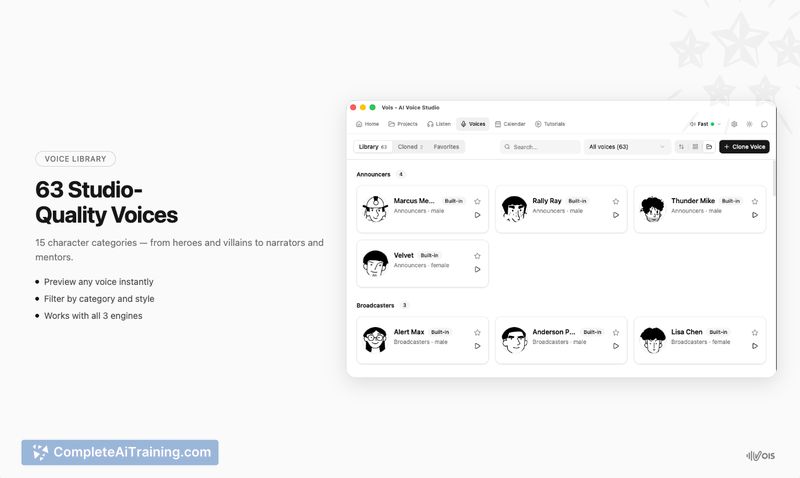
- 63 production voices across character types, plus voice cloning and support for 23 languages
- Three TTS engines (fast drafts, expressive English, multilingual) and smart caching for quick iterations
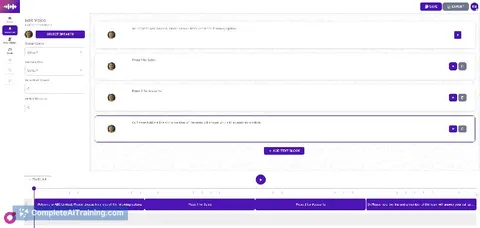
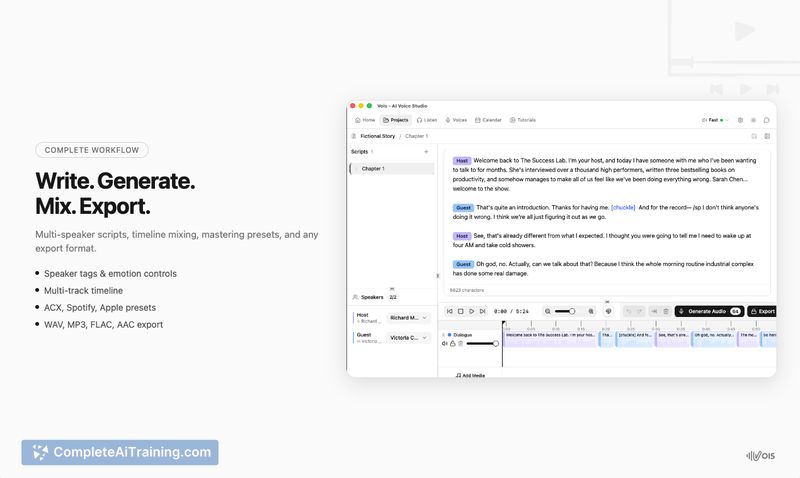
- Script editor with multi-speaker dialogue, multi-track timeline, and pro mastering (LUFS normalization, de-esser, EQ, limiter)
- Export to WAV, MP3, FLAC, AAC and optimized performance on Apple Silicon (up to ~6x real-time)
Pricing and Value
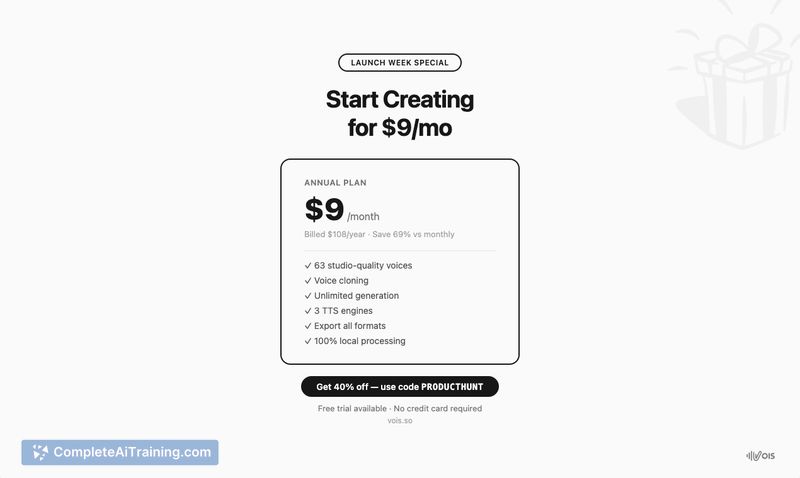
There is a free tier that includes 10 generations per day with access to all voices and engines, which makes it easy to test core functionality. The standard monthly plan is $29/month, while an annual plan reduces the effective monthly cost (the launch material quoted an annual rate of $9/month and a limited-time discount). Vois's value proposition centers on eliminating cloud usage fees and offering unlimited local use with professional export and mastering tools, which can be cost-effective for creators who generate a lot of audio.
Pros
- True local processing protects privacy and avoids cloud charges
- Wide feature set for creators: multi-speaker editor, timeline, mastering, and multiple export formats
- Large voice library and voice cloning let you create varied character or narration tracks
- Smart caching speeds iteration so only edited segments re-generate
- Good performance on Apple Silicon and a usable free tier for evaluation
Cons
- Local processing demands decent hardware; best performance is noted on Apple Silicon
- Voice cloning raises consent and ethical considerations that users must manage
- Some language and accent coverage gaps may remain despite multilingual support
Vois is a strong fit for podcasters, accessibility users, indie game developers, and anyone who needs offline, repeatable TTS workflows with export-ready audio. It works best for users who can provide sufficient local resources and who prioritize privacy and predictable costs over cloud convenience.
Jobs Vois suits
We checked Vois against 500+ jobs; these get the most out of it.
Alternatives to Vois
Other tools that do the same main job. Our AI compared Vois with similar tools and kept the ones you could use instead.