AI tool
Voxpad
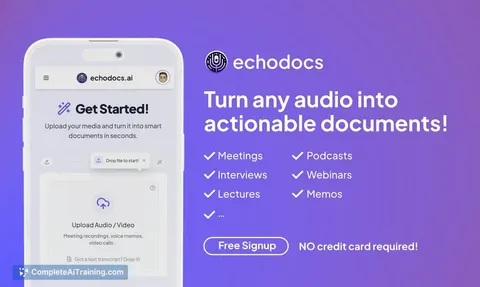
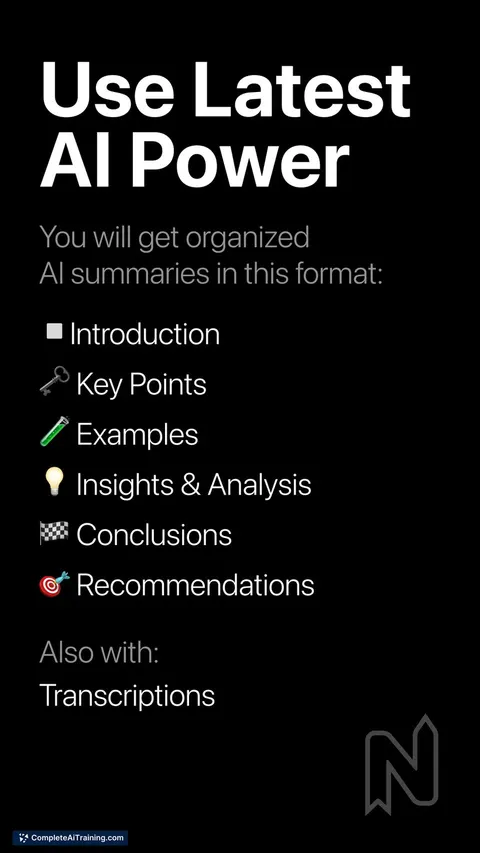
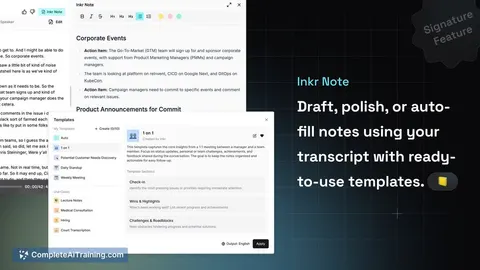
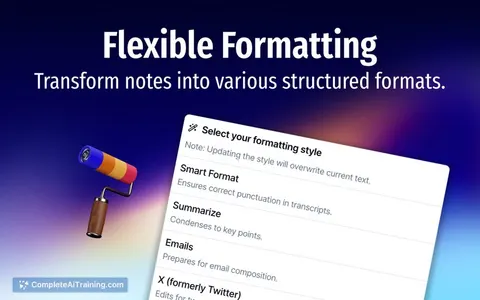
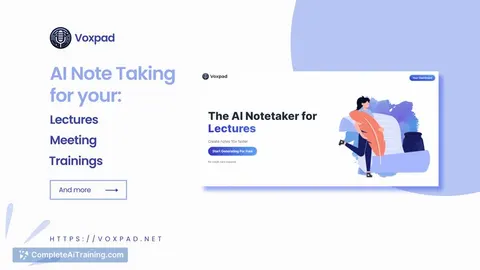
Voxpad converts video and audio into detailed, customizable notes. Select your preferred style, format, and tone, then edit with a smart block editor featuring AI autocomplete. Flexible subscription plans include token-based extra hours.
About Voxpad
Voxpad is an AI-powered transcription and voice note platform that helps users convert audio content into text efficiently. It is designed to simplify the process of capturing and organizing spoken information for various professional and personal needs.
Review
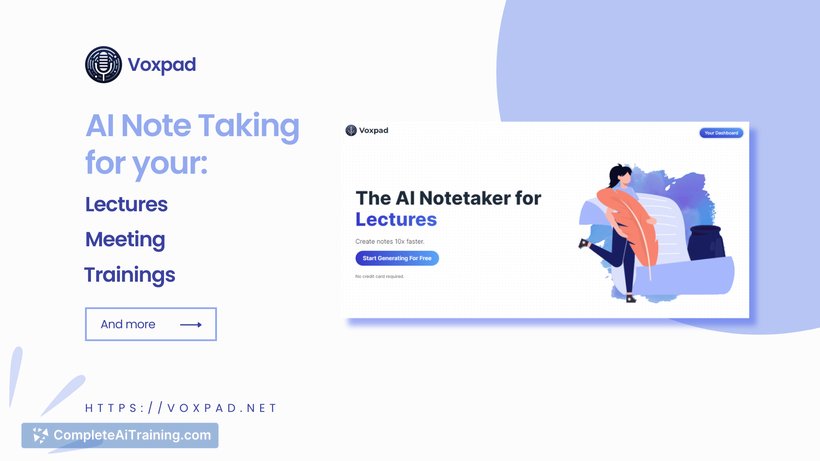
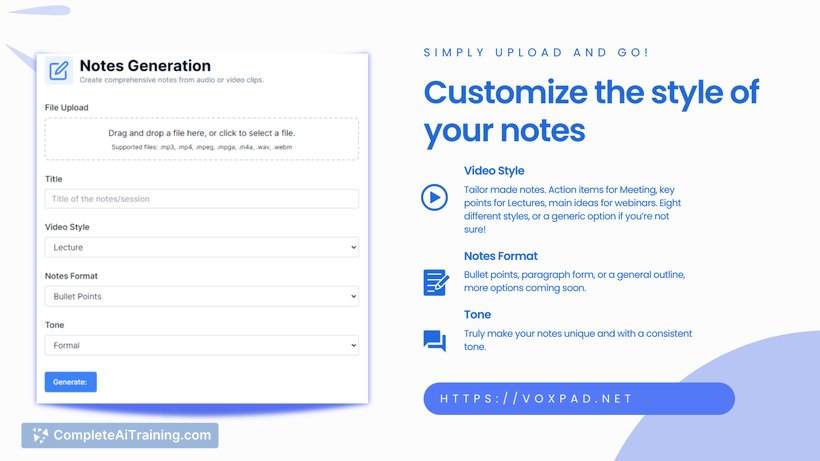
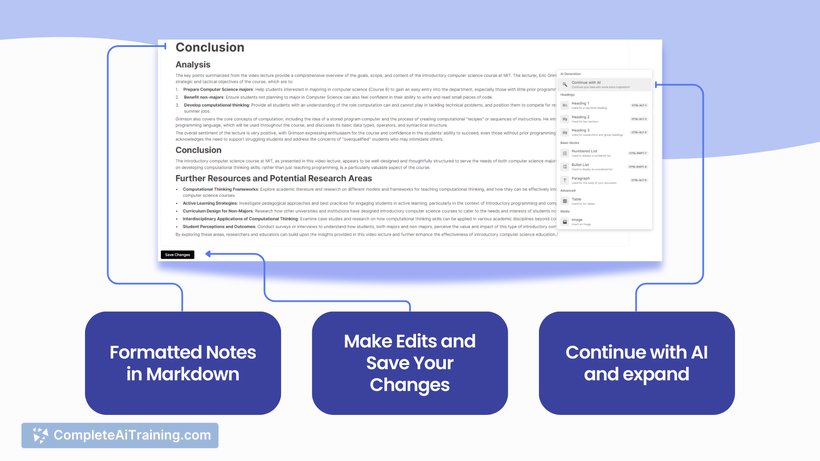
Voxpad offers a straightforward approach to transcription, making it accessible for users who need quick and reliable voice-to-text conversion. Its interface is user-friendly, allowing both beginners and experienced users to handle audio files with minimal effort. The tool aims to streamline the workflow of managing voice notes and transcriptions.
Key Features
- Automatic transcription of voice recordings with high accuracy
- Support for multiple audio formats and languages
- Easy editing and organization of transcribed text within the platform
- Integration options with popular productivity tools and cloud services
- Secure storage and privacy controls for sensitive audio content
Pricing and Value
Voxpad offers a tiered pricing model, including a free plan with basic transcription limits and paid subscriptions that increase the number of transcription minutes and add premium features. The pricing is competitive, especially for users who regularly handle voice notes and require accurate transcriptions without investing in expensive hardware or software. The value is particularly strong for professionals such as journalists, students, and business users who benefit from quick text conversion and easy management.
Pros
- Accurate and fast transcription results
- User-friendly interface with minimal learning curve
- Supports multiple languages and audio formats
- Good integration options for workflow enhancement
- Reasonable pricing with a free tier for casual users
Cons
- Occasional errors in transcription with complex audio or heavy accents
- Limited advanced editing features compared to specialized transcription software
- Dependent on internet connection for processing
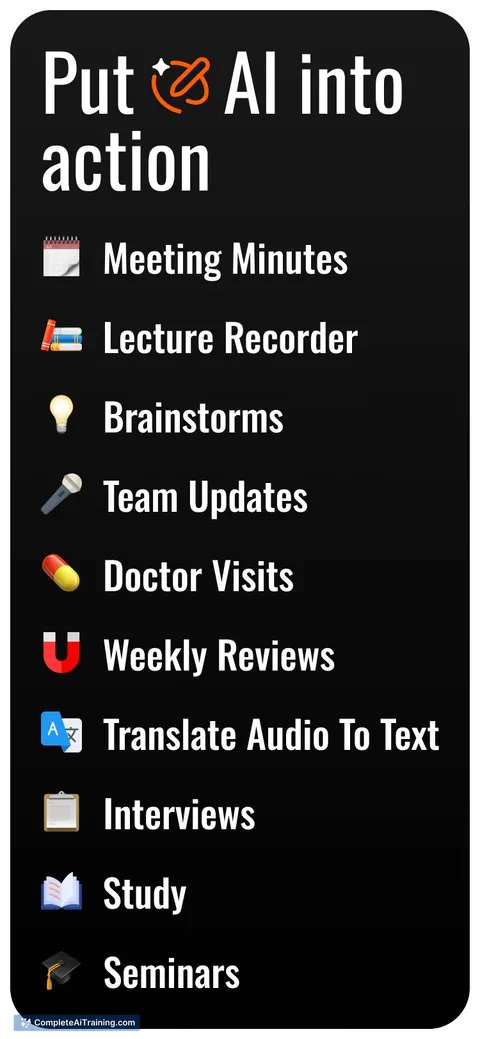
Overall, Voxpad is best suited for individuals and professionals who need quick and reliable transcription services without extensive manual editing. It works well for interviews, meetings, lectures, and note-taking, making it a practical tool for everyday transcription needs.
Jobs Voxpad suits
Useful in almost any job. We checked Voxpad against 500+ jobs; these get the most out of it.
Alternatives to Voxpad
Other tools that do the same main job. Our AI compared Voxpad with similar tools and kept the ones you could use instead.