AI tool
Waylight
Waylight builds a private, on-device memory of your tabs, meetings, and documents so you can ask about anything you've viewed and get instant, accurate answers-no data leaves your device.
About Waylight
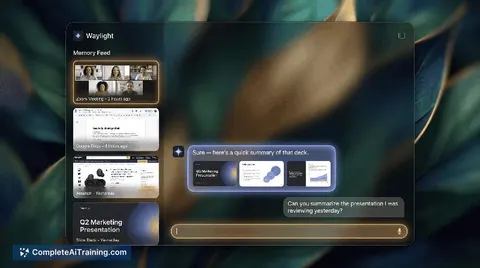
Waylight is an AI assistant that captures and understands activity on your computer - including meetings, documents, browser tabs, and messages. It builds a private, on-device memory so you can ask questions about things you've seen and get fast, context-aware answers.
Review
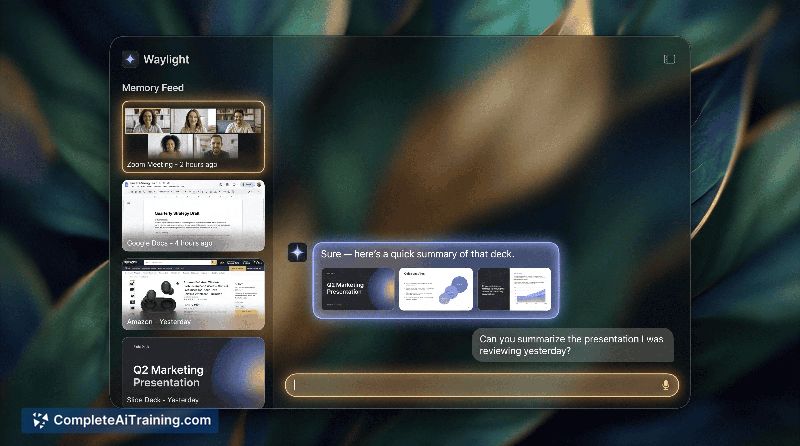
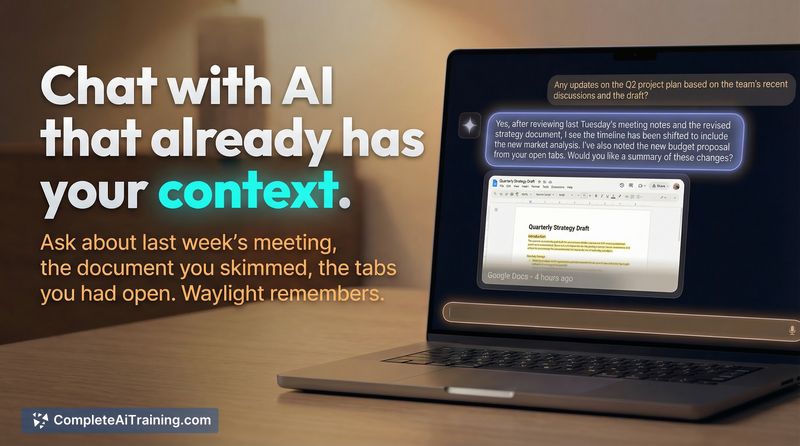
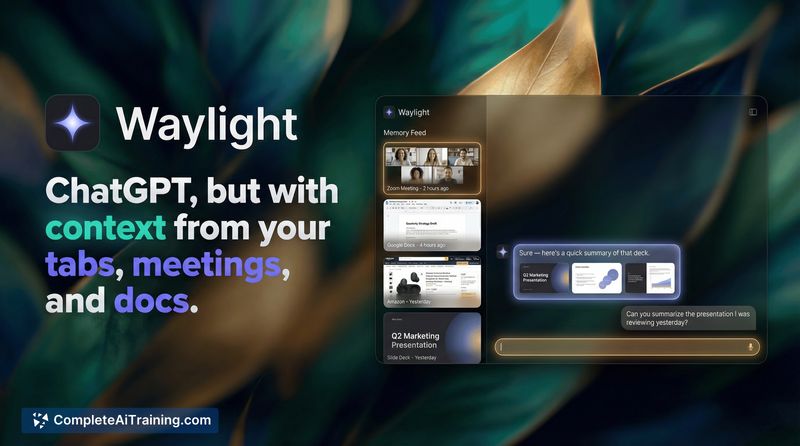
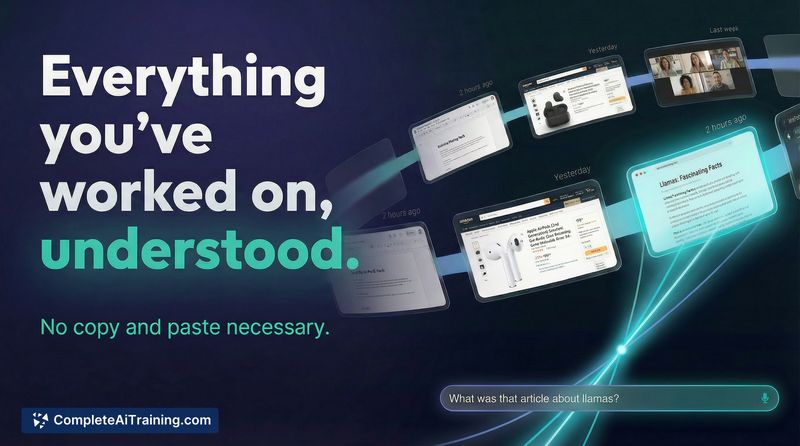
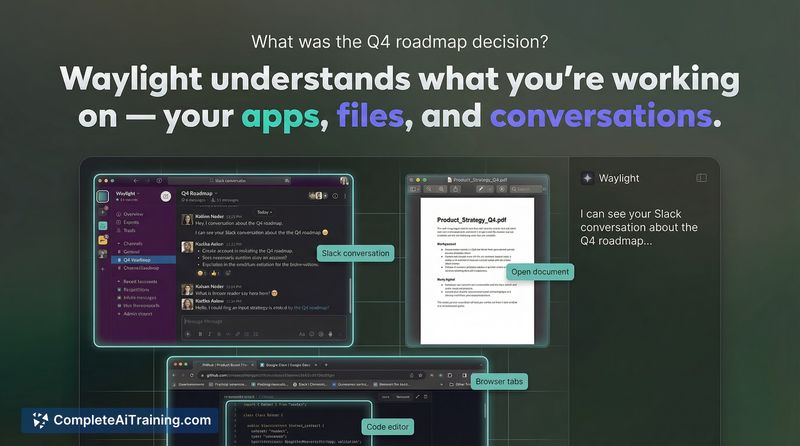
Waylight aims to reduce the repeated copy/paste and re-explaining that often accompanies using generic chat assistants by keeping relevant context available locally. At launch it focuses on privacy and convenience, offering features that surface information from recent meetings, open tabs, and documents without sending data off your device.
Key Features
- On-device memory that indexes meetings, open tabs, documents, and messages for later reference.
- Context-aware Q&A and summarization (e.g., "What did I agree to in that meeting yesterday?" or "Summarize the PDF I had open earlier").
- Integration with common inputs like browser tabs, Zoom meetings, and Word documents for immediate retrieval of seen content.
- Local privacy model: data stays on your device and is not uploaded or shared.
- Quick search for recently viewed articles, tabs, and notes to speed up follow-ups and research.
Pricing and Value
Waylight is launching with a free offering, making it easy to try without upfront cost. The core value is time saved and reduced friction when reusing or recalling information you already encountered - especially helpful for users who juggle many tabs, meetings, and files. Pricing beyond the initial free tier isn't detailed at launch, so organizations with specific compliance or scaling needs should watch for future plans and enterprise options.
Pros
- Strong privacy promise through on-device storage and processing.
- Brings context from multiple sources (tabs, meetings, docs) into one searchable assistant.
- Useful for quickly summarizing or locating material you recently viewed.
- Free to try at launch, lowering the barrier to evaluate its fit in your workflow.
Cons
- Early release - some integrations or edge cases may be incomplete or need refinement.
- On-device processing can demand local resources and may have platform compatibility limits.
- Long-term pricing, team features, and enterprise controls are not yet clear.
Waylight is best suited for knowledge workers, researchers, and anyone who regularly switches among tabs, meetings, and documents and wants a private way to recall what they've seen. Try the free launch to see whether the context recall and summarization provide the recurring time savings that make it a useful daily tool.
Jobs Waylight suits
Useful in almost any job. We checked Waylight against 500+ jobs; these get the most out of it.
Alternatives to Waylight
Other tools that do the same main job. Our AI compared Waylight with similar tools and kept the ones you could use instead.