
Video course · 9 chapters · 22 min · certificate
Create Consistent AI Characters in Google Veo 3: Complete Video Guide
Keep AI characters consistent in Google Veo 3: text-to-video vs image-to-video, character templates with ChatGPT and Whisk, scene prompts and cinematic shots, frames to video, the green screen hack, subtitle removal, multiple characters and ElevenLabs voices.
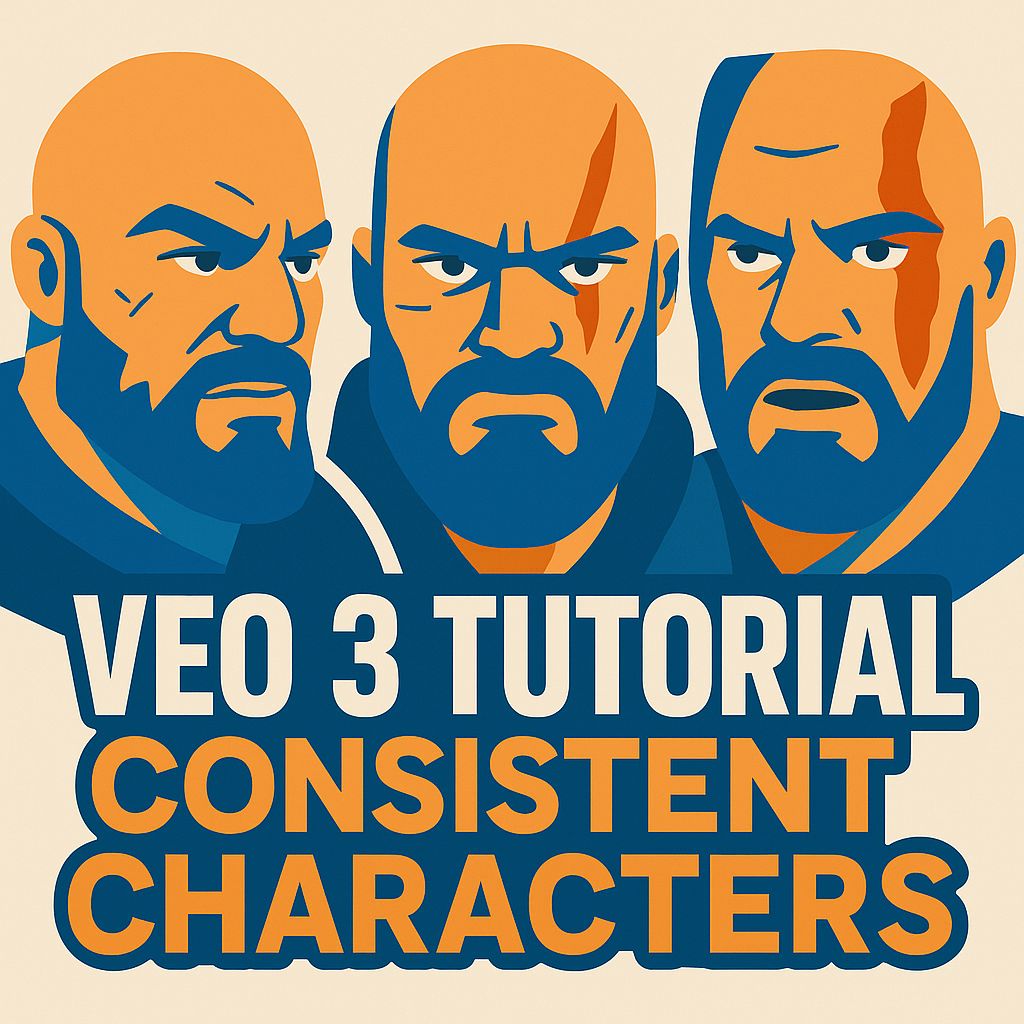
What you'll learn
- Explain why consistency is hard in AI video
- Build character templates with ChatGPT and Whisk
- Write cinematic scene prompts
- Use frames to video with reference images
- Apply the green screen hack
- Remove subtitles and fix voices
Chapters
9 chapters · 21:50-
 1:11
01Intro Members
Intro
Veo 3 and AI filmmaking.
1:11
01Intro Members
Intro
Veo 3 and AI filmmaking.
-
 1:41
02Modes Members
Text-to-video vs image-to-video
Why consistency is hard.
1:41
02Modes Members
Text-to-video vs image-to-video
Why consistency is hard.
-
 4:49
03Templates Members
Character templates with ChatGPT and Whisk
Detailed character prompts.
4:49
03Templates Members
Character templates with ChatGPT and Whisk
Detailed character prompts.
-
 2:33
04Scenes Members
Scene prompts and cinematic shots
Writing each scene.
2:33
04Scenes Members
Scene prompts and cinematic shots
Writing each scene.
-
 4:21
05Frames Members
Frames to video
Reference-image generation.
4:21
05Frames Members
Frames to video
Reference-image generation.
-
 1:21
06Hack Members
Green screen hack
Clean character plates.
1:21
06Hack Members
Green screen hack
Clean character plates.
-
 1:48
07Cleanup Members
Subtitle removal with CapCut
Removing burned-in subtitles.
1:48
07Cleanup Members
Subtitle removal with CapCut
Removing burned-in subtitles.
-
 2:25
08Advanced Members
Vmake and multiple characters
External remover and multi-character scenes.
2:25
08Advanced Members
Vmake and multiple characters
External remover and multi-character scenes.
-
 1:41
09Audio Members
Voices with ElevenLabs
Fixing voice drift.
1:41
09Audio Members
Voices with ElevenLabs
Fixing voice drift.
Jobs this course suits
Our AI checked this course against 500 jobs; these get the most out of it. Each job links to its learning path.