
Learning path
Learning AI as an Animator
This path helps animators use AI for storyboards, timing, rigging, and client updates. You will set up your tools, connect your AI, and follow a prompt course built for animation work.

Your path
Everything in the Animator AI kit, in the order that makes sense. Members tick off each step and see their progress.
Set up your AI
We guide you through each click.
Let skills do your everyday tasks
Connect your apps and pick your AI apps
Hand whole tasks to AI agents
Build your own tools
Keep growing
Everything for animators
All the courses, certifications, AI tools, MCP servers and apps for animators, most relevant first. Open any list to see more.
Take the prompt courses
A short framework course to learn how to ask, then 9 lessons with ready-to-use prompts for animators.
Start with this framework: how to talk to AI
RISEN helps you plan a 30-second character animation by separating keyframes, in-betweens, and render passes into clear steps.
Then your prompt course for animators- 1Storyboard And Shot Planning3 prompts
- 2Character And Style Development3 prompts
- 3Animation Timing And Key Poses3 prompts
- 4Rigging And Weighting Support3 prompts
- 53D Modeling And Topology Help3 prompts
- 6Motion Capture And Audio Sync3 prompts
- 7Rendering And Technical Troubleshooting2 prompts
- 8Animation Test Review And Feedback2 prompts
- 9Client Communication And Admin2 prompts
Watch the video courses or add them to your Favorites for later
79 video courses our AI picked for animators, most useful first. Save the ones you want to watch later with the heart.
Favorites are saved to your account: sign in or get your AI kit first.
Show all 79 video courses
Get certified, or add certifications to your Favorites
Every course ends in an exam and a certificate you can add to LinkedIn. Save the certifications you are aiming for with the heart.
Favorites are saved to your account: sign in or get your AI kit first.
More certifications for animatorsShow all 24 certifications
Try the AI tools for animators
24 AI tools our AI matched to the work of animators, best fit first. Each review shows what it does, its alternatives and the jobs it suits.
Favorites are saved to your account: sign in or get your AI kit first.
Show all 24 AI tools
Connect your AI to the apps animators use
MCP servers let ChatGPT, Claude or Copilot look things up and get work done in other apps, like your email, calendar or bookkeeping software. These 4 fit the work of animators best, well-known apps first.

After Effects MCP server
by a-y-ibrahimLets your AI build, inspect and render Adobe After Effects projects for you, including Arabic text.

JANCTION Render MCP server
by JasmyLab-JANCTIONRender Blender scenes, 3D models and turntables on cloud GPUs, straight from your AI chat.
Design toolsNo install
PicoBerry MCP server
by UModelerLet your AI make 3D models and images from a text prompt or a picture, then tweak and export them.
Design toolsGenerative art Official
Maya MCP server
by PatrickPalmerLet your AI assistant control Autodesk Maya and build 3D scenes for you by chatting.
Build your own AI apps for animators
Apps you build yourself with your own AI, no coding needed and no monthly fee. Our AI picked the 11 that fit the work of animators.
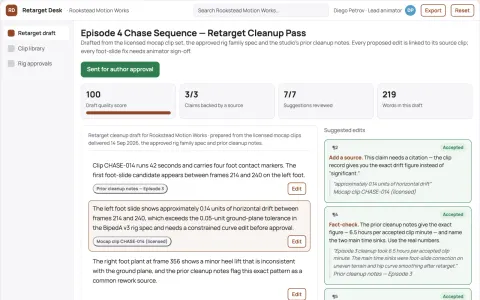
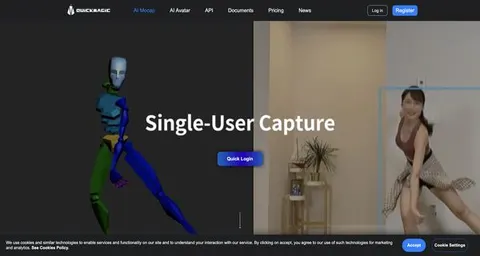
Motion-capture retarget correction service
Reduce cleanup time without replacing animator judgment.
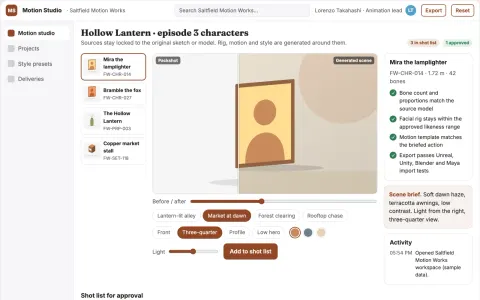
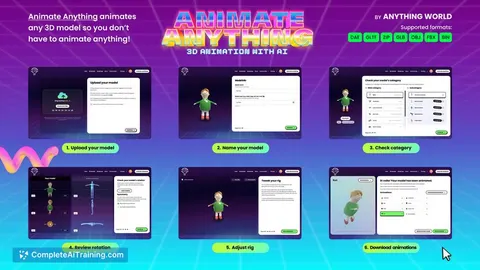
Managed AI animation and 3D rigging studio
Reduce tool sprawl and handoff friction while keeping animation assets and approvals in one owned workspace.
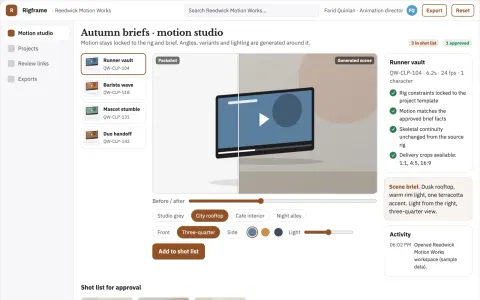
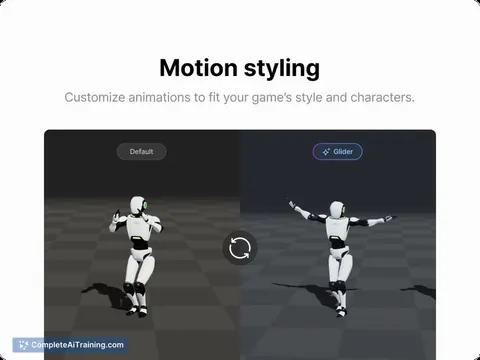
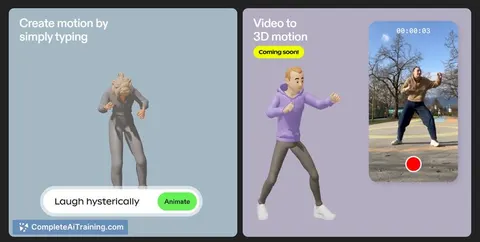
Text-to-3D character animation production studio
Reduce animation production time while keeping character motion under creative review.
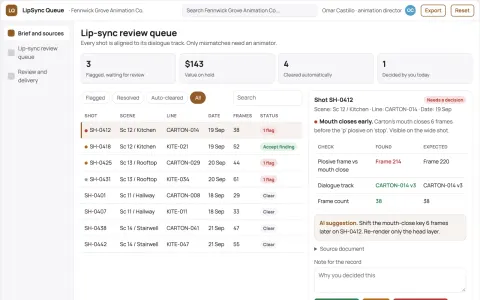
Animation lip-sync review queue
Timecoded review evidence before final render.
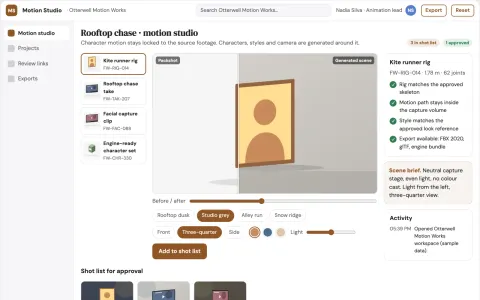
Video-to-3D character motion studio
Reduce the cost and coordination of producing character animation from video.
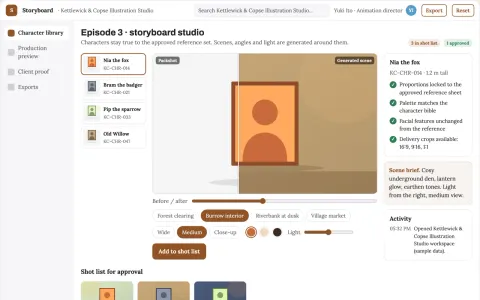
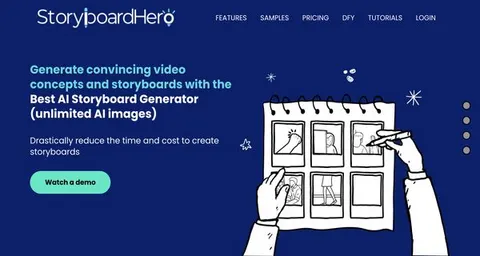
Character animation and storyboard production studio
Reduce tool handoffs and visual drift while keeping one approved character set.
Show all 11 apps
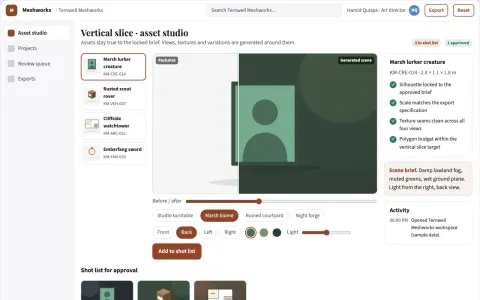
Managed 3D asset generation and review platform
Reduce asset production cycles while keeping creative control and review records.
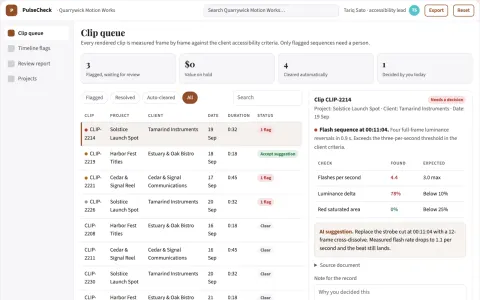
Motion accessibility workbench
Timecoded accessibility review embedded in motion production.
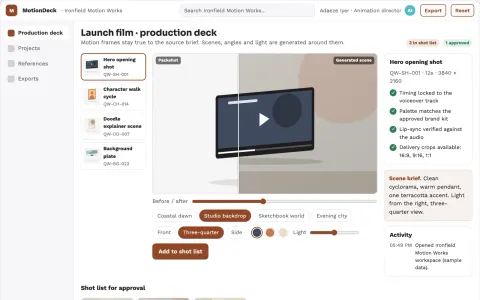
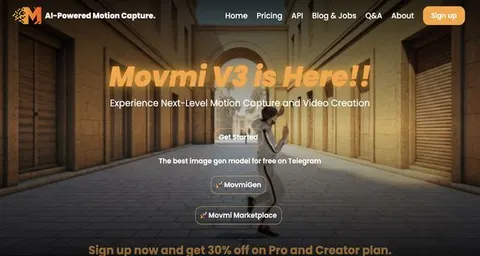
Prompt-to-motion animation production studio
Reduce tool switching and manual assembly while keeping creative control.
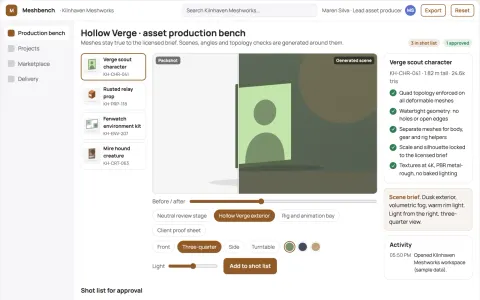
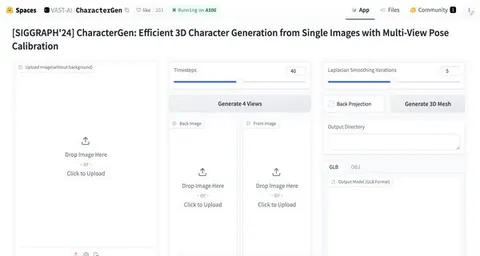
3D game asset production workbench
Reduce asset handoffs while keeping creative control and rights.
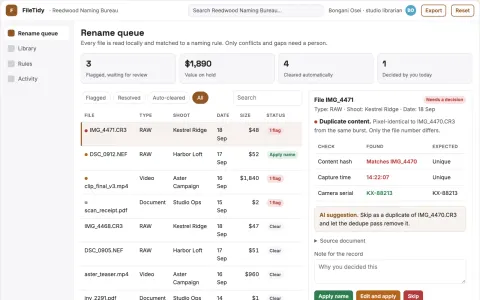
AI file naming and folder organization console
Cut manual filing time while keeping a searchable, correctly named library.































































About this learning path
6 topicsAI for Animators: A Practical Learning Path
Animation work is changing. Directors and studios are asking for faster turnarounds, and AI can help you keep up without losing your creative voice. This path shows you how to use AI as a helpful assistant, not a replacement.
You will start with simple setup questions, connect your AI tool, and learn skills that fit your daily job. Then you will work through a prompt course made for animators, with video lessons and certifications that match your role.
Why AI matters for animators now
Studios are using AI to speed up preproduction, clean up motion capture, and handle repetitive tasks. Animators who know how to guide AI can focus more on the creative parts of their work.
Clients and directors expect quick updates and clear communication. AI can help you draft emails, organize feedback, and keep projects moving without extra stress.
What the path includes
The path starts with setup questions to get your tools ready. You will connect your AI assistant, then learn job-specific skills like storyboarding, timing, and rigging support.
The core is a prompt course built for animators. You will also get video courses picked for your role and the certifications that come with them.
How it saves you time
You will learn to turn rough ideas into storyboard panels, plan key poses, and write batch scripts for rendering. These small wins add up to hours back each week.
AI can also handle admin work like client updates and revision checklists. That means less time on busywork and more time on animation.
How it protects your career
AI will not replace animators who know how to use it well. This path helps you stay valuable by adding AI skills to your existing craft.
You will learn to review AI output, keep your style consistent, and make decisions that show your creative judgment. That is what studios need.
How to start
Begin with the setup questions and connect your AI tool. Then move through the prompt course at your own pace, trying each lesson on a real project.
You do not need to be technical. The lessons are plain and practical, and you can revisit them whenever you get stuck.
Frequently asked questions
Do I need to be technical to use AI as an animator?
No. The path is made for working animators who are not technical. You will learn simple steps to set up your AI and use plain language prompts. If you can write an email, you can do this.Will AI take over animation jobs?
AI is a tool, not a replacement for animators. Studios still need your eye for timing, style, and storytelling. This path helps you use AI to support your work, not compete with it.How long does the learning path take?
You can go at your own pace. Most animators finish the prompt course in a few weeks while working full time. The video courses and certifications are there when you need them.What if I use different software like Blender or Maya?
The lessons focus on skills that work across tools. You will learn to write prompts for Blender, Maya, or any other software you use. The goal is to help you think with AI, not lock you into one program.