AI agent for salesforce administrators
Team Knowledge Handoff Test Agent
Handoff guides that someone new can actually follow.

What it does
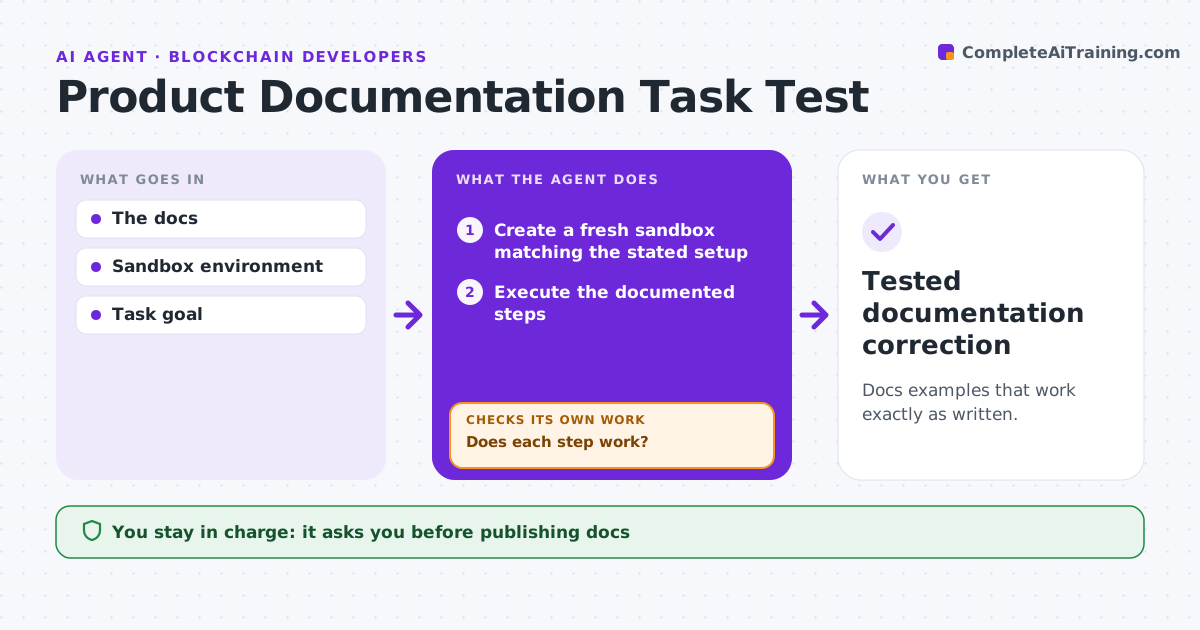
Procedures look complete on paper but fail when someone new tries to follow them. This agent tests a written procedure by actually following it step by step in a sandbox with a made-up task. It records the state after each step and notes where it gets stuck, for example a missing permission, a renamed button or an unstated input. It drafts a repair for that step and reruns from the affected point, not from scratch. At the end it checks that the expected result was reached. A team lead approves the updated guide before publishing. The agent never runs steps in production systems. Edge case: a step tells the reader to open a shared report, but the sandbox user has no access, so the agent adds an access request step.
How it works
Follow the arrows from top to bottom. The orange dashed arrow is the loop: when a check fails, the agent goes back and tries again.
Read the steps as a list
- Procedure written or updated
- Prepare a synthetic task and expected result
- Follow the next step in the sandbox
- Does this step work as written?If not: draft a repair and rerun from that step. Back to step 3.
- Record the observed state after the step
- Is the expected result reached?If not: find the missing step and add it. Back to step 3.
- Team lead approves publishingThe agent waits here for your OK.
- Tested handoff guide
How it decides
It follows observed state, not assumptions, and reruns after each repair.
- Observed sandbox state decides whether a step works, not the wording.
- Rerun from the repaired step, not from the start, unless an earlier step changed.
- Any step that needs production access is flagged for the person, never run.
Make it yours
Every agent is a starting point. You choose these settings for your own situation.
- Sandbox environment and test accounts to use
- Synthetic tasks per procedure (default one typical, one edge case)
- How detailed repair notes are (short fix or full rewrite of the step)
- Who approves publishing the updated guide
What keeps you in control
It always asks you first
- Production actions
- Publishing
Hard limits
- Sandbox only.
It stops when
- Done: task completes.
Set it up
We guide you through the set-up, step by step
Members get the full set-up guide for this agent. No technical skills needed: you copy, paste and upload.
- One set of instructions to paste into your AI, with the clicks for ChatGPT, Claude, Microsoft 365 Copilot, Gemini and Grok
- The agent then walks you through connecting your own data, one source at a time
- A downloadable copy with the flow chart, the rules and the full guide