MCP server · Analytics
agentcentral Amazon MCP server
Lets your AI look up your Amazon Seller Central and Amazon Ads data and make some guarded changes for you.
This is a hosted helper that connects your AI assistant to your Amazon seller accounts. Once it is set up, you can ask your AI questions about your orders, stock, listings, and ads, and it will pull the real numbers for you. It is made for Amazon sellers and the people who run their day to day operations.
What is an MCP server? The 30-second version
On its own, your AI can only chat with you. An MCP server is a small helper program that gives your AI a new skill or a connection to an app or service. This one connects your AI to Amazon Seller Central and Amazon Ads, so it can look things up and do some things there when you ask. You do not install anything on your computer for this one, because it runs online and your AI talks to it over the internet.
What this MCP server does
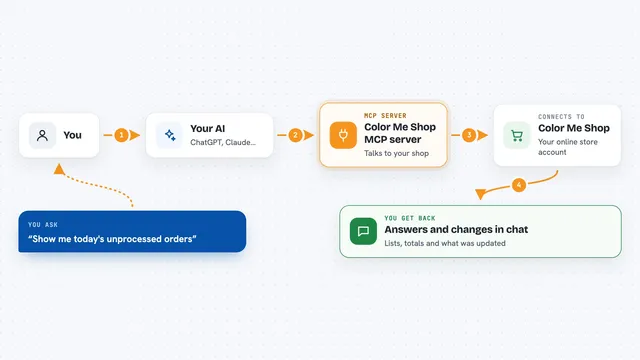
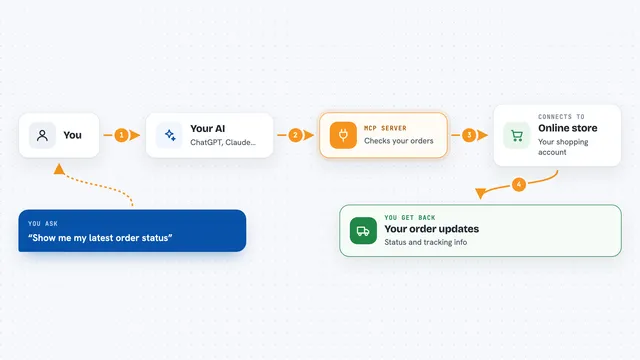
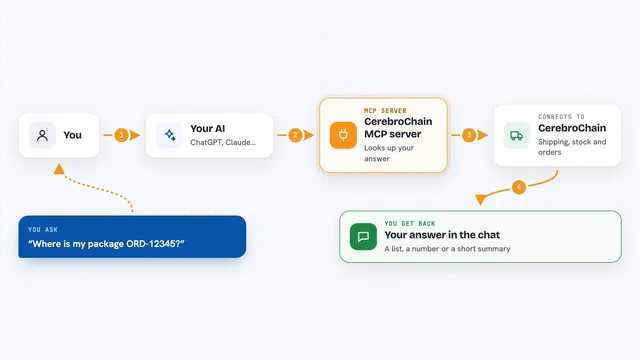
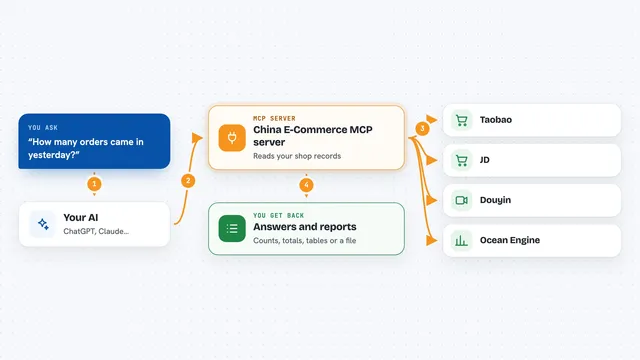
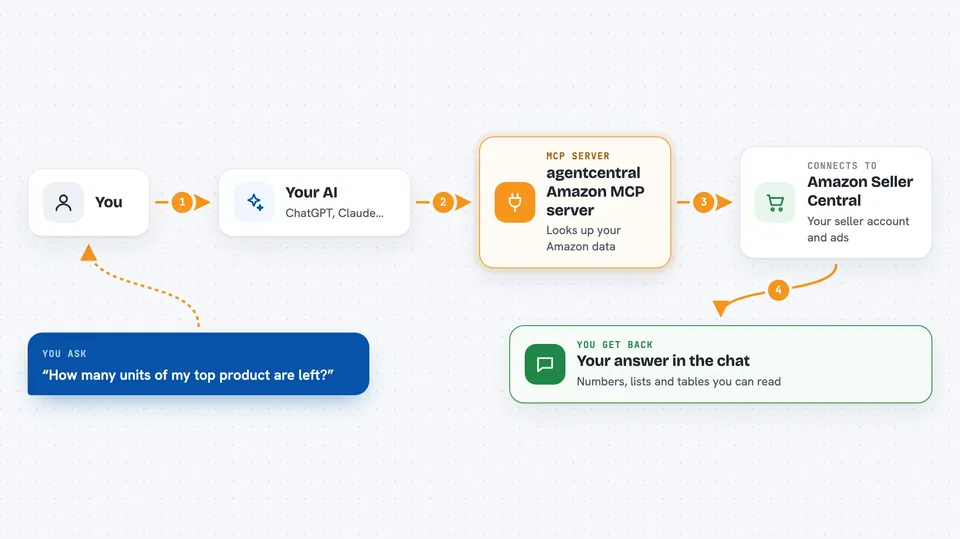
You ask your AI a question about your Amazon business, like how many units are left or how your ads are doing. Your AI sends that request to this helper. The helper talks to Amazon using your connected account and pulls back the facts. Then your AI shows you the answer in the chat, in plain words, with the numbers it found. For some tasks, it can also make changes, but only after showing you a preview.
 Click to zoom
What you can do with it
- Check your inventory levels and see which products are running low
- Look up orders, returns, and shipment status
- Review your Amazon Ads campaigns, keywords, and spending
- See your sales ranks, listing issues, and suppressed listings
- Compare ad spend and sales by product
- Check finance, payments, and settlement details
- Make supported updates to listings, prices, or inventory, with a preview first
Try asking your AI
- “Which SKUs are below 30 days of FBA cover? Include current stock, inbound units, and sales velocity.”
- “Show me Sponsored Products search terms with spend, clicks, and sales for the last 30 days.”
- “Find my suppressed listings and tell me why they are suppressed.”
- “Which campaigns changed budget in the last 14 days?”
What it gives back to you
You get back clear answers in the chat: lists of products, orders, or campaigns, with the numbers and details attached. It can show tables of spend, sales, stock, and ranks. For changes, it shows you a preview first and then a record of what was done. It gives you facts, not advice, so you decide what to do with them.
Before you start
What you need
- An agentcentral account (sign up at agentcentral.to)
- Your Amazon Seller Central and Amazon Ads accounts connected through Amazon login
- An API key or a signed connector link from your agentcentral dashboard
- An AI app that can connect to remote MCP servers, like Claude, ChatGPT, Cursor, or Claude Code
Good to know
Some tools can change your listings, prices, or inventory, so review the previews carefully before approving any change.
Install it with your AI
Add agentcentral Amazon MCP server to your AI, no technical skills needed
You don't install anything by hand. You copy one prompt, paste it into an AI that can work on your computer, and it checks, installs and connects the server for you, asking you when it needs something.
Sign in to get the install prompt
Members get a ready-made prompt that lets the Claude desktop app check agentcentral Amazon MCP server, install it and connect it for them, step by step. You don't need any technical skills: you copy, paste and answer a few questions. Your connected AI can also find and install any of the 4,361 MCP servers here for you.
Who it's for
Amazon sellers, e-commerce managers, and their assistants who want to ask questions about their store and ads without digging through reports.