MCP server · Analytics
Google E-commerce MCP server
by MoonEyes
Ask your AI about your shop's traffic, search, product feed, tags, speed and ads, and get answers from your own accounts.
This is a helper that connects your AI assistant to the tools an online shop runs on: Google Analytics, Search Console, Merchant Center, Tag Manager, PageSpeed and some ad platforms. You ask a question in plain words, and it looks up the answer in your own accounts. It is handy if you run a shop or several client shops and want quick answers without clicking through five different dashboards.
What is an MCP server? The 30-second version
On its own, your AI can only chat with you. An MCP server is a small helper program that gives your AI a new skill or a connection to an app or service. This one connects your AI to your shop's Google accounts and ad platforms, so the AI can look things up there for you when you ask. You stay in charge: it reads by default, and any change it prepares needs your approval.
What this MCP server does
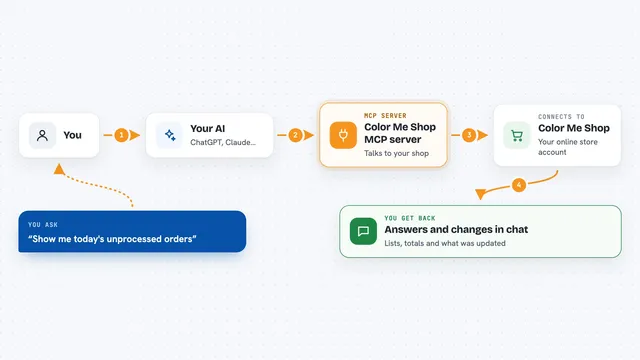
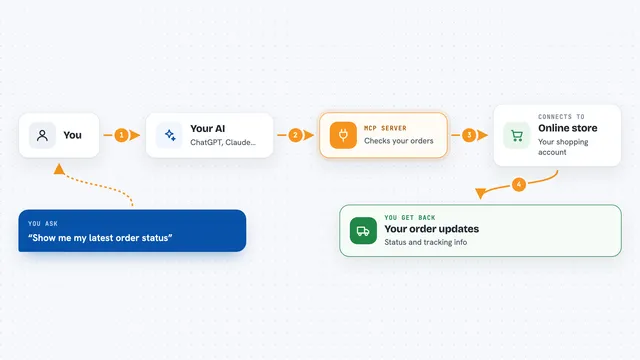
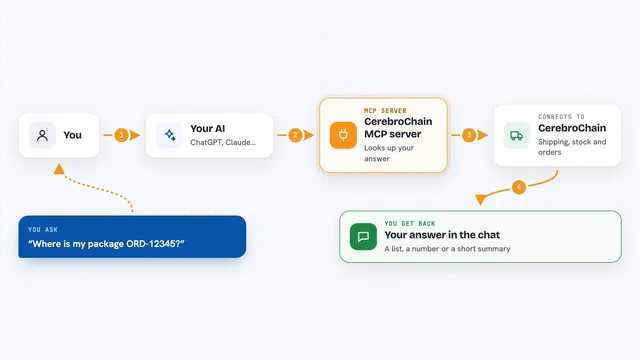
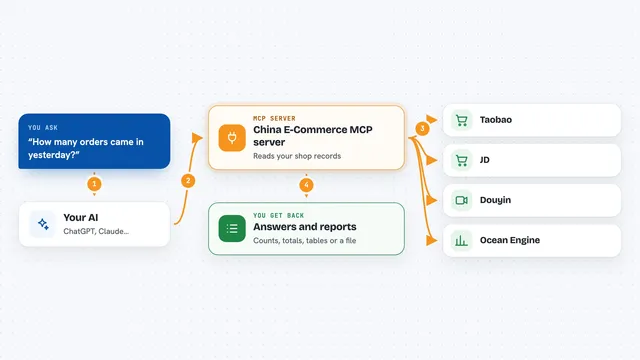
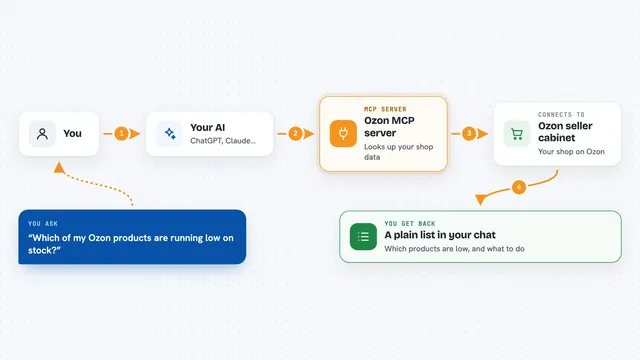
You type a question like how much organic traffic you got this month. Your AI sends that question to this helper. The helper talks to the right service, for example Google Analytics or Search Console, using your own login. It brings back the numbers or the list, and your AI explains them to you in the chat. If you turn writing on, the helper can also prepare a change as a plan, and nothing is sent until you approve it.
What you can do with it
- See which channels bring visits and which bring sales
- Find search queries that are close to page one
- List products that are disapproved in Merchant Center
- Check if a tracking tag is loaded twice on your site
- Get a speed score for a page
- Compare what ad platforms claim with what Google Analytics recorded
- Prepare a change like pausing a campaign, for you to approve
Try asking your AI
- “Sessions, purchases and revenue by channel, this month vs. last month”
- “Queries ranking 5 to 15 with more than 100 impressions, and their landing page”
- “Products disapproved in Merchant Center that still receive organic clicks”
- “Is GA4 loaded twice on my site?”
What it gives back to you
You get a clear answer in the chat: a short list of top rows plus totals, with the unit and meaning of each number. Dates are shown in your account's timezone, and it flags when the last days can still change. If you asked about ads, it also tells you which attribution window each platform used, so you know the numbers may not add up perfectly.
Before you start
What you need
- A Google account with access to the shop's Analytics, Search Console, Merchant Center or Tag Manager
- An OAuth client from Google Cloud (a kind of app password; the setup guide walks you through it)
- The Claude desktop app or another AI tool that can use MCP servers
- For ad platforms: separate keys or tokens from Google Ads, Meta or ChatGPT Ads
Good to know
Writing is off by default and has never been tested on a real account, so if you turn it on, try it first on a test account and read the security guide.
Install it with your AI
Add Google E-commerce MCP server to your AI, no technical skills needed
You don't install anything by hand. You copy one prompt, paste it into an AI that can work on your computer, and it checks, installs and connects the server for you, asking you when it needs something.
Sign in to get the install prompt
Members get a ready-made prompt that lets the Claude desktop app check Google E-commerce MCP server, install it and connect it for them, step by step. You don't need any technical skills: you copy, paste and answer a few questions. Your connected AI can also find and install any of the 4,361 MCP servers here for you.
Who it's for
Shop owners, marketing people and agencies who want fast answers from their own e-commerce data without learning each platform's interface.