MCP server · Analytics
Ozon MCP server
by PCDCK
Lets your AI look up and manage your Ozon seller cabinet: products, prices, stock, orders and ratings.

This is a helper that connects your AI assistant to your Ozon seller account. Once it is set up, you can just ask your AI questions about your shop, like which products are about to sell out or which ones have a bad price. It is made for Ozon sellers who want quick answers without clicking through the seller dashboard all day.
What is an MCP server? The 30-second version
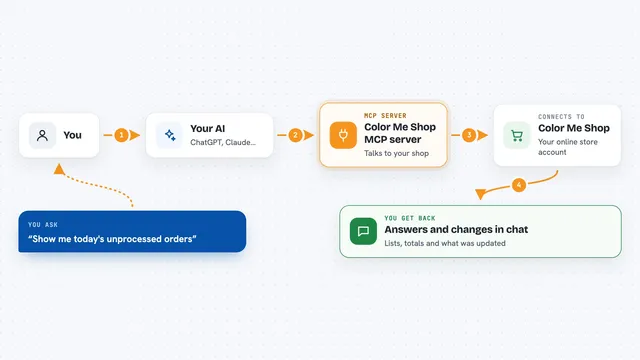
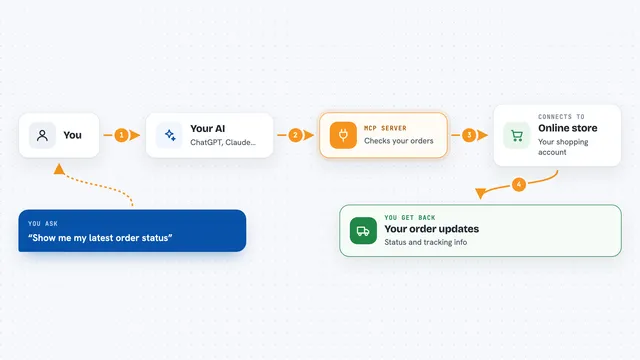
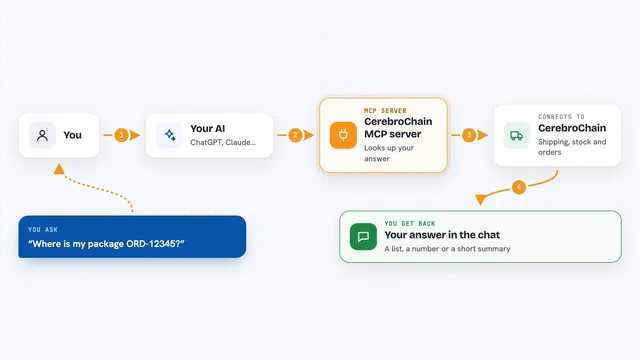
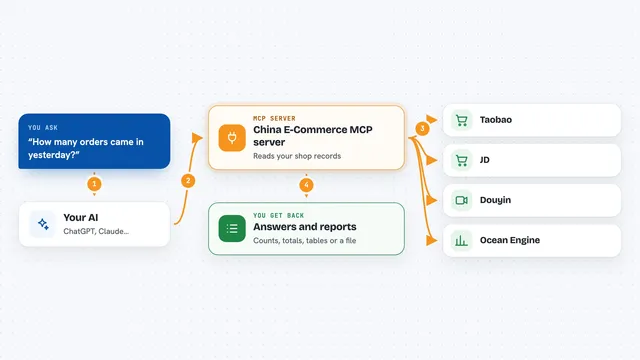
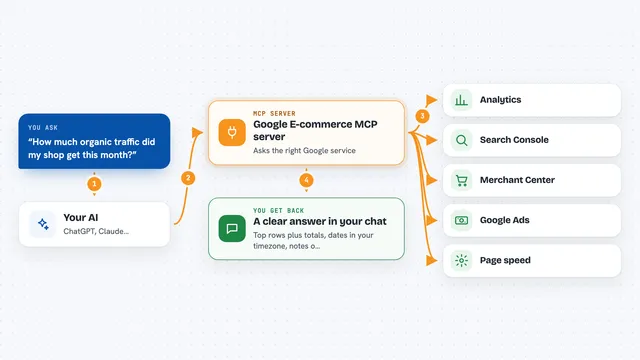
On its own, your AI can only chat with you. It cannot see your Ozon account or change anything there. An MCP server is a small helper program that gives your AI a new skill, in this case the skill to talk to Ozon. When you ask a question about your shop, your AI passes the request to this helper, the helper asks Ozon, and the answer comes back to you in the chat.
What this MCP server does
You ask your AI something about your Ozon shop, like which products are running low. The AI uses this helper to find the right Ozon method and call it with your account details. The helper handles the boring parts: paging through long lists, waiting when Ozon says slow down, and blocking calls your subscription does not cover. Then it hands the results back to your AI, which explains them to you in plain words. It also comes with ready-made recipes for common seller tasks, like a stock-out check or a pricing review.
 Click to zoom
What you can do with it
- List all your products, even if there are thousands
- Find products at risk of going out of stock
- Check your seller rating and cabinet health in one go
- Spot products with a bad price index
- Audit product cards and see which details to fill in
- Look up any Ozon error code and what it means
- See which methods your subscription tier unlocks
Try asking your AI
- “Use ozon_fetch_all to get all my products”
- “Run the oos_risk_analysis workflow for my cabinet”
- “Which of my products have a red price index?”
- “Find products with low content rating and tell me what to improve”
What it gives back to you
You get answers in the chat, usually as lists or short summaries. For example, a list of products with their stock levels and a flag for ones at risk, or a table of rating metrics with OK or warning labels. It can also return raw details like prices, commissions and product IDs if you ask for them. When it changes something, it tells you what it did.
Before you start
What you need
- Python 3.12 or 3.13 installed on your computer
- The uv package manager (the README shows a one-line install command)
- Ozon Seller API credentials: a Client-Id and an Api-Key from your Ozon seller settings
- Optional: Ozon Performance API credentials if you want advertising data
Good to know
Some methods can change or delete data in your Ozon cabinet, so the server asks for extra confirmation before running them, but you should still read what your AI is about to do.
Install it with your AI
Add Ozon MCP server to your AI, no technical skills needed
You don't install anything by hand. You copy one prompt, paste it into an AI that can work on your computer, and it checks, installs and connects the server for you, asking you when it needs something.
Sign in to get the install prompt
Members get a ready-made prompt that lets the Claude desktop app check Ozon MCP server, install it and connect it for them, step by step. You don't need any technical skills: you copy, paste and answer a few questions. Your connected AI can also find and install any of the 4,361 MCP servers here for you.
Who it's for
Ozon sellers and their assistants who want to check stock, prices, content and orders by simply asking their AI.