MCP server · Analytics
China E-Commerce MCP server
by TonyWang-hub
Lets your AI read your shop data from Taobao, JD, Douyin and other Chinese marketplaces: orders, refunds and ad accounts.
This is a free helper that connects your AI assistant to your own seller accounts on Chinese e-commerce platforms. It reads your business data, like orders, refunds and ad account balance, so you can ask questions in plain language instead of clicking through each platform's back office. It is handy if you sell on more than one platform and want one place to look at the numbers.
What is an MCP server? The 30-second version
On its own, your AI can only chat. It has no idea what is happening in your Taobao or Douyin shop. An MCP server is a small helper program that gives your AI a new skill, and here that skill is reading your seller data from Chinese e-commerce platforms. Once it is set up, you ask a question in the chat and the AI quietly uses this helper to fetch the answer for you.
What this MCP server does
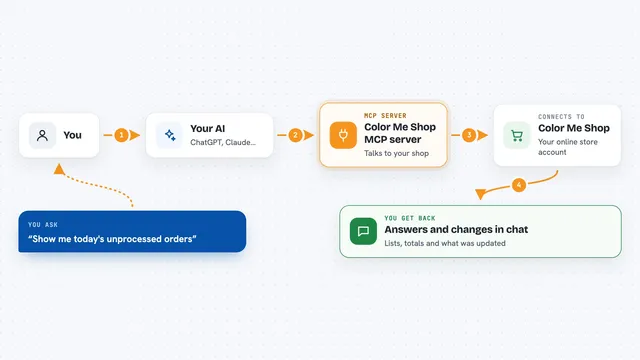
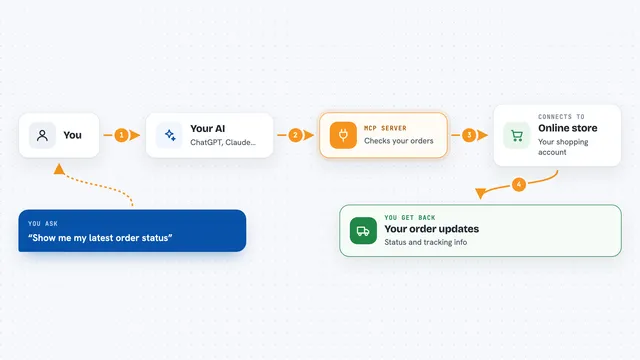
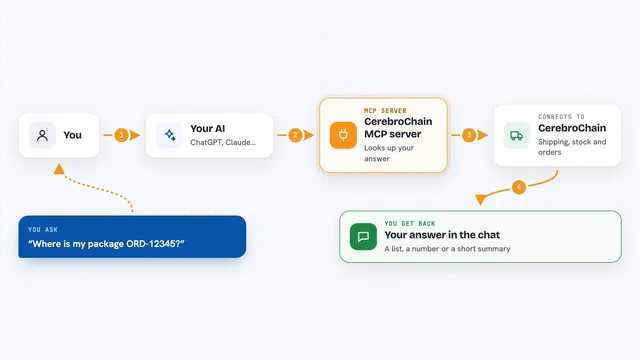
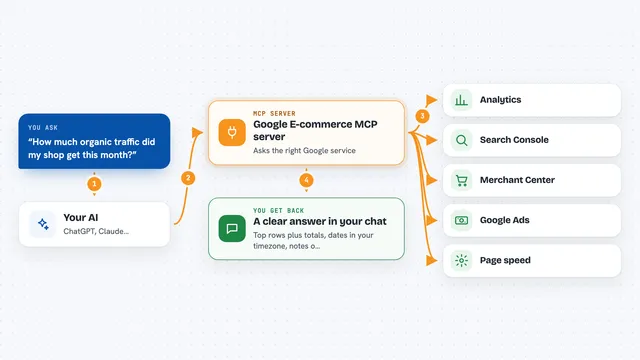
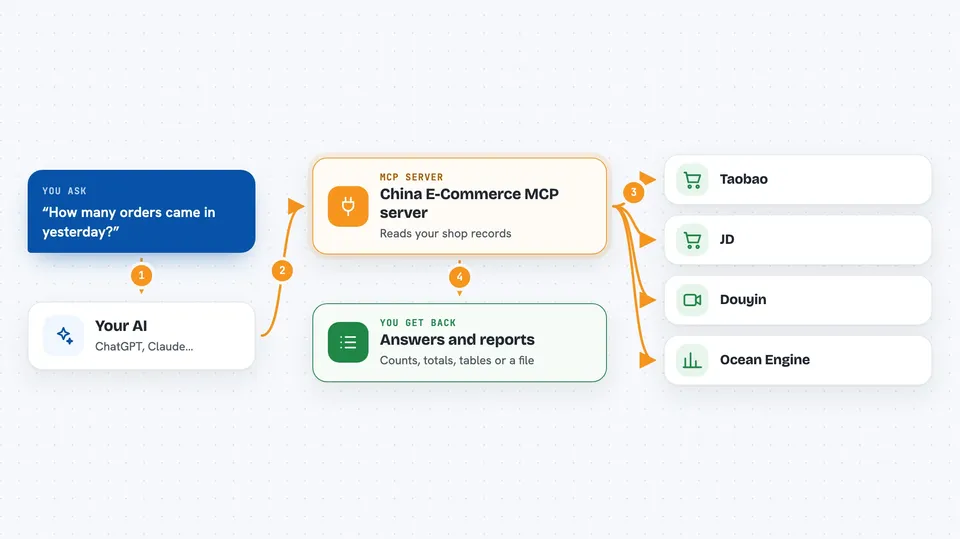
You ask your AI something about your shop, like how many orders came in yesterday. The AI passes that request to this helper program running on your own computer. The helper then talks to the platform's official API using the login details you gave it, and pulls back the records you asked for. The AI turns those records into a readable answer, a table or a short report. Everything is read only, so it can look but never change or delete anything in your shop.
 Click to zoom
What you can do with it
- Read your order lists and order details from supported platforms
- Check refund and after-sales records for a specific order
- Look up your ad account balance on Ocean Engine
- Export a set of records as a CSV or JSON file
- Build a daily report that sums up orders, refunds and amounts
- See request metrics and alerts for the platform calls it made
- Pull the same kind of data from several platforms in one session
Try asking your AI
- “Read yesterday's Douyin orders and tell me how many there were and the total amount”
- “Check the status and refund amount for this Taobao refund”
- “What is the current balance on my Ocean Engine ad account”
- “Build a daily report from the order data you just pulled, and mark any missing fields”
What it gives back to you
You get back plain answers in the chat: counts, totals, tables of orders or refunds, and short written summaries. It can also hand you a file, like a CSV or JSON export of the records it read. The daily report comes back as a small table with amounts, order counts and refund rates, plus notes about any data that was missing or incomplete.
Before you start
What you need
- Python 3.11 or newer installed on your computer
- A seller account on at least one supported platform, with API access approved by that platform
- The App Key, App Secret and Access Token from that platform's developer console
- An AI client that supports MCP, such as Claude Desktop, Cline or Cherry Studio
Good to know
It reads your private shop data and needs your platform login keys, and the README says real shop verification has not been done yet, so check important numbers against your platform back office before trusting them.
Install it with your AI
Add China E-Commerce MCP server to your AI, no technical skills needed
You don't install anything by hand. You copy one prompt, paste it into an AI that can work on your computer, and it checks, installs and connects the server for you, asking you when it needs something.
Sign in to get the install prompt
Members get a ready-made prompt that lets the Claude desktop app check China E-Commerce MCP server, install it and connect it for them, step by step. You don't need any technical skills: you copy, paste and answer a few questions. Your connected AI can also find and install any of the 4,361 MCP servers here for you.
Who it's for
Online sellers and shop operators who run stores on Chinese marketplaces and want to ask their AI about orders, refunds and ad spend without opening every back office.