MCP server · Analytics · official
Color Me Shop MCP server
by pepabo · official
Run your Color Me Shop store by chatting with your AI: orders, products, stock, customers and coupons.
This is the official helper from Color Me Shop (a Japanese online store platform run by GMO Pepabo) that lets your AI assistant work with your shop for you. Instead of clicking through admin screens, you just ask in plain words. It is handy if you run a Color Me Shop store and already use an AI tool like Claude.
What is an MCP server? The 30-second version
On its own, your AI can only chat. An MCP server is a small helper that gives your AI a new skill or a connection to an app or service. This one connects your AI to your Color Me Shop store, so it can look things up and make changes there when you ask. You do not install anything on your computer; it runs online and you just add its address to your AI tool.
What this MCP server does
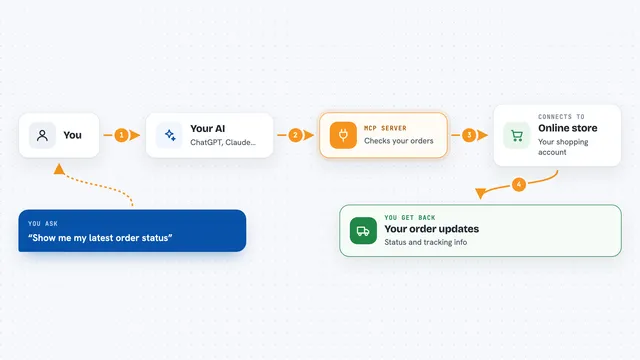
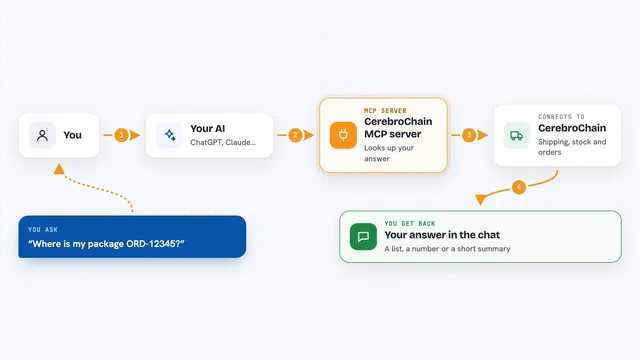
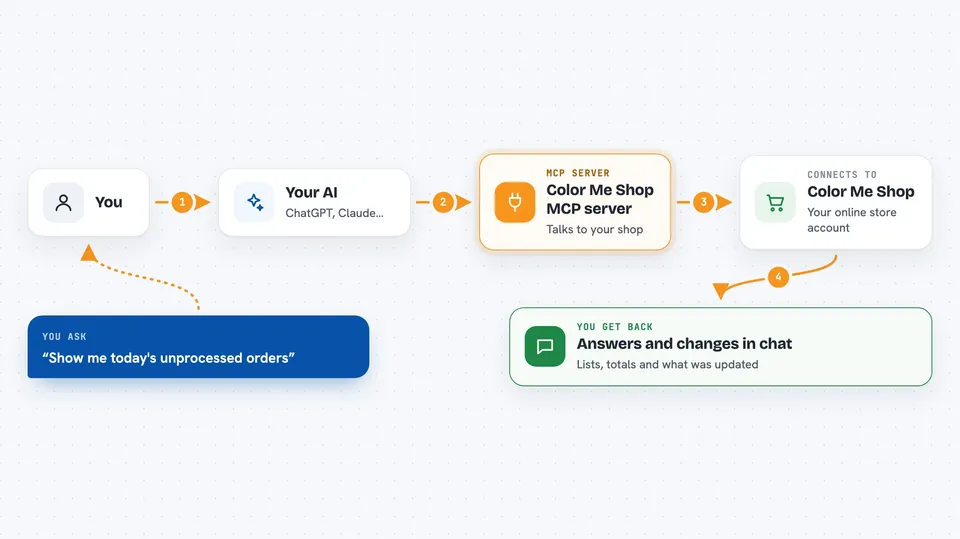
You ask your AI something about your shop, like which orders came in today. Your AI sends that request to this helper, which talks to Color Me Shop on your behalf. Color Me Shop sends back the details, and your AI turns them into a clear answer in the chat. If you ask it to change something, like updating stock or cancelling an order, the helper carries that out in your shop. Everything happens inside your own store account, with permissions you approve.
 Click to zoom
What you can do with it
- List and search your orders by date, customer or payment status
- Update or cancel an order
- See sales statistics for your shop
- Send order emails and create payment links
- List, add and update products, stock, categories and groups
- Look up and update customers, points and membership ranks
- Create, update or delete coupons
Try asking your AI
- “Show me today's unprocessed orders”
- “List products with 5 or fewer in stock”
- “How much did we sell last week?”
- “Create a 10 percent coupon for repeat customers”
What it gives back to you
You get answers in the chat: lists of orders or products, numbers like sales totals, and short summaries of what it found. When you ask for a change, it tells you what it did, for example that an order was cancelled or a product's stock was updated. It can also hand you things like a payment link or a draft order email. Nothing is hidden; you see the result right in the conversation.
Before you start
What you need
- A Color Me Shop account
- The Color Me Shop AI Connector app installed from the Color Me Shop App Store
- An AI tool that supports MCP, such as Claude Desktop, Claude Code, Cursor, OpenAI Codex CLI or Gemini CLI
Good to know
It can change real things in your live shop, like cancelling orders, editing products and deleting coupons, so check before you say yes.
Install it with your AI
Add Color Me Shop MCP server to your AI, no technical skills needed
You don't install anything by hand. You copy one prompt, paste it into an AI that can work on your computer, and it checks, installs and connects the server for you, asking you when it needs something.
Sign in to get the install prompt
Members get a ready-made prompt that lets the Claude desktop app check Color Me Shop MCP server, install it and connect it for them, step by step. You don't need any technical skills: you copy, paste and answer a few questions. Your connected AI can also find and install any of the 4,361 MCP servers here for you.
Who it's for
Color Me Shop store owners and their staff who want to handle everyday shop tasks by chatting with an AI instead of clicking through admin screens.