MCP server · Analytics
S.C.A.L.A. MCP server
Let your AI search 250M+ companies and run your CRM, invoices, bookings and business reports.
This is a helper that connects your AI assistant to S.C.A.L.A., an online business platform. Once it is set up, you can ask your AI to look up companies, manage contacts, send invoices, book appointments and pull business numbers, all in normal chat. It is handy if you run a small business or work in sales, finance or operations and want to skip jumping between apps.
What is an MCP server? The 30-second version
On its own, your AI can only chat with you. An MCP server is a small helper program that gives your AI a new skill or a connection to an app or service. This one connects your AI to S.C.A.L.A., so when you ask a question about your contacts, invoices or a company, the AI can actually look it up or make the change for you. You do not need to understand how it works under the hood; you just talk to your AI like usual.
What this MCP server does
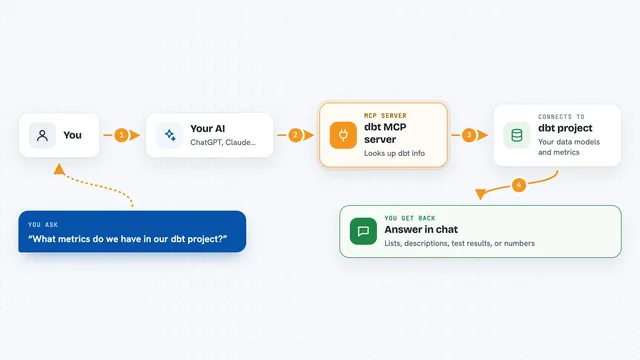
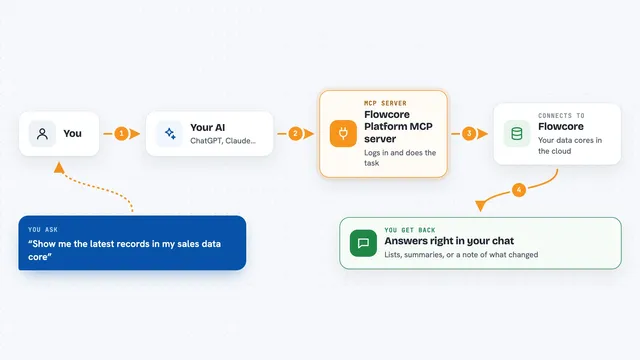
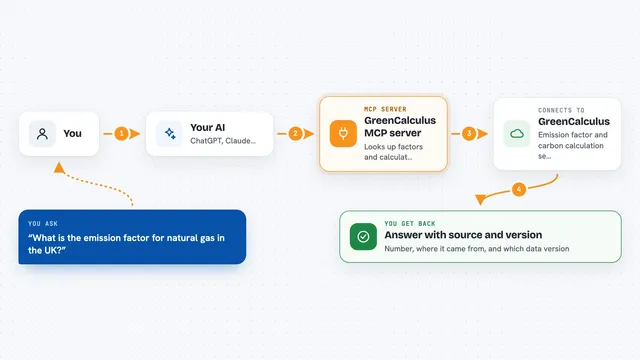
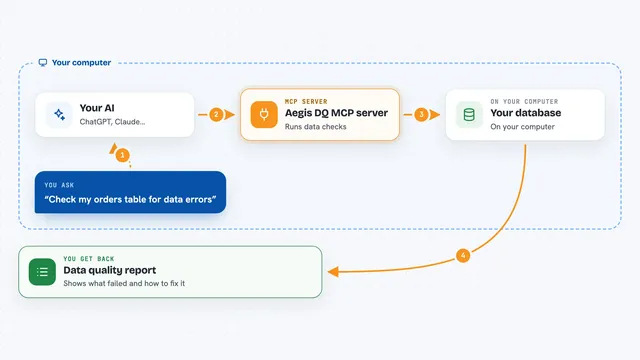
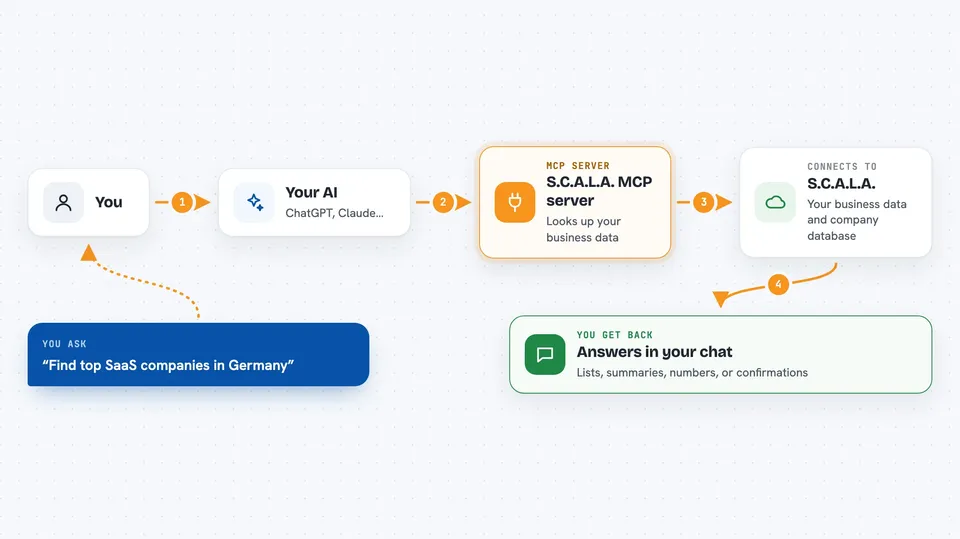
You ask your AI something in plain words, like find the top SaaS companies in Germany or show my overdue invoices. The AI passes that request to this helper program. The helper then talks to the S.C.A.L.A. service, which holds your CRM, invoices, bookings, finance data and a huge company database. The result comes back and your AI shows it to you in the chat as a list, a summary or a confirmation that something was created or changed.
 Click to zoom
What you can do with it
- Search over 250 million companies by name, VAT number or keyword
- Look up a company profile or generate a health report
- List, create and update CRM contacts and see your sales pipeline
- Create, send and track invoices, including overdue ones
- Check available appointment slots and book or cancel a booking
- Ask SARA, the built-in AI, for business insights and alerts
- See revenue, expenses, cash flow and a business health score
- Run automation workflows and check their success rates
Try asking your AI
- “Find the top 10 SaaS companies in Germany”
- “Show my sales pipeline”
- “List all overdue invoices”
- “What slots are available tomorrow at 2pm?”
What it gives back to you
You get back answers in the chat: lists of companies or contacts, summaries of your pipeline or finances, numbers like a health score or cash flow, and confirmations when something was created, sent or cancelled. For invoices you can also get the PDF. It feels like asking a colleague who has all your business data open on their screen.
Before you start
What you need
- A S.C.A.L.A. account and API key from app.get-scala.com (a kind of password for apps; the site gives you one, with a 14-day free trial and no credit card)
- Node.js installed on your computer if you run it yourself
- An AI app that supports MCP, such as the Claude desktop app or Claude Code
Good to know
This helper can create, change and cancel real business records like contacts, bookings and invoices, and some company lookups use paid credits, so check before you confirm.
Install it with your AI
Add S.C.A.L.A. MCP server to your AI, no technical skills needed
You don't install anything by hand. You copy one prompt, paste it into an AI that can work on your computer, and it checks, installs and connects the server for you, asking you when it needs something.
Sign in to get the install prompt
Members get a ready-made prompt that lets the Claude desktop app check S.C.A.L.A. MCP server, install it and connect it for them, step by step. You don't need any technical skills: you copy, paste and answer a few questions. Your connected AI can also find and install any of the 4,609 MCP servers here for you.
Who it's for
Small business owners, sales and account people, finance staff and operations managers who already use S.C.A.L.A. or want company data and simple business admin inside their AI chat.