MCP server · Research
Travel.Art MCP server
by alexzavialov
Lets your AI look up art biennales, fairs, and museum guides, and suggest art trips by city.
This is a small helper that connects your AI assistant to travel.art, a site about art tourism. Once it is connected, you can ask your AI about art events, museum visits, or a city art itinerary, and it will pull answers from travel.art's published guides. It is handy if you are planning a trip around art and want quick, grounded suggestions instead of guesses.
What is an MCP server? The 30-second version
On its own, your AI can only chat with you using what it already learned. An MCP server is a small helper program that gives your AI a new skill or a connection to an app or service. This one connects your AI to travel.art, so it can look things up there for you. When you ask a question about art events or museums, your AI quietly asks this helper, and the helper answers from travel.art's data.
What this MCP server does
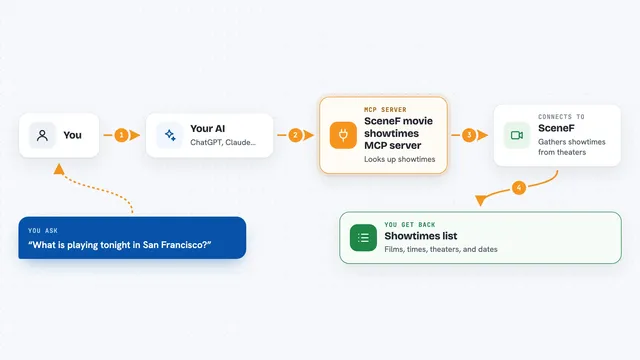
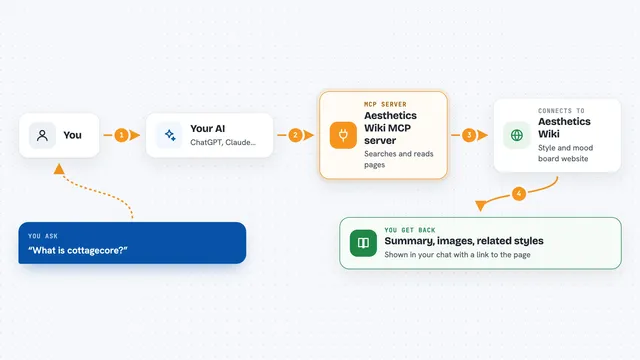
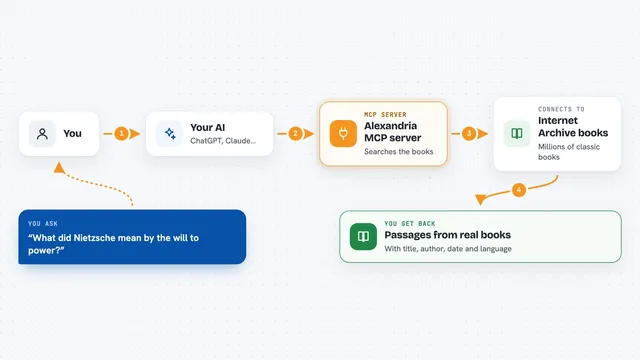
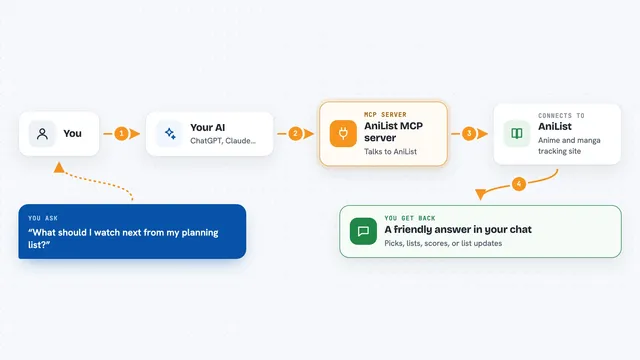
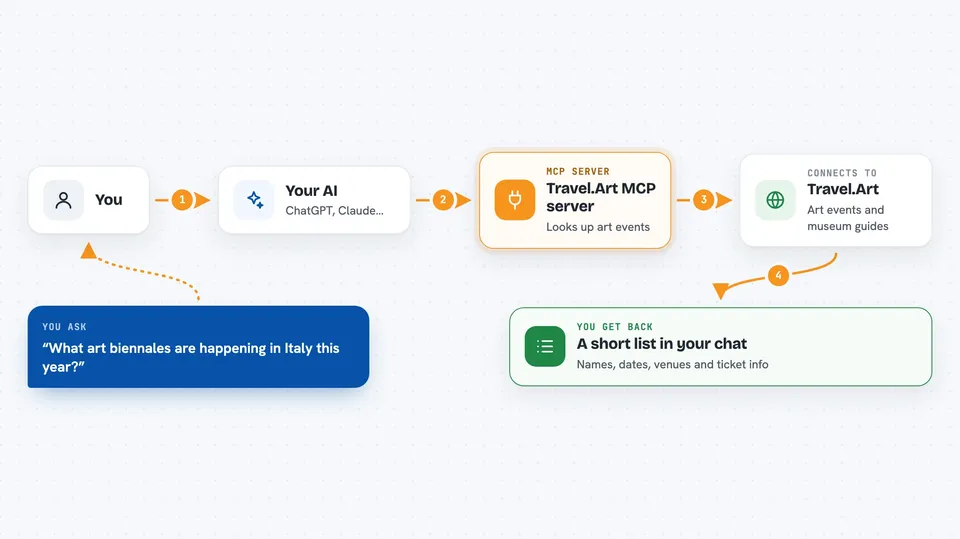
You ask your AI something like which biennales are happening in Italy, or what to see at the Louvre. Your AI sends that question to this helper, which is a small program running on travel.art's side. The helper checks travel.art's catalogue of events, museums, and itineraries, and picks the matching entries. It sends the facts back to your AI, which writes them up for you in the chat. You never leave the conversation, and you do not need to visit the website yourself.
 Click to zoom
What you can do with it
- Find art biennales, fairs, and festivals by country or city
- Look up ticket info, dates, and venues for major art events
- Get a visitor guide for big museums like the Louvre or the Uffizi
- See opening hours and essential works for a museum
- Ask for an art-focused itinerary for a specific city
- Get a shortlist of art stops for a layover
- Compare a few art events happening around the same time
Try asking your AI
- “What art biennales are happening in Italy this year?”
- “Give me a visitor guide for the Uffizi, including ticket info and must-see works.”
- “Plan an art day in Venice using travel.art's recommendations.”
- “I have a six hour layover in Paris. What art could I see?”
What it gives back to you
You get back a written answer in the chat, usually a short list or a summary. For events, that means names, dates, venues, ticket info, and a link to a fuller guide. For museums, it is opening hours, ticket details, and a few essential works. For trips, it is a suggested itinerary built from travel.art's published content.
Before you start
What you need
- An AI app that can connect to MCP servers, like the Claude desktop app
- An internet connection (the helper runs online, nothing to install)
Good to know
It is read-only and public, so it cannot change or book anything for you, but event details can go out of date, so double-check dates and tickets before you travel.
Install it with your AI
Add Travel.Art MCP server to your AI, no technical skills needed
You don't install anything by hand. You copy one prompt, paste it into an AI that can work on your computer, and it checks, installs and connects the server for you, asking you when it needs something.
Sign in to get the install prompt
Members get a ready-made prompt that lets the Claude desktop app check Travel.Art MCP server, install it and connect it for them, step by step. You don't need any technical skills: you copy, paste and answer a few questions. Your connected AI can also find and install any of the 4,609 MCP servers here for you.
Who it's for
Anyone planning an art-focused trip, from casual museum-goers to travel planners and culture writers who want quick, sourced suggestions.