MCP server · Design tools
Next AI Draw.io MCP server
by DayuanJiang
Let your AI draw and edit draw.io diagrams from your files, on a live canvas you can also edit by hand.
This is a helper that lets your AI assistant draw draw.io diagrams for you, straight from the files in your project. The diagram appears in a live preview in your browser, and you can change it by hand whenever you like. It is handy for anyone who wants a picture of how something fits together without drawing every box themselves.
What is an MCP server? The 30-second version
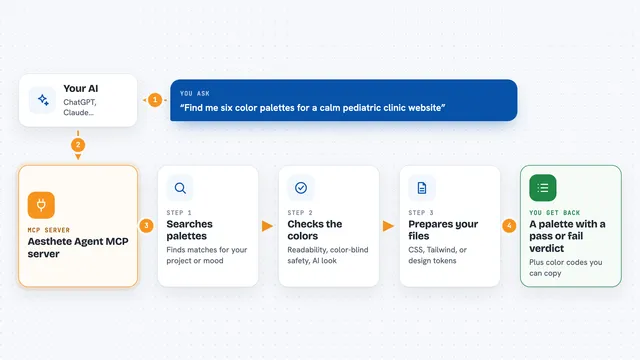
On its own, your AI can only chat with you. An MCP server is a small helper program that gives your AI a new skill. This helper gives it a connection to draw.io, so it can draw and change diagrams for you. You ask in plain words, and the helper does the drawing work behind the scenes.
What this MCP server does
You ask your AI to draw something, for example the structure of your project. The AI reads your files with its own tools, then sends drawing instructions to this helper. The helper opens a draw.io canvas in your browser and puts the shapes on it as they are drawn. You can watch it happen, edit the diagram by hand, and ask the AI to change things again. When you are happy, you can save the diagram as a file or an image.
What you can do with it
- Draw a diagram of your project's structure from its files
- Open an existing .drawio or .drawio.svg file and keep working on it
- Select shapes in the preview and ask the AI to change just those
- Undo the AI's last change with Ctrl+Z, or restore an earlier version
- Save the diagram as .drawio, .png, .svg or .drawio.svg
- Add, rename and delete pages in a multi-page diagram
- Reopen a diagram you saved in an earlier conversation
Try asking your AI
- “Read this repo and draw its architecture”
- “Add a database box under the API and connect them”
- “Make the boxes on the left a bit bigger and line them up”
- “Save this diagram as a PNG in my downloads folder”
What it gives back to you
You get a live diagram on a canvas in your browser, not just text in the chat. The AI can also read the diagram back, including any changes you made by hand, and tell you what is on it. It can take a picture of the diagram and check it for overlaps. When you save, you get a file or an image in the folder you choose.
Before you start
What you need
- An AI client that supports MCP, such as Claude Code, Cursor, VS Code or Codex
- Node.js installed on your computer (the helper runs with npx)
- A browser to see the preview
Good to know
The AI can change or delete shapes in your diagram, so keep an eye on the preview and use Ctrl+Z or restore an earlier version if something looks wrong.
Install it with your AI
Add Next AI Draw.io MCP server to your AI, no technical skills needed
You don't install anything by hand. You copy one prompt, paste it into an AI that can work on your computer, and it checks, installs and connects the server for you, asking you when it needs something.
Sign in to get the install prompt
Members get a ready-made prompt that lets the Claude desktop app check Next AI Draw.io MCP server, install it and connect it for them, step by step. You don't need any technical skills: you copy, paste and answer a few questions. Your connected AI can also find and install any of the 4,611 MCP servers here for you.
Who it's for
Anyone who wants diagrams of their project without drawing them by hand, especially developers, architects and technical writers.