MCP server · Notes
CEL OSS context and memory server
by dimpagk92
Give your AI a shared memory and a tidy context snapshot it can reuse across chats.
CEL OSS is a set of small building blocks that help an AI assistant remember things between chats and pull together what it knows into one tidy picture. It is made for people who build or run AI agents, not for casual chat users. If you just want your AI to answer questions, this is probably more than you need.
What is an MCP server? The 30-second version
On its own, your AI can only chat with what is in front of it right now. An MCP server is a small helper program that gives your AI a new skill or a connection to something outside the chat. This server connects your AI to CEL OSS, a toolkit for storing memory and combining information from different sources. When you ask your AI something, it can use this helper to save notes, look up past notes, or gather context before answering.
What this MCP server does
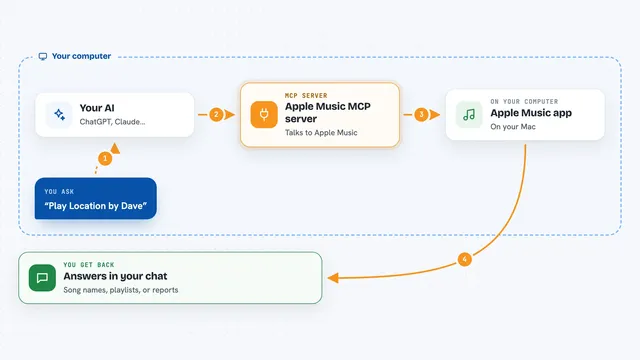
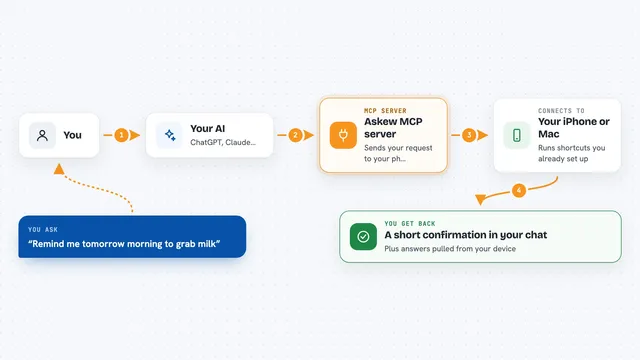
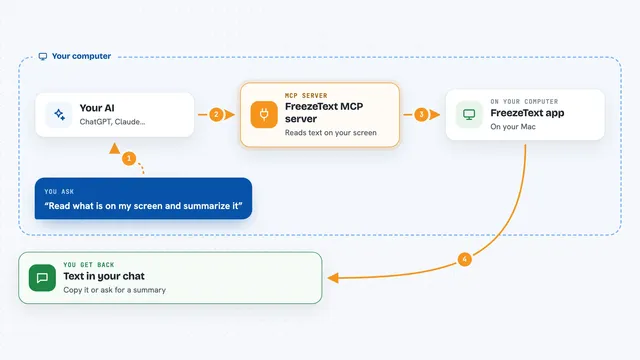
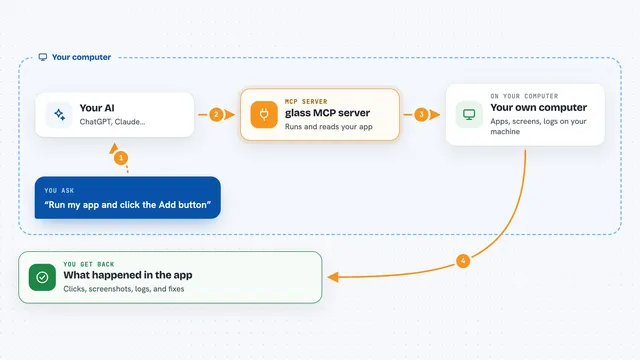
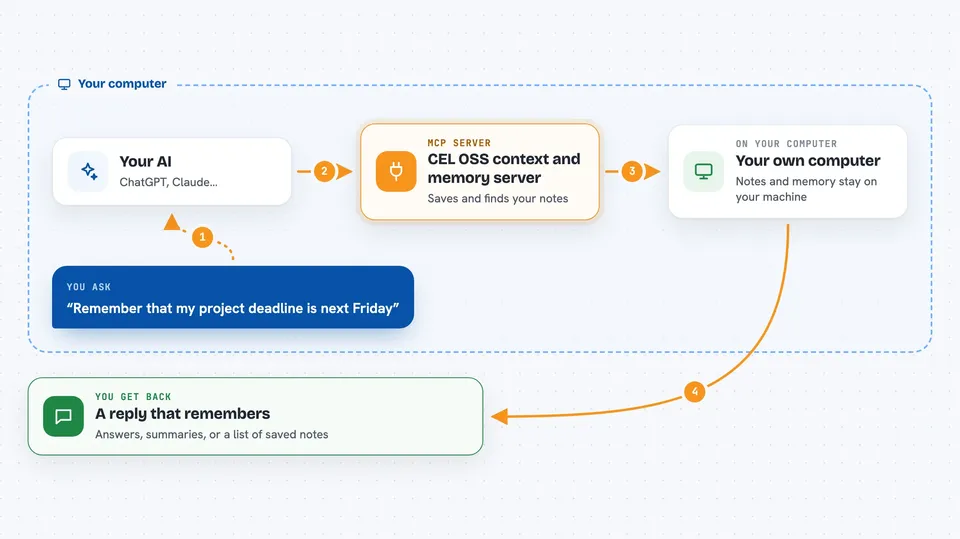
You ask your AI a question or give it a task. The AI calls on this helper program behind the scenes. The helper stores or fetches memory in a local database, and it merges information from different sources into one clean snapshot. It can also put together a short summary of what the AI should send to the model, and keep a receipt of what was sent. You get back an answer, a summary, or a record of what happened.
 Click to zoom
What you can do with it
- Save notes and facts so your AI remembers them next time
- Look up past conversations or stored memory
- Combine information from several sources into one snapshot
- Build a short, tidy brief for the model to read
- Keep a receipt of what the AI saw and sent
- Summarize a session into a short rollup
Try asking your AI
- “Remember that my project deadline is next Friday”
- “What did we decide about the budget last week?”
- “Pull together what you know about this client into one summary”
- “Show me the receipt for the last brief you sent”
What it gives back to you
You get back plain answers, short summaries, or lists of stored notes. Sometimes you get a snapshot that shows what information was gathered from where. It can also show a receipt that lists what the AI saw and what it sent to the model. Everything shows up in the chat like a normal reply.
Before you start
What you need
- A computer where you can run small programs from a terminal
- The Rust programming language tools installed (the free toolchain from rustup.rs)
- Optional: an Anthropic or Ollama key if you want the summarizer feature
Good to know
This is a developer toolkit, not a ready-made app, so expect to write or run code rather than just click a button.
Install it with your AI
Add CEL OSS context and memory server to your AI, no technical skills needed
You don't install anything by hand. You copy one prompt, paste it into an AI that can work on your computer, and it checks, installs and connects the server for you, asking you when it needs something.
Sign in to get the install prompt
Members get a ready-made prompt that lets the Claude desktop app check CEL OSS context and memory server, install it and connect it for them, step by step. You don't need any technical skills: you copy, paste and answer a few questions. Your connected AI can also find and install any of the 4,361 MCP servers here for you.
Who it's for
Developers and technical teams building AI agents who want reusable memory and context tools.