MCP server · Apple, iOS and Mac
Askew MCP server
by Dominic-DK
Lets your AI run shortcuts on your iPhone or Mac, send alerts to your phone, and read replies.
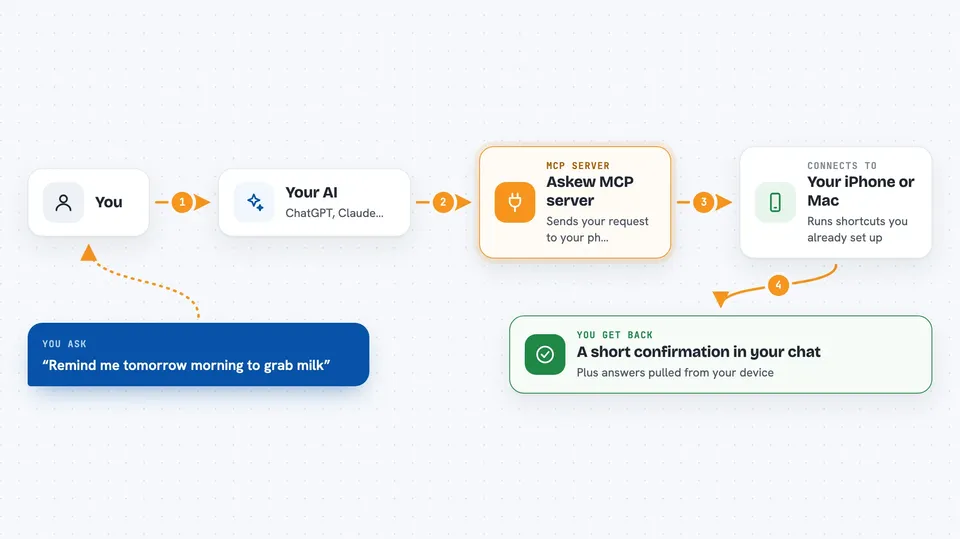
This is a little bridge that lets your AI assistant work with your iPhone, iPad or Mac. You tell the AI something like "add lunch Friday noon" and it reaches into your phone's Shortcuts app and makes it happen. It is handy if you want hands-off control of your Apple gear while chatting normally.
What is an MCP server? The 30-second version
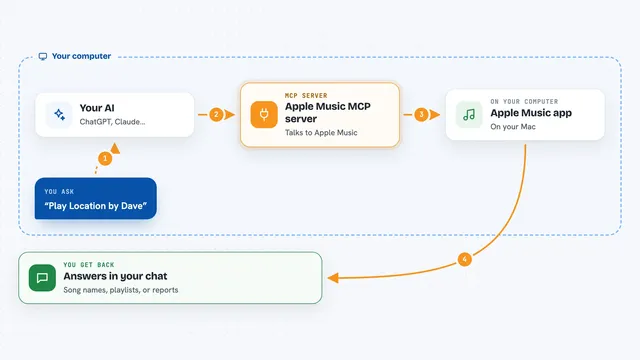
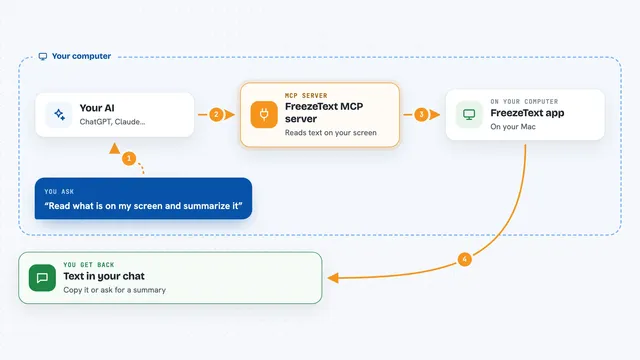
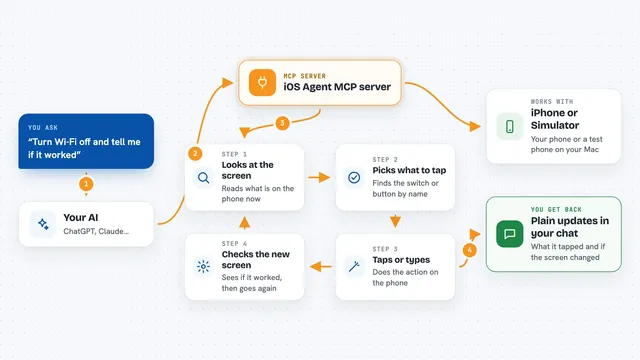
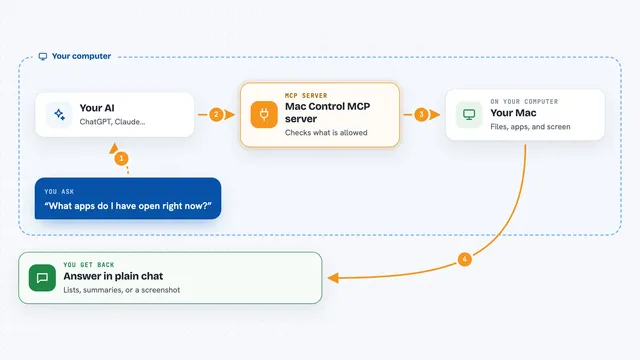
By itself, your AI can only talk. An MCP server is a small helper program sitting next to your AI that teaches it one extra trick. Here the trick is talking to Askew, which passes commands along to your iPhone or Mac. So instead of just answering questions, the AI gets a direct line to your Apple devices.
What this MCP server does
When you ask your AI to do something involving your Apple stuff, the AI calls this helper behind the scenes. The helper packages your instruction securely and sends it across the internet to your phone. Your phone picks it up and quietly runs whichever shortcut matches, sometimes even while locked. When the shortcut finishes, the answer comes right back to your chat window.
 Click to zoom
What you can do with it
- Send yourself reminders and notes straight onto your phone
- Trigger Home-style shortcuts on your iPhone or Mac without unlocking either
- Get notified inside the chat whenever someone messages or emails you
- Pull information off your phone, like today's schedule or battery level
- Read incoming texts aloud via a notification summary generated by the AI
- Store simple settings used by multiple shortcuts in one place
- Check whether everything got set up correctly during installation
Try asking your AI
- “Remind me tomorrow morning to grab milk on the way home”
- “What did I miss on Slack since nine o'clock?”
- “Turn down the thermostat because we're heading out soon”
- “Save 'project launch Tuesday afternoon' somewhere safe for later reference.”
What it gives back to you
Usually you'll see short confirmations written plainly, plus lists of matching entries pulled fresh from your device. If a task takes longer than expected, waiting around thirty seconds keeps the conversation alive till completion arrives anyway. Anything coming back has been stamped clearly as having originated externally rather than being authored internally within previous dialogue turns themselves too!
Install it with your AI
Add Askew MCP server to your AI, no technical skills needed
You don't install anything by hand. You copy one prompt, paste it into an AI that can work on your computer, and it checks, installs and connects the server for you, asking you when it needs something.
Sign in to get the install prompt
Members get a ready-made prompt that lets the Claude desktop app check Askew MCP server, install it and connect it for them, step by step. You don't need any technical skills: you copy, paste and answer a few questions. Your connected AI can also find and install any of the 4,361 MCP servers here for you.