MCP server · Research
Nexus Legal MCP server
by djtellado
Lets your AI run legal analysis, drafting, case-law search and cross-border comparisons for Spanish, Latin American and European law.
Nexus Legal is a helper that connects your AI assistant to a legal analysis service covering Spanish, Latin American and European law. Once it is set up, you can ask your AI to analyse a contract, draft a claim, check a citation or compare rules across countries, all inside the same chat. It is aimed at lawyers, in-house legal teams and anyone who works with legal texts and wants a second pair of eyes.
What is an MCP server? The 30-second version
On its own, your AI can only chat with you using what it already learned. An MCP server is a small helper program that gives your AI a new skill or a connection to an outside service. This one connects your AI to Nexus Legal, a legal analysis platform. So when you ask a legal question, your AI can send it to Nexus and bring back a proper report, a draft or a search result instead of just guessing.
What this MCP server does
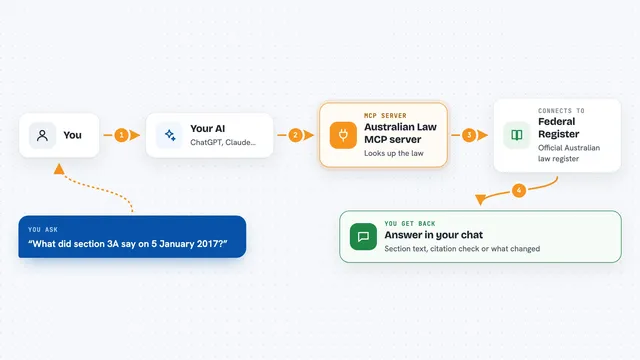
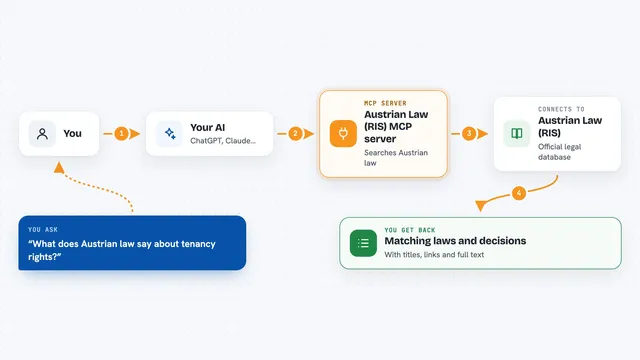
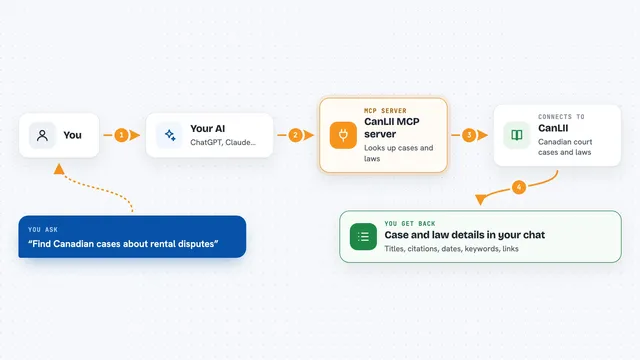
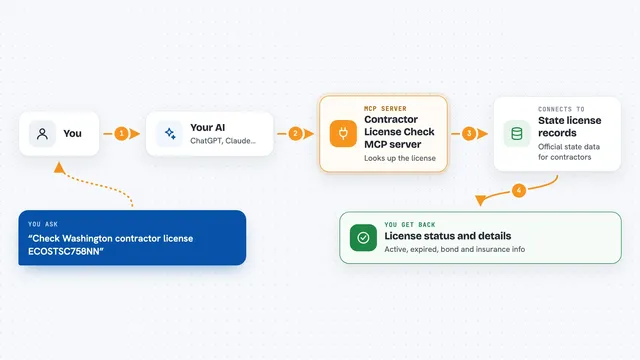
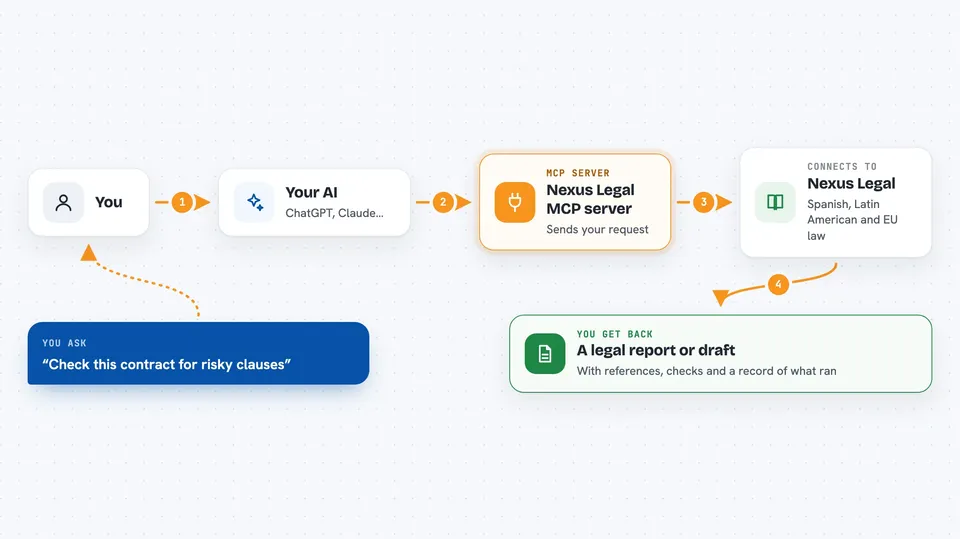
You ask your AI something legal, like analysing a contract or drafting an appeal. Your AI passes that request to this helper, which sends it to the Nexus Legal service along with your key. Nexus runs the analysis, search or draft using its own legal corpora and rules, then sends the result back. Your AI shows you the answer in the chat, often with references, certainty markers and an audit trail. Some calls cost credits from your Nexus account, so each use is billed.
 Click to zoom
What you can do with it
- Analyse a contract or legal document under ISO 31000
- Draft appeals, claims, defences or clauses
- Search case law and legislation across several jurisdictions
- Verify whether a citation matches the official corpus
- Compare rules across 2 to 15 jurisdictions
- Calculate procedural time limits for a given forum
- Run an adversarial red team on a previous analysis
What it gives back to you
You get back a written report, a draft document, a list of matching cases or provisions, or a short answer, depending on what you asked. Reports often include certainty locks, blocking signals and an audit trail block. Searches return lists with references you can check. Time-limit calculations come back as dates and rule references.
Before you start
What you need
- A Nexus Legal account with a credit balance above zero (the service is paid from the first call)
- An MCP key starting with nlk_ from legal.nexusquantum.legal/developers
- Node.js installed on your computer so the npx command can run
- A client that supports MCP, such as Claude Desktop, Claude Code or Cursor
Good to know
This service is paid from the first call and each tool uses credits from your Nexus account, so keep an eye on your balance; also, some tools need extra add-ons per jurisdiction, and without them searches for that jurisdiction will be refused.
Install it with your AI
Add Nexus Legal MCP server to your AI, no technical skills needed
You don't install anything by hand. You copy one prompt, paste it into an AI that can work on your computer, and it checks, installs and connects the server for you, asking you when it needs something.
Sign in to get the install prompt
Members get a ready-made prompt that lets the Claude desktop app check Nexus Legal MCP server, install it and connect it for them, step by step. You don't need any technical skills: you copy, paste and answer a few questions. Your connected AI can also find and install any of the 4,361 MCP servers here for you.
Who it's for
Lawyers, in-house legal teams, notaries and legal researchers who work with Spanish, Latin American or European law and want AI help grounded in real legal sources.