MCP server · Generative art
IlluGen MCP server
by dokaNc
Let your AI build and render IlluGen node graphs for textures and VFX flipbooks from plain words.
This is a helper that connects your AI assistant to JangaFX IlluGen, a program for making procedural textures and VFX flipbooks with node graphs. You describe what you want in plain words, and the AI builds the graph, checks it and renders it using your own copy of IlluGen. It is handy if you already use IlluGen and would rather not click through every node by hand.
What is an MCP server? The 30-second version
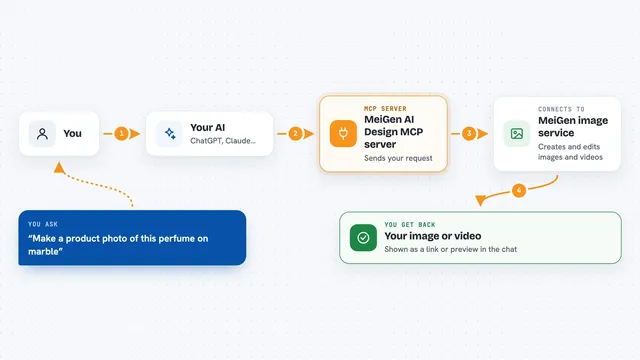
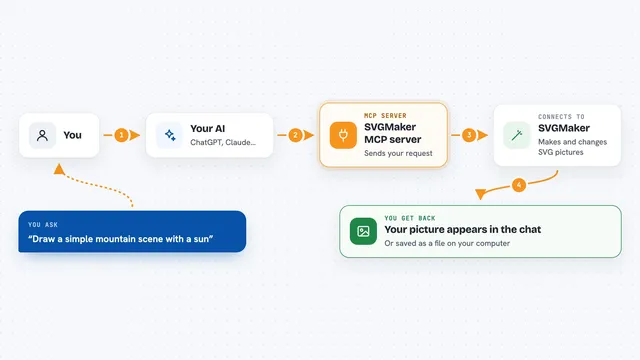
On its own, your AI can only chat. An MCP server is a small helper program that gives your AI a new skill or a connection to an app, and here that app is IlluGen. Once this helper is set up, your AI can create IlluGen project files, add and connect nodes, and ask your installed IlluGen to render the result. You just ask in normal words, and the helper does the clicking behind the scenes.
What this MCP server does
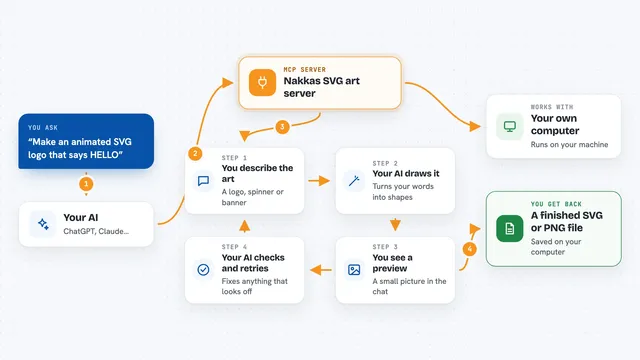
You tell your AI what you want, like a tileable stone mask or a smoke flipbook. The AI uses this helper to create a new IlluGen project file and add the right nodes with sensible default values. It connects the nodes, checking that each connection makes sense before IlluGen ever opens the file. Then it can ask your own IlluGen to load the project and export the images, and it hands you back the files plus a preview. If something is wrong, the helper reports the error and a screenshot so the AI can fix it and try again.
What you can do with it
- Build a new IlluGen node graph from a plain description
- Edit an existing project, like changing size or colors
- Copy one of IlluGen's shipped example presets and modify it
- Check a graph for problems before rendering
- Render a project to PNG, EXR, TGA or a flipbook sequence
- Explain what each node in a project does
- Take a screenshot of a project open in IlluGen
Try asking your AI
- “Check that IlluGen is reachable, then build me a tileable stone mask and render it to my Desktop.”
- “Open the brick_wall preset, make it 2048x2048, make the bricks darker and render it.”
- “Create a 64-frame looping smoke flipbook as an 8x8 atlas and export it as TGA to D:\fx\smoke.”
- “Explain what every node in C:\projects\lava.illugen does and suggest how to make it less noisy.”
What it gives back to you
You get answers in the chat: lists of nodes, short summaries of a graph, or explanations of what each node does. When you render, you get the paths of the files that were produced, plus a preview image shown right in the conversation. If something fails, you get the error message and often a screenshot of the warning so you can see what went wrong.
Before you start
What you need
- A Windows computer
- IlluGen 1.2.x installed and activated with your own JangaFX license
- Python 3.10 or newer (uv is recommended and handles this for you)
- An MCP client like Claude Desktop, Claude Code, Cursor or similar
Good to know
It writes project files and renders where you ask, and rendering starts a hidden copy of IlluGen, so make sure the output folder is one you are happy to have files written into.
Install it with your AI
Add IlluGen MCP server to your AI, no technical skills needed
You don't install anything by hand. You copy one prompt, paste it into an AI that can work on your computer, and it checks, installs and connects the server for you, asking you when it needs something.
Sign in to get the install prompt
Members get a ready-made prompt that lets the Claude desktop app check IlluGen MCP server, install it and connect it for them, step by step. You don't need any technical skills: you copy, paste and answer a few questions. Your connected AI can also find and install any of the 4,361 MCP servers here for you.
Who it's for
Technical artists, game and VFX folks, and anyone who already uses IlluGen and wants to build or tweak node graphs faster with an AI assistant.