
Learning path
Learning AI as a 3D Artist
This path helps 3D artists use AI for references, modeling help, textures, rigging, lighting, and export. You also get setup steps, videos picked for the job, and course certificates.

Your path
Everything in the 3D Artist AI kit, in the order that makes sense. Members tick off each step and see their progress.
Set up your AI
We guide you through each click.
Let skills do your everyday tasks
Connect your apps and pick your AI apps
Hand whole tasks to AI agents
Build your own tools
Keep growing
Everything for 3d artists
All the courses, certifications, AI tools, MCP servers and apps for 3d artists, most relevant first. Open any list to see more.
Take the prompt courses
A short framework course to learn how to ask, then 9 lessons with ready-to-use prompts for 3d artists.
Start with this framework: how to talk to AI
For your next low-poly character rig, RACE makes prompts specify role, task, scene constraints, and deliverable so results match studio needs.
Then your prompt course for 3d artists- 1Reference & Concept Planning3 prompts
- 2Modeling Workflow Help3 prompts
- 3Texture & Shader Development3 prompts
- 4Rigging & Animation Prep3 prompts
- 5Lighting & Rendering3 prompts
- 6Optimization & Engine Export3 prompts
- 7Feedback & Client Communication2 prompts
- 8Asset Library & Pipeline Admin2 prompts
- 9Advanced AI-Assisted 3D Work2 prompts
Watch the video courses or add them to your Favorites for later
55 video courses our AI picked for 3d artists, most useful first. Save the ones you want to watch later with the heart.
Favorites are saved to your account: sign in or get your AI kit first.
Show all 55 video courses
Get certified, or add certifications to your Favorites
Every course ends in an exam and a certificate you can add to LinkedIn. Save the certifications you are aiming for with the heart.
Favorites are saved to your account: sign in or get your AI kit first.
More certifications for 3d artistsShow all 24 certifications
Try the AI tools for 3d artists
24 AI tools our AI matched to the work of 3d artists, best fit first. Each review shows what it does, its alternatives and the jobs it suits.
Favorites are saved to your account: sign in or get your AI kit first.
Show all 24 AI tools
Connect your AI to the apps 3d artists use
MCP servers let ChatGPT, Claude or Copilot look things up and get work done in other apps, like your email, calendar or bookkeeping software. These 9 fit the work of 3d artists best, well-known apps first.
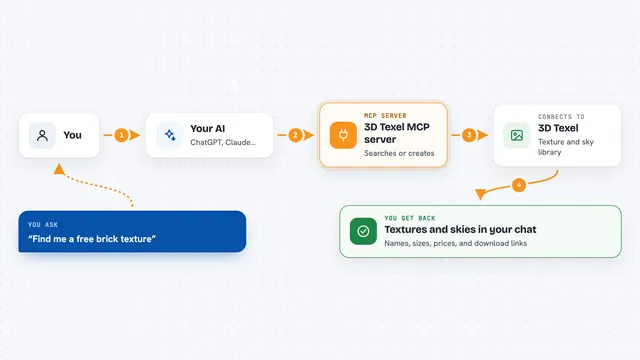
3D Texel MCP server
by GatyhLet your AI search, download, and generate 3D textures, HDRIs, and materials from 3D Texel for you.
Design tools Official
JANCTION Render MCP server
by JasmyLab-JANCTIONRender Blender scenes, 3D models and turntables on cloud GPUs, straight from your AI chat.
Design toolsNo install
PicoBerry MCP server
by UModelerLet your AI make 3D models and images from a text prompt or a picture, then tweak and export them.
Design toolsGenerative art Official
Quartermaster MCP server
by TanshaydarLets your AI search the game assets you already own across Unity, Fab, Megascans, Gumroad and Cosmos.

Maya MCP server
by PatrickPalmerLet your AI assistant control Autodesk Maya and build 3D scenes for you by chatting.
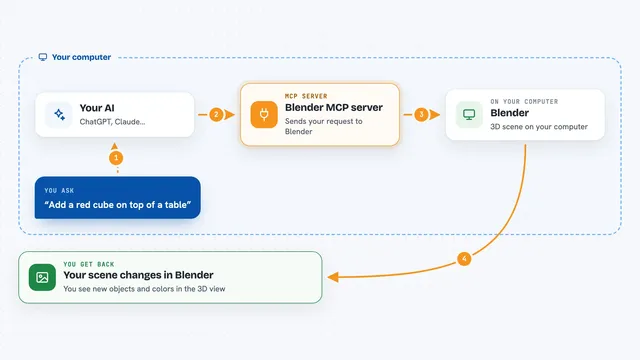
Blender MCP server
by ahujasidLet your AI build and change 3D scenes in Blender for you, just by asking in plain words.
Show all 9 MCP servers
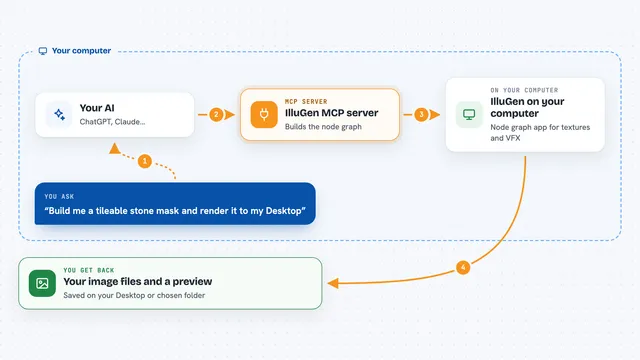
IlluGen MCP server
by dokaNcLet your AI build and render IlluGen node graphs for textures and VFX flipbooks from plain words.

Tripo 3D model MCP server
by mordor-forgeLet your AI turn text or pictures into 3D models, then convert and clean them up for you.
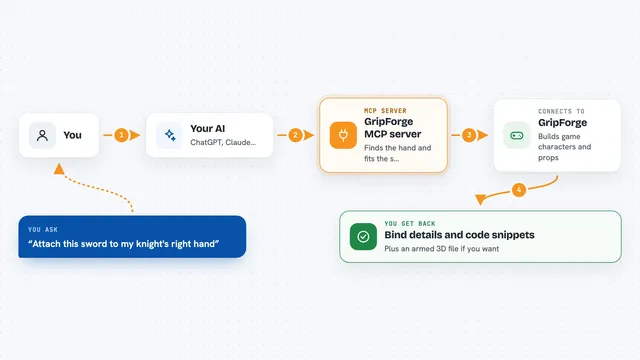
GripForge MCP server
by gripforgeaiLets your AI build game characters and attach weapons, props and textures for Unity, Godot or Three.js.
GamingDesign toolsNo installBuild your own AI apps for 3d artists
Apps you build yourself with your own AI, no coding needed and no monthly fee. Our AI picked the 12 that fit the work of 3d artists.
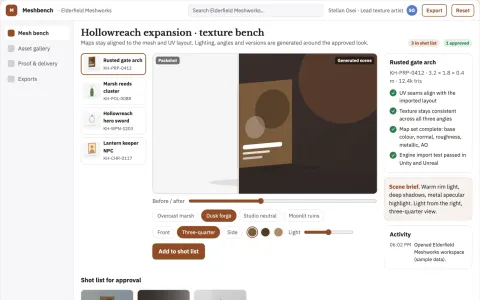
Mesh-aware 3D texture and material production workbench
Reduce manual texture rework while keeping the artist's approved look.
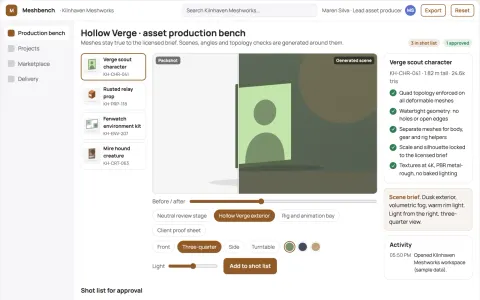
3D game asset production workbench
Reduce asset handoffs while keeping creative control and rights.
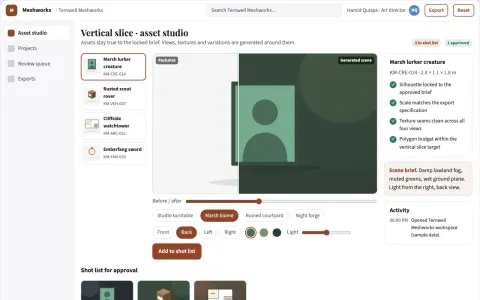
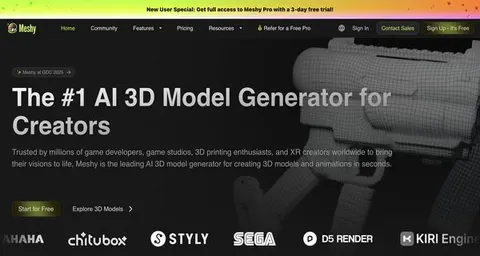
Managed 3D asset generation and review platform
Reduce asset production cycles while keeping creative control and review records.
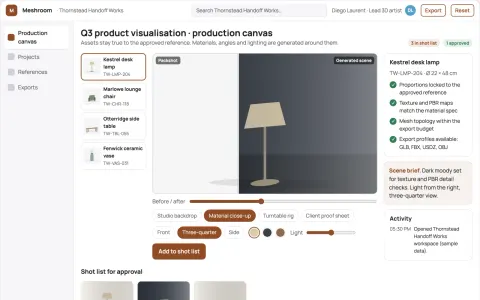
Managed text-and-image to 3D asset production platform
Reduce asset handoffs while keeping creative approval with the studio.
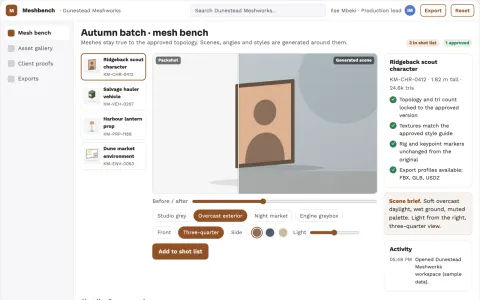
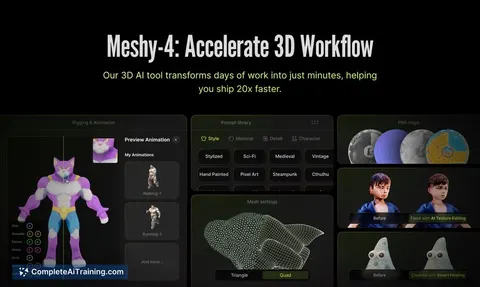
Managed 3D asset production workbench
Reduce tool sprawl and rework while keeping one owned pipeline for 3D assets.
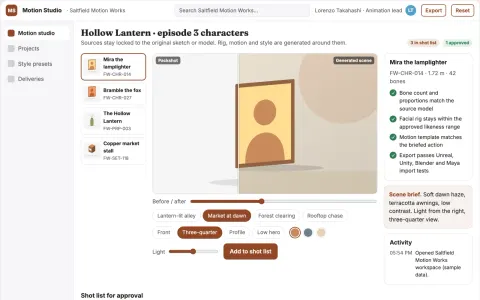
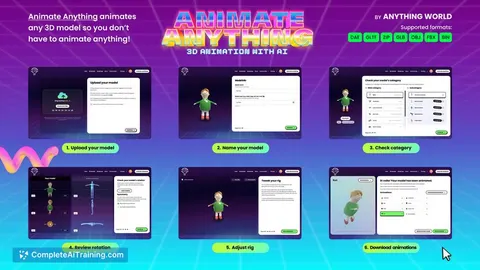
Managed AI animation and 3D rigging studio
Reduce tool sprawl and handoff friction while keeping animation assets and approvals in one owned workspace.
Show all 12 apps
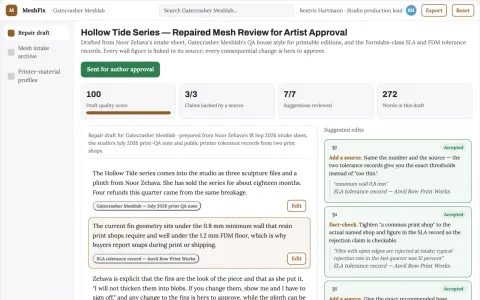
3D art printability repair service
Reduce refunds and failed physical prints.
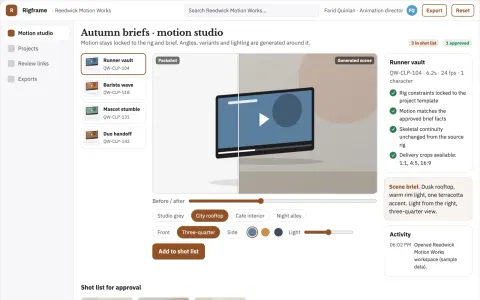
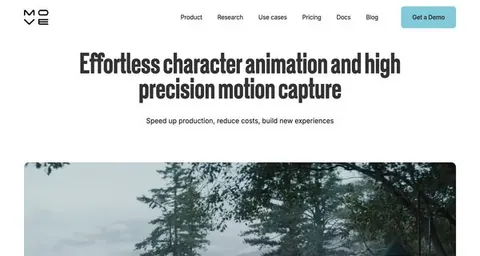
Text-to-3D character animation production studio
Reduce animation production time while keeping character motion under creative review.
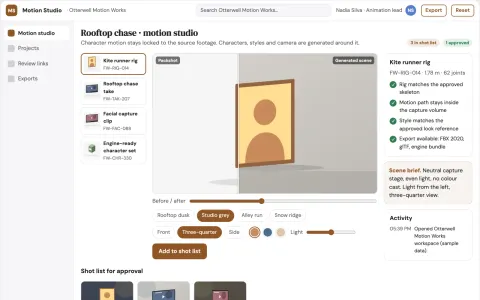
Video-to-3D character motion studio
Reduce the cost and coordination of producing character animation from video.
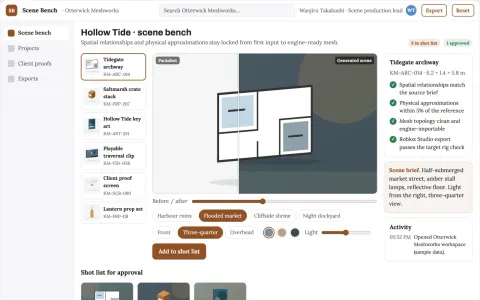
Interactive 3D scene production workbench
Reduce scene rebuild cycles while keeping spatial coherence from first input to engine-ready asset.
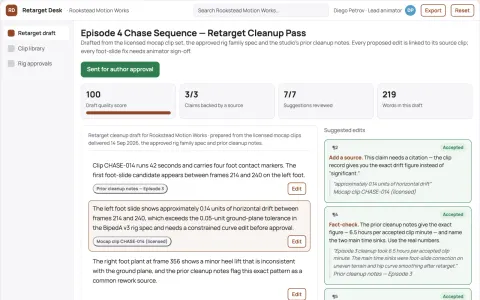
Motion-capture retarget correction service
Reduce cleanup time without replacing animator judgment.
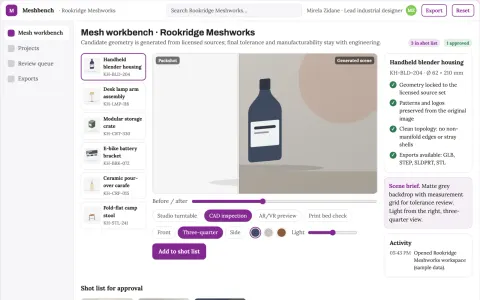
Image-to-3D production and review workbench
Reduce tool sprawl and manual mesh cleanup while keeping one reviewed 3D asset pipeline.














































About this learning path
7 topicsA Practical AI Path for 3D Artists
3D artists juggle briefs, models, textures, rigs, lights, renders, and client notes. AI can help with the planning and troubleshooting around the craft, so you spend more time on the parts only you can do.
This path is for working 3D artists who want practical AI habits. It starts with setup questions, helps you connect your AI, and walks through prompts and video courses chosen for the job.
Why AI Matters Now
Art directors ask for faster iterations, and projects change shape midstream. AI helps you turn a vague brief into organized references, spot mesh problems early, and write clear notes for the team.
It does not replace your eye or your hands. It removes some of the busywork that slows down modeling, texturing, rigging, lighting, and export.
What the Path Includes
You begin with setup questions that help you choose an AI tool and connect it to your work. Then you get skills for the job inside your AI, so your prompts match real 3D tasks.
The path includes this prompt course and video courses picked for 3D artists. When you finish a video course, you can earn the certification that comes with it.
How This Saves Time
Instead of staring at a blank document, you can ask AI to list references, break a model into steps, or draft a lighting checklist. Small prompts can save whole afternoons of back and forth.
You also get templates for client feedback and pipeline notes, so handoffs are cleaner and you spend less time chasing missing information.
How It Protects Your Career
Studios want artists who can adapt and explain their choices. This path shows you how to check AI output, keep your artistic judgment, and speak clearly about technical trade-offs.
You stay in charge of the final asset. The goal is to make you faster and more useful on a team, not to hand your craft to a machine.
Certificates and Video Courses
The video courses in this path are chosen for 3D artists. They cover topics like modeling workflows, shading, and engine export, with lessons you can watch between tasks.
Each course has a certification you can add to your profile. It shows you took the time to learn a specific skill, not just that you watched a video.
How to Start
Start with the setup questions and connect your AI tool. Then take the first prompt lesson on reference planning and try it on a real brief you already have.
Pick one video course that matches your next deadline. Use the prompts in your daily work for a week, and keep a short list of what saves you time.
Frequently asked questions
Do I need to be technical to use AI as a 3D artist?
No. You need to know your 3D tools, but the prompts in this path are written in plain language. You copy them, change a few details, and paste them into ChatGPT, Claude, or Gemini.Will AI replace 3D artists?
AI can handle some planning, troubleshooting, and documentation, but it cannot replace your eye, your taste, or your hands. Studios still need artists who can model, texture, rig, light, and solve problems.What if my studio has rules about AI use?
Check your studio policy before you paste anything into an AI tool. This path includes safety habits, like removing client names and keeping sensitive files out of prompts.How long does the path take?
You can move through the setup and prompt course in a few focused sessions. The video courses and certifications take longer, and you can fit them around project deadlines.